LaMetric TIME interests me because it offers a small, deliberate alternative to another full screen. I like the idea of a clock and a few useful signals staying visible without asking me to open a browser tab. Its pixel display has a clear visual identity, but I would choose it for a routine I can explain rather than as decoration alone.
Quick verdict
I would choose TIME when a short visible signal solves a real desk habit without adding another screen to monitor.
Best for: Someone wanting time and a small set of selected information feeds in a distinctive pixel display.
Main benefit: The simple scrolling display and physical app controls give small pieces of information a permanent visible place.
Biggest drawback: Useful apps depend on their data sources, and a narrow pixel display cannot replace a detailed dashboard.
LaMetric TIME Wi-Fi LED clock, selected US offer
Amazon US · US
Check price and availability: LaMetric TIME Wi-Fi LED clock, selected US offer at Amazon USAffiliate link. As an Amazon Associate I earn from qualifying purchases.
Reviewed version: LaMetric TIME Wi-Fi LED clock, selected US offer
Compatibility: Selected listing names LaMetric TIME LM37X8. Manufacturer documentation for that hardware lists Micro-USB power; do not infer a newer USB-C revision from a reused family illustration. Check actual shipped revision and adapter.
Review context: I assess readable desk information, app/data-source requirements, brightness, physical controls and the documented local API.
I would begin with one question: which piece of information should be easier to notice? Time, a reminder or a selected status can each have a useful desk role. Rotating through every possible feed would weaken that purpose. The appeal for me is a short line that earns its attention, rather than another device competing for it.
A narrow display encourages a shorter message
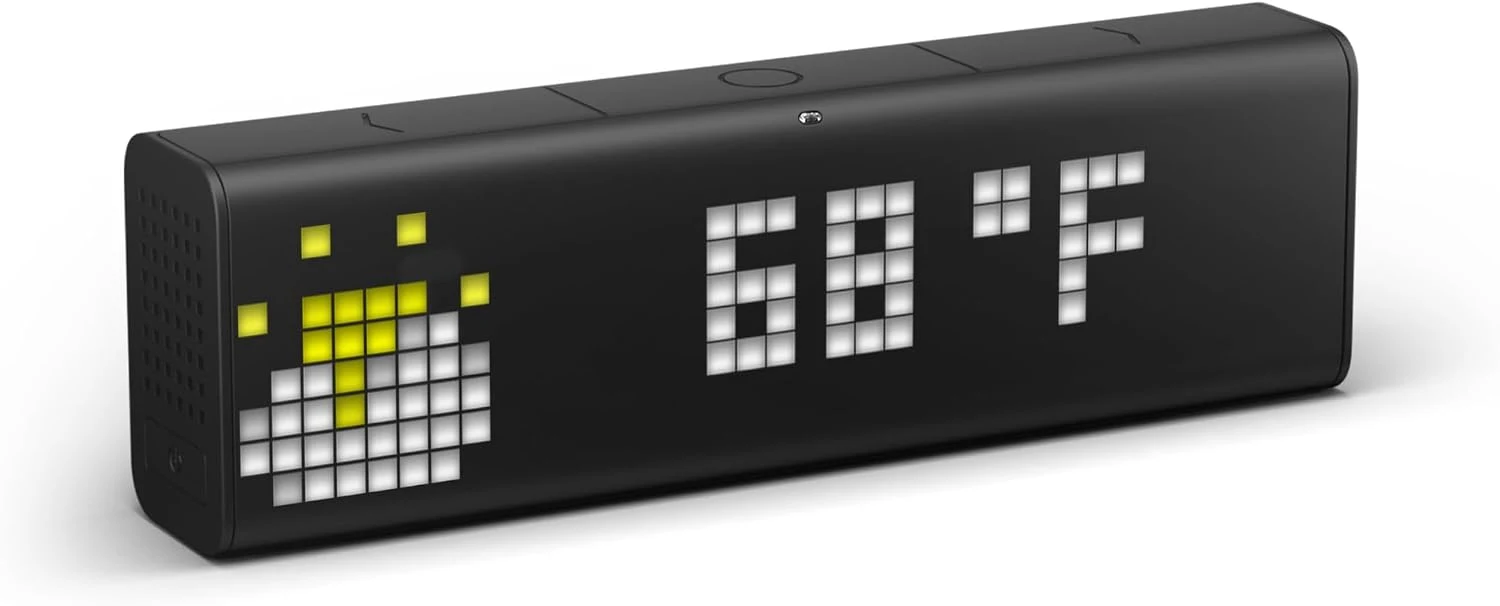
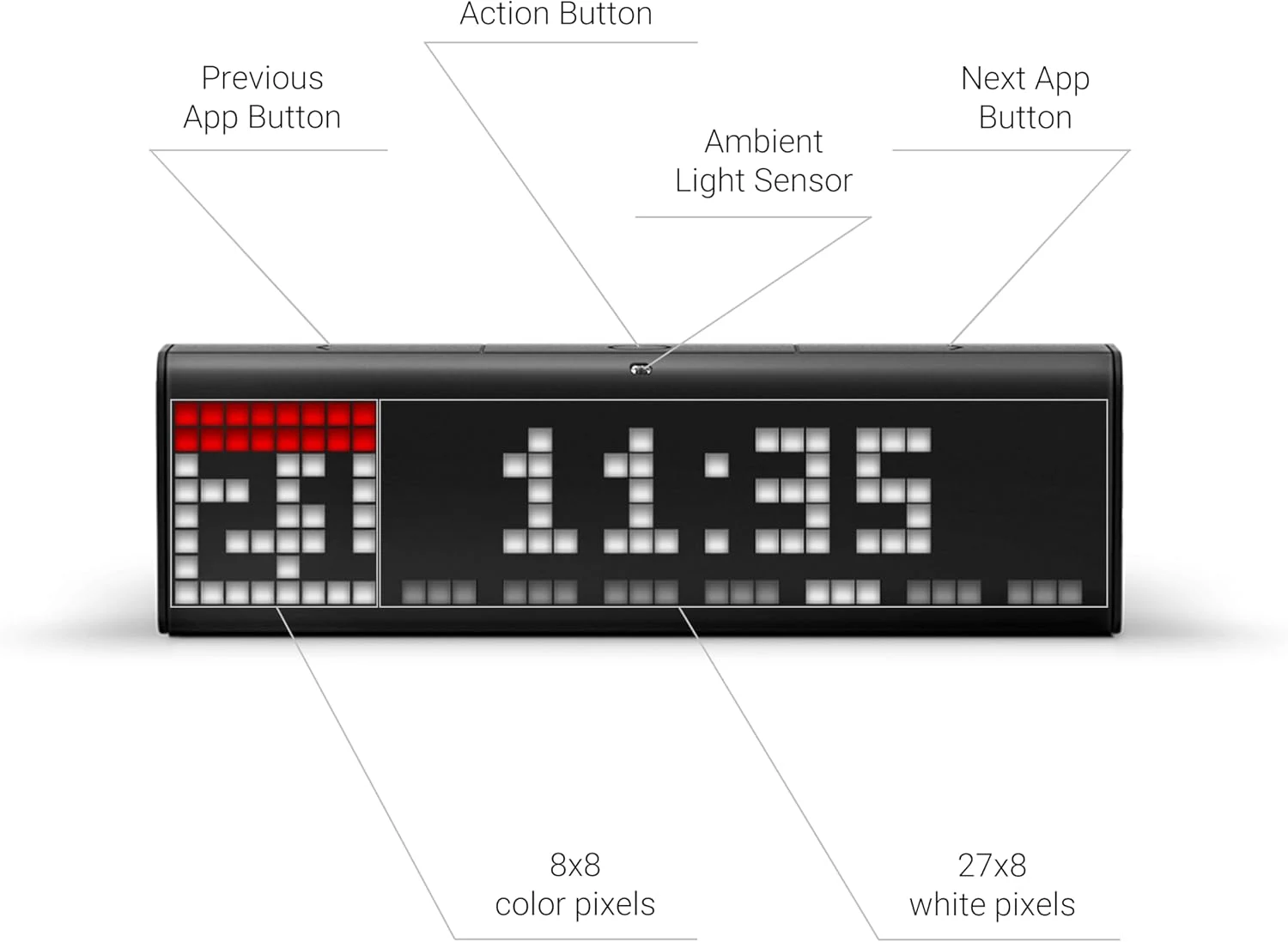
The manufacturer’s technical information describes the display and its small colour-icon area. That format is a useful constraint. I would choose a readable number, time or short message, with an icon that helps identify it. A dense dashboard or a long explanation belongs on a different screen.
Related reading

Scrolling can make a longer message fit, but it also asks the reader to wait. I would not put essential meaning at the end of a long stream and expect every glance to catch it. The useful app would make its state understandable quickly, with enough consistency that I know what I am looking at when I turn toward the desk.
The data source matters as much as the app name
A weather, activity or online-service display needs a source for the information it presents. I would check that source before buying the clock for a particular use. A product illustration showing a familiar service does not establish that the exact integration, account permissions or service terms will suit my setup indefinitely.
I would pay particular attention to third-party apps and APIs. They can change access rules or require a separate account or paid service. I would not describe every possible feed as permanently included in the hardware price. The clock is more convincing when the chosen information path is clear, supported and worth maintaining.
For a business or personal status display, I would decide what is appropriate to show in the room. A short number on a desk can be seen by someone walking past. I would choose information that is useful in that shared context, rather than put a sensitive account detail on display merely because an integration can retrieve it.
Brightness and placement should suit the room
The physical desk position is part of the buying decision. I would want the display visible without placing it directly beside the main reading area if it becomes distracting. A device intended for quick glances should be easy to notice and equally easy to leave alone. Moving it a little may matter more than adding another app.
I would check brightness control and the light sensor arrangement in the exact hardware guidance. An attractive product photograph does not describe the brightness needed in a dark room or beside a window. I would choose settings that fit the room and the people in it, rather than make the display the brightest object at the desk.
Related reading

The physical app and volume controls also give the product a daily interface. I would learn the few actions I expect to use often, including changing the visible app and adjusting sound. If every ordinary adjustment sent me back to the phone, the idea of a separate glanceable device would lose some of its appeal.
The selected hardware revision needs a clear identity
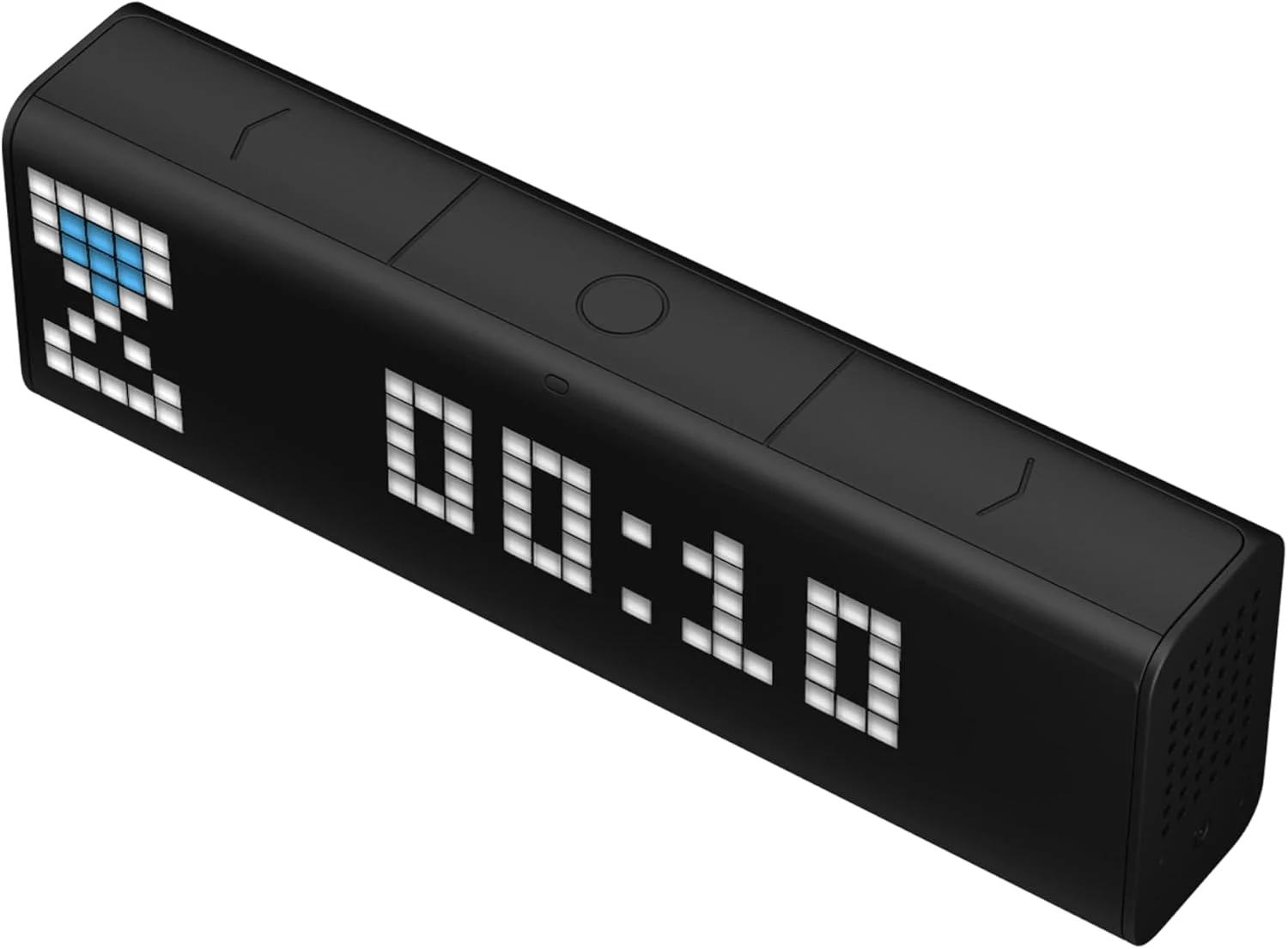
The listing identifies model LM37X8. Manufacturer documentation for that hardware describes Micro-USB power, while reused family materials can show a different connector arrangement. I would check the actual delivered revision and included power accessories before buying a replacement cable. I would not use a newer-looking illustration as proof that the selected old model has changed ports.
That is an ordinary but important distinction for a product that has been available for several years. The front design can remain familiar while the hardware behind it changes. I would compare the exact model designation, connection guidance and seller’s description, rather than assume that every review or support page under the TIME name covers the same revision.
I would also confirm the supplied adapter for the country where the clock will be used. A US-linked offer and a local manufacturer package may not describe identical plug contents. I would include the usable power arrangement in the comparison, so the desk device can be installed without discovering an avoidable missing part.
The API is interesting when I want to maintain it
LaMetric publishes device API documentation. That makes the product interesting for a small custom information display, but I would read the current model and authentication requirements before designing an integration. A documented local interface is a starting point, not evidence that every external service works without another dependency.
Related reading

I would begin with one simple useful message and keep its credentials and maintenance understandable. A custom feed should have an owner and an obvious way to recover when something changes. I would not buy a clock to avoid opening a phone, then create a fragile integration that needs more attention than the original problem.
My view is positive when the TIME has a clear role as a short desk signal with supported data sources. I would choose a square pixel-art display for more visual material, or a basic clock when nothing else needs to appear. LaMetric TIME earns its place when the information, hardware revision and everyday controls are all chosen deliberately.
The images show the selected product in retailer or manufacturer materials. They are not my test photographs. I base this assessment on the linked documentation and the exact selected listing; the buying choices and recommendations are my own editorial judgement.
What worked
The simple scrolling display and physical app controls give small pieces of information a permanent visible place.
What bothered me
Useful apps depend on their data sources, and a narrow pixel display cannot replace a detailed dashboard.
Who should not buy it
Someone expecting every third-party data feed to remain free or wanting a full-resolution dashboard in this small display.
Alternatives I would consider
Divoom Pixoo 64. I would compare it for a square pixel-art display when images matter more than a single scrolling information line. Read my Divoom Pixoo 64 review.
A basic digital clock. I would choose it when time is the only information I want on the desk.
Evidence and sources
The primary documentation supports the stated features and limitations. The exact retailer listing identifies the selected model and bundle; source images illustrate the product.
LaMetric TIME LM37X8 technical specifications
Features, compatibility and rated figures from the maker are manufacturer information. My opinions are identified in the review.
Conclusion
I would pay for the desk role and design only after confirming the specific apps and actual hardware revision I need.
LaMetric TIME Wi-Fi LED clock, selected US offer
Amazon US · US
Check price and availability: LaMetric TIME Wi-Fi LED clock, selected US offer at Amazon USAffiliate link. As an Amazon Associate I earn from qualifying purchases.
One email a week with practical Mac workflows, useful comparisons and honest tech recommendations.