The Kingston XS2000 makes me ask a useful question before looking at its speed: which port will I actually connect it to? I like a compact drive that can carry a substantial working folder, and the 2TB XS2000 has that role. Its faster interface is a benefit only when the computer on the other end supports the same mode.
Quick verdict
I would choose it when the actual computers support its faster USB mode or the current offer is attractive on their supported mode.
Best for: I would choose it when the actual computers support its faster USB mode or the current offer is attractive on their supported mode.
Main benefit: A compact 2TB drive offers a useful high-bandwidth portable storage option for a matching host.
Biggest drawback: Many USB-C hosts do not provide its specific Gen 2x2 mode, so the headline speed can be irrelevant.
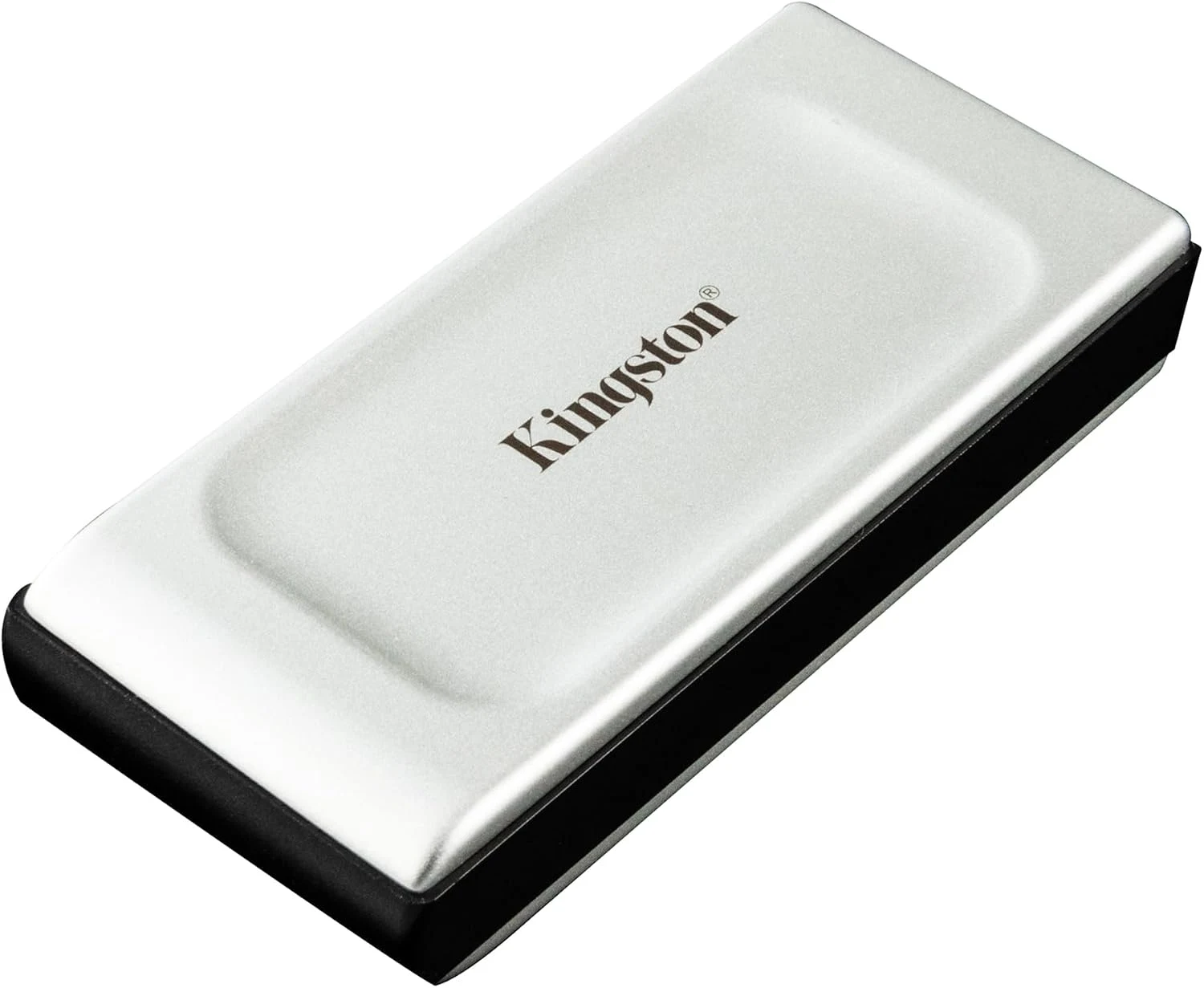
Kingston XS2000 2TB Portable SSD
Amazon US · US
Check price and availability: Kingston XS2000 2TB Portable SSD at Amazon USAffiliate link. As an Amazon Associate I earn from qualifying purchases.
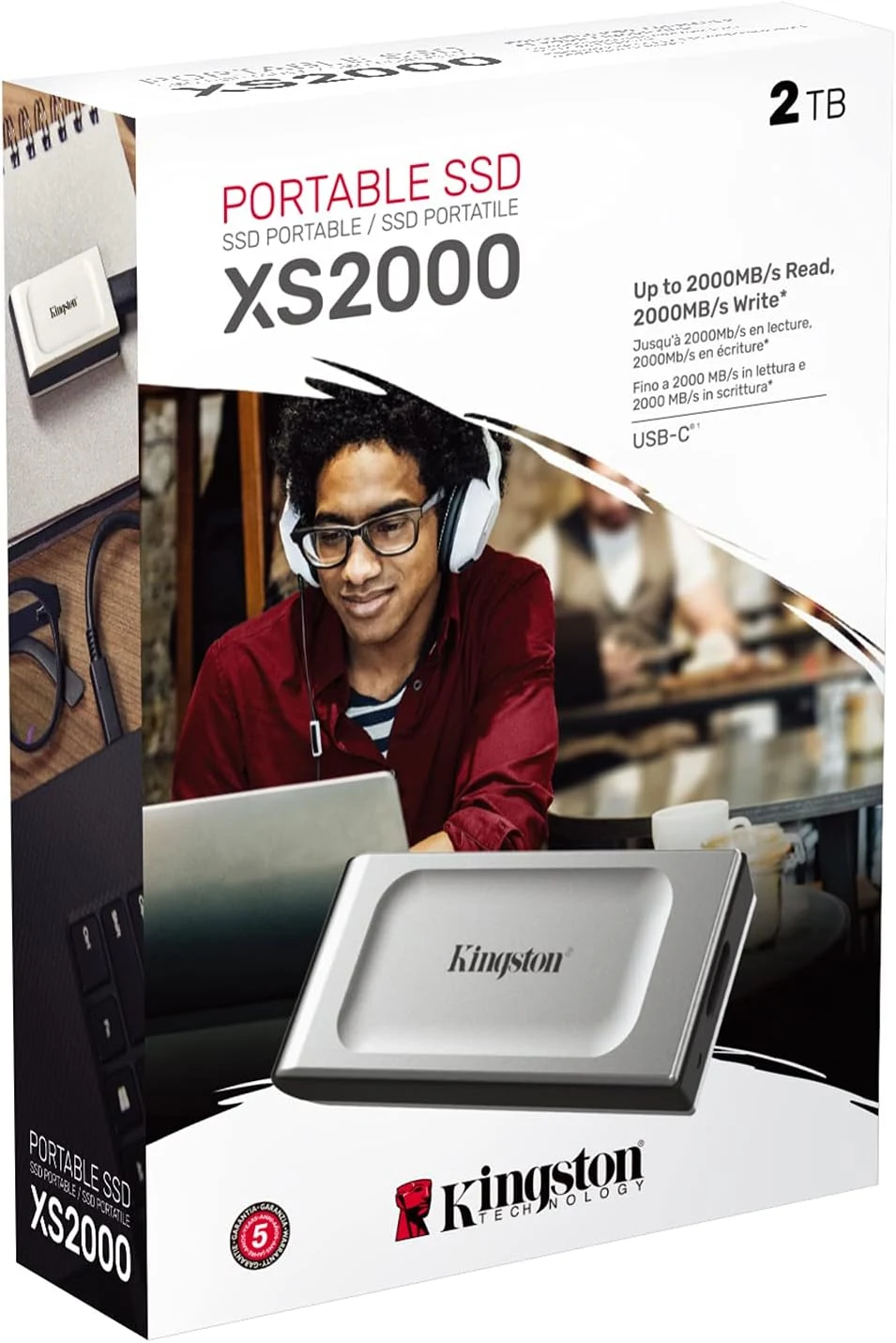
Reviewed version: Kingston XS2000 2TB High Performance Portable SSD with USB-C | Pocket-sized | USB 3.2 Gen 2x2 | External Solid State Drive | Up to 2000MB/s | SXS2000/2000G
Compatibility: SXS2000/2000G, 2TB, USB 3.2 Gen 2x2. The advertised top speed needs a compatible 20Gbps Gen 2x2 host and cable; a USB-C or Thunderbolt label alone does not establish that mode.
Review context: I assess host-port matching, large file transfers, mixed-computer use, handling and backup.
I would shortlist it for a matching host, or for a current offer that makes sense even at the host’s lower supported mode. I would not pay a premium simply because the laptop has USB-C. The connector makes the cable fit; it does not establish the particular data mode that gives this drive its headline performance.
Gen 2x2 is the key detail
Kingston’s datasheet specifies USB 3.2 Gen 2x2 for the XS2000. The advertised transfer maximum depends on that compatible connection. I treat it as manufacturer capability information, not a speed established in this review. The exact host specification is therefore part of the product assessment.
Related reading

I would be especially careful with a Mac or a Thunderbolt-equipped laptop. A higher headline link rate for one protocol does not prove support for every mode of another. Kingston’s own USB guidance illustrates why checking the actual host mode is more useful than comparing connector shapes. I would look for an explicit Gen 2x2 statement rather than assume it from Thunderbolt branding.
If I use several computers, I would identify the slowest regular connection as well as the fastest. A drive can remain useful across different supported modes, but the daily benefit should be judged on the computers that do most of the work. Paying for the fastest path on a machine I rarely use may not be my best storage investment.
Large files are only one way to use storage
A big media transfer is an understandable reason to want fast portable storage. I would compare that with the rest of the workload: small source files, an application library or a virtual machine can behave differently. A sequential transfer claim cannot predict all of those jobs, especially when another part of the system is the bottleneck.
The source also matters. Copying from a slow card or an older disk limits the transfer before the portable SSD becomes the problem. I would map the whole path rather than blame the new drive for a rate set by the other device. A useful comparison keeps the source, cable and workload consistent.
For long writes, I would pay attention to sustained behaviour, available space and physical conditions. A short burst and a large project copy are different tasks. I would want the drive to suit the real session rather than buy it because an attractive peak figure appears on the box. That is particularly relevant for repeated media work on location.
Portability has a physical routine
The small body is a genuine attraction in a travel kit. I would give it a stable place beside the laptop rather than let it hang from the connector. Cable strain and accidental unplugging can interrupt a working session regardless of the drive’s internal speed. A short cable can be tidy, but it still needs enough room for normal laptop movement.
Related reading

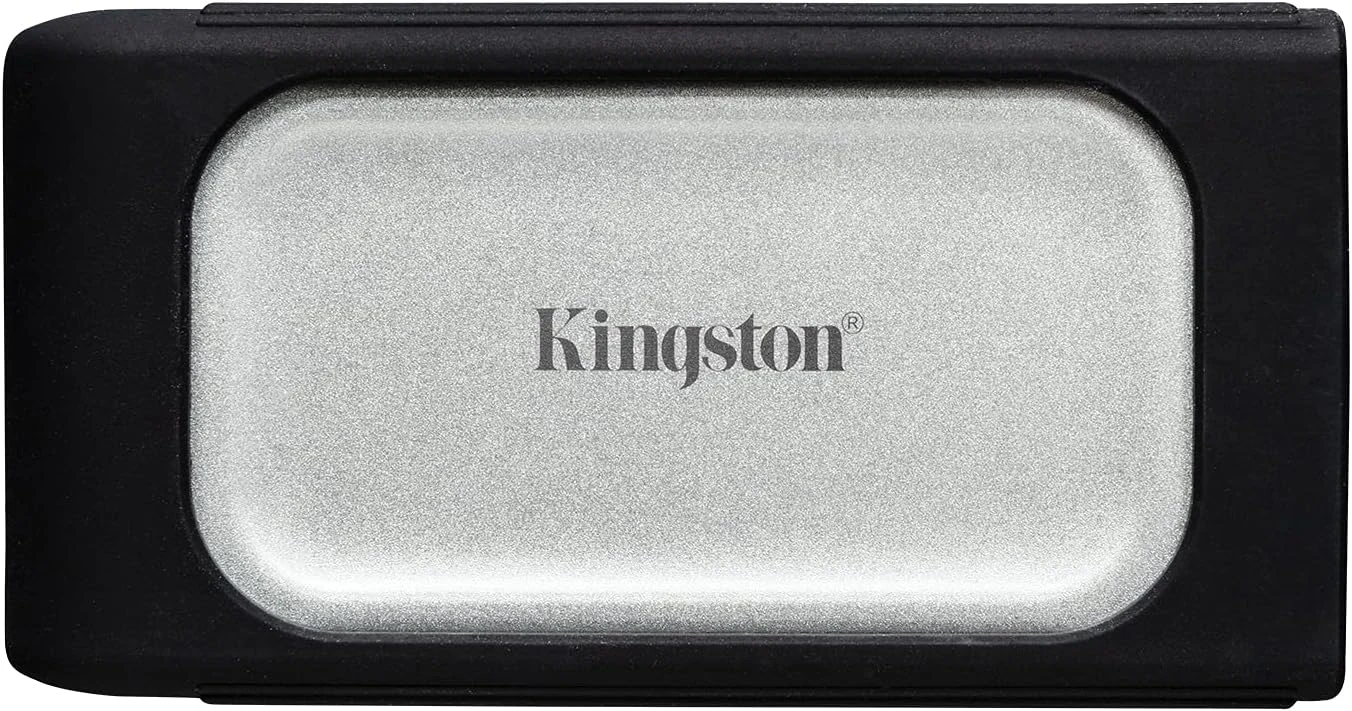
Kingston describes a removable sleeve and resistance characteristics with conditions. I see those as useful protection features rather than a reason to treat a storage device carelessly. The connector remains a point to keep clean and dry, and a resistance rating is not a backup for important files.
A small drive can also be misplaced. I would think about encryption and a safe recovery arrangement if it contains client work or private documents. Security needs to fit the actual operating systems involved. A feature that works neatly on one computer may not support the same convenient workflow on another, so I would check before relying on it.
The filesystem should follow the job
For moving ordinary files between Mac and Windows, I would choose a filesystem deliberately. Cross-platform access is useful, but it can involve different limitations from a native working volume. I would confirm what the applications need, then back up the drive before changing its format. Reformatting is not a harmless compatibility switch.
I would also distinguish a transfer copy from the only copy. If the SSD carries the current version of a project, that project needs another independent destination. A fast portable drive can make backup easier by reducing the time involved, but speed does not create redundancy. I would confirm a second copy before deleting originals from cards or another computer.
Labelling the drive helps when several similar devices travel together. I would use a clear volume name and a simple record of what belongs there. That small habit becomes valuable when a laptop is replaced or someone else needs to recover the correct project. Storage should make the work easier to find as well as quicker to move.
Related reading

When I would choose this one
I would compare the Crucial X9 Pro for a straightforward compatible USB workflow. I would look at a suitable USB4 model when that is the better-supported path on my computers. The XS2000 earns its place when its specific interface and compact size match the actual equipment rather than an imagined future port.
My assessment is positive with that match established. I would check the exact 2TB SXS2000/2000G offer and the host manual together. The best purchase is the drive that makes the real transfer routine easier, with enough capacity and a safe second copy, rather than the drive whose largest printed number belongs to a connection I do not have.
The product images come from the selected listing and identified manufacturer materials. My assessment uses the linked product information and the buying decisions explained here. Specifications are manufacturer or retailer claims; the conclusions are my own editorial judgement.
What worked
A compact 2TB drive offers a useful high-bandwidth portable storage option for a matching host.
What bothered me
Many USB-C hosts do not provide its specific Gen 2x2 mode, so the headline speed can be irrelevant.
Who should not buy it
Someone assuming a Mac Thunderbolt socket automatically delivers every USB 3.2 Gen 2x2 capability.
Alternatives I would consider
Crucial X9 Pro 2TB. I would choose it when a straightforward compatible USB working drive is enough. Read my Crucial X9 Pro 2TB review.
A USB4 portable SSD. I would compare a documented compatible model when my computers favour USB4 rather than Gen 2x2.
Evidence and sources
The linked product documentation and exact retailer listing support the product details. Images: Amazon product gallery. These are not personal test photographs or measurements.
Features, compatibility and rated figures from the maker are manufacturer information. My opinions are identified in the review.
Conclusion
I would pay extra for the faster mode only when my host explicitly supports it.
Kingston XS2000 2TB Portable SSD
Amazon US · US
Check price and availability: Kingston XS2000 2TB Portable SSD at Amazon USAffiliate link. As an Amazon Associate I earn from qualifying purchases.
One email a week with practical Mac workflows, useful comparisons and honest tech recommendations.