Comfort is the reason most people look at the wired HyperX Cloud Alpha, and comfort is where the reviews stop agreeing with each other. One reviewer wore it for hours and felt nothing but a little warmth. Another had sore ears in under an hour. Both of them used the same headset, and I think that split tells you more than any score.
Be aware of one limit: many of the owner comments I read are short. I treat those as hints, not as a measured failure rate.

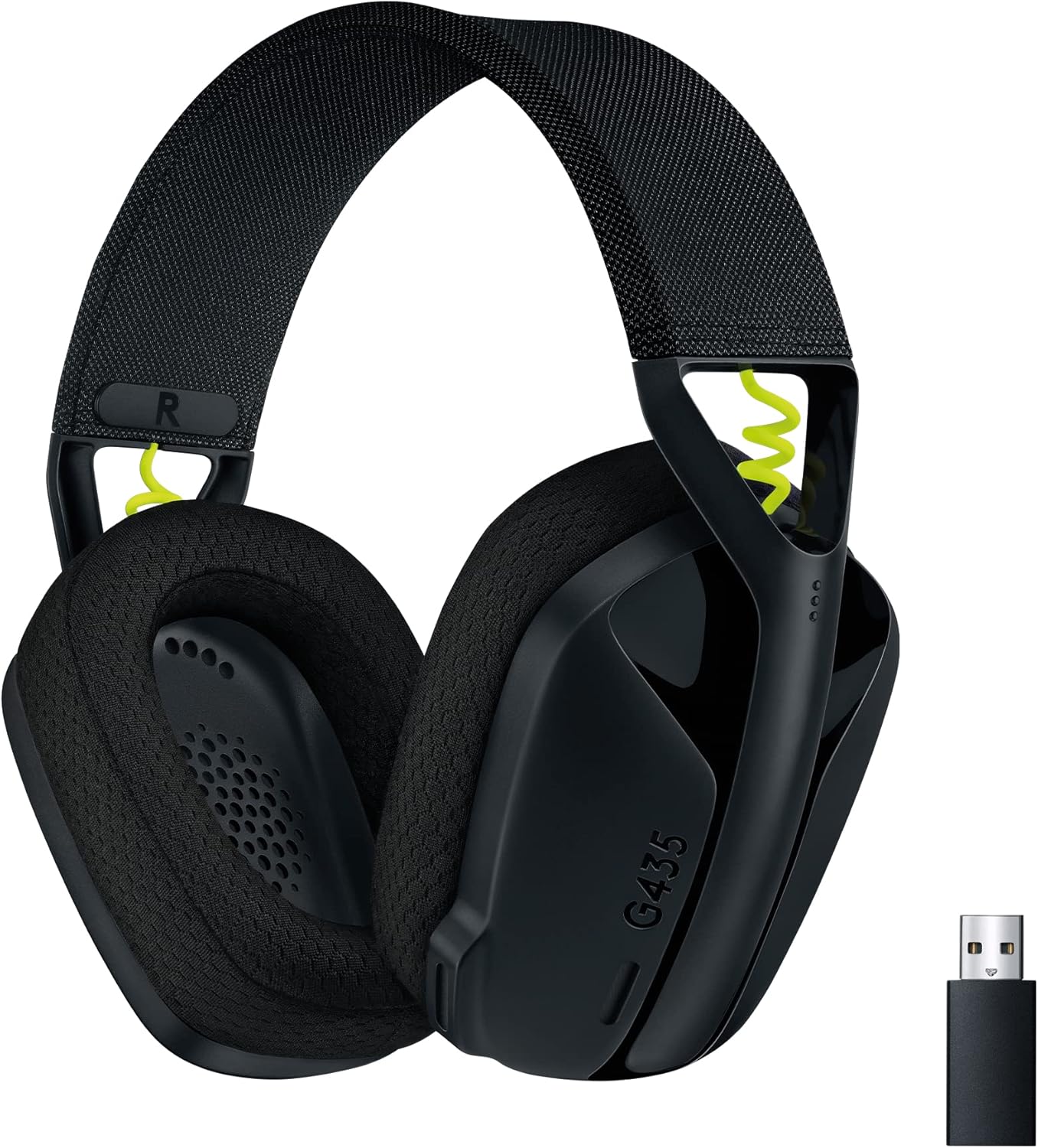
Product image from the Amazon listing.
A quick word on the name, since HyperX reuses it a lot. This is the plain wired Cloud Alpha from 2017, with a 3.5mm plug. The Cloud Alpha Wireless and the Cloud II are different products, and owner stories about them do not transfer. Several repair threads I read turned out to be about the Cloud II, so I left those out of what follows.
Related reading
Hours on Your Head
The published numbers are easy to check. Guru3D’s launch post gives 298 grams for the headset, or 336 grams with the mic and cable attached. You will notice it on your head, though a 298 gram headset is hardly a monster.
The good report comes from Headphone Review. The memory foam ear cups use an “ultra-soft and comfortable material”, the band has plenty of padding, and the reviewer wore it for hours without discomfort. The only cost was “a little added warmth”, which is what you expect from closed cups.
The bad report comes from XS Reviews: “my ears started to ache after less than an hour of gameplay.” That writer usually wears a 246 gram Sennheiser, so 298 grams felt like a step up. The same review adds that other testers had no such trouble and that the headband itself stayed comfortable for hours.
My reading is that the pressure on your ears decides this, and that depends on your head. Most owner comments I read lean positive on comfort, which matches the headset’s reputation. Still, buy it from a place that takes returns. It also has no swivel or fold, so it will not lie flat around your neck or pack down small for travel.
The Microphone Is Fine for Friends
If you plan to speak to anyone beyond your team, read this part with care.
Headphone Review gave the mic 7 out of 10. It says the mic “pretty easily clips” and “can’t handle too much volume.” It is fine for team chat and wrong for podcasts or videos. XS Reviews calls it “nothing particularly special” and says the volume was “a little low out of the gate”. Windows Central was much kinder and called it great, so taste plays a part here too.
For work calls on a PC, I would expect it to do the job. Nobody I read tested it for that exact purpose, though. If you record voice for other people, buy a separate USB microphone and enjoy the headset for what it does well.
There is one owner tip that could save you a return. In a thread on the Tom’s Guide forums, a buyer’s mic sent no sound to other people, even though everything looked correct. Other owners gave the fix: the mic connector was not fully seated. One said to “make sure your cable is fully inserted into the headset”, and another said to push past the grey section and “hear the final click.” A third fixed a similar problem by plugging the mic jack back in.
So if your mic seems dead on the first day, push harder before you blame the hardware.

Related reading
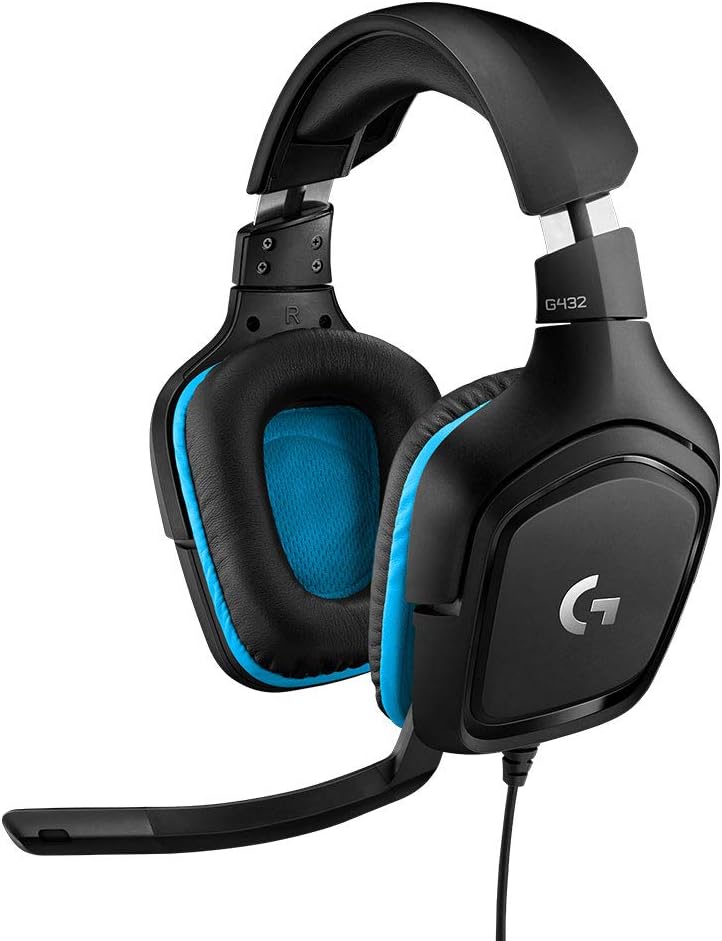
Product image from the Amazon listing.
Sound, in Short
Tom’s Hardware called the sound close to perfect for a $100 gaming headset, and that praise comes up across reviews of this model. Not everybody hears it that way. XS Reviews found mids and treble clear and passive noise blocking strong, but it also found the soundstage “narrow to average”, the bass muddy in busy scenes and loud high sounds a bit shrill.
A few owners on Best Buy mention low volume and wish it went louder. That is worth a thought if your source is a weak controller jack. The headset is rated at 65 ohms, which is a little higher than you might assume, and I would guess that plays some part. No owner I read tested this, so treat that as my guess only.
One Cable, Many Machines
The wire is the best idea on this headset. It comes off.
Guru3D lists a 1.3 metre detachable cable plus a 2 metre PC extension. Headphone Review describes the cables as braided nylon, and notes that you can swap the cable or the mic without replacing the headset. That matters, because one Best Buy owner reports exactly this problem: the cable wore out and caused connection trouble. With this design that is a cheap repair and not the end of the product.
The 1.3 metre cable plugs into a controller or laptop with a single 3.5mm jack. The extension splits sound and mic into two plugs for older PCs. Windows Central found the short cable quite short, so a desktop tower under a desk will need the extension.
The volume and mute controls sit on the cable, about halfway down. XS Reviews liked the placement. The problem is feedback: nothing on the headset shows you when you are muted, and Tom’s Hardware says the mute switch takes some getting used to. Expect to talk to nobody for a while at least once.
Since it is an analog 3.5mm headset, it does not need software, and the sound does not depend on any app. It works the same way on a PC, a console controller or a Switch, as long as the device has a jack. That also means there is no virtual surround and no mic tuning beyond what your device offers. I found no owner reports from Mac users, so I can’t say how the mic behaves on a Mac, and a USB-only laptop would need an adapter.

Product image from the Amazon listing.
Related reading

What Fails Later
The durability picture is incomplete. The clearest case I saw was on iFixit, where a Cloud Alpha owner’s left ear went silent with no warning, and tests pointed to the driver and not the wire. That thread showed no confirmed fix. A few Best Buy comments mention an echo or a problem with the volume control, and one owner received a faulty mic.
If one ear goes quiet, try another cable first. It is the cheapest test, and the detachable design makes it a two-minute job.
Buy It for Long Sessions and Plain Wires
I like the wired Cloud Alpha as a simple headset for one person with a PC or a console who plays for hours and wants nothing to charge. The replaceable cable and mic give it a longer useful life than a sealed design, and I think that is its real advantage over flashier rivals.
Skip it if you stream, record or care about how your voice sounds, because the mic is only adequate. Skip it too if you have a large head or are sensitive to pressure and cannot return it. And if you want wireless, look at a different model and do not assume these reports apply.
For long sessions with one plain cable, the HyperX Cloud Alpha is an easy headset to recommend, provided your ears get the vote before the return window closes. This is an affiliate link. As an Amazon Associate I earn from qualifying purchases.
One email a month: new articles, reviews and the upcoming live webinar + free recording. No spam, unsubscribe anytime.