There is a tiny switch on the back of the Logitech F310, and it decides whether this cheap controller is a pleasure or a puzzle. Set it one way and the pad acts like a modern Windows controller. Set it the other way and it speaks an older language that some games and some computers prefer. Most of what owners say about the F310 comes back to that switch.
The owner evidence is strong on compatibility and weak on feel, and I’ll keep those two apart.

Product image from the Amazon listing.
My view: the F310 is a sensible low-cost wired pad for a Windows PC. On a Mac it can work, but you should treat it as a hobby project with old evidence behind it.
Related reading

What Logitech Actually Promises
Logitech’s product page is short. It says the F310 works with XInput and DirectInput, which it calls the two most common input standards. It has a 6-foot USB cable. The page talks about PC games, Steam’s Big Picture mode, and Android TV. Logitech also offers profiler software to change commands or to adapt the pad to a game that doesn’t support it.
Read what is missing too. The page has no mention of the Mac. It has no mention of vibration either, so don’t assume this pad rumbles. And it names no game console, so this is a computer controller first.
The cable deserves a thought. Six feet is fine at a desk, and it may be short for a sofa if your PC sits by the TV. There’s no battery to charge and no wireless pairing to fail, and for a low-cost pad I count that as a real advantage.
The Switch, in Plain Words
XInput is the mode most modern Windows games expect, and it behaves like an Xbox controller. DirectInput is the older mode. You pick one with the switch on the back of the pad.
On Windows, you’ll likely leave it on X and forget it. Logitech’s page says DirectInput mode requires software installation, so X is the easy path. On Android TV, Logitech says to use the switch in the XID position.
One owner on GOG’s forum pointed to a real benefit of having both. The physical switch is useful when a game struggles to detect the controller. Instead of hunting for a driver fix, you flip the switch and try again. A second owner in that thread called the F310 “generally excellent”, which is about as warm as anyone gets about a cheap pad.
There’s a cost to DirectInput, though. That same thread says the analog shoulder buttons register only as digital in this mode. In a racing game, where you want to squeeze the throttle gently, that matters. If you need a gradual trigger, you need XInput, and that pushes you back to Windows.

Illustration of this type of product, not a photograph of the Logitech F310 Gamepad.
Getting It Working on a Mac
The longest record comes from one Apple support thread, which ran for years, and it’s a good picture of what buyers went through.
Related reading

It starts badly. In 2010, an owner bought the F310 for an emulator and wrote: “It evidentially doesn’t work.” One poster in 2011 said they did not know if the corded models work on a Mac at all.
Then the answer turned up. In late 2011 and after, owner after owner reported the same fix. Set the switch to D before you plug the pad in. One wrote: “The F310 will work when you plug it in after you swiched it to D at the back.” Another reported that if the pad starts in X mode, flipping to D afterward doesn’t work. So the order matters. Switch first, plug in second.
When it works, the Mac sees it as a Logitech Cordless Rumblepad 2. Posters spell that a few ways, but that’s the name you should look for in System Information. An owner in 2012 got it running with Lego Batman 2 this way, and another reported that their game recognized the controller. The GOG owner agreed that it worked out of the box in DirectInput mode, and that XInput mode did not.
Now the catch. Support in games is another matter. One poster warned that it “will work but few games.” Others turned to USB Overdrive, a third-party driver tool, to fill the gap, and one reported in 2015 that it worked with the F310.
Some Best Buy reviews are friendlier. One owner called it flawless on a Mac, and another advised using D mode there. I give short comments like these less weight, but they do match the pattern.
Here is my honest worry. Almost all of this Mac evidence is about old systems, from 2010 to 2015. I found no owner testing on Apple silicon or a recent version of macOS, and Logitech offers no support statement for the Mac at all. It might work fine. I just can’t tell you that it does. For a Mac owner with a real need, a controller Apple’s system supports directly is the safer path.
On Windows and Steam
Windows is the comfortable home for this pad. Logitech’s page describes it as easy to set up with games thanks to those two input standards, and Steam’s Big Picture mode is named as a use. In XInput mode it should show up the way an Xbox pad does, which is what most PC games with controller support are built for.
For older games, DirectInput and the profiler software give you a second route. That is where the “switch for when a game struggles” advice from GOG earns its keep. Emulators are a common reason to buy this kind of pad, as that first Apple poster shows, and a wired pad with both modes is a cheap way to try one.
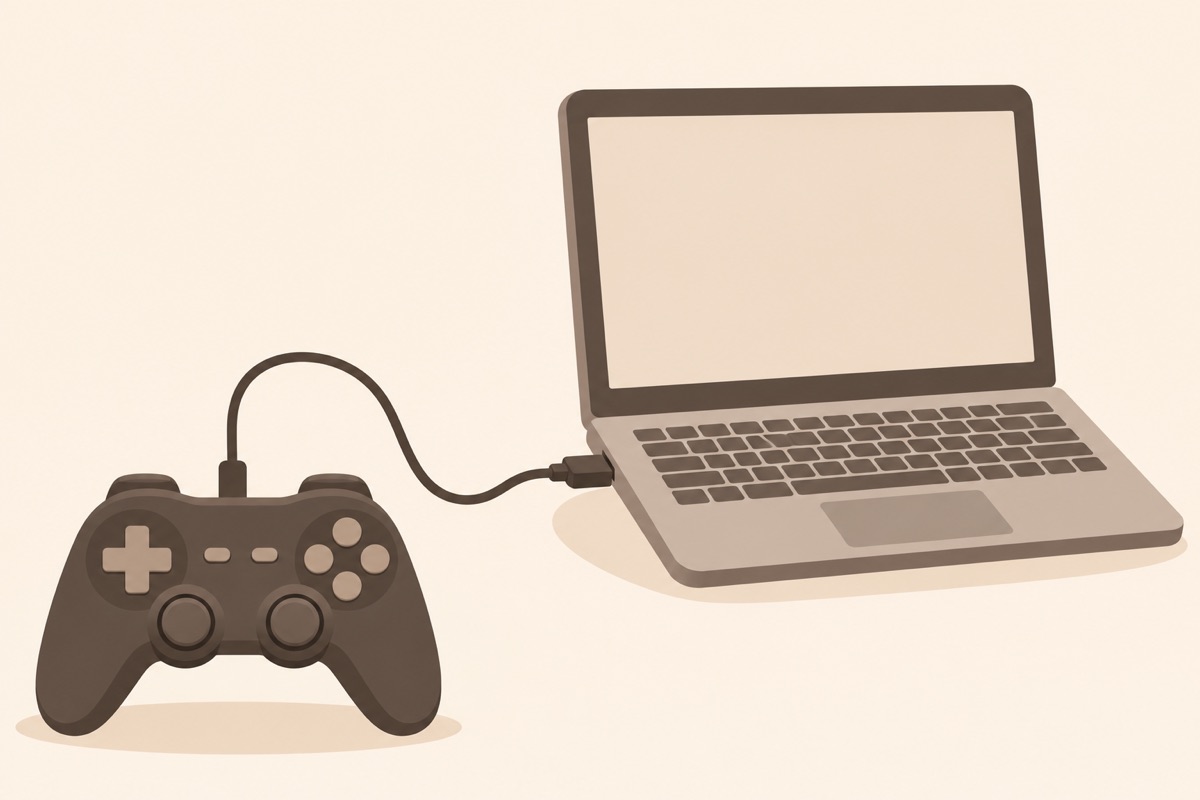
Illustration of this type of product, not a photograph of the Logitech F310 Gamepad.
Related reading

The Gap in My Evidence
I can’t tell you how this pad feels after a year. The owner posts I found are about getting it recognized, and they say little about the d-pad, the sticks, the buttons, or how the cable holds up.
So I will not make claims about durability or stick drift. If those matter to you, and for a pad you plan to use every day they should, read a few recent buyer reviews before you order. A low price makes a short life easier to accept, but it doesn’t make it good.
My Verdict on a Cheap Wired Pad
I would buy the F310 for a Windows PC, a Steam library, or a spare second pad for a friend on the sofa. It has no battery, it has a switch that rescues awkward old games, and the owners who bothered to write about it tend to like it.
Skip it if you are on a Mac and want something you can trust, because you’d be relying on forum posts from a decade ago. Skip it if you need analog triggers outside XInput. And skip it if you want rumble or a wireless connection, because Logitech’s page promises neither.
For a simple wired pad on Windows, the Logitech F310 Gamepad is a fair low-cost choice, as long as you remember the rule that the Mac owners learned the hard way: set the switch first, then plug it in. This is an affiliate link. As an Amazon Associate I earn from qualifying purchases.
One email a month: new articles, reviews and the upcoming live webinar + free recording. No spam, unsubscribe anytime.