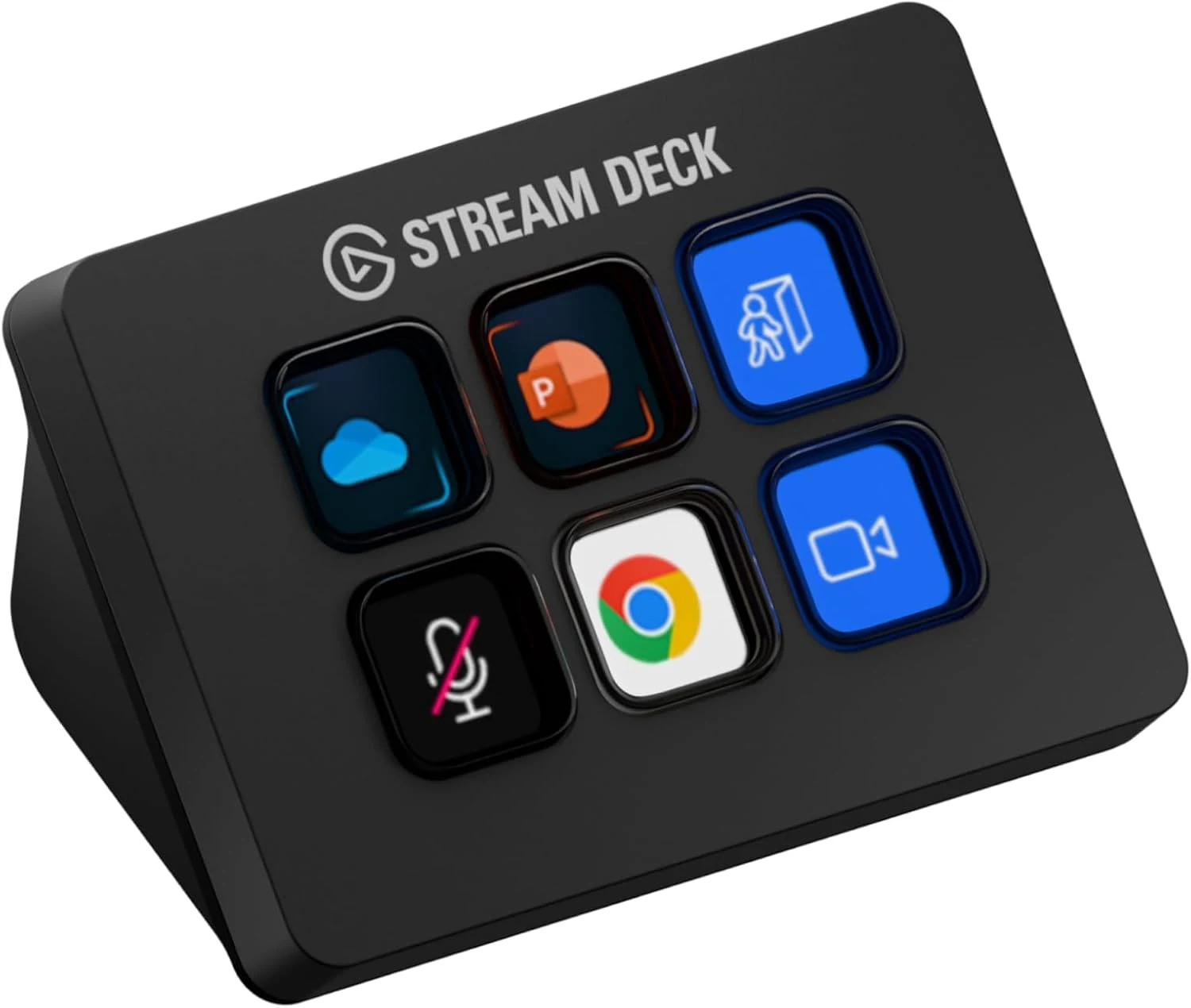
Six visible keys can be more useful than a large control panel when they have six clear jobs. That is what interests me about the Elgato Stream Deck Mini. I would use it to put a small set of repeated actions in a consistent place, with labels that make their purpose easy to recognise. I like the idea of reducing a little daily memory work without building a second desktop inside the controller.
Quick verdict
I would choose it when six frequently used visible actions solve a real memory or navigation problem.
Best for: I would choose it when six frequently used visible actions solve a real memory or navigation problem.
Main benefit: Labelled display keys give repeated actions a clear physical location and can show their intended role.
Biggest drawback: Six keys fill quickly, while profiles and plugins add software dependencies and hidden context.
Elgato Stream Deck Mini
Amazon US · US
Check price and availability: Elgato Stream Deck Mini at Amazon USAffiliate link. As an Amazon Associate I earn from qualifying purchases.
Reviewed version: Elgato Stream Deck Mini, 6 Customizable LCD Macro Keys
Compatibility: Stream Deck Mini six-key USB model. Check actual cable revision: Elgato documents a 2026 USB-C update, while older stock may differ. Current app and plugin support must match the host.
Review context: I assess a six-action developer desk, visible labels, application focus, plugin dependencies and recovery from multi-action failures.
I would shortlist it when those actions already exist in the routine. I would not buy a macro pad first and invent a reason for every key afterwards. My assessment is based on the documented product and a proposed workflow, not a claimed personal automation setup. The useful question is which actions become easier and more predictable through a labelled physical button.
Choose the first six actions deliberately
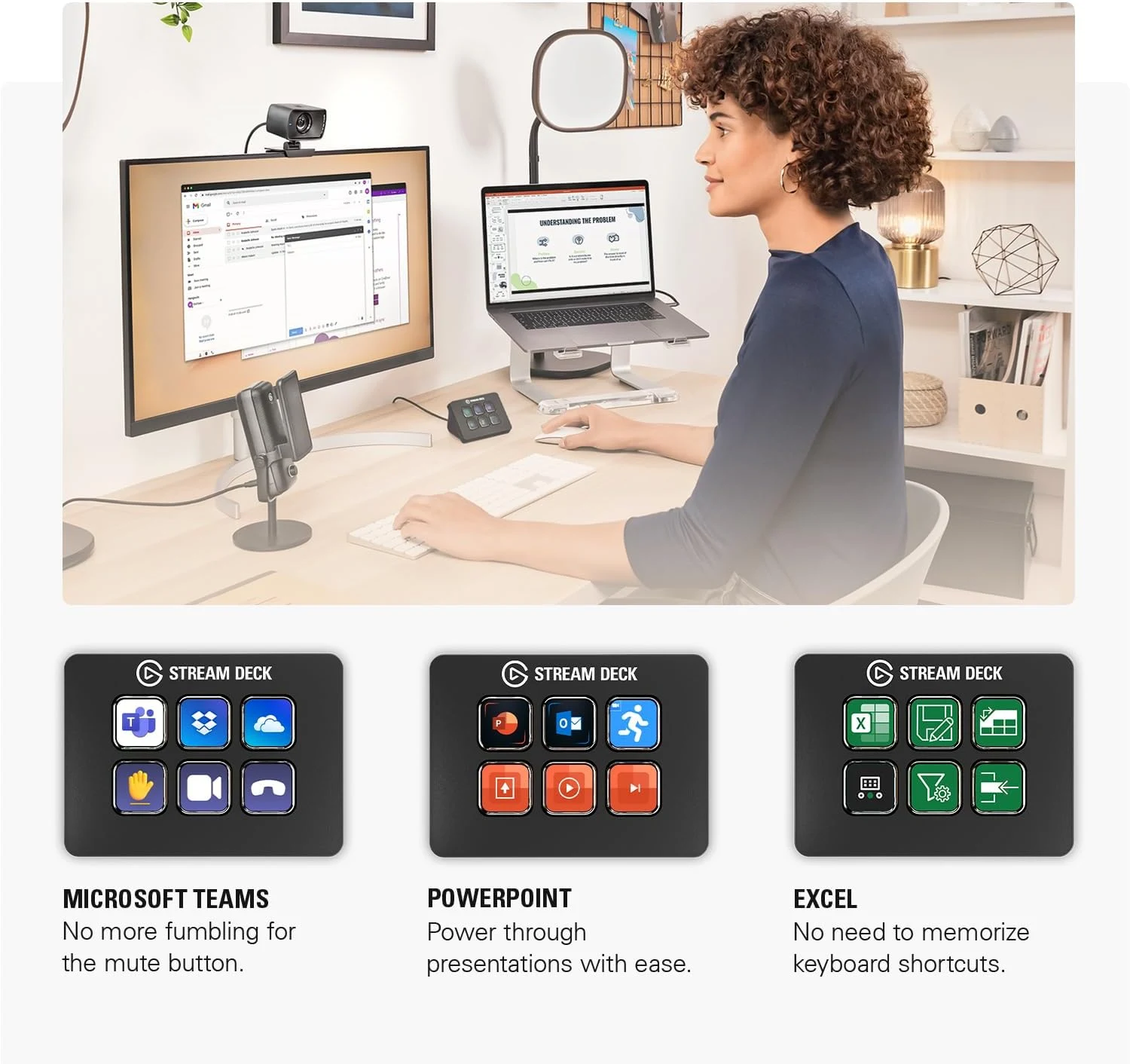
Elgato’s technical specifications identify six customisable LCD keys. I would begin with actions whose labels remain understandable: opening a frequent tool, selecting a known view or controlling a supported function. A small stable set is easier to learn than a collection of impressive demonstrations.
Related reading

I would place the most frequent actions on the first view rather than immediately bury them in folders. Extra pages can expand the available commands, but they also create state to remember. The advantage of a visible key weakens if I must first work out which profile or page is active before pressing it.
I would keep the label connected to the actual consequence. An attractive icon can help recognition, but it should not hide an ambiguous action. For a shared desk, plain labels may be more useful than personal symbols. The controller should make the workflow easier to explain rather than become a private language that only its owner remembers.
A shortcut still belongs to an application
A key that sends a keyboard shortcut depends on the active application and context. I would check the real work sequence, including switching windows and opening dialogs. A button working once on an empty desktop does not establish predictable behaviour across the whole routine.
Where a supported integration provides a more direct action, I would compare it with a simple shortcut. The choice depends on the plugin’s current support, permissions and the application’s available controls. I would not assume that every app named in marketing exposes every feature I want. The exact action needs a documented route.
I would also keep the ordinary command available through the application. A controller should be a convenient layer rather than the only way to perform work. If it is unplugged or a profile is missing on another computer, the task should remain understandable. That makes the setup easier to recover and easier to share.
Multi-actions need observable steps
The ability to send several actions in sequence is appealing when the task is predictable. I would start with a small reversible routine and a clear result. Timing between steps is not the same as confirmation that an application completed the previous action, particularly when a dialog or network operation can take an unpredictable time.
Related reading

I would prefer visible feedback and a simple recovery path. If a sequence stops halfway, I want to know which state the applications are in. Repeatedly pressing the key can make an uncertain sequence worse. The useful automation removes routine effort without making an ordinary failure harder to understand.
For development work, I would choose actions with a clear scope rather than let a convenient button conceal which project is active. Opening a known workspace can be useful; assuming the correct repository or terminal is focused is a different claim. A short label should not remove the context required to understand what will happen.
Software is part of the hardware purchase
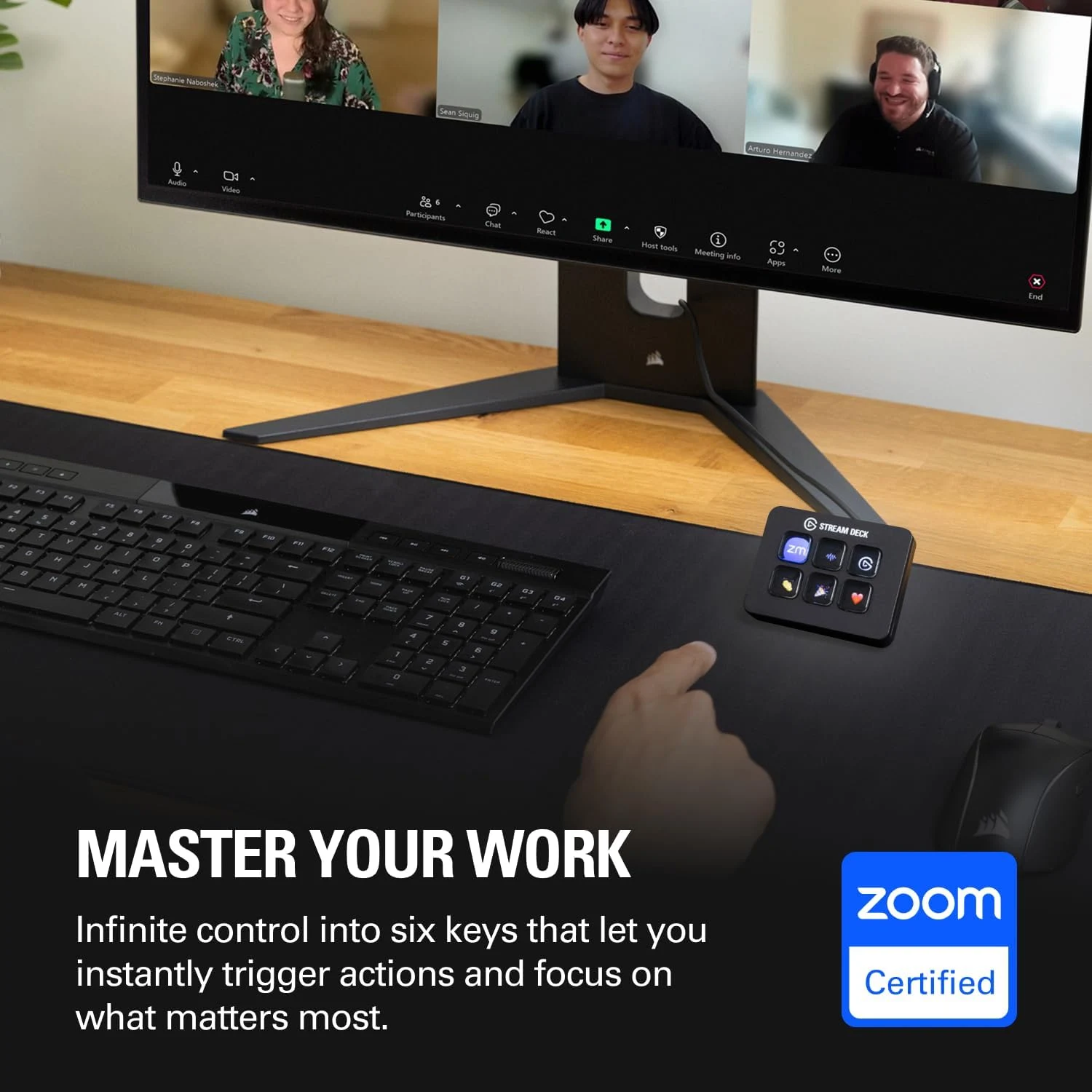
The Stream Deck application and any chosen plugins need current support for the actual host. I would check that before ordering, especially for a managed work computer where installing utilities may be restricted. The physical keys cannot provide an integration whose software route is unavailable.
I would also confirm the actual cable revision. Elgato’s current documentation notes a USB-C update in 2026, while older retail stock may differ. The exact supplied unit determines whether an adapter is needed. That is a small practical check, but it matters on a laptop with only a limited set of ports.
Profiles deserve a backup once the layout becomes useful. I would record any important plugin dependencies and keep the configuration recoverable. A small automation setup can become part of the working day quickly. The purchase is easier to justify when it remains easy to restore after changing computers rather than requiring every key to be rebuilt from memory.
Related reading

Six keys or another control method
I would choose G604 thumb controls when a few commands belong under the pointing hand. I would keep ordinary keyboard shortcuts when they are already familiar and comfortable. I would choose a larger control surface only when more actions genuinely need to stay visible at once, rather than automatically moving up because the Mini has fewer keys.
My assessment is positive for a concise, well-labelled workflow. I would check the exact hardware, supported application actions and current offer together. Its value is six useful controls that remain clear through ordinary work, rather than a promise that programmable buttons confirm every action succeeded or that more automation always produces a calmer desk.
The product images come from the selected listing and identified manufacturer materials. My assessment uses the linked product information and the buying decisions explained here. Specifications are manufacturer or retailer claims; the conclusions are my own editorial judgement.
What worked
Labelled display keys give repeated actions a clear physical location and can show their intended role.
What bothered me
Six keys fill quickly, while profiles and plugins add software dependencies and hidden context.
Who should not buy it
Someone expecting hardware keys to confirm every application action succeeded or wanting a large always-visible control panel.
Alternatives I would consider
Logitech G604. I would choose mouse controls when a few actions belong under the pointing hand. Read my Logitech G604 review.
Ordinary keyboard shortcuts. I would keep them when they are already easy to remember and use.
Evidence and sources
The linked product documentation and exact retailer listing support the product details. Images: Amazon product gallery. These are not personal test photographs or measurements.
Features, compatibility and rated figures from the maker are manufacturer information. My opinions are identified in the review.
Conclusion
Worthwhile for a small stable action set; unnecessary if familiar keyboard shortcuts already do the job comfortably.
Elgato Stream Deck Mini
Amazon US · US
Check price and availability: Elgato Stream Deck Mini at Amazon USAffiliate link. As an Amazon Associate I earn from qualifying purchases.
One email a week with practical Mac workflows, useful comparisons and honest tech recommendations.