Nearly every review of the Bose QuietComfort 45 I read praises the same thing: this headphone sits on your head very gently. It is also the part of the story I believe most. The harder question is what happens when you use it for work, with a Mac on one side and a phone on the other, and with a microphone that has to carry your voice through a long call.
Owner evidence for this model is thinner than I wanted, so I will say clearly where it runs out.

Product image from the Amazon listing.
Bose released the QC45 on September 23, 2021, and SoundGuys notes that the company has since replaced it with the QuietComfort Headphones. So if you buy one, you are buying an older design, and possibly an older unit. That shapes most of my advice below.
Comfort Is the Reason to Care
SoundGuys weighs the headset at 240 g and says it “distributes its weight well enough to not cause much fatigue over long periods of time.” Its comfort score of 9.2 out of 10 is among the highest in that review. Digital Trends calls the QC45 one of the most comfortable over-ear models around and describes the cushions as a “perfectly comfy middle ground” between firm and soft.
Related reading

For a laptop worker, this matters more than a small gain in sound quality. A headphone that presses on your jaw gets taken off after two hours, however good it sounds. One small warning from Digital Trends: the synthetic leather headband may slide more in the gym than the Alcantara band on the older QC35 II did. At a desk that should not bother you.
Calls Are the Weak Spot, and Macs Add a Question
Reviewers split on the microphone, but the careful ones land in the same place. SoundGuys gives it 6.0 out of 10 and says it “sounds okay enough.” Digital Trends says the fourth microphone is an improvement on the QC35 II, yet the headphones are “still not as good as the NC 700 for phone calls.” It warns that loud noise around you can interfere with your voice, and that callers may hear you as if you sit two or three feet from the mic.
So your voice will likely come across as clear but distant. For a daily stand-up, that is acceptable. For a sales call or a recorded podcast, I would use something else.
The more worrying report comes from Apple’s support community. In July 2023, an owner with a 2015 MacBook Air described the QC45 microphone failing a few minutes into calls. The other side heard “broken sound, crackling, noise, and eventually nothing at all.” It happened in Zoom, Skype and WhatsApp. A QuickTime recording lost the voice after about two minutes, which points away from any one call app. The Mac’s built-in microphone worked fine.
Months later, a second owner with a MacBook Pro reported the “exact same issue” and said a firmware update and a factory reset did not help. The thread ended with no confirmed fix. Two owners cannot tell us how common this is, and the first Mac was an old machine on macOS 12. It is still a real failure, on the exact job this headphone would do for many of our readers, so test it on your own Mac during the return window.
There is a simple fallback. Use the QC45 for sound and pick the Mac’s built-in microphone in your call app. Owners on other Bluetooth headsets use this trick because using a headset microphone drops Bluetooth into a lower-quality mode. Your colleagues hear the laptop mic, and you keep the better audio in your ears.
Do not count on the cable to rescue a bad microphone. A poster on Zoom’s community forum said the mic only works over Bluetooth, and a retailer spec sheet I saw says the opposite, so I can’t confirm it either way. Bose’s owner’s guide does not settle it. Assume you will need Bluetooth for calls until your own pair proves otherwise.

Product image from the Amazon listing.
Mac Plus Phone Works, With Limits
The good news for two-device people is multipoint. SoundGuys confirms that the QC45 can stay connected to two devices at once, and a later firmware update added an in-app toggle for it. So your phone can ring while your Mac stays paired. Firmware updates can also go through Bose’s desktop updater over USB-C.
Related reading

Codec support is plain. SoundGuys lists SBC and AAC only, with no aptX or other higher-bitrate option. That is less of a problem in Apple’s world, since AAC is what Macs and iPhones use anyway. Android users with fancy codecs get nothing extra here.
You should know one odd rule before buying. SoundGuys states: “you can’t turn off the ANC if the headphones are switched on.” Your choices are noise cancelling or Aware mode, which lets outside sound through. There is no plain passive mode while the power is on. Some people dislike the pressure feeling of ANC, and they should think twice.
The Sound Is Fine and Bose Knows It
SoundGuys puts it directly: “It’s fine, decent even, just not great.” Its main complaint is too much energy in the high end, which hurts punk and cymbal-heavy music. The app gained an equalizer in a firmware update in February 2022, and SoundGuys suggests turning Bass to -5, Mid to 0 and Treble to -10 as a starting point. If the tuning bothers you, try that first.
Noise cancelling scores 8.5 out of 10 in the same review, where it is called excellent but not clearly the best against Sony and Apple rivals. Buyers looking for the very quietest headphone may do better elsewhere. Those who want a good result with no fuss will be happy.
Two small annoyances come from SoundGuys as well. Pressing the physical buttons can shift the earcup on your ear, and there is no sensor to pause music when you take the headphones off.
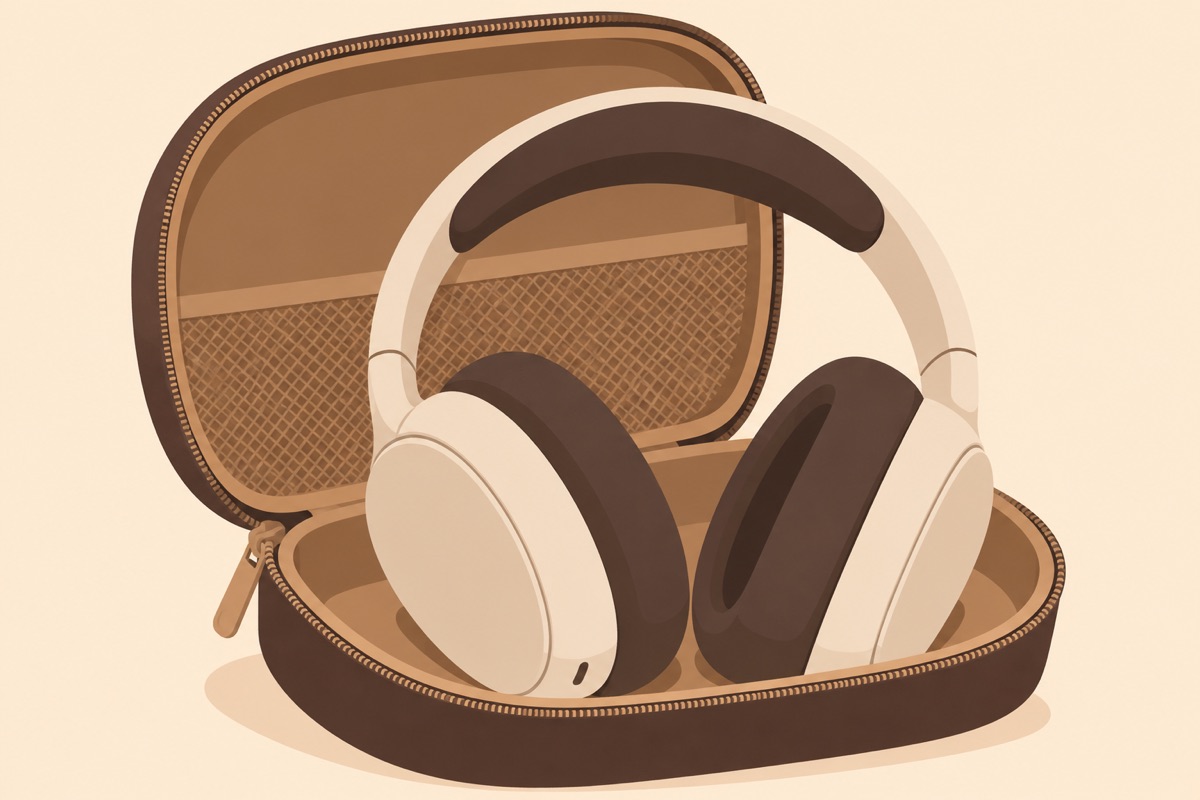
Illustration of this type of product, not a photograph of the Bose QuietComfort 45.
An Older Battery Is the Real Unknown
On paper, battery life is strong. Bose claims 24 hours, SoundGuys measured 24 hours and 49 minutes with ANC on, and a 15-minute charge over USB-C gives about three hours. The iFixit page gives a lower figure of up to 22 hours at 50 percent volume, so expect some spread.
Those numbers describe fresh batteries. I found no owner who tracked how much capacity a QC45 lost over several years, and I would not guess. One Best Buy buyer described a pair that died inside a year and blamed the battery, but a single case proves little. iFixit’s troubleshooting wiki suggests updating firmware and doing a reset, by holding the power button for 10 seconds, when battery life falls or a pair stops working soon after purchase.
What this means in practice: if you buy a used or open-box pair, or old stock, check the battery in the first week. Charge it fully and play music through a full workday. A pair that dies by mid-afternoon probably has a tired cell.
Related reading

There is some comfort in the repair picture. iFixit lists a battery replacement guide for the QC45, plus guides for the earcups and buttons, and it shows earpad cushions under parts. Replacing a battery yourself is a job for a patient person. It is still better than a sealed product with no route at all.
The cable also helps with this. Bose’s guide says you can plug in the included 2.5 mm to 3.5 mm audio cable “to continue using the headphones if the battery is depleted,” and that the headphones can be on or off while you do it. So a flat battery on a plane does not end your listening. Note the odd 2.5 mm plug at the headphone end, because a standard cable from a drawer won’t fit.
A Comfortable Headphone for the Patient Buyer
I would buy the QC45 for one reason: long hours of quiet, light, pressure-free listening at a desk or on a flight, connected to a laptop and a phone at the same time. For that job, the evidence is good and consistent.
Skip it if calls are the center of your day, because the microphone is average at best and the Mac reports above have no fix I could find. Skip it if you care most about sound, because SoundGuys thinks the tuning needs help. And think hard about a used pair. SoundGuys itself suggests buying only at a discount, and I agree, since the age of the design and the unknown state of the battery both argue for paying less.
If that fits you, the Bose QuietComfort 45 remains a sensible choice for comfort, as long as you test the microphone on your own Mac before the return window closes. This is an affiliate link. As an Amazon Associate I earn from qualifying purchases.
One email a month: new articles, reviews and the upcoming live webinar + free recording. No spam, unsubscribe anytime.