A portable screen makes sense to me when it has a defined job. I would consider the ARZOPA S1 Table for a reference document beside a laptop, meeting notes on a temporary desk or another window that otherwise keeps covering the main task. I like the idea of adding that space without travelling with a normal monitor and its large stand.
Quick verdict
I would shortlist the S1 Table when a second screen has a clear job and the host has a verified connection route.
Best for: A temporary desk that needs a portable place for one supporting window.
Main benefit: The thin Full HD screen can add usable space without carrying a conventional desktop monitor.
Biggest drawback: One-cable use depends on the host, cable and available power; the USB-C shape is not enough.
ARZOPA S1 Table 15.6-inch Full HD portable monitor
Amazon US · US
Check price and availability: ARZOPA S1 Table 15.6-inch Full HD portable monitor at Amazon USAffiliate link. As an Amazon Associate I earn from qualifying purchases.
Reviewed version: ARZOPA S1 Table 15.6-inch Full HD portable monitor
Compatibility: A supported USB-C video output with adequate power, or a compatible HDMI video connection plus the required power route. USB-C charging alone does not establish video support.
Review context: I assess a portable second-screen role, power and video paths, a stable viewing position and the full travel setup rather than the panel alone.
The buying decision is still about a complete setup. This is the S1 Table 15.6-inch Full HD model, not every ARZOPA screen with a similar outline. The computer, video connection, power supply and place to stand the panel all influence whether the extra screen becomes useful or remains another object in a bag.
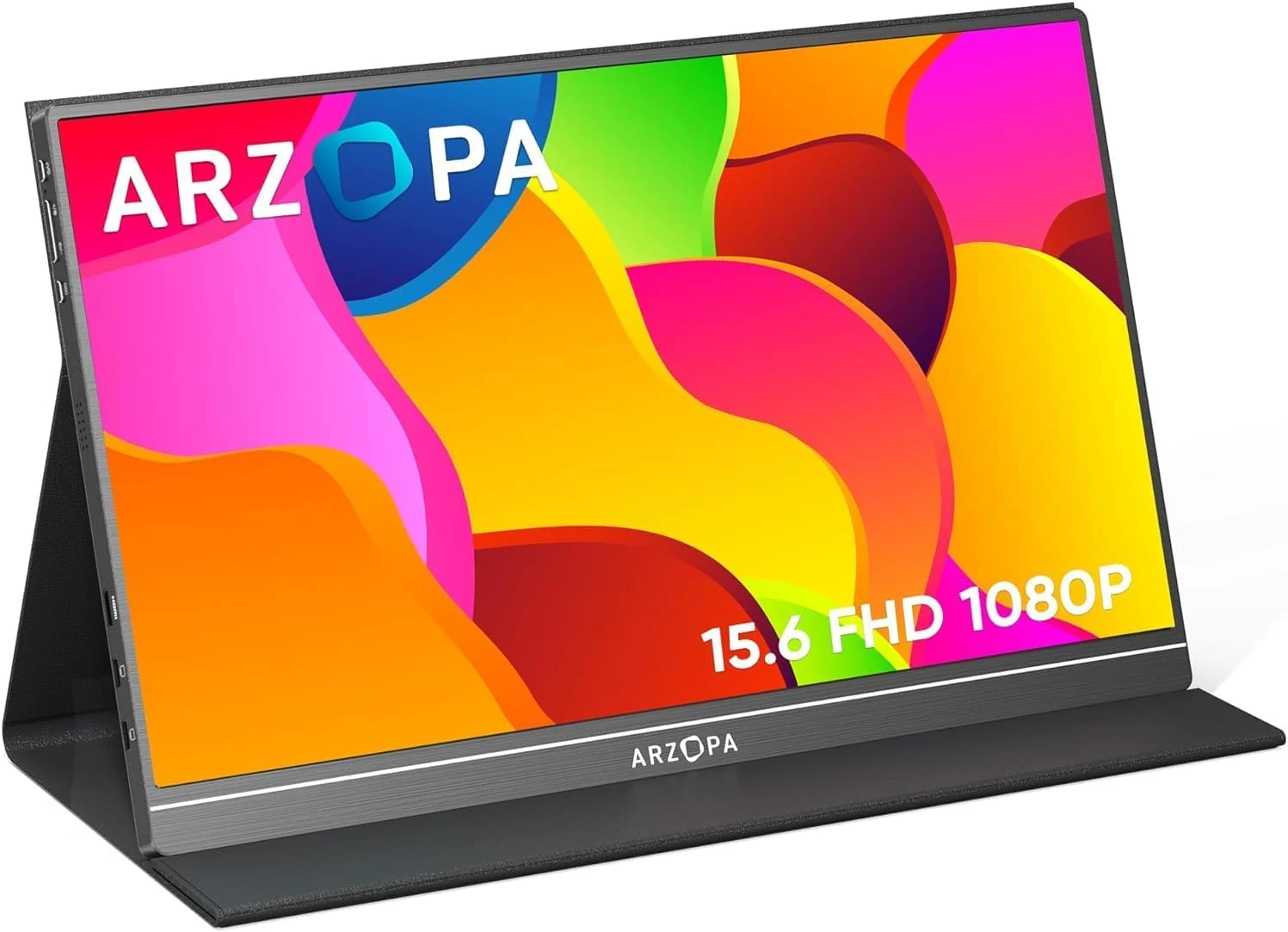
Give the second screen one purpose
I would start by naming the window that deserves a separate display. Keeping documentation open while editing, reading a source while writing or following meeting notes can be clear reasons. The benefit is less convincing when the plan is simply to keep more applications visible without deciding which ones matter.
Related reading
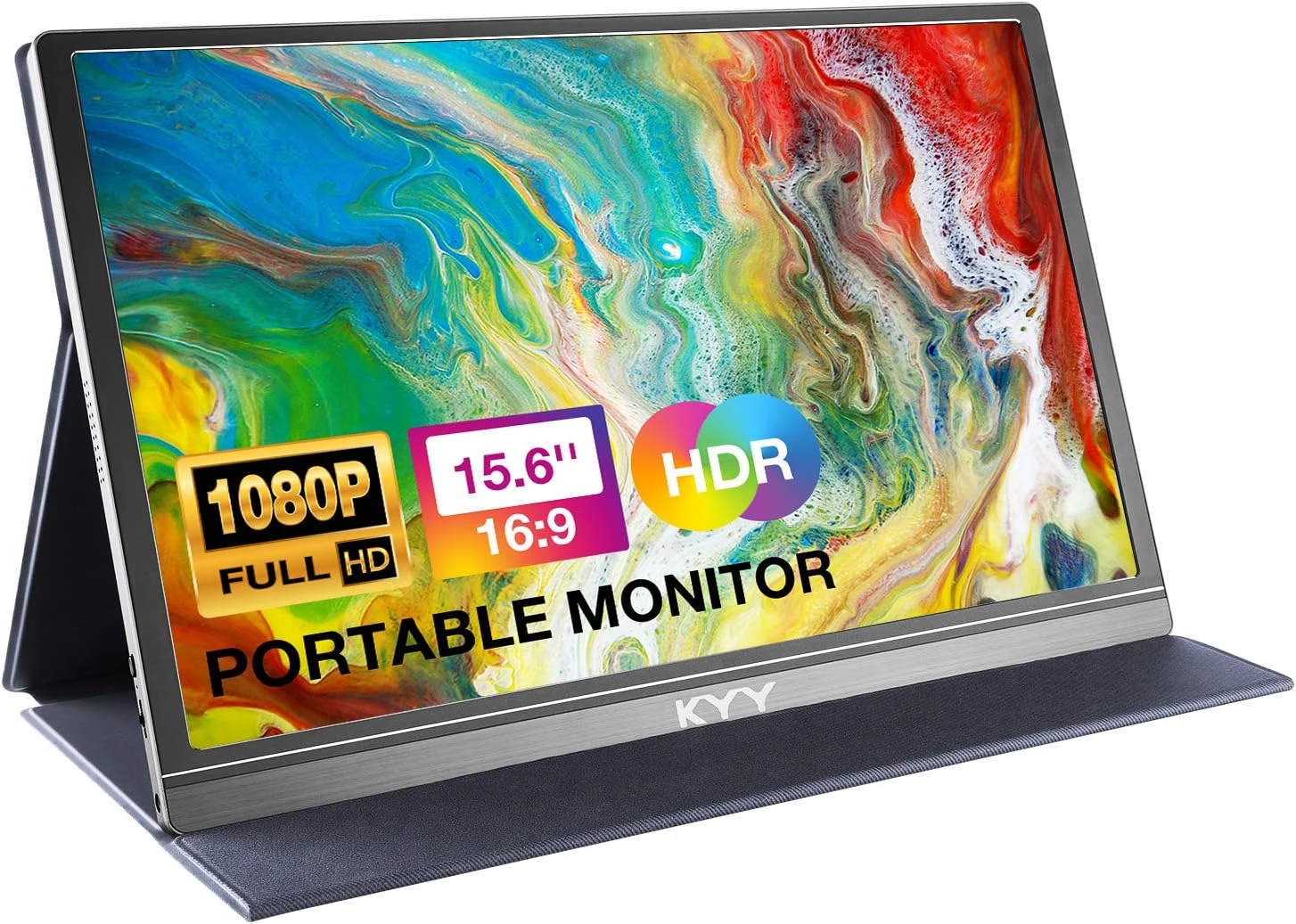
A supporting screen does not have to match the main screen’s size to be useful. It does need a position where text can be read without repeatedly turning away from the main work. I would think about the normal chair, available table depth and the space beside the laptop before choosing the final arrangement.
I would also include packing in the decision. A portable monitor adds a panel, its support and the cables needed for the selected host. That may be a sensible trade for regular travel work. It may be unnecessary weight for a short trip where the laptop’s own display already handles the job.
USB-C needs more than a matching shape
The original S1 Table user guide describes the connection choices. The important point is that a USB-C connector does not guarantee that a computer or phone sends video through it. I would check the host’s documented display-output capability before treating a single cable as the intended setup.
The cable matters too. A lead used for charging is not automatically the right video cable. I would keep the correct cable with the monitor and avoid assuming that an available spare will behave the same way. A portable setup becomes easier to understand when each cable has a known job.
Power is another part of the same route. A host may support external video yet provide a power arrangement that does not suit the chosen screen settings. I would follow the monitor’s power instructions and plan an appropriate separate supply when needed, rather than interpret every connection problem as a defective panel.
HDMI can be the clearer route
Related reading
An HDMI video connection with separate power can be less elegant to pack, but it also makes the two jobs explicit. One route carries the picture; another supplies the screen. I like having that alternative when a particular laptop does not provide the complete USB-C arrangement required for one-cable use.
I would check the exact socket and included cable rather than order an adapter by the general word HDMI. Small portable displays can use a smaller connector than the full-size port on a computer. The useful purchase is the supported complete path, with enough cable length to avoid pulling the panel sideways.
A console, phone or other source brings its own requirements. The fact that one device connects successfully does not prove that every device with a familiar port will do the same. I would choose around the actual host I intend to carry, then treat any additional compatibility as a separate question.
A thin panel still needs a stable desk
The case and support deserve attention alongside the screen. A useful viewing angle should remain in place while the keyboard is being used and cables are connected. I would keep the panel away from a table edge and avoid letting a stiff cable become part of what holds it upright.
I would compare the working position with the laptop screen, not only the way the panel looks in a product photograph. A low portable display may be convenient to pack while still requiring a thoughtful desk arrangement. A stand can be worth adding when the monitor is used often, but it also becomes another item to carry.
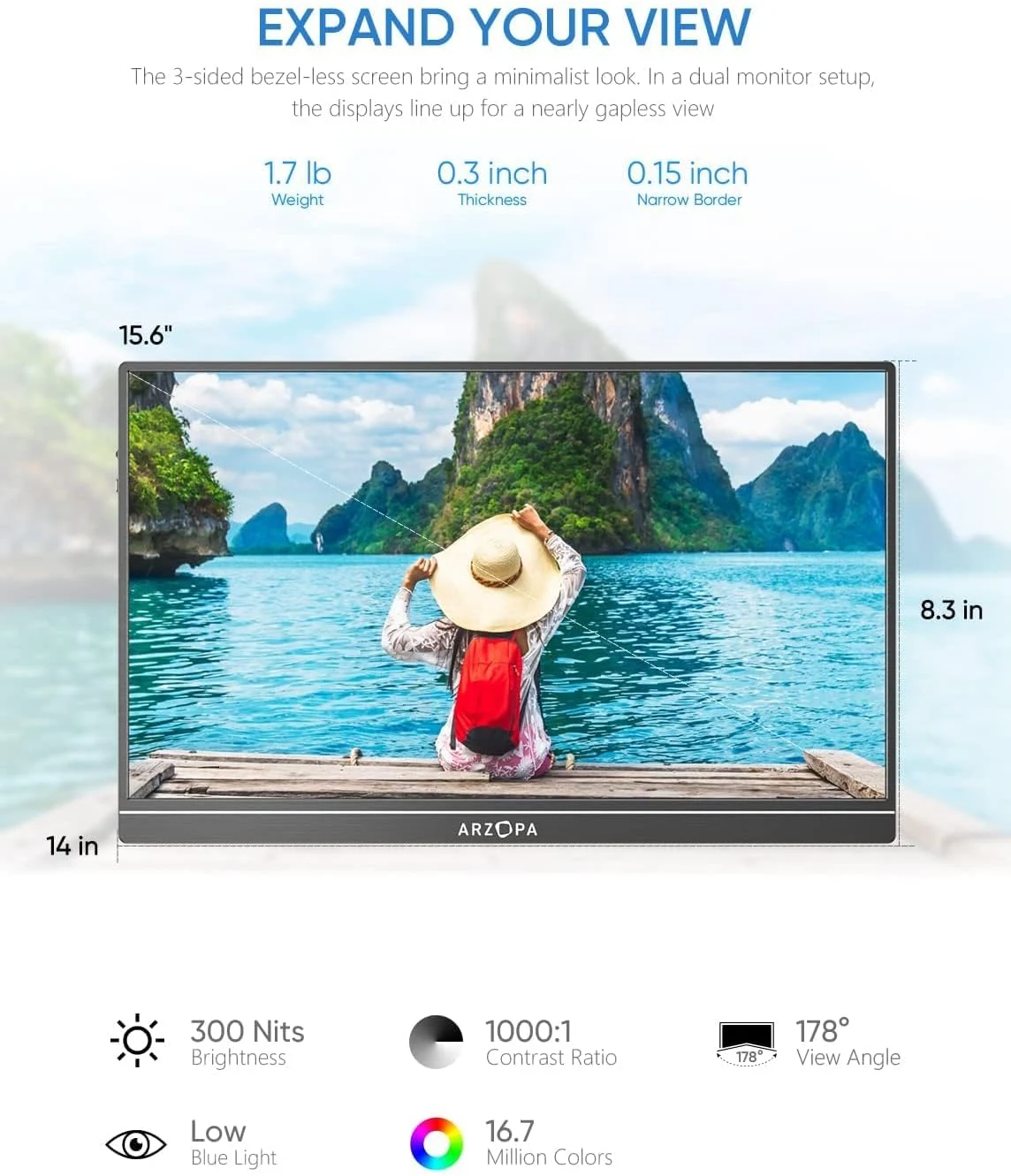
Full HD resolution is part of the intended role. ARZOPA’s model reference identifies the S1 Table’s resolution. I would choose it for readable supporting windows rather than borrow colour, refresh or touch features from another model in the brand’s range.
The host battery deserves a place in this plan too. Powering another display is a different workload from using the laptop alone. I would carry the right charging arrangement for a long work session rather than assume the smaller screen adds no cost to the power budget.
Related reading

The trip should justify the extra equipment
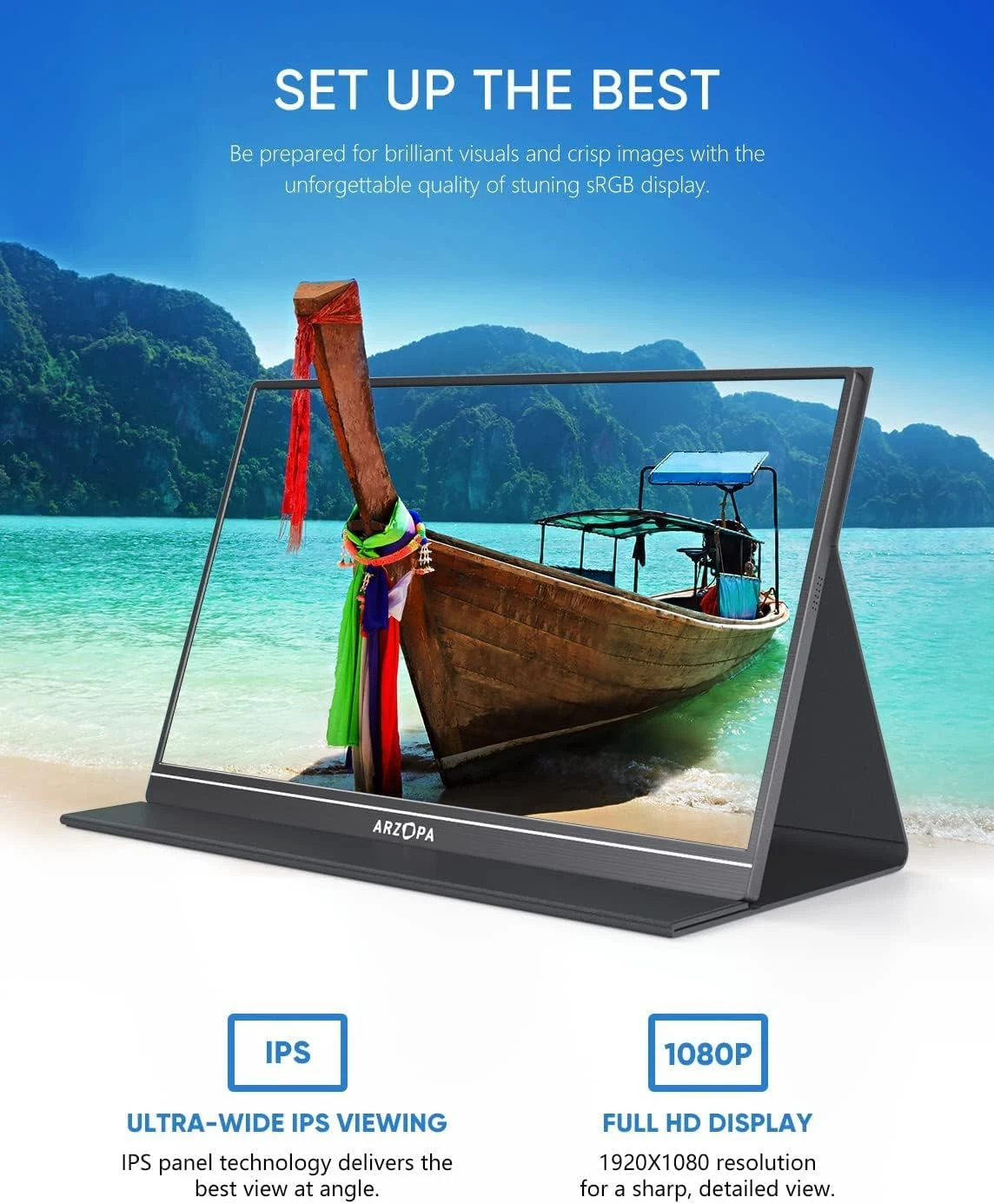
For a fixed home desk, I would compare a conventional monitor such as the BenQ GW2480. Its larger physical support and permanent cable arrangement may make more sense when nothing needs to fit in a travel bag. For occasional work away from home, keeping the laptop alone is also a valid choice.
I like the S1 Table for the middle case: a repeated need for extra window space without a permanent second desk. The exact Amazon US affiliate listing is worth checking for model, supplied cables and current availability. I would choose it after proving the connection plan on paper, because a portable screen earns its place through a usable complete setup rather than thinness alone.
What worked
The thin Full HD screen can add usable space without carrying a conventional desktop monitor.
What bothered me
One-cable use depends on the host, cable and available power; the USB-C shape is not enough.
Who should not buy it
Someone expecting every phone or USB-C laptop to provide a working video-and-power connection.
Alternatives I would consider
BenQ GW2480. I would choose a fixed desktop display when the screen will stay in one room and a larger stand is useful. Read my BenQ GW2480 review.
The laptop screen alone. I would keep the lighter setup when window switching already covers the task and the second panel adds more packing than value.
Evidence and sources
Product details come from the cited sources. Images: Amazon product gallery. These are not personal test photographs or measurements.
Features, compatibility and rated figures from the maker are manufacturer information. My opinions are identified in the review.
Conclusion
Worth it when it solves a repeated travel-work problem; include the stand, cables and power arrangement in the comparison.
ARZOPA S1 Table 15.6-inch Full HD portable monitor
Amazon US · US
Check price and availability: ARZOPA S1 Table 15.6-inch Full HD portable monitor at Amazon USAffiliate link. As an Amazon Associate I earn from qualifying purchases.
One email a week with practical Mac workflows, useful comparisons and honest tech recommendations.