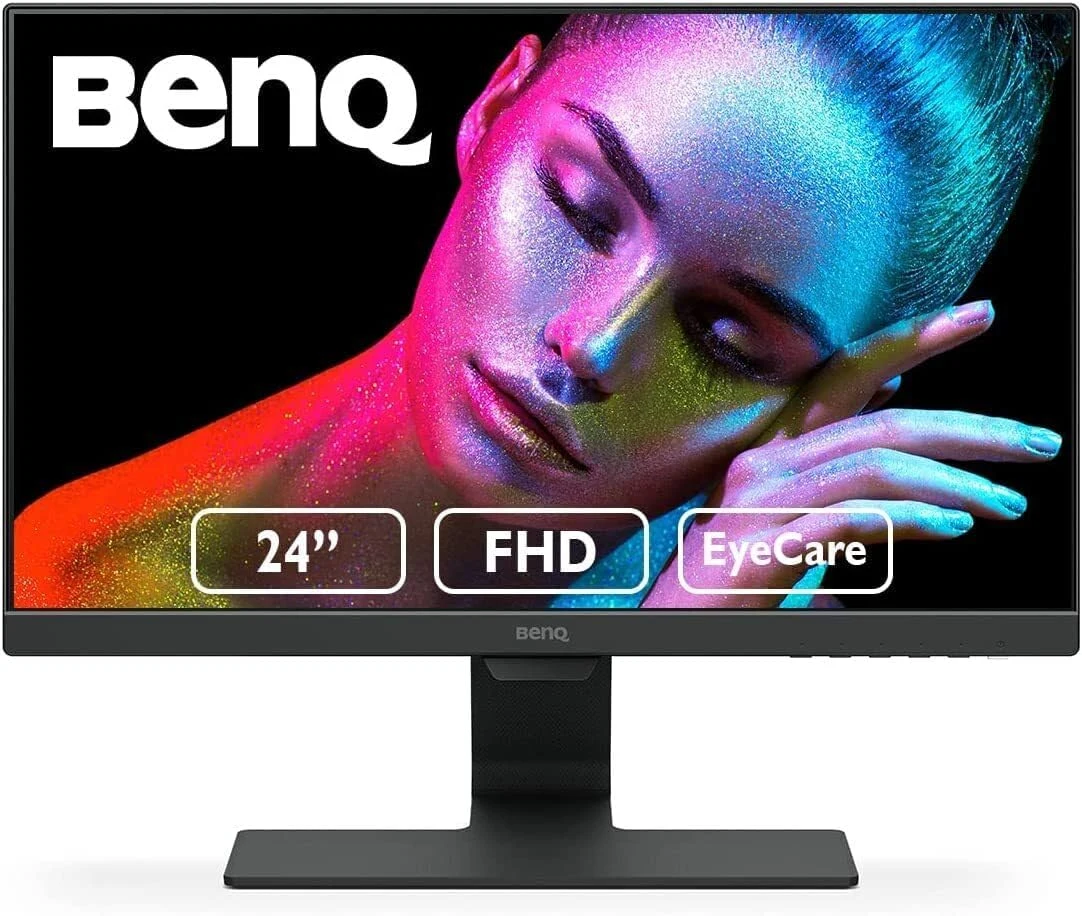
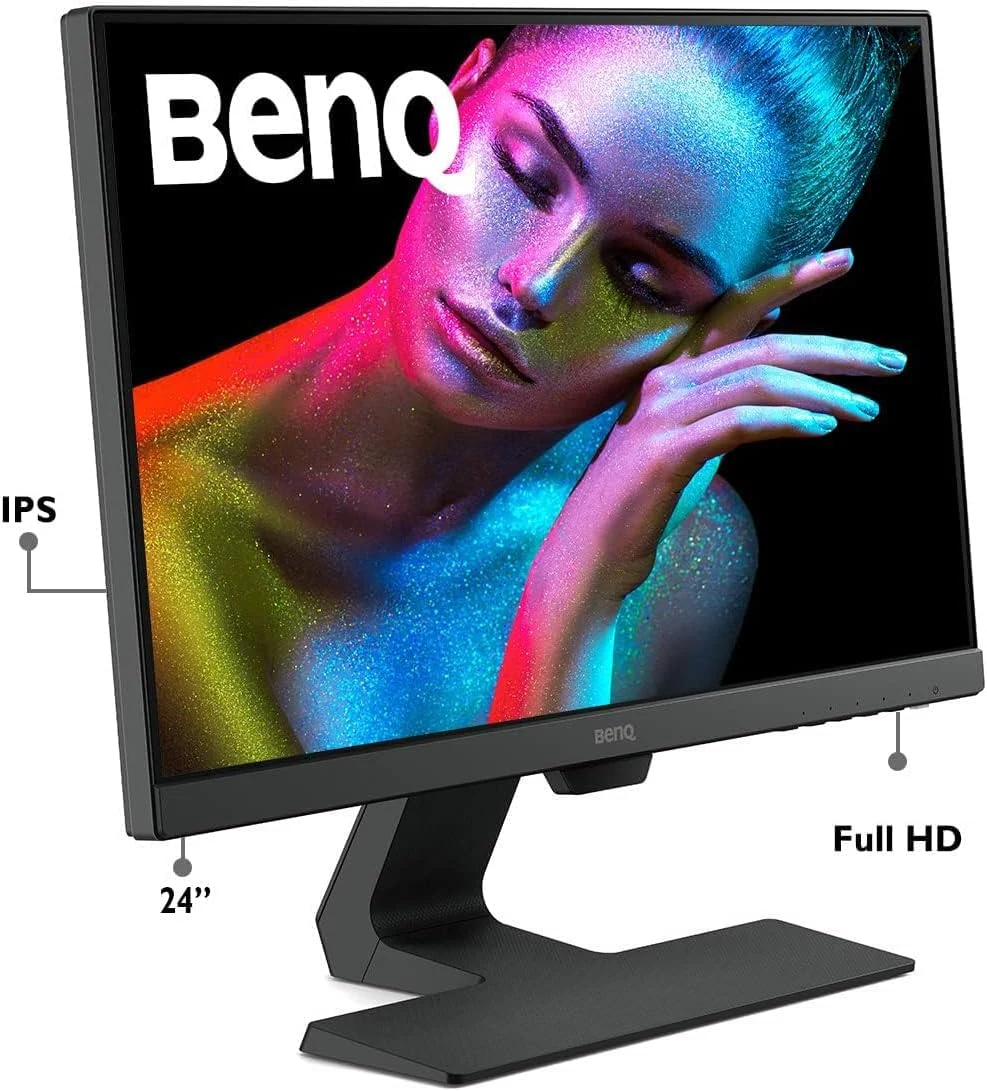
I like a monitor whose role can be explained without pretending it is a studio display or a competitive-gaming investment. The BenQ GW2480 is interesting to me as a modest desk screen: a 23.8-inch IPS panel, Full HD resolution and controls intended for ordinary work. I would consider it when the aim is a clear place for documents and browser windows, with a realistic budget for the rest of the desk.
Quick verdict
I would shortlist the GW2480 for a straightforward Full HD desk that does not need a premium display feature set.
Best for: A modest office display or a carefully planned second screen.
Main benefit: The 23.8-inch IPS format gives an ordinary desk a clear, compact display role.
Biggest drawback: Full HD resolution and a basic stand are limits when the work needs more detail or adjustment.
BenQ GW2480, 23.8-inch Full HD IPS monitor
Amazon US · US
Check price and availability: BenQ GW2480, 23.8-inch Full HD IPS monitor at Amazon USAffiliate link. As an Amazon Associate I earn from qualifying purchases.
Reviewed version: BenQ GW2480, 23.8-inch Full HD IPS monitor
Compatibility: A compatible video output, the correct cable and a supported resolution/refresh mode. Check the exact GW2480 input list and stand rather than borrowing features from GW2480T.
Review context: I assess a modest desk display for text, calls and ordinary work, including placement, connections and the limits of its physical adjustment.
The important word is modest. A good purchase can have clear limits and still be useful. I would not buy this model because a long list of display terms sounds impressive. I would buy it because its size, connections and complete physical arrangement fit the job better than the alternatives at the actual price available.
Full HD is a choice, not a defect
BenQ’s GW2480 specification page identifies a 1920-by-1080 IPS panel and a 60Hz refresh rate. Those manufacturer details establish the class of display being considered. They do not tell me that every document will fit comfortably or that every person will prefer the same text size.
Related reading
For a familiar office application, Full HD may provide the workspace needed without making the computer manage a more demanding display mode. For a dense spreadsheet, several side-by-side documents or sharp small text, a higher-resolution screen may justify a different purchase. I would choose around the actual window arrangement rather than the resolution name alone.
The physical size matters beside that choice. A screen should be close enough to read comfortably without consuming all the desk depth. I would measure the intended position and think about the normal chair location before ordering. A compact display can be a useful advantage when the room does not suit a larger panel.
A second screen should have one job
I find the GW2480 easier to justify when I can name the information it will hold. A documentation page beside an editor, meeting controls beside notes or a reference image beside a main workspace are clear roles. Adding another screen simply to hold more open windows is a less convincing reason to spend money.
A narrow bezel can make two displays look more orderly, but the edge is not the whole arrangement. Height, viewing angle and the distance between the active areas influence how useful the pair becomes. I would place the most frequently read material on the screen directly in front of me and give the second display a supporting purpose.
I would also compare text size between the screens. Two displays with different pixel densities may need different scaling settings to feel comfortable together. That is not automatically a flaw in either monitor. It is a reason to consider the pair as a system rather than buy one item from an attractive product photograph.
Related reading
Brightness controls need sensible expectations
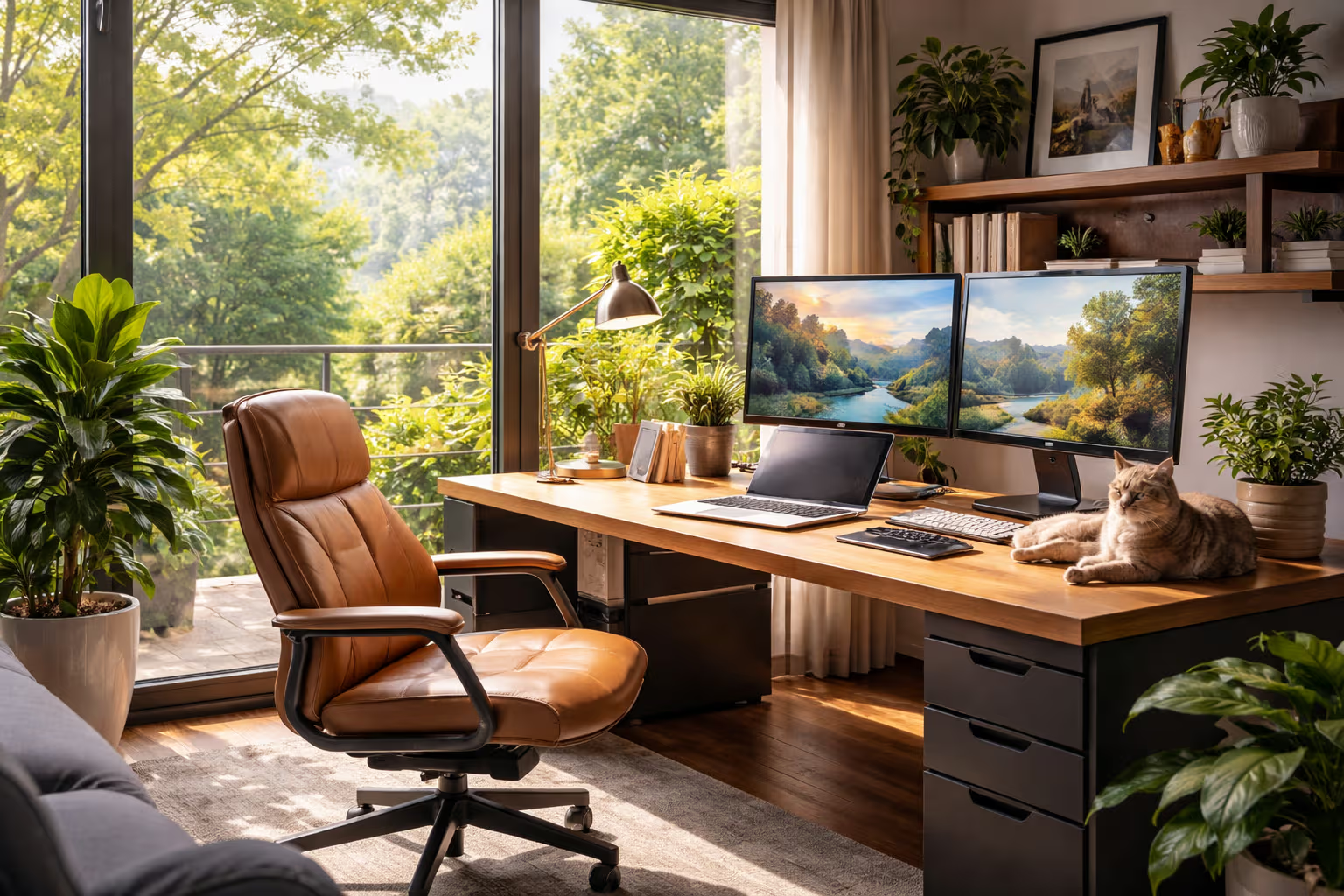
BenQ describes Brightness Intelligence and its related viewing modes as part of this model’s design. I like the practical intention of helping a screen respond to its surroundings. I would still treat these as manufacturer features, not as proof that one setting protects every person’s eyes or suits every type of work.
The room remains important. Reflections from a window, a bright lamp behind the screen and a very dark workspace can change the result more than a label in the menu suggests. I would begin with the placement and a comfortable brightness, then decide whether an automatic or manual setting gives the more consistent view.
Colour work has its own requirements. An IPS panel does not by itself establish a complete calibrated workflow. If the job depends on matching printed work or making critical colour decisions, I would compare a display and calibration arrangement intended for that purpose. The GW2480’s appeal is a simpler everyday role.
Connections and the stand come first
I would check the exact input list against the computer before choosing a cable. A laptop’s USB-C socket does not necessarily mean it can send video through every adapter, and a cable cannot add a mode missing from the source. The useful starting point is a supported route from the computer to this display.
The stand also deserves its own decision. The GW2480 and similarly named versions such as the GW2480T should not be assumed to offer identical adjustment. If screen height is the main problem on the existing desk, I would budget for the right stand or compatible mounting arrangement instead of hoping the name covers that requirement.
Integrated speakers can be convenient for basic system sounds or a quick voice call, but I would not let them decide a listening setup without considering the actual need. A pair of desktop speakers or headphones may already have a clearer role. Keeping those decisions separate makes it easier to judge the monitor for its display and physical fit.
Related reading
Where I see the value
I would shortlist the GW2480 for straightforward documents, browser work and a well-defined second-screen task. I like that it can be considered as ordinary working equipment without needing a story about replacing every other display. A simple product is easier to enjoy when it is not asked to meet a different class of requirement.
I would choose a sharper panel for more pixel space, a display with the right adjustment when physical positioning is the obstacle, or a faster gaming monitor when high refresh is the goal. For the modest role described here, the exact Amazon US affiliate listing is worth comparing by model, condition, included stand and current availability.
What worked
The 23.8-inch IPS format gives an ordinary desk a clear, compact display role.
What bothered me
Full HD resolution and a basic stand are limits when the work needs more detail or adjustment.
Who should not buy it
Someone choosing mainly for high refresh, a broad professional colour workflow or a large high-resolution workspace.
Alternatives I would consider
A higher-resolution monitor. I would choose more pixel space when dense documents and several windows are the real requirement.
Samsung T350 22-inch. I would compare the smaller physical footprint when the desk itself is the constraint. Read my Samsung T350 22-inch review.
Evidence and sources
Product details come from the cited sources. Images: Amazon product gallery. These are not personal test photographs or measurements.
Features, compatibility and rated figures from the maker are manufacturer information. My opinions are identified in the review.
Conclusion
Worth considering when the complete local offer is sensible; a better stand or sharper display may be the more useful upgrade.
BenQ GW2480, 23.8-inch Full HD IPS monitor
Amazon US · US
Check price and availability: BenQ GW2480, 23.8-inch Full HD IPS monitor at Amazon USAffiliate link. As an Amazon Associate I earn from qualifying purchases.
One email a week with practical Mac workflows, useful comparisons and honest tech recommendations.