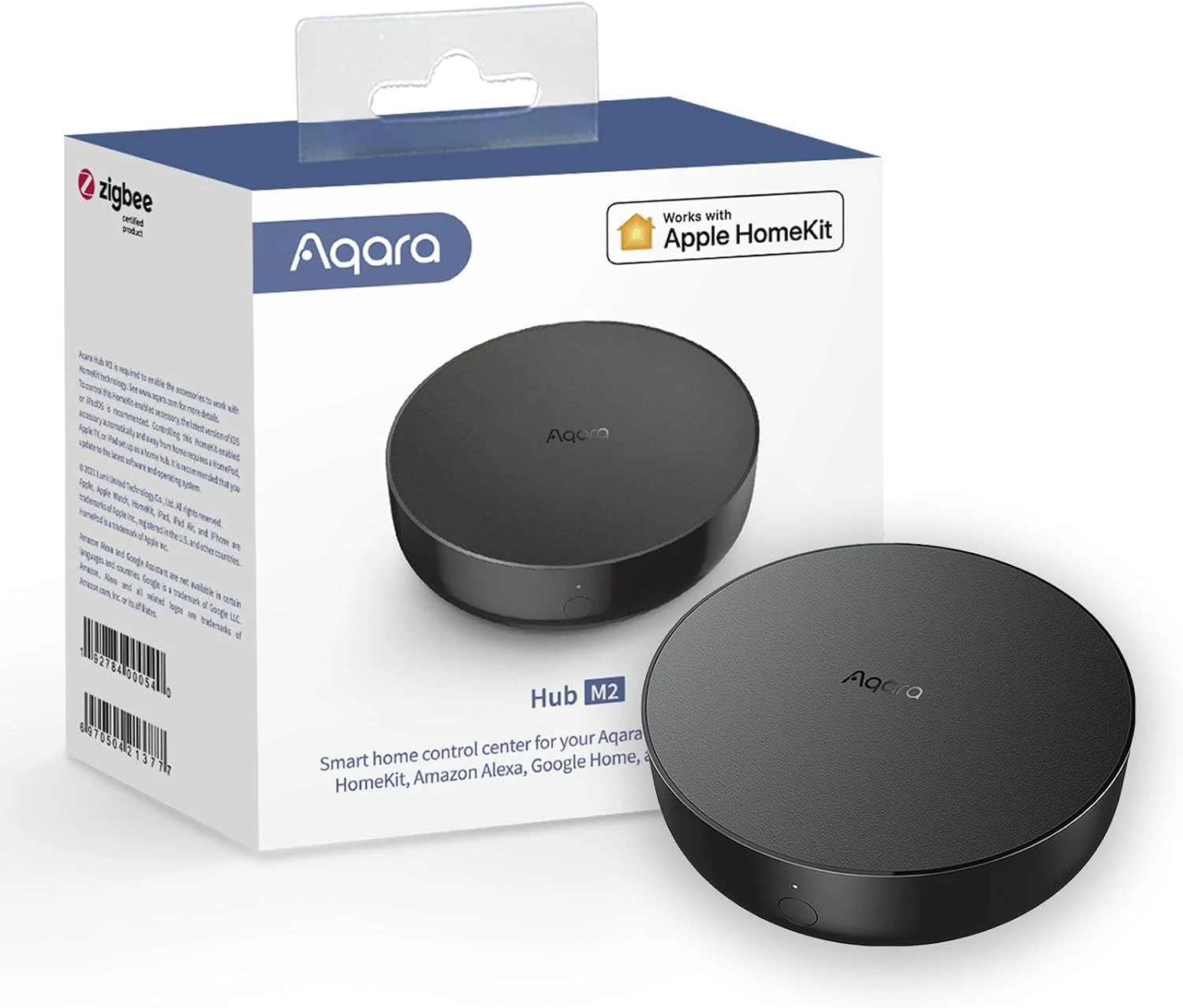
A smart-home hub earns its place when it makes the system easier to explain. The Aqara Hub M2 is appealing to me as a centre for a supported collection of Aqara Zigbee devices, especially when a wired network connection suits the home. I like that focused role more than a vague promise that one small box can connect everything.
Quick verdict
I would choose it for a supported Aqara Zigbee collection that benefits from a wired hub connection.
Best for: I would choose it for a supported Aqara Zigbee collection that benefits from a wired hub connection.
Main benefit: Ethernet and a dedicated sensor-hub role can keep the core installation clear and manageable.
Biggest drawback: It does not make every third-party Zigbee, Thread or infrared function available in every platform.
Aqara Hub M2
Amazon US · US
Check price and availability: Aqara Hub M2 at Amazon USAffiliate link. As an Amazon Associate I earn from qualifying purchases.
Reviewed version: Aqara Smart Hub M2 (2.4 GHz Wi-Fi Required), Smart Home Bridge for Alarm System, IR Remote Control, Home Automation, Supports Alexa, Google Assistant, Apple HomeKit and IFTTT
Compatibility: HM2-G01 Aqara Hub M2. Supported Aqara Zigbee child devices, compatible regional firmware and platform features; not a generic hub for every Zigbee or Thread device.
Review context: I assess sensor pairing, wired network placement, local automation boundaries and separate infrared control.
I would shortlist it for someone who knows which sensors and automations belong in the Aqara system. I would not buy it as a universal Zigbee controller or assume that every feature appears in every connected platform. The strongest setup starts with the actual child devices and works back to the hub, rather than buying the hub and hoping the rest will fit.
Device support is the first compatibility check
Aqara’s Hub M2 information describes its Zigbee hub role, Ethernet option and infrared functions. Those are separate capabilities. A supported Aqara sensor can join the intended ecosystem, but the presence of a Zigbee radio does not establish full support for every accessory carrying the same protocol name.
Related reading

I would make a small inventory of the planned devices before ordering. The exact model and regional version matter more than an abbreviated product name. I would check that the hub supports the features I need from each one, including any settings or events that matter to the automation. Basic pairing and complete feature support are different outcomes.
I would also distinguish Zigbee from Thread. A newer accessory using another protocol is not automatically an M2 child device. Similar small white sensors can have different connection paths. The purchase becomes easier when each device has a documented route to the desired app rather than an assumed relationship based on branding or appearance.
Ethernet is useful when the location also suits the radio
I like the option of connecting the hub by Ethernet. It can provide a clear network path and avoid relying on Wi-Fi for that part of the installation. I would still choose the hub’s position with the Zigbee devices in mind. A convenient router cupboard is not always a good radio location.
Power is a separate part of that arrangement. I would follow the documented supply requirements and place the hub somewhere the cable will not be disturbed. If a household chooses backup power, the whole required path needs consideration, including the router and other necessary equipment. Keeping one hub powered does not make every remote notification path independent of an outage.
For a first setup, I would pair one sensor and try the intended automation from its final location. That checks more than a successful pairing beside the router. Walls, distance and the wider mesh can affect the actual installation. I would solve those ordinary conditions before adding a large collection of devices.
Local behaviour and remote behaviour need separate checks
An automation can involve the hub, the child device, an app and another platform. I would identify which parts of a chosen rule are documented to work locally. A local sensor event is not proof that every action or phone notification has the same dependency. The complete path deserves a clear explanation.
Related reading

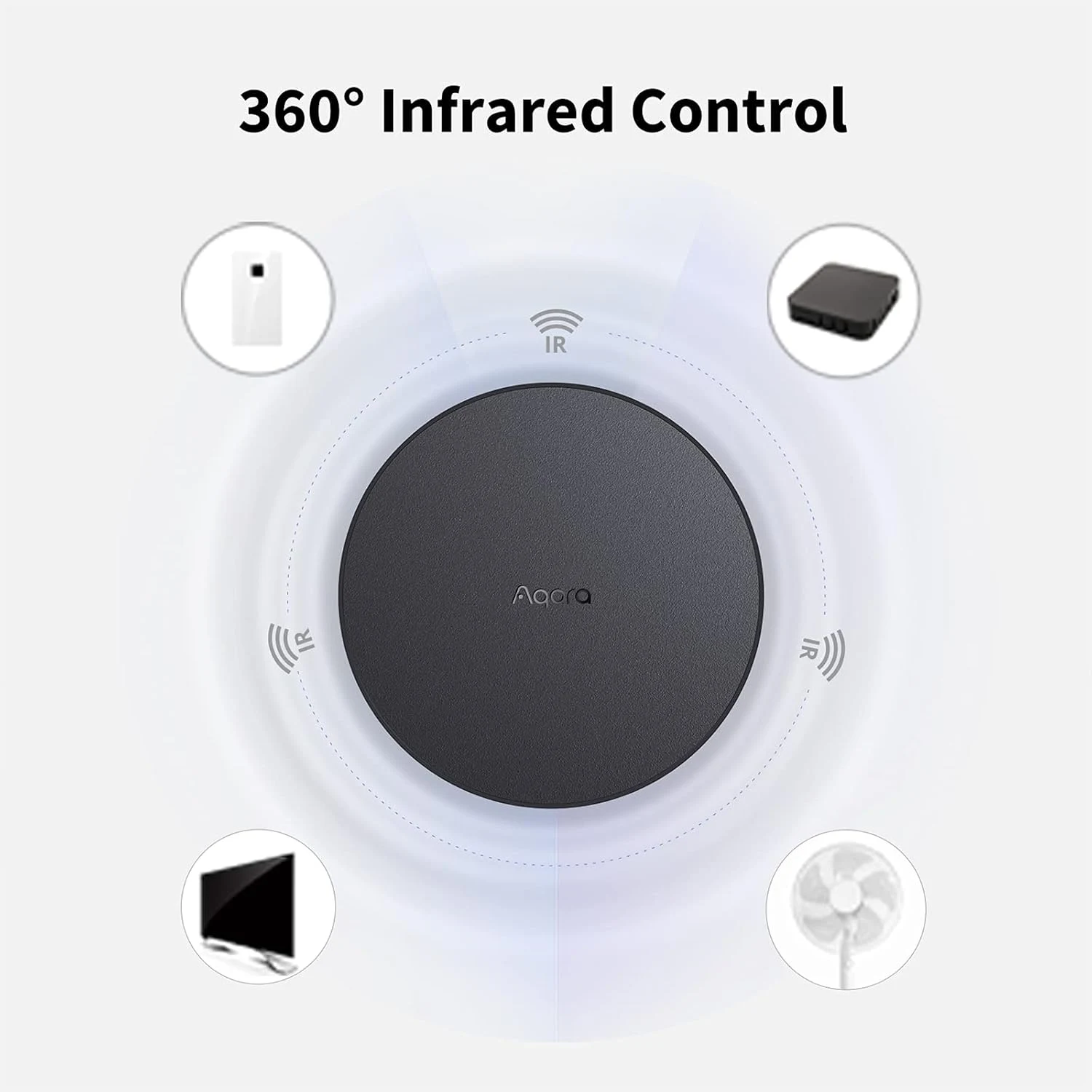
I would start with a modest rule whose outcome is easy to observe, such as a supported sensor changing a suitable light. Once that works as intended, I would consider more conditions. Overlapping rules can make a home harder to understand, particularly when two platforms both try to control the same device.
I would keep manual control familiar. Someone should not need to know which app contains a rule just to operate an ordinary room light. A hub is most pleasant when it makes the home easier for everyone, including people who did not build the configuration. The automation should support the room rather than become the room’s hidden owner.
Infrared is another job with its own limits
The M2’s infrared capability can be useful for suitable existing appliances. I would first establish that the appliance uses infrared and that the commands I need are supported. A television’s power button, a Bluetooth remote function and a radio-controlled accessory are not all the same kind of signal.
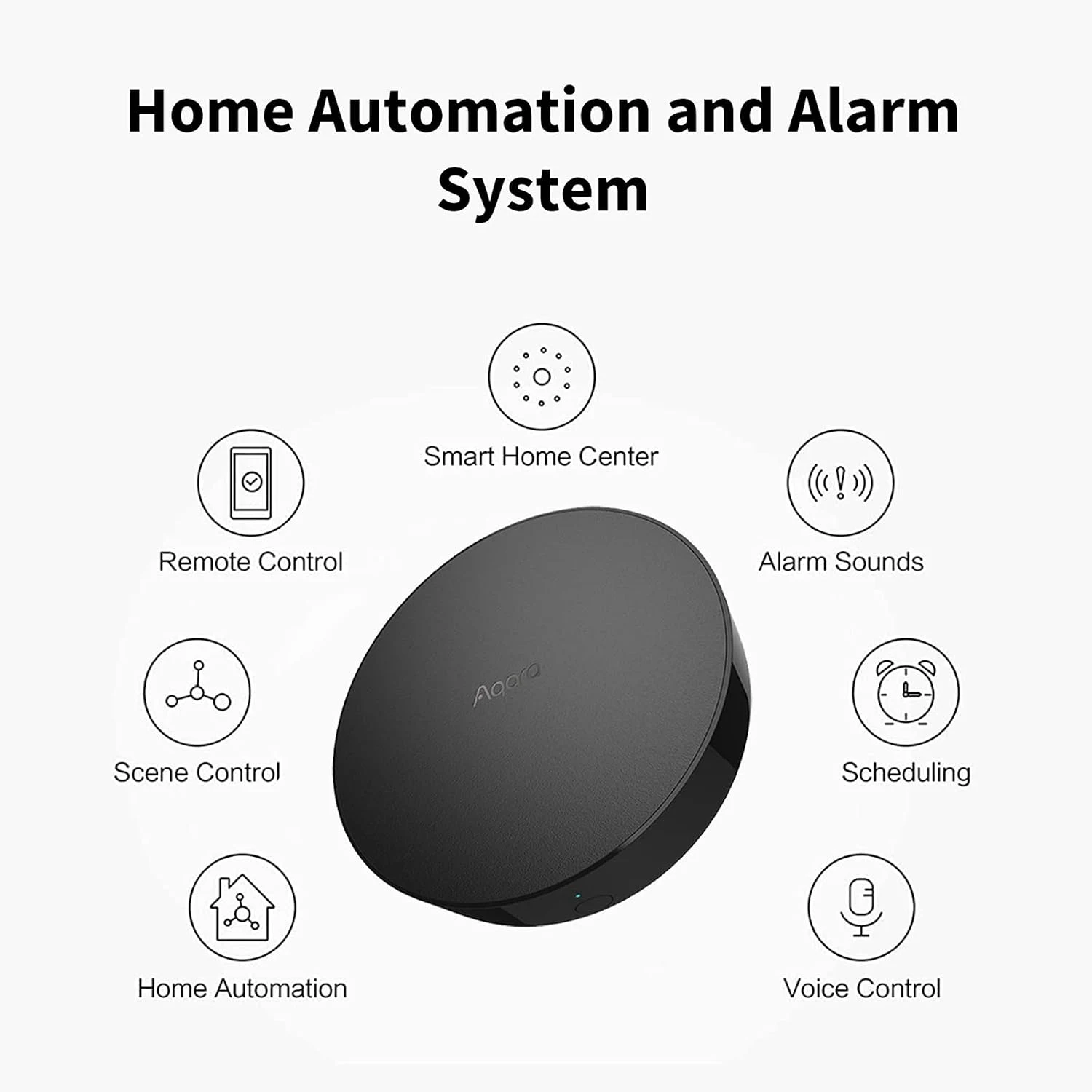
Placement matters here too. An infrared command needs an appropriate path to the appliance. A hub placed neatly behind an obstruction may have a good Ethernet connection yet a poor line to the equipment. I would check the practical command route rather than assume the product’s location should be determined only by the nearest socket.
I would not assume that an infrared appliance becomes a fully reported smart device. Sending a command is different from receiving reliable state feedback. Platform exposure can also differ from the Aqara app. For a rule depending on whether an appliance is actually on, I would check the supported information rather than infer success from the fact that a command was sent.
Related reading

What I would choose instead
I would choose the SONOFF ZBDongle-P for a supported self-managed Zigbee platform where I want to own the coordinator software. I would compare a newer Aqara hub if the planned devices require capabilities beyond the M2. The right alternative follows the actual device list, not the largest advertised accessory count.
My view of the M2 is positive for a focused Aqara installation. I would check the exact regional model, current firmware guidance and supported child devices before buying. Its value is a coherent, maintainable centre for the right sensors, with Ethernet where useful, rather than an expectation that a hub label removes every smart-home compatibility boundary.
The product images come from the selected listing and identified manufacturer materials. My assessment uses the linked product information and the buying decisions explained here. Specifications are manufacturer or retailer claims; the conclusions are my own editorial judgement.
What worked
Ethernet and a dedicated sensor-hub role can keep the core installation clear and manageable.
What bothered me
It does not make every third-party Zigbee, Thread or infrared function available in every platform.
Who should not buy it
Someone expecting a universal Zigbee coordinator, a Thread border router or automatic Apple Home support for every IR appliance.
Alternatives I would consider
SONOFF ZBDongle-P. I would choose it for a supported self-managed Zigbee platform rather than a vendor hub. Read my SONOFF ZBDongle-P review.
A newer Aqara hub. I would compare the exact supported protocols when the planned devices need more than M2 provides.
Evidence and sources
The linked product documentation and exact retailer listing support the product details. Images: Amazon product gallery. These are not personal test photographs or measurements.
Features, compatibility and rated figures from the maker are manufacturer information. My opinions are identified in the review.
Conclusion
Most worthwhile with several supported sensors and a clear reason to keep them in Aqara’s ecosystem.
Aqara Hub M2
Amazon US · US
Check price and availability: Aqara Hub M2 at Amazon USAffiliate link. As an Amazon Associate I earn from qualifying purchases.
One email a week with practical Mac workflows, useful comparisons and honest tech recommendations.