A small white adapter is about the dullest thing Apple sells, and that is roughly the point. You own a thumb drive, a printer cable, a wired keyboard or an old USB hard drive, and your MacBook has only USB-C ports. This adapter turns one of those ports into a full-size USB-A socket. There is little more to it.
I found no independent speed test of it, and owners rarely write much about a product this simple. Most people plug it in, it works, and they forget it. That silence shapes everything below, because the people who do write are the ones with a problem.

Product image from the Amazon listing.
To be clear about what this is: it is a data adapter with one USB-C plug and one USB-A socket. It has no HDMI port, no charging pass-through and no extra sockets. If you need a monitor or power at the same time, you want a hub or a multiport adapter, which is a different kind of product.
Related reading

What the Spec Sheet Tells You
Retailers describe it as a USB 3 class adapter, so confirm the rating on the listing. A USB 3.1 Gen 1 label means the same class of speed as USB 3.0, which is 5 Gbps on paper. Allowing for overhead, a fast external SSD on a port like that might get somewhere in the hundreds of megabytes per second, though that is an estimate from the standard and not a test of this adapter.
In practice the speed limit is usually the device on the far end. A thumb drive from years ago, a mouse, a keyboard or a USB 2.0 card reader will run at its own speed, and the adapter adds nothing and takes nothing away. It would only matter if you plug in a fast USB-A SSD and move large files. For that one use, the speed rating is the thing to know, and a USB-C drive plugged in directly would be simpler.
Retail listings are not always consistent on this, which shows how loosely these simple products are described.
Apple’s product text, as repeated by retailers, makes a modest promise. It talks about connecting iOS devices and standard USB accessories to a USB-C or Thunderbolt 3 Mac, and it warns that some USB accessories are not supported. Apple does not promise everything, and it gives no list. I also found no published figure for how much power the socket supplies, so a hungry device such as a bus-powered hard drive is a matter of trying it.

Product image from the Amazon listing.
Which Devices Owners Actually Name
The product’s main job is old accessories. Some Best Buy reviewers mention external drives and card readers working as intended. A MacBook Pro owner on Apple’s forum in 2020 used a USB-C adapter for a keyboard, a mouse and a backup drive, although that post does not say which brand of adapter it was. Apple’s text also points to charging and syncing an iPhone or iPad with a Lightning to USB cable, which is a common reason to own one. It lets you keep using the cable you already have, and on a trip that can save you buying a new one.
The same forum post shows the failure mode: after a trip and a few days of rest, the adapter stopped working, and a new one failed on arrival too. Changing ports did not help. Two dead adapters in a row suggest that the Mac or a setting may have been at fault rather than the adapter, and a reply there suggested an NVRAM reset. No result was posted.
Related reading

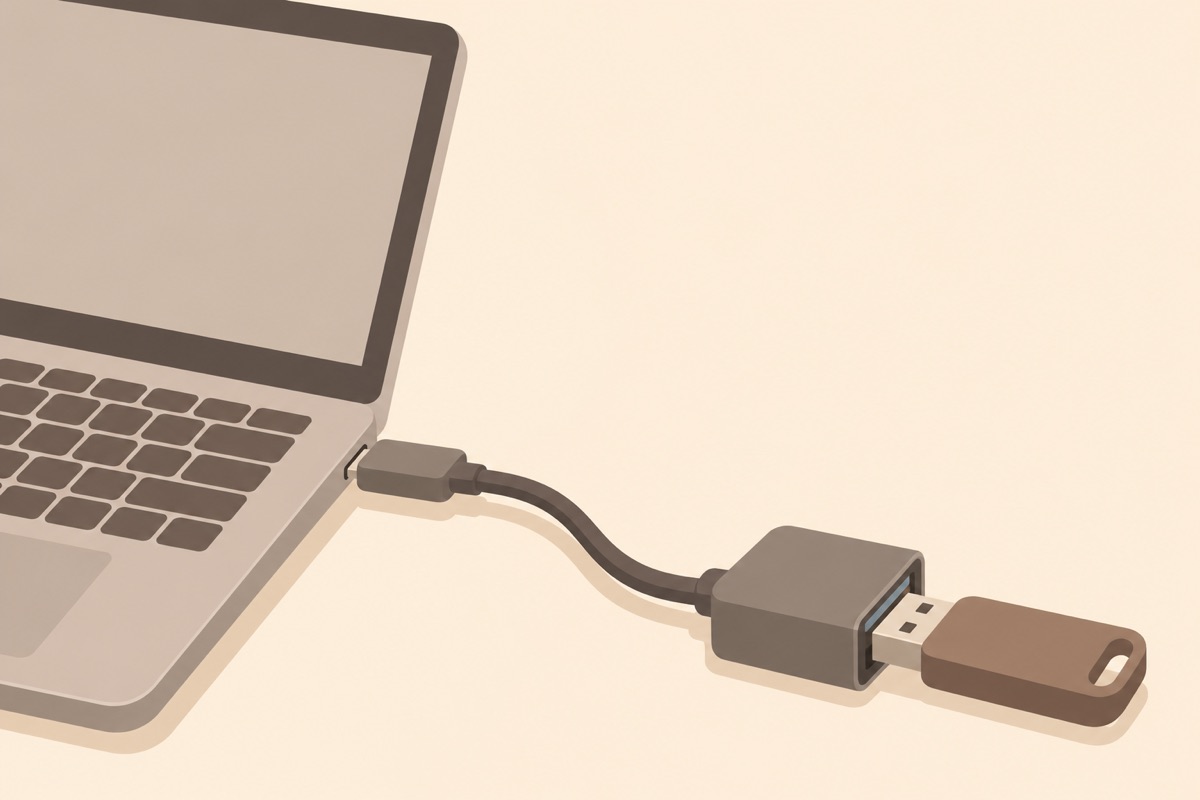
Illustration of this type of product, not a photograph of the Apple USB-C to USB Adapter.
When It Does Not Work
The most direct complaint comes from May 2024. The owner of an M3 MacBook Pro bought this Apple adapter, and a USB-A hard drive would not connect through it. A third-party adapter worked with the same drive. The only reply was to return it, and that is sound advice. It is one report, and it could be a bad unit, but it is a nice reminder that the Apple logo does not guarantee anything.
A more interesting case came in April 2023. A new MacBook Pro owner connected a webcam and a wired headset through a USB-C to USB adapter. Zoom and FaceTime could not find the camera, and a “trust this device” prompt flashed and vanished. System Information did show the hardware. A forum reply pointed to camera and microphone privacy settings, and said apps need permission.
I think that is the most useful tip in this review. Newer MacBooks on recent macOS versions ask you to approve new accessories, so what looks like a dead adapter may be a prompt that you missed, or a setting. Before you send one back, check System Information under USB, as that owner did, and see if the device appears there at all. If it does, the adapter is doing its job and the problem is further along.
Third-party adapters have troubles of their own, so the cheap option is no sure win. In April 2020, a MacBook Air owner reported that Syntech adapters would work for a few minutes and then stop, with a Logitech mouse and a Seagate drive alike. Replacements did the same. Apple’s reply suggested an SMC reset, and the thread ended without a confirmed result. It is one report about another brand, so I will not build a case on it, but this is the reason some people pay Apple’s price.
The Practical Limits
The obvious limit is that it uses up a port. A MacBook Air with two USB-C ports has one left for charging, so connecting two things at once gets tight. If you regularly use more than one USB-A device, a small powered hub will serve you better than a pile of single adapters. On a Mac with MagSafe charging and more ports, that matters less.
It also sticks out from the side of the laptop and carries the weight of whatever hangs from it. Any adapter of this kind can be knocked in a bag or on a lap, so I would unplug it when moving. Short cable adapters tend to put less stress on the port than rigid ones, but I have no owner data on port damage here, so that is common sense only.
Related reading

It may also suit an iPad with USB-C, though what you can do with an accessory depends on the iPad and the app, so test your own setup while you can still return it.
Small, Plain and Sometimes Overpriced
My view is that this is a safe, boring buy for a person who needs one USB-A socket now and then. It takes no setup and it travels easily. Keep one in your laptop bag and you will use it for the odd thumb drive that someone hands you.
It is a weak buy if you need several ports, a video output, or charging at the same time, because a hub does all that. And the price is the real debate. Cheap third-party adapters can do the same job, and the M3 owner above found one that worked when the Apple one did not. If you want the fewest possible doubts about a brand, and can return it if your particular device refuses, Apple’s version is fine.
For one old accessory and a USB-C Mac, the Apple USB-C to USB Adapter does a small job without fuss. This is an affiliate link. As an Amazon Associate I earn from qualifying purchases.
One email a month: new articles, reviews and the upcoming live webinar + free recording. No spam, unsubscribe anytime.