A charger is successful when the phone is ready and nobody has to think about it. Apple’s 20W USB-C adapter is a simple way to build that one-device charging spot. Its limitation is equally simple: one port and a defined power level. It should be chosen for a particular phone, cable, and location, rather than as an automatic answer to every charging need.
This is a research-based review of the Apple 20W adapter in the supplied Amazon listing. I have not measured efficiency, temperature, electrical output, or a phone’s charging curve. I checked Apple’s specifications and charging guidance. Any charging times mentioned by those sources remain Apple’s test claims, not measurements from this review.
My Amazon link for the Apple 20W USB-C adapter is an affiliate link. As an Amazon Associate, I earn from qualifying purchases. The product photographs come from that listing rather than a tested sample.

The cable completes the purchase
The listing is for the power adapter, with the charging cable sold separately. The USB-C port on the charger does not tell you which connector the phone needs. A Lightning iPhone uses an appropriate USB-C-to-Lightning cable; a USB-C phone uses a suitable USB-C cable.
Related reading
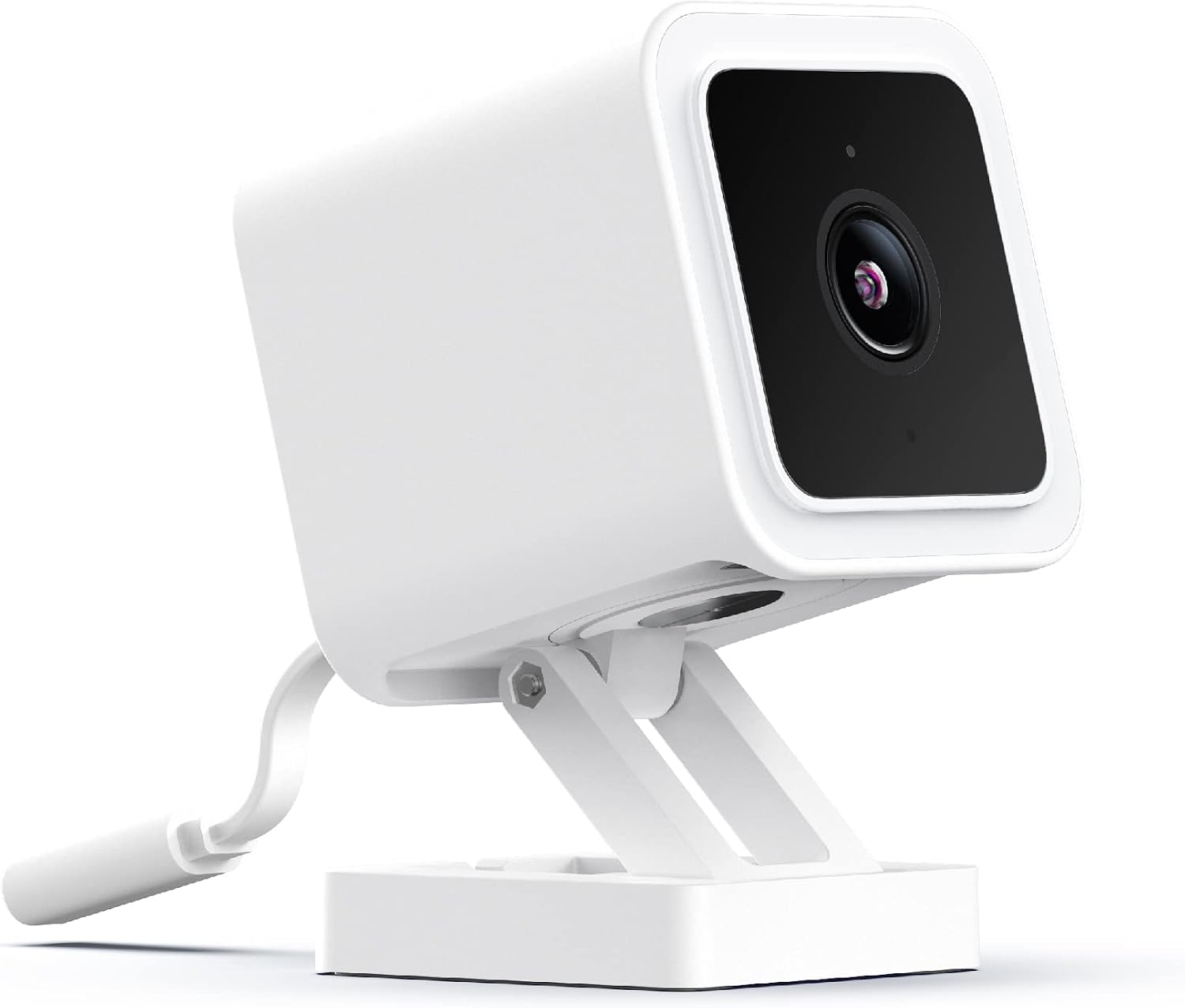
Look at both ends of your existing cable before ordering. A USB-A-to-Lightning lead from an older charger will not plug into this adapter’s USB-C socket. That is a small detail, but it changes the total purchase. The useful comparison is a complete working setup, not the price of a white block without the lead you need.
Choose the cable length around the actual socket and resting place. A short lead can be tidy on a desk and frustrating beside a low wall outlet. A long one can reach comfortably and create a snag across a walkway. Measure the route and leave enough slack to pick up the phone without pulling on the adapter.
For a fixed charging station, give the cable a normal resting point. A lead that falls behind a heavy bedside table every morning makes even a reliable charger irritating. A simple clip or thoughtful route can improve daily use more than choosing between two similar power numbers.
Twenty watts is a capability, not a constant delivery
Apple’s safety information lists 5V/3A or 9V/2.2A output for its 20W adapter, with 100–240V input at 50–60Hz. Those are documented electrical specifications. They do not mean every connected product draws 20 watts continuously throughout a charge.
Charging depends on the device, its starting battery level, temperature, cable, and current activity. Apple’s charging-speed guidance discusses these factors and recommends the appropriate USB Power Delivery setup for faster wired charging. A higher number on an adapter is only useful when the connected arrangement can use it.
The most useful test is your own routine. If you need a short top-up before leaving, observe how much charge the phone gains during that real interval under similar conditions. If you normally charge overnight, reaching a usable level by morning may matter more than chasing the shortest advertised early-charge time.
Do not compare two sessions that start at very different battery levels and assume the charger caused the difference. Nor is an actively used phone equivalent to one resting with the screen off. Keep the conditions reasonably consistent if you want to learn whether a change made a useful difference. This review contains no measured speed comparison.
Check the exact phone’s current requirements
Apple’s fast-charging article distinguishes requirements for different iPhone generations and wired or wireless methods. Some newer maximum-speed claims require more than this adapter. The sensible question is whether 20W meets your actual target, not whether it once appeared beside a broad promise of fast charging.
For an existing older phone, this adapter may be entirely adequate for the intended routine. For a new phone bought partly for its quickest supported charging, read the current model-specific guidance before ordering. Do not transfer a test result from one generation to another just because both use USB-C.
Wireless charging adds another component. The charging pad or MagSafe unit has its own required adapter and cable conditions. Plugging a wireless charger into a 20W adapter does not establish that every advertised wireless mode is available. Check the combination by exact model rather than treating the pad and adapter as independent purchases.
Related reading

If you already own a suitable compliant charger, compare the expected benefit before buying another. A brand match can make the choice easy, but it does not create a new need by itself. The strongest reason for a dedicated adapter may be a useful second charging location, rather than replacing a working one at the same desk.

One port is a deliberate limitation
A single-port charger is easy to understand. One device uses it, and there is no decision about which cable gets priority. At a bedside table with one phone, that can be a useful arrangement. In a travel bag with a phone, watch, earbuds, and tablet, it may lead to several separate chargers and a search for more sockets.
Count the devices you expect to charge together. If two need power at the same time, compare a suitable multi-port option as a complete alternative. Check its documented output allocation rather than simply adding the largest numbers in the product title. A shared charger can change its available power when several devices are connected.
For a home station, simplicity may still win. A dedicated lead means someone does not unplug the phone to borrow the only charger for a tablet. If you regularly find the cable missing, a fixed place and a household agreement may solve more than buying an adapter with a higher rating.
I would avoid buying this small adapter as a general laptop charger without checking the laptop’s requirements. The shared connector does not establish that the power level matches the job. A device may behave differently while idle and under work, and the correct documented adapter is the better starting point.
Region and placement matter
The Amazon.com offer may show a US plug style. Apple’s adapter guide notes that size and style vary by country or region. Confirm the supplied plug and the rating on the actual product. A wide input-voltage specification does not make every plug shape fit every outlet.
For travel, plan the appropriate physical connection to the destination’s sockets and follow the adapter’s instructions. Buying the local version may be simpler than carrying another travel accessory for a charger that will mainly stay at home. Include that practical detail in a price comparison between regions.
Choose an accessible outlet where the adapter and cable are supported sensibly. Avoid an arrangement that traps the charger under bedding or leaves the phone hanging from its lead. Apple advises against wet locations and using damaged plugs or cables. The useful station should be dry, easy to inspect, and out of the way of ordinary movement.
If a cable becomes frayed or a plug is damaged, stop using that part rather than trying to compensate with tape and a carefully balanced position. A charging accessory should simplify a routine. When it needs constant physical adjustment to work, treat that as a fault to resolve, not a personality trait of the setup.
Related reading

Know what you are paying for
I would compare the current delivered price, seller identity, plug style, included items, and return terms. The large rating count does not verify a particular seller’s parcel. Inspect the supplied adapter and its markings when it arrives, and resolve an obvious mismatch before making it the permanent bedside charger.
There is no efficiency or thermal measurement in this article that would justify calling it the best charger. Nor can a product photograph establish electrical safety for an unknown third-party imitation. Choose a reliable supply route and check the actual product rather than buying solely on the lowest number beside a familiar logo.
For everyday use, test the complete cable and device arrangement over several normal charging sessions. Confirm that charging begins reliably and that the phone is ready at the time you need it. If the problem is intermittent, compare the cable and outlet one at a time. Replacing every part together can conceal which one caused the issue.
My judgement
The Apple 20W USB-C adapter makes sense as a straightforward single-device charging station when its output matches the phone and charging method. It is easy to specify and easy to give a fixed role. The correct cable, regional plug, and physical placement are part of making that role useful.
I would choose another documented solution for several simultaneous devices or a specific higher-power charging target. I would also keep an existing suitable adapter when buying another brings no practical benefit. Check this exact offer through my Amazon affiliate link, with the cable and intended charging routine included in the decision.
One email a month: new articles, reviews and the upcoming live webinar + free recording. No spam, unsubscribe anytime.