Some of the most important things we own now sit behind a login screen. Our email, personal photos, documents, software projects and the accounts we use to run a business all depend on being able to prove who we are.
A small physical key is an appealing way to help with that job. You keep it with you, connect it when the service asks and confirm the login. It gives an online account something you can actually hold.
Yubico’s security keys make sense to me for that reason. They offer a practical way to add strong authentication to compatible accounts, with a clear purpose that is easy to explain.
For this review, the main example is the YubiKey 5C NFC, with the cheaper Security Key C NFC alongside it. Choosing between them matters, because many people can get the web-account protection they need from the less expensive model.
This is a research-based companion to our earlier review of both keys on a Mac. The focus here is choosing and using a key for important accounts, rather than adding a new set of browser tests.
Disclosure: Yubico supplied the keys for the earlier review free of charge. That article describes a 60-day promotional placement, with no payment and no requirement for a positive verdict.
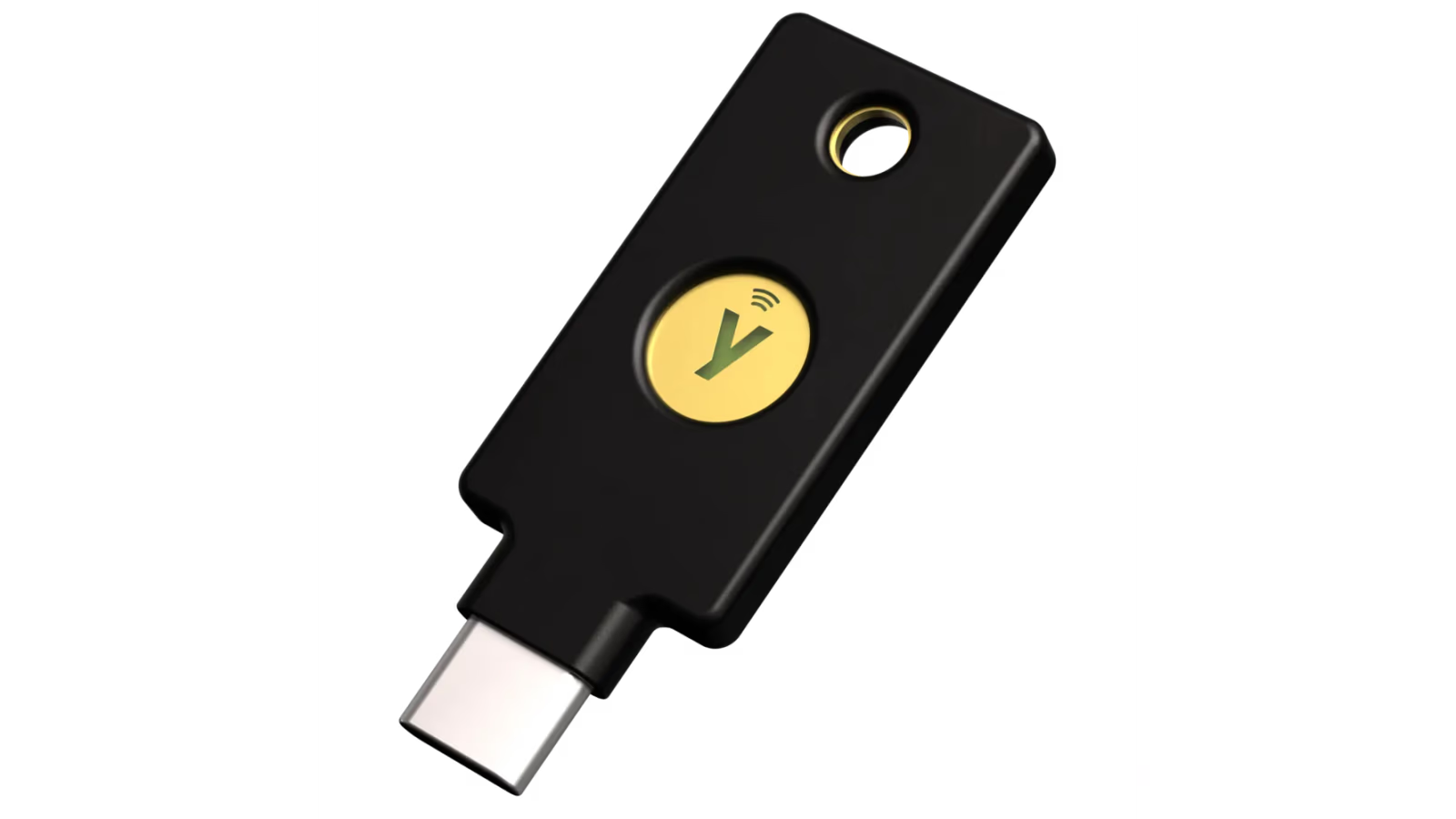
Official product image: Yubico. This is the YubiKey 5C NFC.
What the key actually does
With FIDO2 and WebAuthn, a compatible service can register a credential associated with your security key. Later, the key helps prove that you have that credential when you sign in. The service checks a cryptographic response rather than asking you to read a short code from the key. How FIDO2 works.
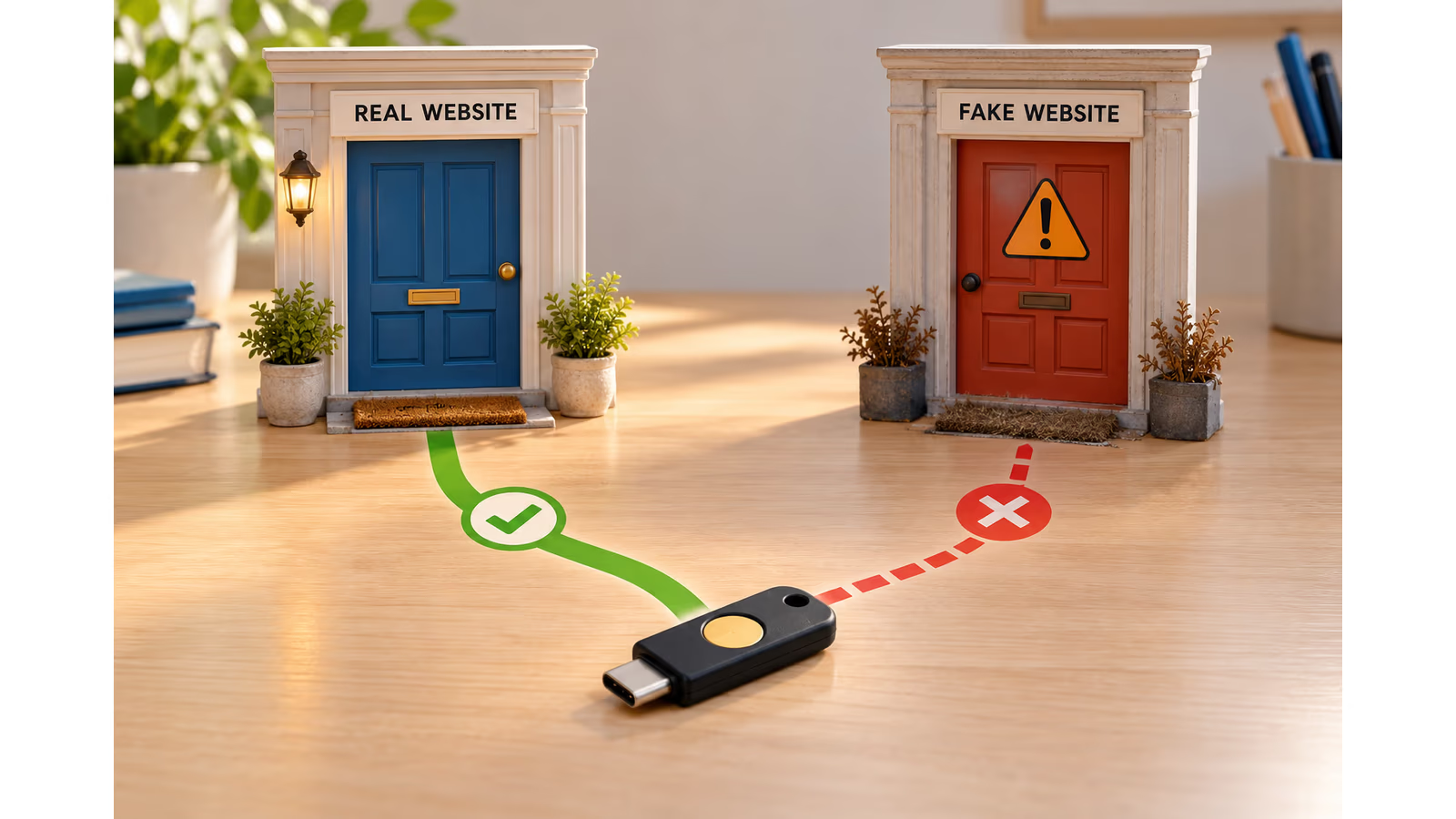
The useful part is that the credential belongs to the correct service. The browser checks the website involved in the request. A copied login page at another address cannot simply request the real site’s credential and use it as if it were a password. WebAuthn authentication flow.
Related reading
AI-generated metaphor for FIDO website binding. It uses a generic key and does not mean the device can prevent every kind of online attack.
You do not need to understand the mathematics to appreciate the result. A password can be typed into a convincing fake page. Properly implemented FIDO authentication checks more than whether a person knows a secret.
That is the reason I find this product category worth considering. The benefit comes from changing how a supported login works, rather than asking people to spot every suspicious page perfectly.
Start with the account that opens the others
I would begin with the email account used for password resets. It often provides the route back into other services, making it a sensible place to concentrate attention.
After that, I would look at the password manager, cloud storage and any account used to publish work or manage a business. The exact order depends on what losing access would mean for you.
There is no need to turn the first afternoon into a migration of every login you have ever created. Choose one supported account, read its instructions and complete the setup while you have time to check the result.
This also makes the purchase easier to evaluate. Instead of buying a security accessory and wondering what to do with it, you have a specific job ready: add a hardware key to an account you depend on.
Yubico’s compatibility catalogue is a useful starting point. Check the entry and the service’s current instructions, because support can depend on the account type, plan or administrator’s policy. Works with YubiKey.
USB-C and NFC make a useful combination
The YubiKey 5C NFC has a USB-C connector for compatible computers and NFC for supported mobile devices. It does not need its own battery or network connection. The online service and the device running it still need whatever connectivity that login normally requires. YubiKey 5C NFC.
I like that straightforward physical design. There is no extra battery to remember to charge before a trip, and the key is small enough to carry with ordinary keys.
Compatibility still deserves a little thought before buying. Check the ports on the devices you use, and check that the phone and application support the NFC operation you need. Having NFC on both a phone and a key does not make every app use it automatically.
The 5C NFC’s gold contact is a touch sensor for confirming presence, not a fingerprint reader. Depending on the service and authentication method, you may also be asked for the key’s PIN. A touch and a PIN have different jobs. FIDO2 user verification.
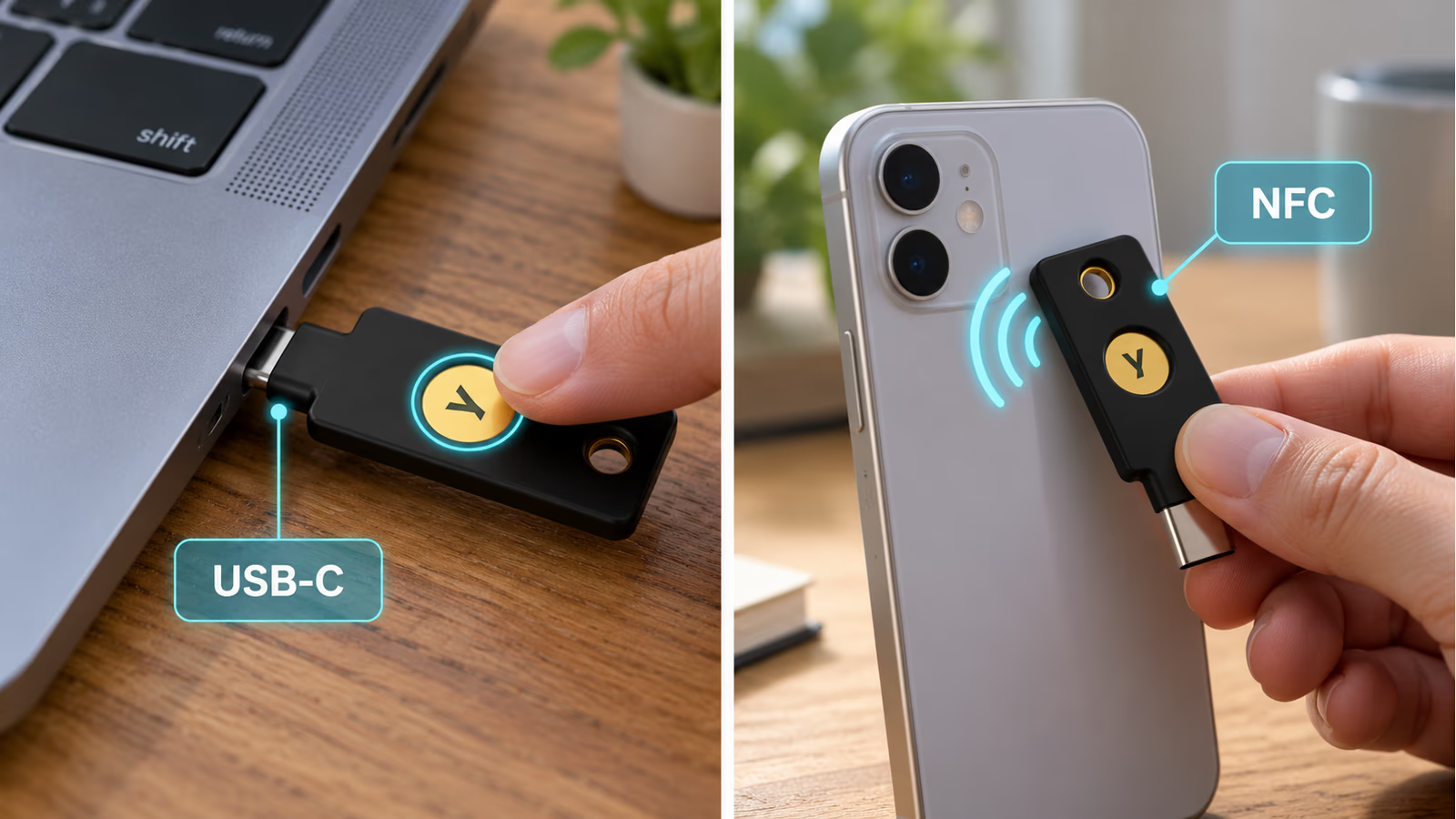
AI-generated AR-style explanation of supported USB-C and NFC use. The gold contact confirms a touch; it is not a fingerprint reader.
Once those distinctions are clear, the physical interaction is easy to explain to another person. Connect the appropriate key, follow the browser’s request and confirm the action you intended.
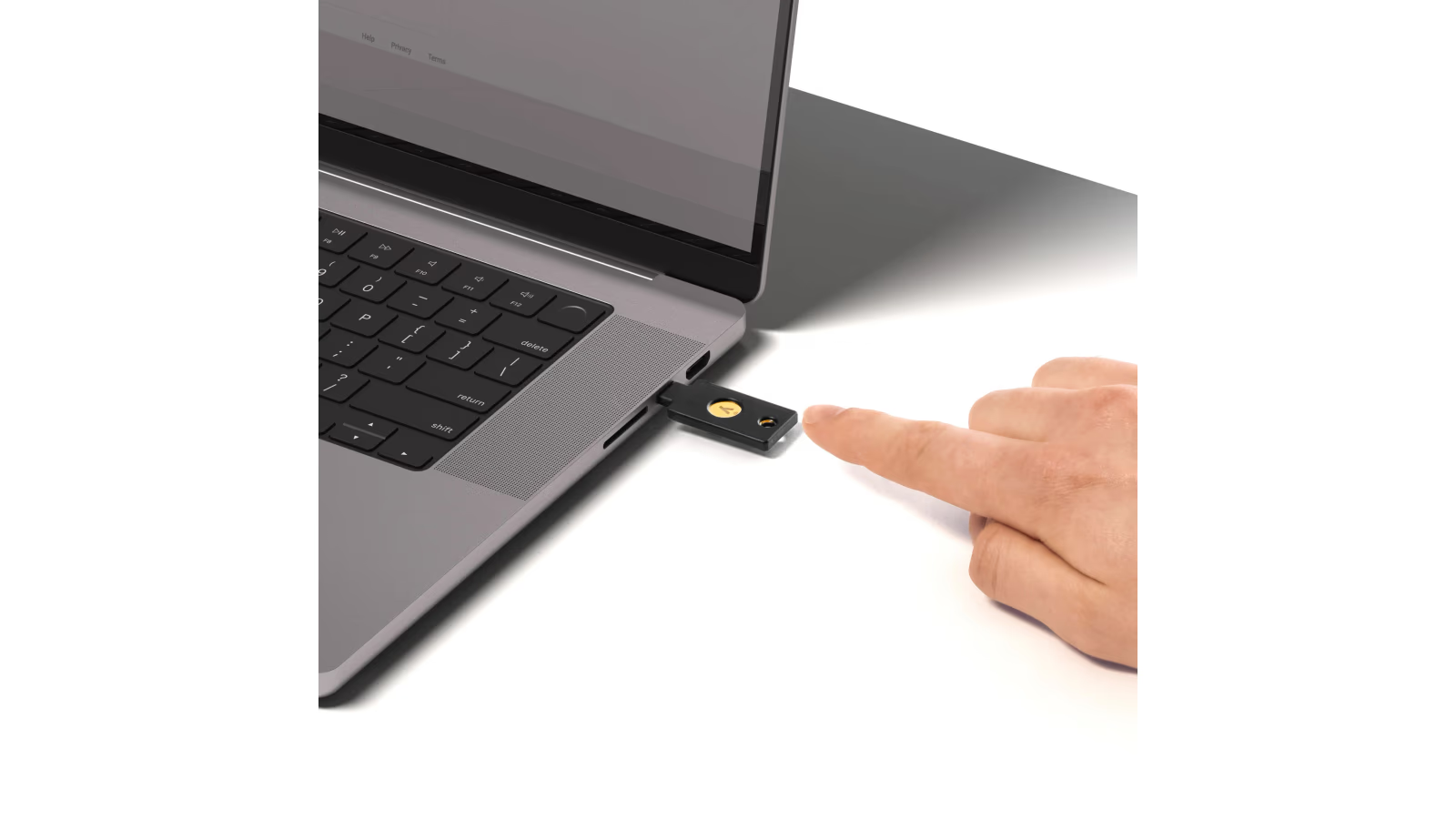
Official usage image: Yubico. The touch confirms an action; it does not read a fingerprint.
Register the key with each account
A security key needs to be added to the accounts where you want to use it. Plugging it into a computer does not automatically protect every service already open in the browser. Registration is part of the FIDO process. Registration and authentication.
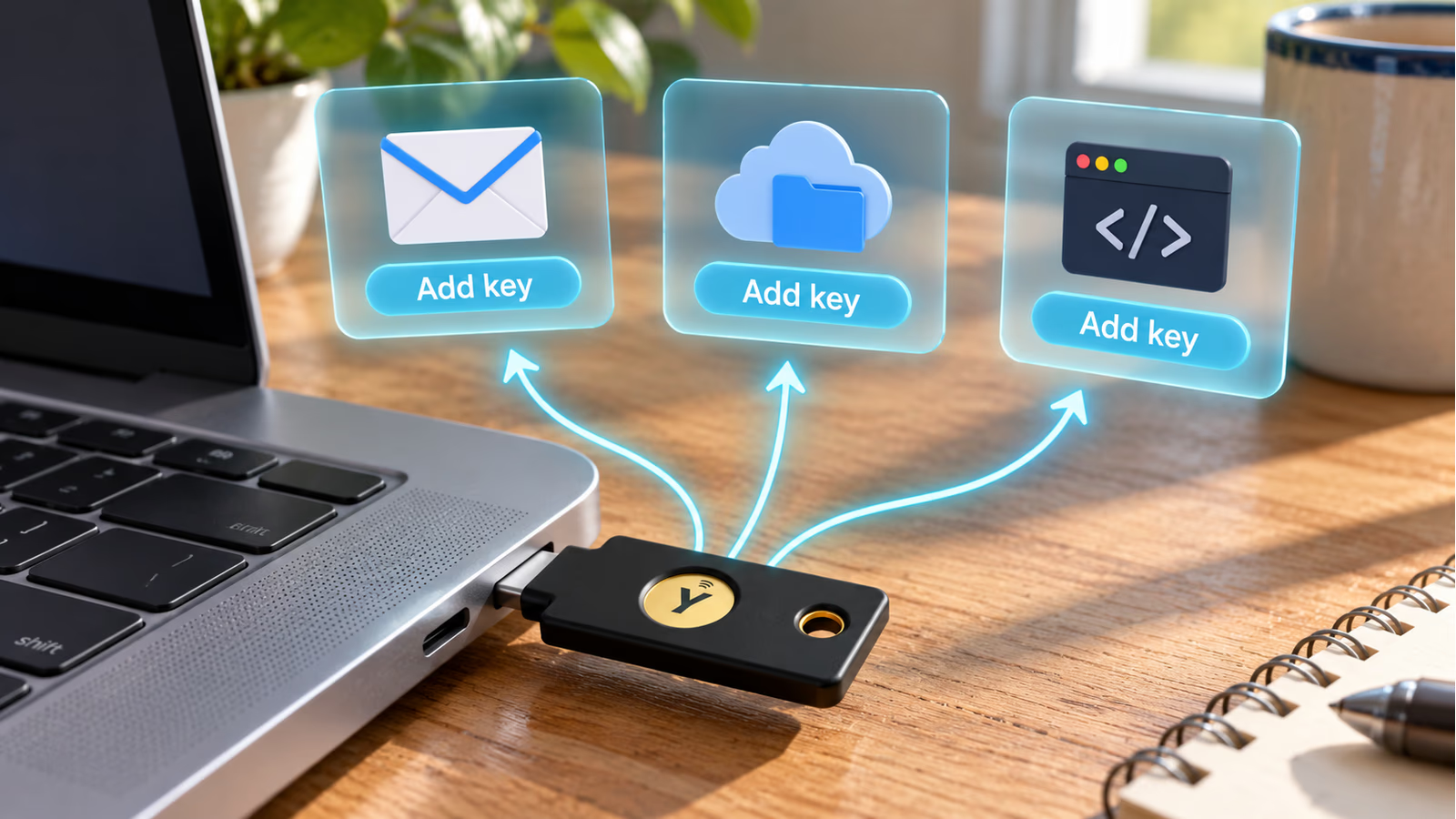
AI-generated AR-style explanation. Add the key separately in each supported account; plugging it in does not protect every account automatically.
I would open the service’s account settings directly, find its current security-key or passkey instructions and follow that flow. Give the key a useful name if the service offers that option.
Names such as “daily key” and “spare at home” are easier to understand later than an anonymous entry in a list. They help when you need to remove a lost key or check which devices have been registered.
Related reading

Before changing any other login methods, try the new key in a fresh session. Leave the original working session available until the new route has been checked. That keeps the first setup calm and gives you a way to correct a mistake.
The exact screens vary by service. A review can explain the principle, but the service’s own current instructions should guide the actual account change.
The spare belongs in the plan from the beginning
I would budget for two keys. One can come with you, while the other stays somewhere safe and separate. Register both with the services that allow it. Yubico’s developer guidance identifies multiple registered WebAuthn credentials as a useful recovery option. Account recovery.
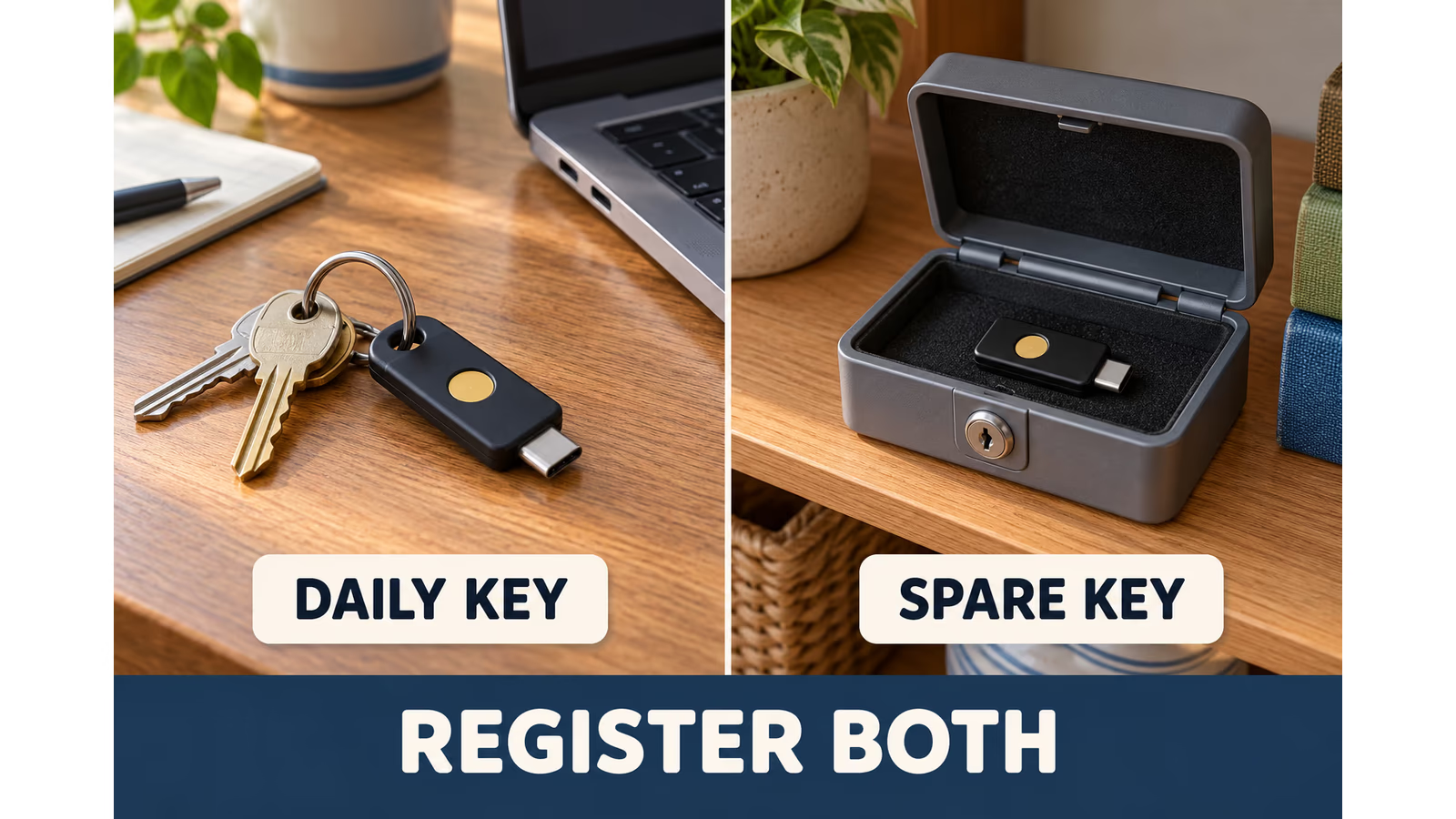
AI-generated explanation using generic keys. The spare must be registered separately; the picture does not show credentials being copied between keys.
The second key is not an automatic clone. Adding the first one does not register the spare on every account. Do both registrations while the account settings are already open, then check both.
Store any recovery codes according to the service’s guidance, somewhere you can reach if the normal login fails. The useful question is whether you could recover access after losing the bag that holds your laptop, phone and daily key.
That is one reason I like a modest start. It is easier to build a recovery plan for two important accounts, understand it and then repeat the process than to rush through a long list and forget which spare goes where.
The product works best when the physical key and the account’s recovery settings are considered together.
The cheaper Security Key may be the better buy
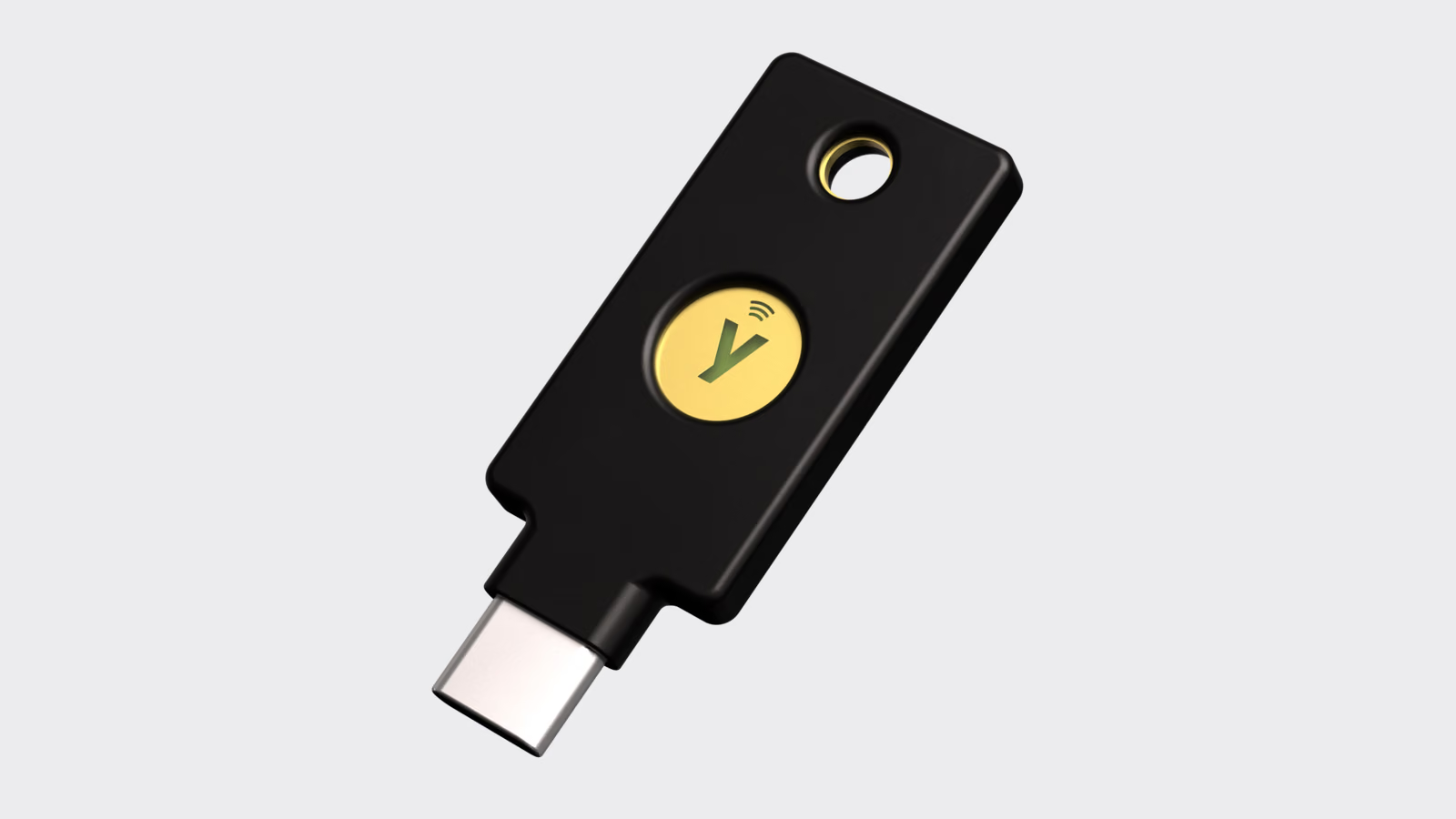
The Security Key C NFC supports FIDO2/WebAuthn and FIDO U2F. It has USB-C and NFC, but leaves out the additional authentication methods in the 5 Series. In particular, it does not generate OATH authenticator codes. Security Key C NFC.
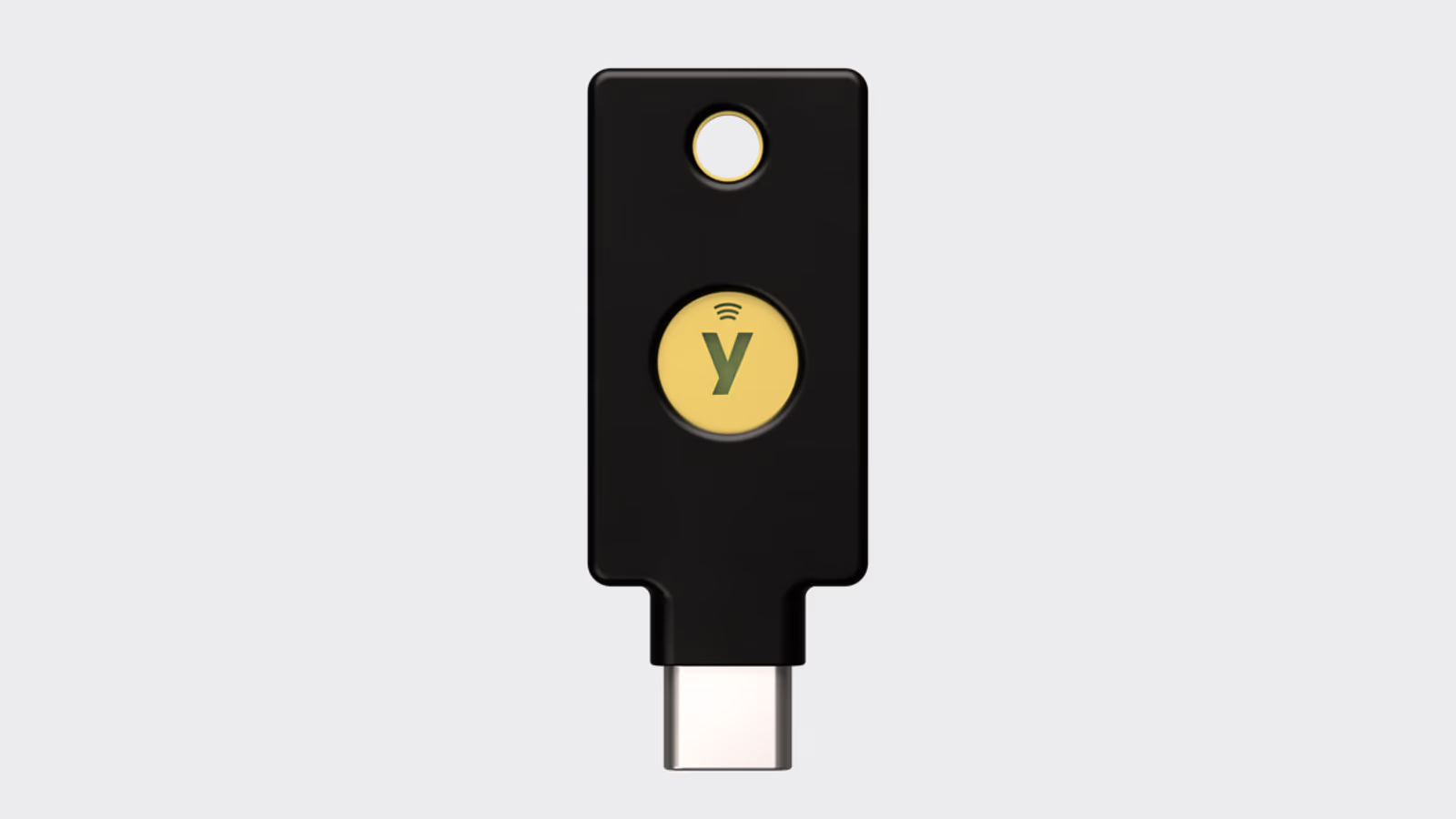
Yubico product image from our earlier review. The similar appearance should not hide the different protocol support.
For someone protecting compatible web accounts, I would take this model seriously. Paying more for a list of features you will never use does little for the account you actually want to protect.
The lower price also makes it easier to include the spare. I would rather plan a complete setup with two suitable keys than spend the same budget on one more capable key and postpone recovery indefinitely.
This is a choice about the methods your accounts need. The Security Key is not a lower tier of FIDO protection simply because it has fewer other functions.
Where the YubiKey 5C NFC earns the extra cost
The 5 Series adds methods including OATH one-time codes, PIV smart-card support and OpenPGP. Those can matter for an organisation’s login setup, development work or services that use authenticator codes. YubiKey 5C NFC protocols.
For example, someone with an existing smart-card requirement has a different shopping list from a person adding FIDO keys to a few web accounts. A developer planning to use OpenPGP also needs to think about that workflow before choosing a FIDO-only product.
Yubico Authenticator is relevant to supported functions on the 5 Series. For OATH codes, the credential secrets are kept on the key, while the application provides the interface to use them. Authenticator documentation.
Those codes remain a different method from FIDO authentication. A code that you type into a website does not gain FIDO’s website binding just because a hardware key helped generate it.
I find the broader support attractive when it solves a real requirement. I would choose the 5C NFC for those jobs, rather than treating the longer specification as a reason everyone needs it.
A hardware key fits beside a password manager
I would keep using a password manager for accounts that still need passwords. A security key can strengthen supported authentication, while the manager handles the many passwords that remain part of everyday life.
Passkeys stored on phones and computers are another useful option. The attraction of an external key is having a separate physical authenticator that you can carry between compatible devices. Which option is more convenient depends on the account and the equipment you use.
Related reading
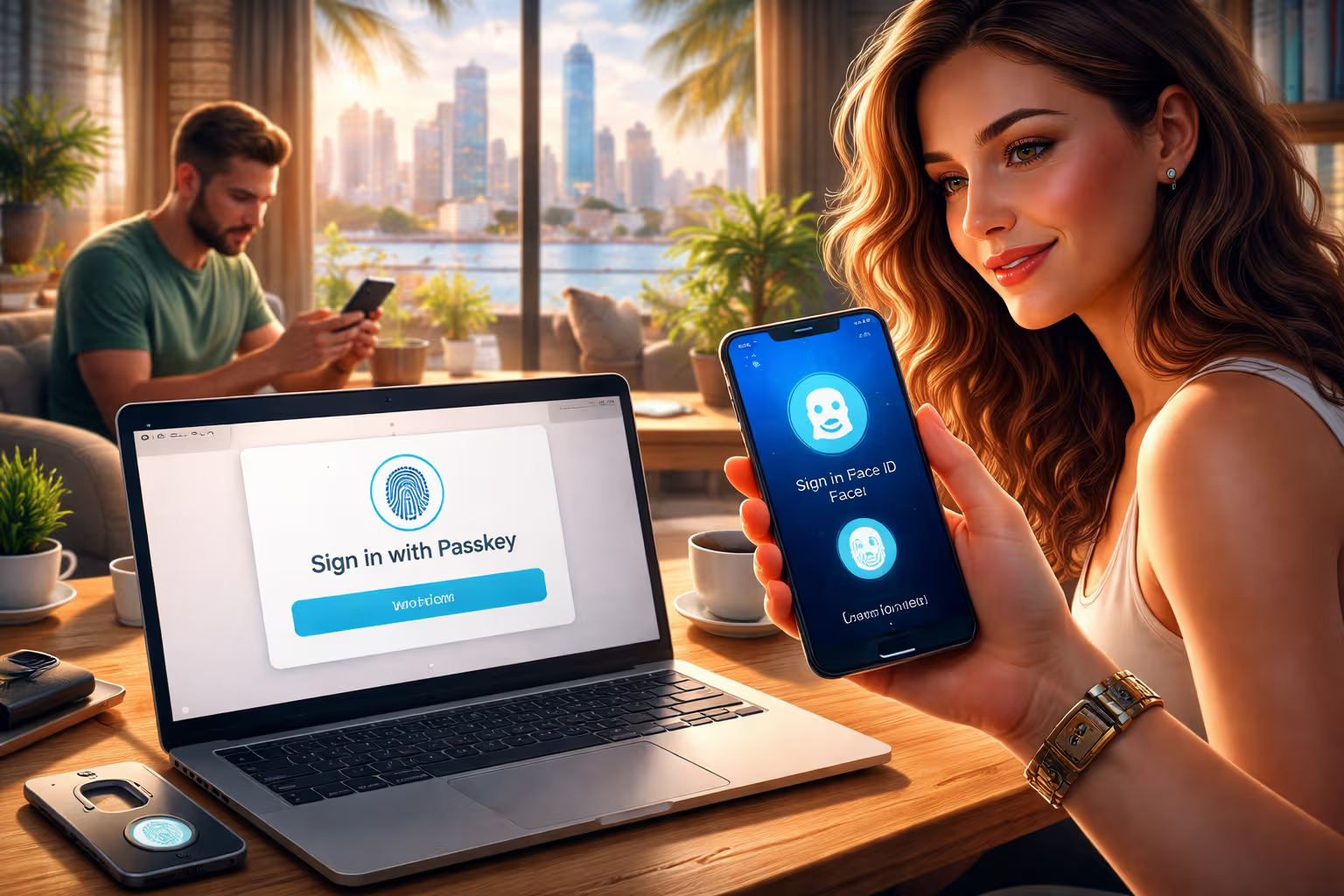
There is room for both. I would concentrate the extra physical step on accounts where that separation is useful, then choose a sensible supported method for the rest.
This makes the product less intimidating. You can improve a few important logins without replacing every familiar tool at once.
The price makes choosing the right model worthwhile
On 19 October 2026, Yubico’s German storefront showed €69.02 for the YubiKey 5C NFC and €34.51 for the Security Key C NFC, including the displayed German VAT. Delivery and the tax treatment for your destination can change the final total. 5C NFC price, Security Key price.
At those listed prices, two Security Key C NFC units cost €69.02, while two 5C NFC units cost €138.04 before any delivery charge. That is a meaningful difference when buying for a family or a small team.
My recommendation is to identify the required authentication methods first, then buy a suitable pair. For FIDO web accounts, the less expensive option is compelling. For the extra protocols, the 5 Series has a clear purpose.
The value comes from protecting accounts you use, so compatibility is the first thing I would check before placing an order.
A useful tool with an easy-to-understand purpose
A YubiKey does not make every part of a computer trustworthy. It helps with authentication. Software updates, account recovery and care with an already signed-in session still matter.
That limited, clear job is part of what I like. The device offers a practical way to improve supported logins without asking the owner to run another server or maintain another charged gadget.
I think Yubico’s keys are excellent tools for the accounts that matter most. Choose the model by the protocols you need, include a separately registered spare and take time to check recovery while everything is working.
For many readers, two Security Key C NFC units will be the sensible starting point. The YubiKey 5C NFC is the more flexible choice when its extra functions belong in your workflow. Either way, a small physical object can do a useful job in a digital life that increasingly depends on access to a few important accounts.
Scope: this is a researched buying and usability assessment, dated 19 October 2026. It adds no personal test period, compatibility result or claim of a successfully blocked attack.
One email a month: new articles, reviews and the upcoming live webinar + free recording. No spam, unsubscribe anytime.