A weak Wi-Fi room is frustrating because the problem feels small until it interrupts something ordinary. A call stalls, a download restarts or a television loses its connection. I can see the appeal of a plug-in extender such as the TP-Link RE650: keep the existing router and improve one defined part of the home. I like that modest aim more than replacing an entire network before understanding the weak path.
Quick verdict
I would shortlist it for the focused role described here.
Best for: A planned repair to one part of an existing wireless network.
Main benefit: The extender and documented access-point modes provide two defined ways to improve a network area.
Biggest drawback: The upstream connection and placement remain limits; AC2600 is not one client's guaranteed transfer rate.
TP-Link RE650, AC2600 dual-band extender, US plug; confirm hardware revision
Amazon US · US
Check price and availability: TP-Link RE650, AC2600 dual-band extender, US plug; confirm hardware revision at Amazon USAffiliate link. As an Amazon Associate I earn from qualifying purchases.
Reviewed version: TP-Link RE650, AC2600 dual-band extender, US plug; confirm hardware revision
Compatibility: The exact regional RE650 hardware and firmware, existing router and intended range-extender or access-point mode. An Ethernet client port does not automatically make the upstream path wired.
Review context: I assess placement, the Ethernet port, roaming expectations and ordinary tasks along the full router-to-client path.
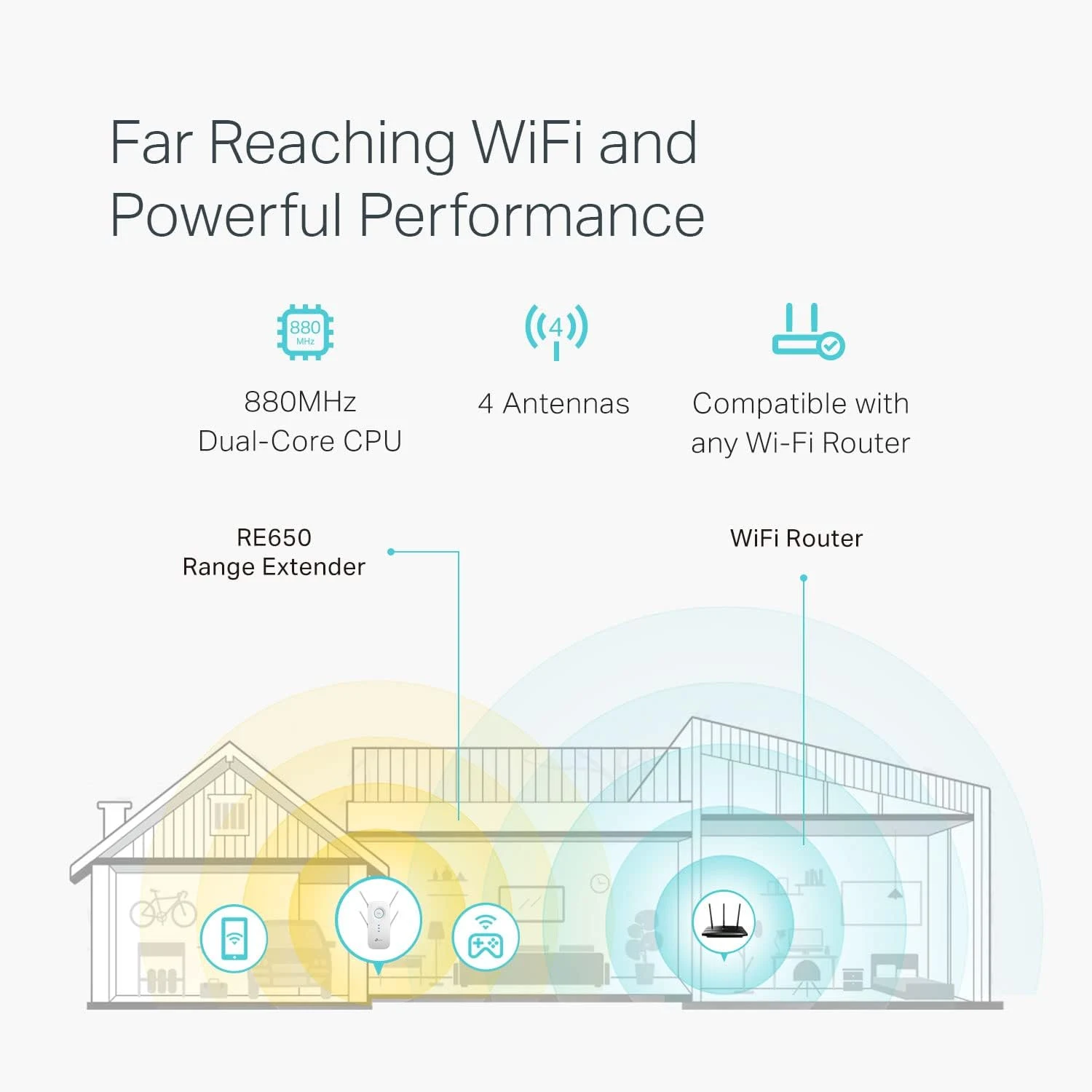
I would shortlist the RE650 when a suitable placement can receive a useful signal and serve the intended area. I would not put it inside the dead zone and expect its antennas to create a missing upstream connection. The buying decision should follow the route between router, extender and client, rather than the number of bars shown beside the new network name.
AC2600 is not a measured file-transfer rate
Product images: the verified retailer gallery and any original manufacturer illustration credited in the sources. These are not personal test photographs.
Related reading

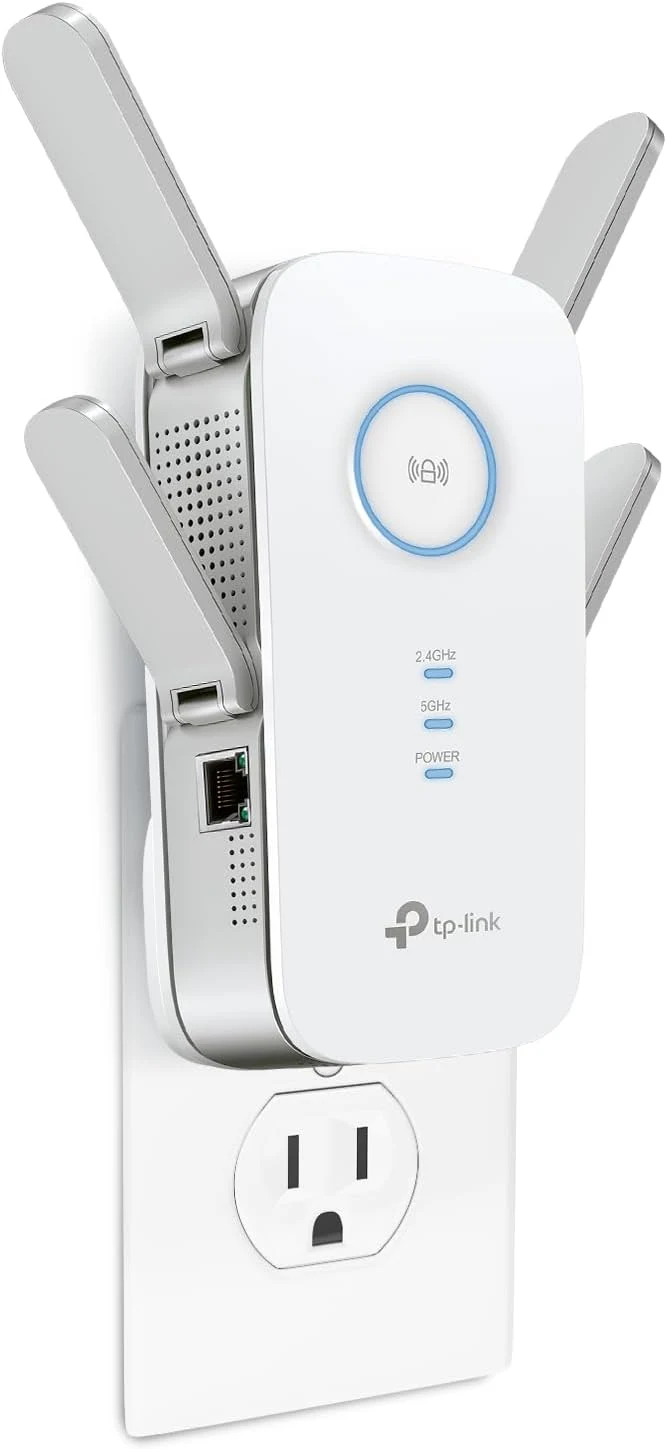
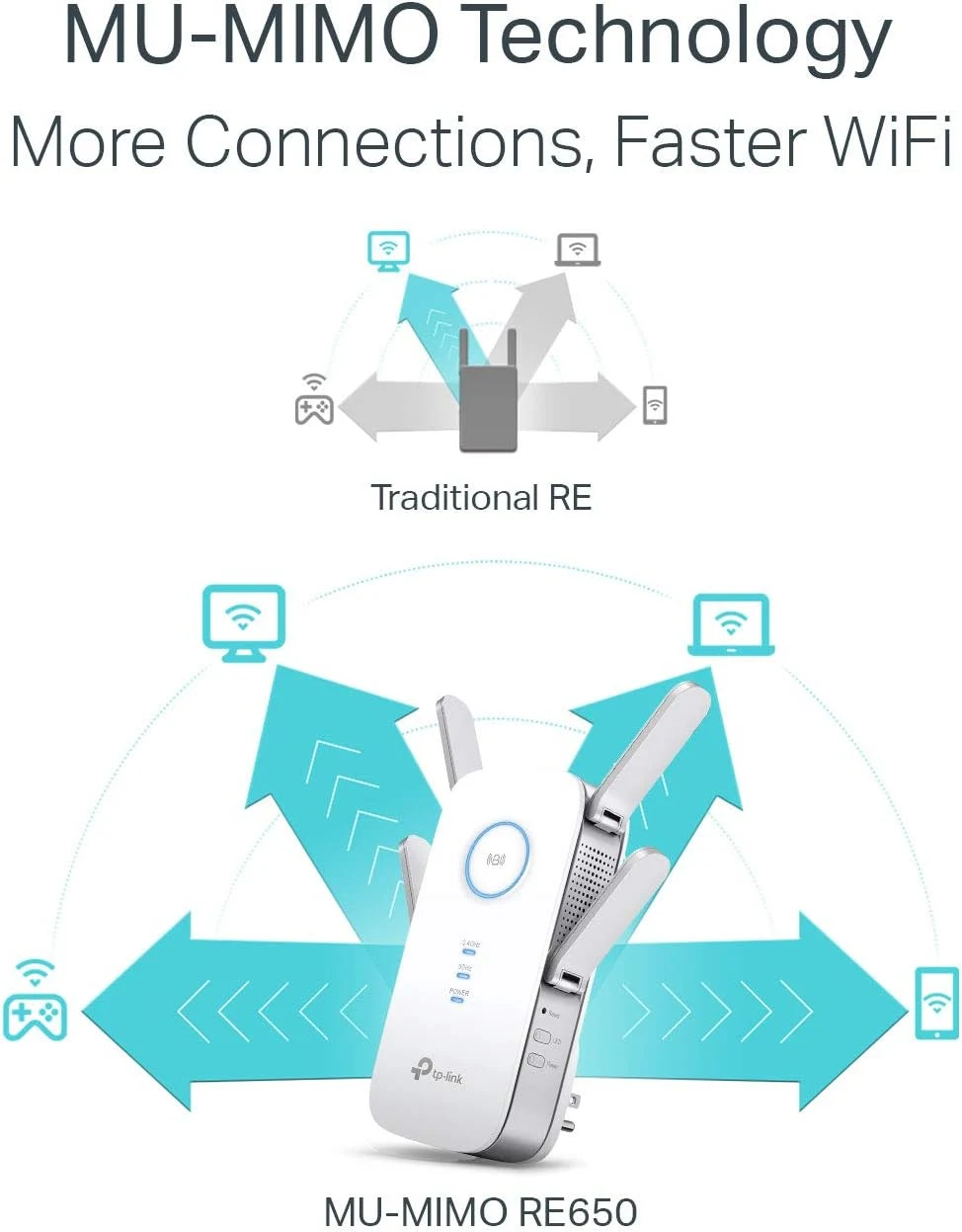
TP-Link’s RE650 product information describes dual-band Wi-Fi, four external antennas and a Gigabit Ethernet port. The AC2600 class combines advertised wireless link capabilities. I would not read that label as a promise of one device receiving that amount of useful data through every wall.
The client, radio environment and connection back to the router all affect the path. A slow upstream service also remains slow after an extender is installed. Improving coverage can make an existing connection usable in another room without changing the internet plan’s capacity.
I would define success with an ordinary task. A reliable call at the work desk is a clearer goal than making every room display the strongest icon. For a large local file transfer, I would look at the whole route to the server instead. The same extender can have a useful role while still being the wrong answer to a different performance requirement.
Placement is the main decision
The RE650 includes a signal indicator intended to help locate it. I would use that guidance while keeping the final room arrangement in mind. A socket halfway along a useful radio path can be more valuable than the socket closest to the device that currently struggles.
Doors, furniture and the practical distance to the router belong in that choice. I would check the position while the room is used normally, rather than only while standing beside the extender with every door open. A network improvement should survive the household’s ordinary layout.
I would also leave room for the product itself. A plug-in extender has a body and antennas that may obstruct another socket or clash with furniture. The place that looks best on a wireless diagram still has to be a reasonable physical installation, with the product used within its ventilation and electrical guidance.
The Ethernet port has two possible stories
A wired device can connect to the extender’s Ethernet port, but the rest of the path may still use Wi-Fi. I would not describe that as an end-to-end wired network merely because the final cable is visible. The wireless upstream remains part of its behaviour.
Related reading

TP-Link also documents access-point mode. With a suitable Ethernet connection back to the existing network, that can create a different and potentially cleaner layout. I like having that option when a cable can reach the area, because it changes which part of the path depends on radio.
I would choose the mode deliberately and follow the corresponding setup instructions. A router, extender and access point have different roles even when the app presents them through similar screens. Keeping the role clear helps avoid an unnecessary configuration problem while trying to fix coverage.
Network names should help the household
An additional wireless name can make the connection choice visible, while a shared-name arrangement can be more convenient when supported and correctly configured. I would use the exact model and firmware guidance rather than assume the RE650 behaves like every mesh system or another extender in the range.
A client also participates in roaming decisions. Walking through the house with a phone is a different task from leaving a television in one place. If seamless movement is essential, I would assess that behaviour specifically instead of judging the purchase only from a stationary speed test.
The recovery route should remain simple. I would record how to reach the management interface and keep the network credentials recoverable through the household’s normal process. A reset button is useful, but rebuilding an undocumented configuration should not be the first plan for every ordinary interruption.
A coverage change needs an update plan
I would identify the hardware revision on the actual unit and use the matching TP-Link support page. Firmware for a similarly named regional version is not automatically appropriate. That exact identity also matters when checking current features, security support and any optional integration.
An older network product should have a clear current value advantage. I would compare the selected seller, support route and complete cost against suitable newer equipment. The RE650’s familiar name is not a substitute for knowing what is actually being supplied.
Related reading

When another approach is clearer
For one weak area with a smaller requirement, I would compare the RE315 on its own documented capabilities. For a home needing a coordinated multi-room redesign, I would compare a suitable Deco X20 arrangement. Where a cable is practical, a properly placed wired access point can be the cleaner long-term choice.
My verdict is positive for a narrow, planned coverage repair. I like the RE650’s clear physical role and access-point alternative. I would buy after mapping the upstream path, confirming the revision and trying an appropriate position. The useful result is an ordinary task that stops failing, not a larger wireless label that leaves the original connection problem untouched.
What worked
The extender and documented access-point modes provide two defined ways to improve a network area.
What bothered me
The upstream connection and placement remain limits; AC2600 is not one client's guaranteed transfer rate.
Who should not buy it
The upstream connection and placement remain limits; AC2600 is not one client's guaranteed transfer rate.
Alternatives I would consider
TP-Link RE315. I would compare a smaller documented requirement before paying for more extender hardware. Read my TP-Link RE315 review.
TP-Link Deco X20. I would compare a coordinated multi-room arrangement when the home needs a broader redesign. Read my TP-Link Deco X20 review.
Evidence and sources
Specifications are attributed to the linked documentation. Images: Amazon product gallery. These are not personal test photographs or measurements.
Features, compatibility and rated figures from the maker are manufacturer information. My opinions are identified in the review.
Conclusion
Worth considering for a suitable radio path; a wired access point or mesh redesign can be better for another layout.
TP-Link RE650, AC2600 dual-band extender, US plug; confirm hardware revision
Amazon US · US
Check price and availability: TP-Link RE650, AC2600 dual-band extender, US plug; confirm hardware revision at Amazon USAffiliate link. As an Amazon Associate I earn from qualifying purchases.
One email a week with practical Mac workflows, useful comparisons and honest tech recommendations.