A three-pack mesh system is tempting when one room has poor Wi-Fi. It promises a simple answer: put another unit nearby and carry on using the same network name. The TP-Link Deco S4 can serve that kind of need, but the boxes still need good connections to each other. Three units placed badly can give you more equipment to manage without fixing the weak part of the network.
This review covers the Deco S4 three-pack at ASIN B084GTH5LL. The S4 name has appeared on different hardware revisions and wireless classes. The checked US listing now describes AC1900, while older S4 material can describe AC1200. Confirm the hardware version and the exact stock being shipped before comparing specifications or downloading firmware.
Identify the system before choosing it
TP-Link’s current US Deco S4 page identifies an AC1900 version with dual-band wireless and optional Ethernet backhaul. Its download centre separates support by hardware version. Those distinctions are more useful than assuming that every white tower carrying the S4 name has identical specifications.
The AC number combines advertised wireless link capacities; it is not a promise that one computer will receive that number as usable internet speed. Your client device, layout, interference, node connections and broadband service all matter. A coverage claim measured in square feet should also be treated as a manufacturer estimate, not a survey of your particular walls.
My view is that an older mesh system should be bought for a measured need at a sensible complete price. It can be reasonable for a modest household whose requirements are clear. It is less convincing if the plan is to buy the largest coverage number cheaply and discover later whether the hardware revision, support and performance suit the house.
Related reading
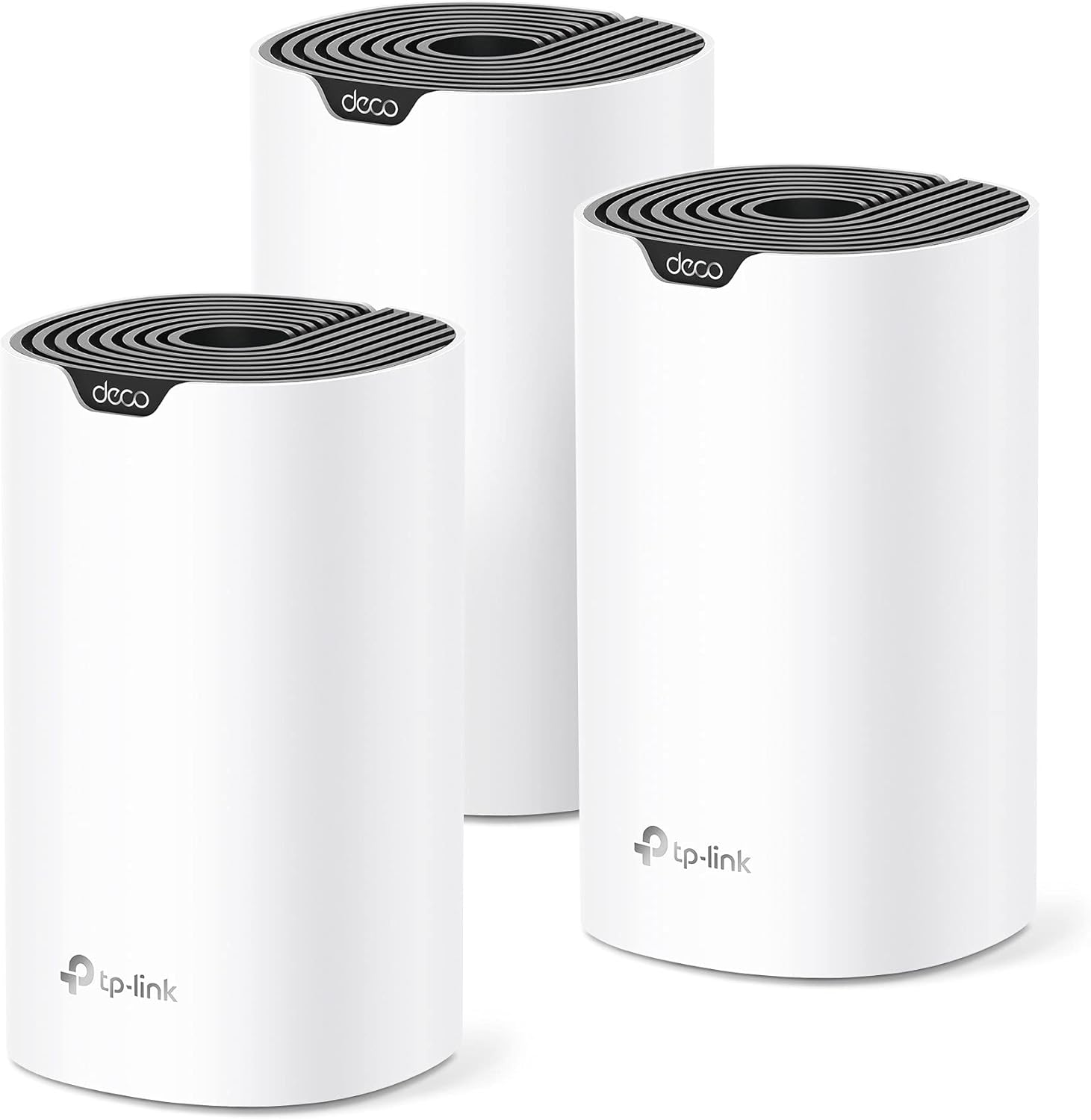
Product photograph: Amazon listing.
Place the second unit before the dead area
A mesh node needs a useful path back to the network. Putting it in the room where the existing signal has already become unusable may leave it with the same problem as the laptop you were trying to help. Start between the main unit and the difficult room, then use the app’s connection information and real tests to refine the position.
Keep units out of closed cupboards and away from unnecessary obstructions where practical. A hallway shelf may work better than the back of a television cabinet. You do not need to make the equipment the centre of the room, but it needs a location chosen for radio coverage as well as appearance.
Test the actual tasks in the difficult room. Join a call, stream the service you use or open the local files you need. Compare more than one time of day if interference or household demand changes. A strong-looking signal icon is useful information, but it does not prove that every application has a stable connection.
Do not add the third unit automatically before checking two. A three-pack gives you options, not a requirement to use every box in a small home. Establish what each additional unit improves. If moving one node solves the problem, another powered device may add little. The useful result is reliable coverage, not a floor plan filled with equipment.
Wired backhaul can change the plan
Where the exact system and layout support it, Ethernet backhaul gives the nodes a wired path between them. TP-Link documents that option for the current S4 family. It can be worth considering when a cable route already exists, especially in a room where walls make the wireless connection between nodes difficult.
Check the documented topology and port roles before wiring the system. A mesh kit still needs to be integrated with the modem, router and any switches you use. Follow the manufacturer’s layout rather than improvising several connections because spare sockets are available. A clear network diagram can prevent confusing paths and make later troubleshooting much easier.
For a home office, consider a wired connection for the desk computer where it is practical. Mesh can help phones and portable devices move around the house, while a fixed workstation may benefit from its own predictable route. These are complementary choices rather than a reason to insist that every device must use Wi-Fi.
Include cable work in the cost comparison. If an inexpensive older kit only meets your needs after an awkward new cable run, another supported system may be easier overall. Conversely, a house with Ethernet already in place may not need a more expensive wireless backhaul arrangement. Buy around the building you have, not an ideal diagram on a product page.
Related reading

Decide which box is the router
Many homes already have equipment from an internet provider. Before adding Deco, identify what that box does. It may combine a modem, router, Wi-Fi and other services. The choice between the Deco’s documented router and access-point arrangements affects which device manages the network. Do not change the provider equipment blindly if it also supports services you need.
Read TP-Link’s current setup guidance for your intended mode and confirm any provider-specific requirements. Keep the old working arrangement available until the new network has been tested. Taking a few notes about the original cabling and settings makes it much easier to undo an unsuccessful change.
After installation, check both internet access and local devices. A computer reaching a website does not establish that a printer, shared drive or media server remains available as expected. Test the things the household uses, including any work VPN or remote-access arrangement. A network upgrade should preserve those ordinary tasks rather than reveal problems days later.
Give the network and administrative account a sensible owner. If you set it up for a relative, use account recovery information they can access and explain how to check the system. A mesh app can make setup easier, but it should not make a home network permanently dependent on one visiting family member’s phone.
Roaming is a behaviour to test
One network name can make moving around the house less confusing than manually choosing separate extender names. It does not guarantee that every phone changes nodes at the same moment or that every call remains uninterrupted. Client behaviour and the arrangement of the nodes still matter.
Walk your normal route while using a task that matters, such as a voice call. Note where trouble occurs and change one node position at a time. If you test several new positions and settings together, you lose the comparison. A few repeatable checks are more useful than a single speed test taken beside the main unit.
Also test stationary use in the rooms where you spend time. A household can care more about a stable desk connection than a perfect transition while walking through a stairwell. Make the priorities explicit. That helps you choose between moving a node for a better office link and preserving a slightly better signal in an infrequently used corner.
This review contains no measured coverage map or roaming test, so it cannot promise that three S4 units cover a particular home. The documented mesh design supports trying a better layout. The evidence that justifies keeping the product is the result in your rooms, with your devices and everyday tasks.
Older stock and long-term support
Check current firmware and lifecycle information for the exact region and hardware revision. A production-end listing is not automatically a precise statement about every maintenance deadline, but it is a reason to investigate before buying networking equipment intended to stay in service for years. Do not infer indefinite support from the fact that a retailer still has stock.
Use firmware intended for the correct regional and hardware version, following TP-Link’s instructions. Keep the units powered during an update and allow the documented process to finish. A download labelled S4 is not enough if it belongs to a different revision. This is another reason to keep a record of the labels on the supplied units.
Related reading

Compare the total price with newer supported alternatives in your country. Include any missing adapters, import costs and return conditions. This workbook links to Amazon US; confirm the supplied power adapters, regional suitability and local support before ordering from abroad. A familiar product family does not make every regional bundle equally convenient.
My conclusion is that the Deco S4 can be a reasonable candidate for an identified, modest mesh requirement, provided the revision and support position are clear. I would buy it after planning node placement and testing the difficult rooms, not solely for a coverage claim. Get the network layout right, verify the services your household uses and choose the system that makes those tasks dependable.
This is a research-based review using the linked product documentation. It does not report personal ownership, measured performance or a hands-on test. The assessment and practical advice are based on the documented design and its limits. Retailer pages can change; confirm the selected model, condition and regional compatibility before ordering.
This article contains an affiliate link. As an Amazon Associate, I earn from qualifying purchases. You can check the selected product through my Amazon link.
One email a month: new articles, reviews and the upcoming live webinar + free recording. No spam, unsubscribe anytime.