Tag: accessibility
-
The Apple Accessibility Settings Everyone Should Know About
A plain-English tour of the Apple accessibility settings worth knowing in 2026 — Reduce Motion, Hover Text, Back Tap, Live Captions, Voice Control and more, sorted by what they actually fix.
-
How to Type Without Typing: Dictation and Voice Control on Apple Devices
How to use Dictation and Voice Control on iPhone, iPad, and Mac in 2026: turning them on, the punctuation and editing commands that matter, languages, and which one you actually want.
-
How to Set Up a Mac or iPad for a Child or an Older Relative
A practical guide to setting up an iPad or Mac for a child or an older relative in 2026: child accounts, Screen Time, Assistive Access, larger text, and the safety settings that matter for both.
-
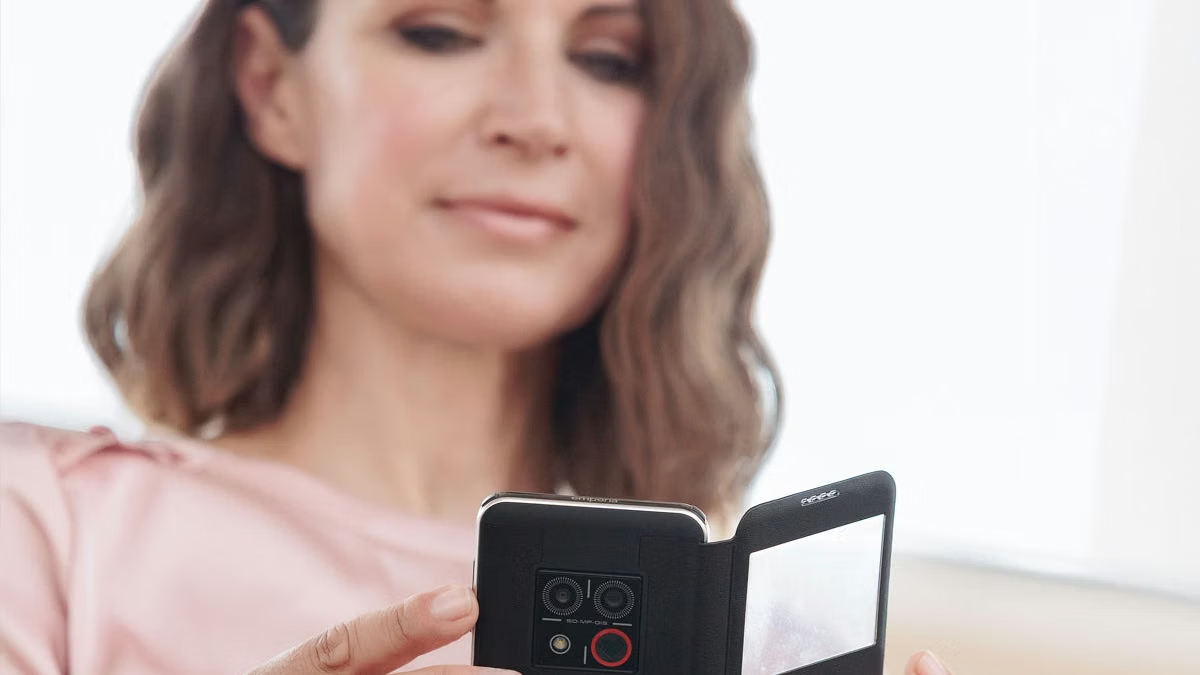
emporiaSMART.8: three weeks with a very good idea
Three weeks with the emporiaSMART.8: clear controls, thoughtful hardware and an approach to smartphones for older people I'd love to see worldwide.
-

The Hidden iPhone Feature 90% of People Never Use – But Should
Discover Back Tap, the hidden iPhone accessibility feature that lets you trigger any action by tapping the back of your phone. Learn setup, best uses.
-

The Future of Computers Without Keyboards: Voice, Gestures, and Neural Interfaces
Explore the emerging world of keyboardless computing through voice, gesture, and neural interfaces. A practical look at where the technology stands and.
-

When I Put Down The Mouse: Lessons In Keyboard Accessibility
Keyboard testing revealed invisible focus, traps, and illogical sequences in our app. Addressing these “little things” significantly improved the user.


