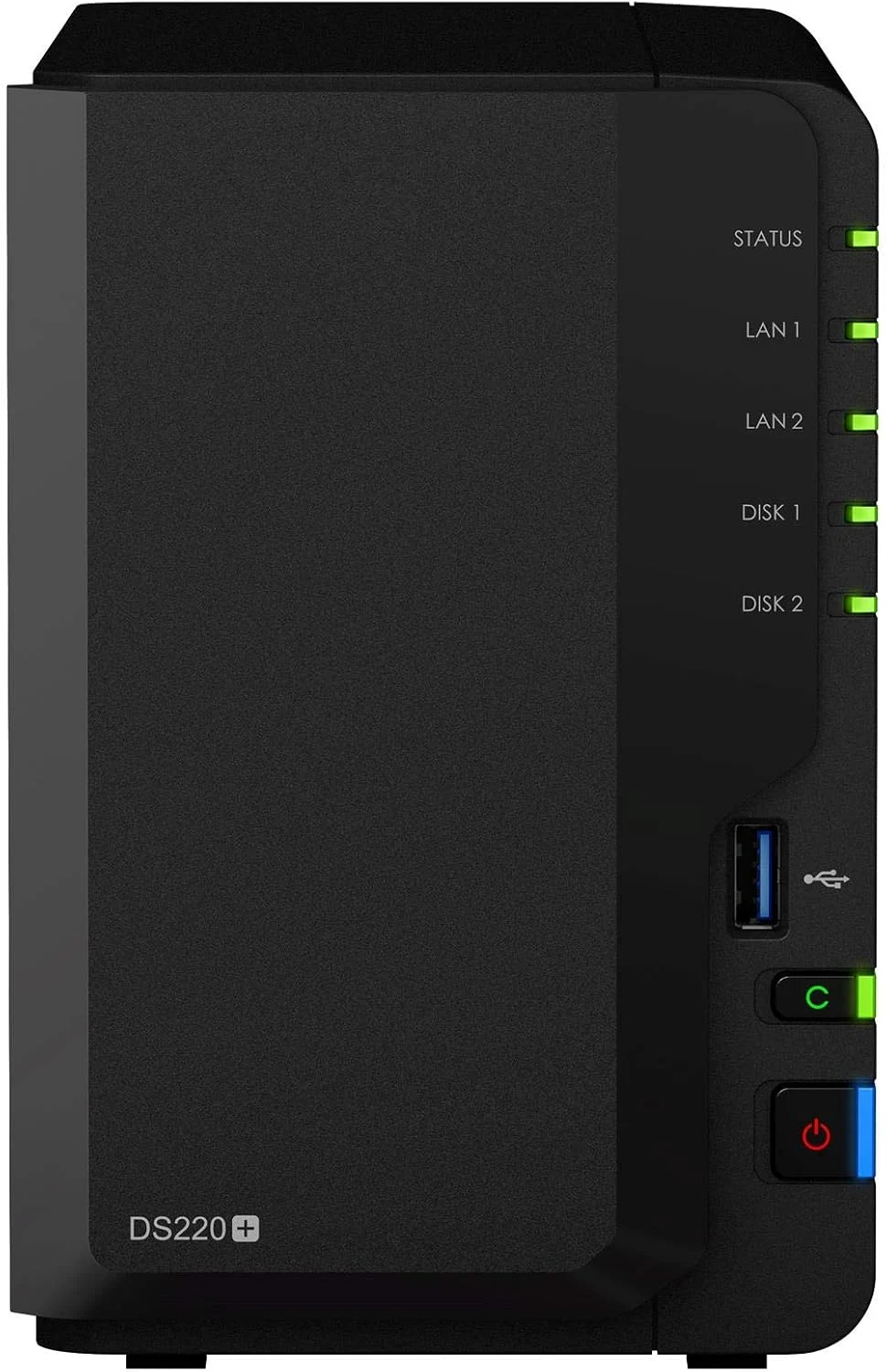
A NAS is appealing to me when it gives files a clear home. The Synology DS220+ offers that idea in a small two-bay box, with software for access, sharing and backup jobs. I like the focused appliance approach more than building a general server for someone whose main requirement is simply keeping household or small-work files organised.
Quick verdict
I would consider it for a modest supported home NAS when the complete drive and backup plan makes sense.
Best for: I would consider it for a modest supported home NAS when the complete drive and backup plan makes sense.
Main benefit: A two-bay system can centralise files and scheduled backup jobs without building a general-purpose server.
Biggest drawback: Two bays limit expansion, and mirroring does not replace an independent backup or current support checks.
Synology DS220+
Amazon US · US
Check price and availability: Synology DS220+ at Amazon USAffiliate link. As an Amazon Associate I earn from qualifying purchases.
Reviewed version: Synology 2 bay NAS DiskStation DS220+ (Diskless),Black
Compatibility: Diskless two-bay DS220+, not a drive-filled bundle. Requires compatible drives and Ethernet. Verify current DSM and package support for this older model before buying.
Review context: I assess central files, backups, drive redundancy, network limits and maintainable home-server use.
I would consider this older model only as part of a complete plan. The linked unit is diskless, so the price of the enclosure is not the price of a working storage system. Drives, an independent backup and current software support all belong in the decision. Two empty bays are a useful starting point, not a finished promise of safe data.
Choose the files and the recovery target first
I would begin by naming what belongs on the NAS. Shared documents, computer backups and a media library have different access patterns. That helps decide how much space is needed, who can change files and how quickly the household must recover after a problem. Buying the box before answering those questions can produce a tidy system with an unclear job.
Related reading

The two-bay format is straightforward but leaves little room for careless capacity planning. I would estimate growth and account for the chosen storage arrangement. Two drives configured as a mirror do not provide the sum of both drives as ordinary usable space. Filesystem overhead and reserve space also affect what appears in the interface.
I would choose compatible drives through Synology’s current information for the model. A drive that physically fits is not the whole question. Capacity, workload suitability and the supported configuration matter. The seller’s bundle description also needs to be precise, because this linked diskless offer should not be confused with a package that already includes disks.
Mirroring solves one particular problem
A mirror can help keep a system operating after a drive failure, within the limits of the configured storage pool. It does not protect against every cause of loss. An accidental deletion, a compromised account or damage to the whole box can affect both copies. I would make an independent backup part of the first setup.
For important files, I would want a recovery process I can describe without guessing. That includes where the separate copy lives and how to restore a folder. A successful backup status is useful, but a small restoration check provides stronger practical confidence. The purpose is getting files back, not simply accumulating green indicators.
Version history can help with ordinary mistakes, but it also needs space and retention rules. I would decide what history is valuable rather than keep every change indefinitely. A household photo collection and temporary build output deserve different treatment. The system is easier to maintain when the storage policy reflects the value of the files.
The network sets an everyday limit
Synology’s DS220+ hardware information documents its processor, memory and network arrangement. The selected listing is for the enclosure, while the manufacturer page may describe a particular refurbished bundle. I use it for the hardware identity, not to imply that this Amazon purchase includes those drives.
Related reading

I would distinguish aggregate network capability from a single file copy. Multiple network ports do not automatically make one laptop transfer twice as fast. The switch, configuration and client path matter. A laptop connected by busy Wi-Fi may hit a limit long before the disks or NAS network ports are fully occupied.
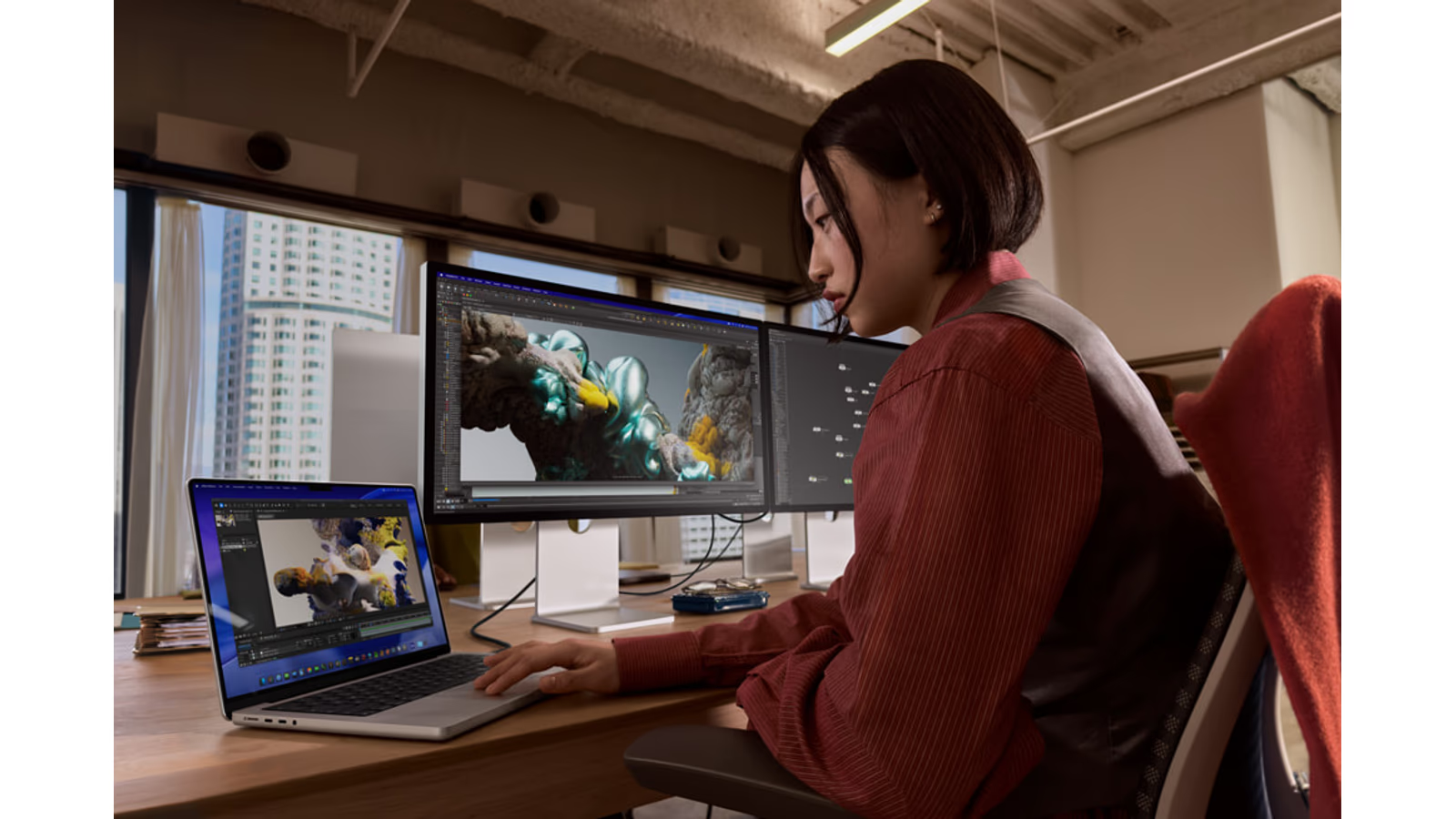
For a small home, that may be perfectly adequate. I would rather choose a network that fits the actual backup window than pay for a specification with no clear workload. Someone editing large media directly from shared storage should make a different comparison, including the whole wired network and the required concurrent access.
An older server needs a support check
Before buying, I would verify the current DSM support status and the packages required for the job. I would not infer present support from an old review or from the fact that a product page remains online. A NAS stores important files and stays connected for long periods, so its maintenance path is part of its value.
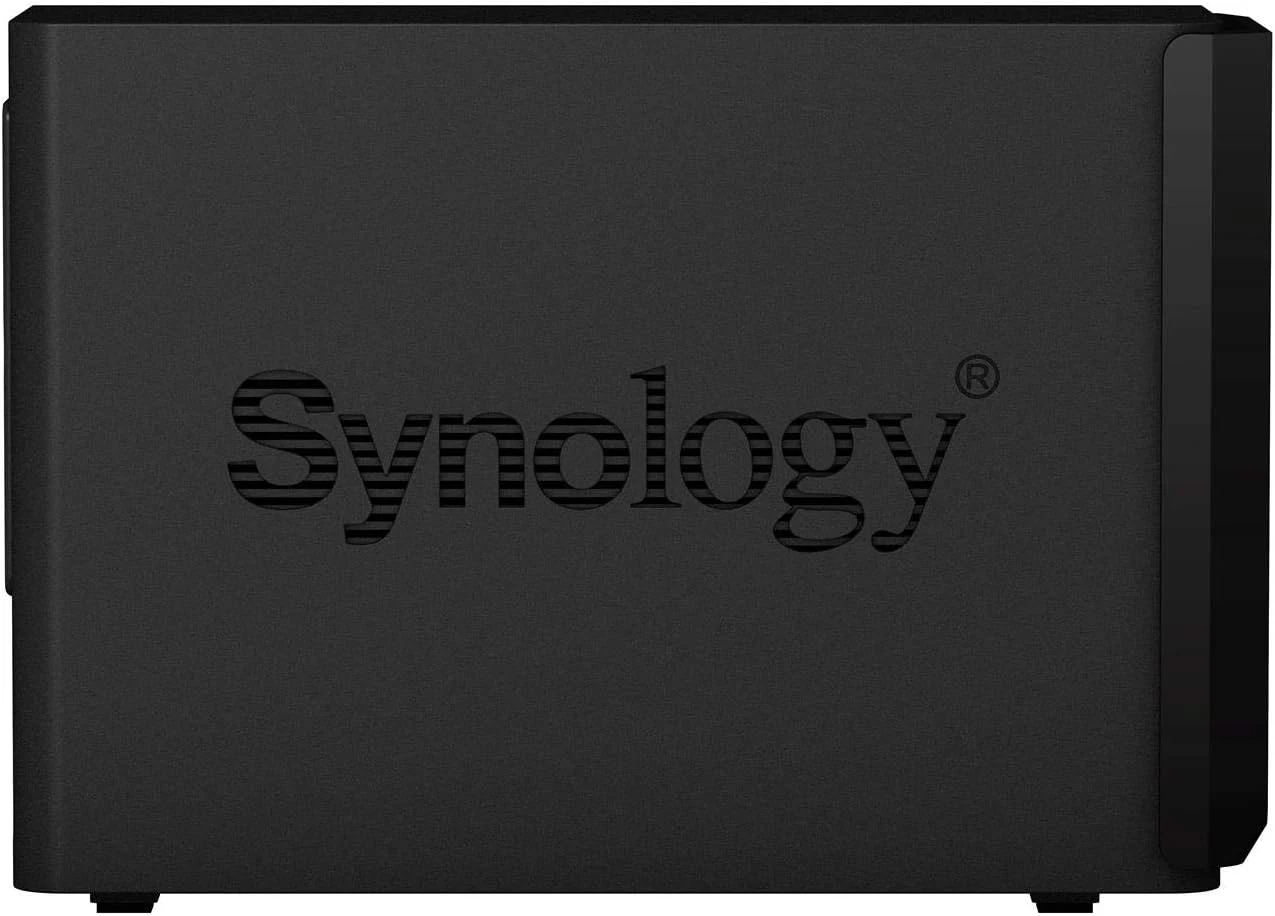
I would keep the installed services limited to what the household needs. Adding containers and extra server tasks can be interesting, but they use resources and create more things to maintain. The listed processor and memory describe a modest appliance. I would not choose it on the assumption that every home-lab idea should run on the same box as the backups.
Account permissions also deserve an ordinary routine. I would separate administrative work from day-to-day file access and avoid giving every device permission to change everything. Remote access should follow the supported guidance and a real requirement. It is easier to understand and recover a simple system than one built from several forgotten access methods.
Related reading

Where the DS220+ still makes sense to me
I would compare the WD EX2 Ultra package carefully if included drives change the total cost, while checking its current support separately. I would choose a newer NAS if support duration, more bays or another network arrangement makes it the better long-term fit. The DS220+ is attractive only when its modest role and full cost remain convincing.
My view is positive for a supported, deliberately configured small NAS. I would check the exact diskless offer, compatible drives and independent backup destination together. The worthwhile outcome is a clear home for files with a recoverable history, rather than a box that feels safe merely because it contains two disks.
The product images come from the selected listing and identified manufacturer materials. My assessment uses the linked product information and the buying decisions explained here. Specifications are manufacturer or retailer claims; the conclusions are my own editorial judgement.
What worked
A two-bay system can centralise files and scheduled backup jobs without building a general-purpose server.
What bothered me
Two bays limit expansion, and mirroring does not replace an independent backup or current support checks.
Who should not buy it
Someone needing several expansion bays, an automatic guarantee of data safety or heavy server workloads.
Alternatives I would consider
WD My Cloud EX2 Ultra 8TB. I would compare the supplied drives, usable RAID capacity and current support for a different two-bay package. Read my WD My Cloud EX2 Ultra 8TB review.
A newer NAS. I would choose one when longer support or a different network and expansion path justifies the cost.
Evidence and sources
The linked product documentation and exact retailer listing support the product details. Images: Amazon product gallery. These are not personal test photographs or measurements.
Features, compatibility and rated figures from the maker are manufacturer information. My opinions are identified in the review.
Conclusion
Only attractive when the full system cost and remaining support compare well with a newer NAS.
Synology DS220+
Amazon US · US
Check price and availability: Synology DS220+ at Amazon USAffiliate link. As an Amazon Associate I earn from qualifying purchases.
One email a week with practical Mac workflows, useful comparisons and honest tech recommendations.