Sony’s DualShock 4 has one sharp limit, and you should know it before anything else. If your console is a PS5, this controller will run your old PS4 games and nothing else. For a PS4 owner that does not matter, and for a computer owner it matters even less. Those two groups are the people I would point at this pad.

Product image from the Amazon listing.
Most of what follows is about three things: which machines it works with, what wears out, and how much fuss a computer adds.
The PS5 Question Comes First
People still search for this, so here is the plain answer. Sony’s position, as Dexerto reported it in 2020, is that the DualShock 4 works with PS4 games played on a PS5, and it does not work with PS5 games. Sony’s reason is that those games are built around the DualSense, with its haptics, adaptive triggers and built-in microphone.
Related reading

So a spare DualShock 4 can be a cheap second pad for a friend on the sofa, as long as you are both playing a PS4 title. It cannot be your main controller on a PS5. If you bought a PS5 to play PS5 games, buy a DualSense and stop reading here.
Which Version Is in the Box
Sony changed this controller in 2016, and that matters when you read old complaints. PSU’s comparison from that year describes the newer pad as close to identical to the first one. The clear visual change is a strip of light above the touchpad, so you can see the light bar color while you hold it. PSU also says the newer model can talk to a PS4 over USB, while the original was wireless only. Battery, motion sensing and Bluetooth stayed the same.
That last detail deserves attention. One early buyer quoted by PlayStation LifeStyle complained that the new model still had the same 1000 mAh battery. The same buyer said the materials felt better, and that the sticks and buttons sat at the same height as before. That is one person’s view from 2016, though the battery point agrees with PSU.
I can’t confirm from the listing which revision ships today. The newer one carries the model number CUH-ZCT2, and the strip of light on the touchpad gives it away at a glance. Check for that when the box arrives.

Illustration of this type of product, not a photograph of the Sony DualShock 4 Wireless Controller.
What Wears Out
The rubber on the sticks was the first scandal. Within months of the PS4 launch, TheSixthAxis collected reports of the texture wearing off and the outer layer splitting down to the plastic. Commenters there told very different stories. One said both pads wore down in a few weeks. Another saw wear after a few weeks of light use. Several others saw no wear at all. One owner of a worn stick said it felt worse and creaked.
Sony answered that “a very small number of users” had reported torn rubber, and said it would inspect those controllers and replace them free within warranty. Those reports concern the first version. I found no good evidence on whether the rubber on the 2016 version lasts longer, so I will not claim that it does.
The more serious problems show up later, and the best place to see them is the iFixit repair forum for the CUH-ZCT2. Between 2023 and 2024, owners there posted about an R2 trigger that reads as fully pressed when nobody touches it. Others had triggers that act as all or nothing, a battery that no longer holds a charge, and an L2 button that only works over a cable. One owner still had right stick drift after replacing the sticks.
Please read that list with care. A repair forum only collects broken controllers, so it tells you what fails and says nothing about how often. Still, the pattern fits an old design with worn parts: triggers, sticks and batteries, the things you touch or charge every day.
Related reading

Stick drift is the failure everyone asks about. I went looking for a real failure rate and found none I would trust. Most of what turns up is repair shop marketing with a number and no source. My advice is simple. Assume that a heavily used pad will need replacing after a few years, and do not pay a high price for one.
On a Windows PC
Steam is the easy road. Macworld noted in 2019 that Steam offers full DualShock 4 support on Mac and PC, so Steam games need no extra controller setup. Outside Steam, things get messier, because plenty of Windows games expect an Xbox controller.
That gap is why the free tool DS4Windows exists. As a poster in this Steam thread from 2018 explains, it makes the pad look like an Xbox 360 controller. The same thread shows the usual price of that trick. The owner had a custom profile that misbehaved, and another poster described double input, which is one press being read twice. The suggested cure was the Hide DS4 Controller setting, plus connecting the pad before the game starts. That owner never reached a confirmed fix.
Bluetooth brings its own trouble. In another Steam thread, an owner found that Steam could not see the pad over Bluetooth, even though Windows could and USB worked. The cause turned out to be input software that had taken over the driver. Removing it and restarting fixed the problem. Two later posters confirmed that a different route worked for them: connect by cable first, unplug, hold PS and Share until the light blinks, then add it in the Windows Bluetooth settings.
None of this is hard. It does ask for more patience than a pad that Windows treats as native. If you only play through Steam, you may never see any of it. If you want one pad for every launcher on your machine, keep a Micro-USB cable on the desk, since that is the simplest fallback the owners above describe.
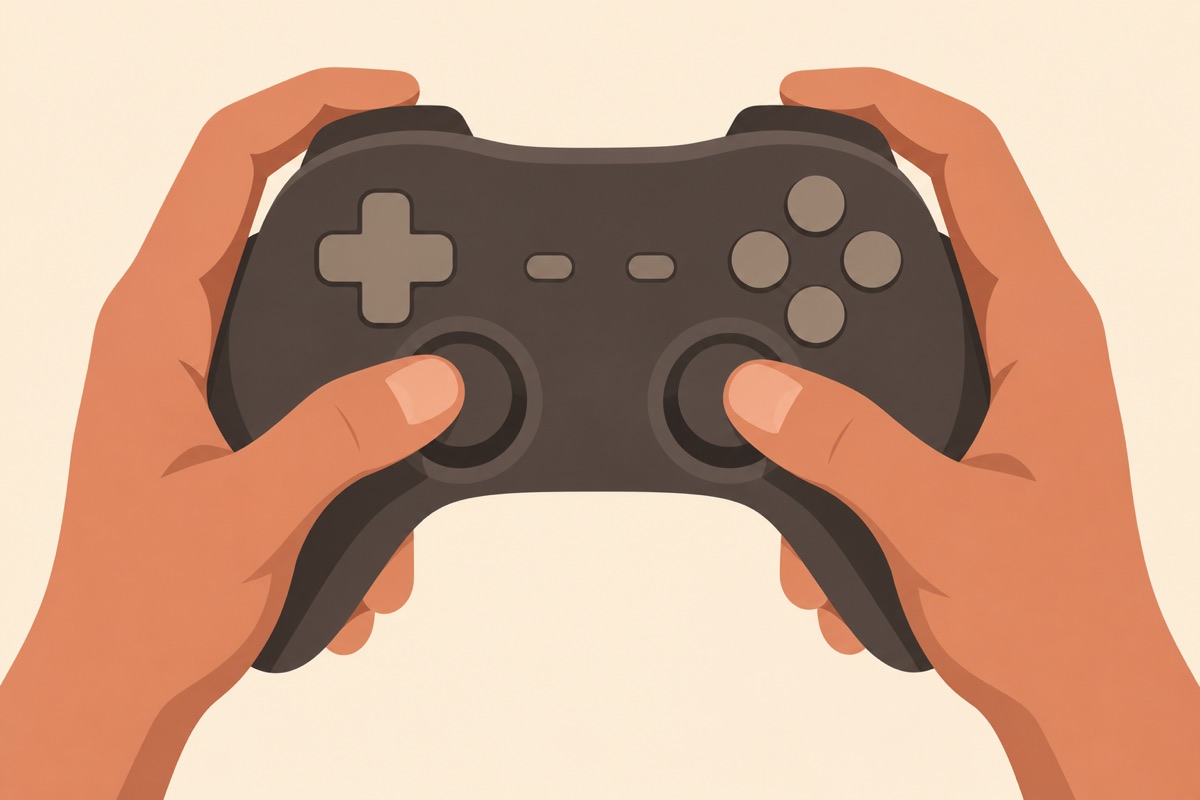
Illustration of this type of product, not a photograph of the Sony DualShock 4 Wireless Controller.
On a Mac
This part is better than many people expect. Apple’s support page lists the DualShock 4 as a supported controller. To pair it, turn the pad off and hold the PS and Share buttons until the light bar flashes, then pick it in your Bluetooth settings. If it pairs but will not connect, Apple says to press and release the PS button.
Macworld’s older guide warned that there was no plug and play support for this pad on the Mac, and that a game has to be compatible with controllers. The second half still holds. A controller only helps if the game knows what to do with it, so check each title. What I could not find was an owner report on long sessions over Bluetooth on a recent Mac, so I can’t say how stable that link is. Consider that an open question.
Apple’s page also mentions a firmware message that some users may see. If that appears, it sends you to Sony’s instructions for the update.
Related reading

Battery Life Is the Gap in the Evidence
I wanted to give you a number here, and I can’t. I found no measured runtime for this model, and the figures floating around disagree. What I can say is that the capacity did not change in 2016, that one owner called it meager, and that a tired battery is one of the complaints on that repair forum. Plan on charging it often, and leave the cable within reach.
My Call: A Good Pad for the Right Machine
I think this is a sensible buy in two cases. The first is a PS4 owner who needs a replacement or a second controller. The second is a Steam player on a PC or Mac who wants a familiar shape and does not care about Xbox button labels.
Skip it if you want a main controller for a PS5, because it will not run PS5 games. Skip it too if you hate fixing software, and most of your Windows games come from outside Steam. And be careful with the price. This is an old design with known wear points, and I would not pay close to the cost of a newer pad for it.
If that first case is you, the Sony DualShock 4 Wireless Controller is still the natural choice for a PS4, so check for the light strip on the touchpad when it arrives and keep your return window open. This is an affiliate link. As an Amazon Associate I earn from qualifying purchases.
One email a month: new articles, reviews and the upcoming live webinar + free recording. No spam, unsubscribe anytime.