I find a storage upgrade most convincing when it extends the useful life of a computer that already has a clear job. The Silicon Power A55 512GB belongs in that kind of decision. It is a 2.5-inch SATA SSD, so I would begin with a compatible machine and a defined reason to change its storage, rather than with a promise that one component will make every old system feel new.
Quick verdict
I would shortlist the A55 for a compatible older SATA machine with a clear storage problem to solve.
Best for: A supported desktop or notebook that genuinely needs a 2.5-inch SATA SSD.
Main benefit: The familiar SATA form gives compatible existing hardware a straightforward solid-state storage route.
Biggest drawback: The SATA interface, finite capacity and cache behaviour set limits that a maximum-speed figure does not explain.
Silicon Power A55 512GB 2.5-inch SATA SSD, SP512GBSS3A55S25
Amazon US · US
Check price and availability: Silicon Power A55 512GB 2.5-inch SATA SSD, SP512GBSS3A55S25 at Amazon USAffiliate link. As an Amazon Associate I earn from qualifying purchases.
Reviewed version: Silicon Power A55 512GB 2.5-inch SATA SSD, SP512GBSS3A55S25
Compatibility: A host with a suitable 2.5-inch SATA bay and power/data connection, or a matching SATA enclosure. This is not an M.2 NVMe drive; confirm the machine’s physical and interface requirements.
Review context: I assess replacing suitable older storage, planning a recoverable migration and choosing usable capacity for the actual application.
I like the practical focus of this product. It can be considered for a suitable notebook or desktop without turning the purchase into a competition between the newest interfaces. The important questions are whether it fits, whether the capacity is enough and whether the existing files can move safely to the new arrangement.
The connection decides whether it belongs
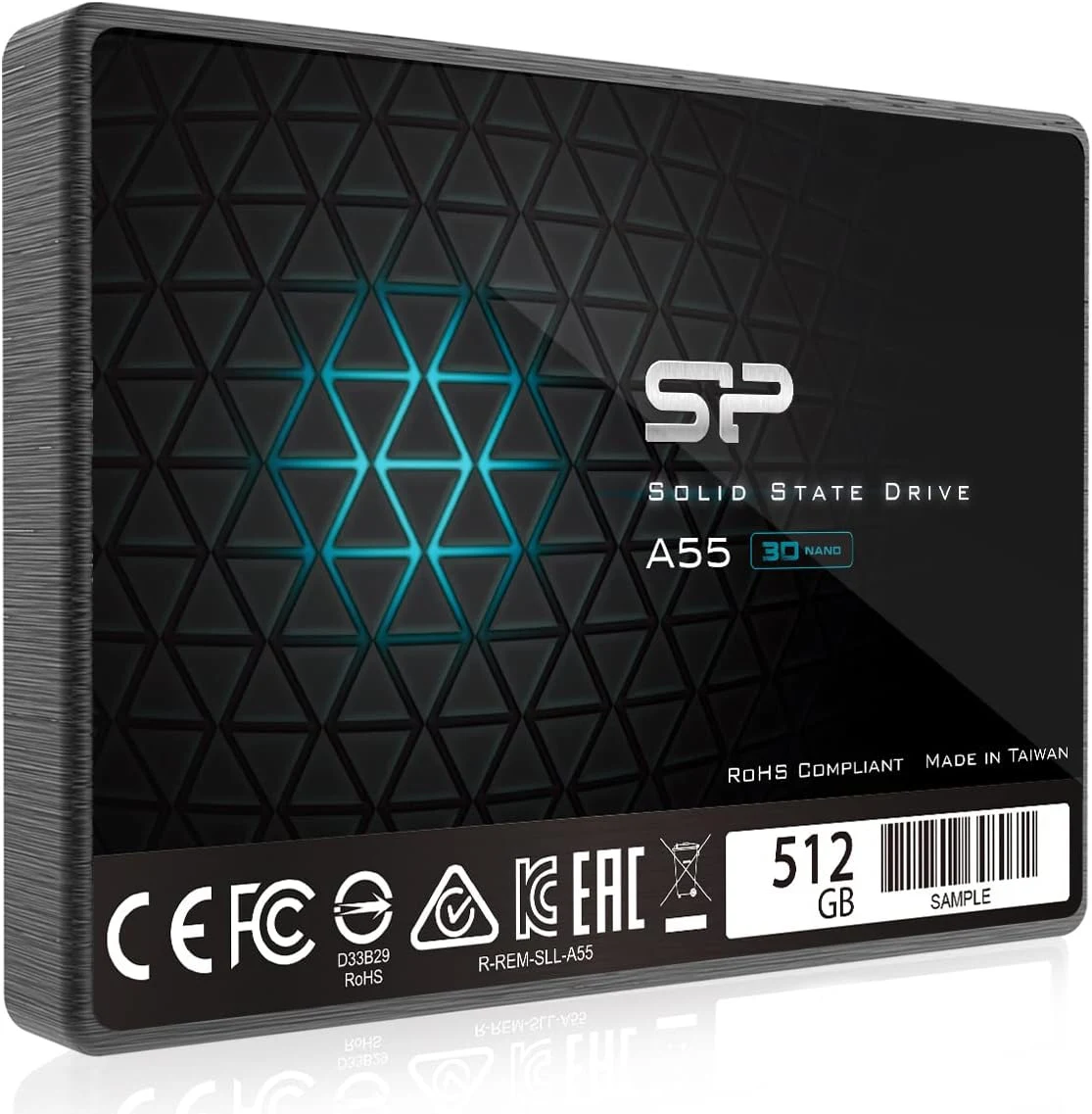
The exact reviewed listing identifies SP512GBSS3A55S25. Silicon Power’s A55 product information describes the SATA family and its slim 2.5-inch design. Those are compatibility facts before they are performance facts. An M.2 socket and a 2.5-inch drive bay are different physical arrangements, even when both products are called SSDs.
Related reading

I would check the machine’s own service information before ordering. The connector, mounting space, drive thickness and access method all matter. Some computers do not provide a user-accessible internal upgrade at all. A familiar brand name on the computer does not settle those details for every generation.
An external enclosure is another possible role, but it needs to be the correct type. A SATA enclosure, its USB connection and the cable become part of the resulting storage system. I would compare that complete package with a finished portable SSD instead of treating the bare drive price as the total cost.
Capacity needs room for ordinary work
The 512GB label is a useful starting point, not a promise that every file collection fits comfortably. The operating system, applications, working files and local downloads share the available space. A migration is a good moment to see which data actually needs to stay on this computer and which belongs in another maintained location.
I would avoid planning an upgrade that is nearly full on its first day. Temporary files, application updates and new project data still need somewhere to go. A larger drive can be better value when it prevents a second migration soon afterwards, even if the smaller capacity initially looks like the cheaper purchase.
I would also keep storage and backup as different decisions. Moving a file to an SSD does not create another independent copy. A drive can make the working arrangement more convenient while leaving the same need to recover from accidental deletion, software trouble or a failed component. The upgrade should not quietly remove an existing backup habit.
Related reading

A fast burst is not the whole job
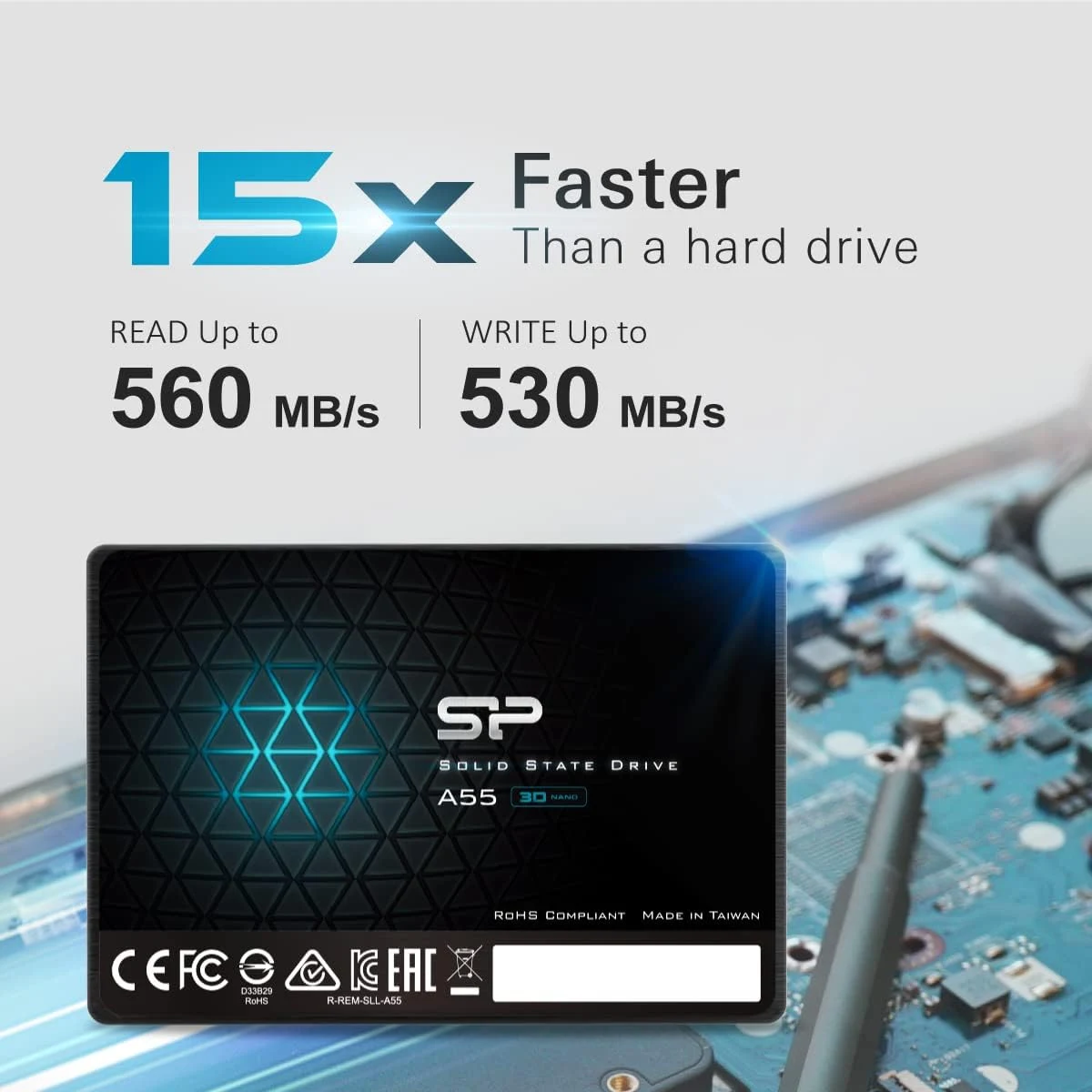
The listing describes caching as part of this drive’s design. I would treat a maximum transfer figure as information about a stated test condition, rather than a prediction of every copy. Small intermittent changes and a long write of a large data set ask different questions of a storage device.
For an ordinary desktop, the useful outcome may be quicker access to a collection of small files rather than the highest number beside a large sequential transfer. For repeated heavy writes, I would pay more attention to sustained behaviour, the exact capacity and a review method that explains the workload. Those needs should lead the comparison.
The host remains part of the result. A slow connection, a busy application or insufficient memory can still limit the computer. I would identify the problem before deciding that storage is the answer. The A55 makes more sense as a response to a real SATA-storage need than as an attempt to repair every delay with one purchase.
Migration should have a way back
Before moving an installation, I would make sure the important files have a separate recoverable copy. A cloning operation is a change to a working system, not a reason to stop keeping backups. I would want to know which device is the source, which is the destination and what the recovery route will be if the new arrangement does not start as expected.
A fresh installation can be another sensible route when the aim includes removing years of unused software. Cloning can preserve a familiar environment when that continuity matters more. Neither approach is automatically the right one. The choice should follow the applications, licences and data that need to remain usable after the change.
I would keep the old drive available until the new setup has been checked. Opening the actual work, confirming the expected files and verifying the backup destination are more meaningful than seeing a completed progress bar. A successful upgrade should leave the owner confident about the files as well as pleased with the new hardware.
Related reading

A sensible offer needs an exact model
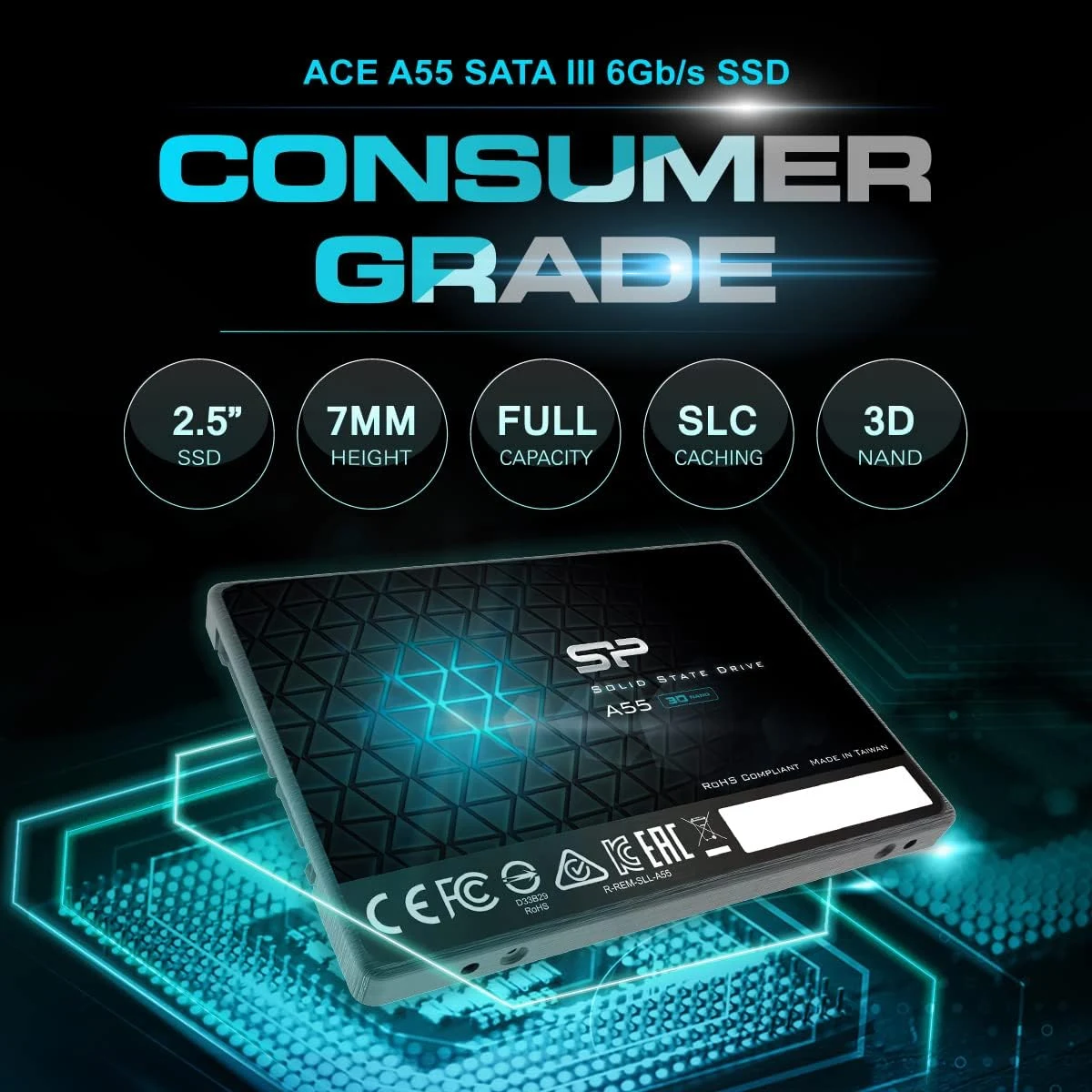
I would compare the A55 with other suitable SATA drives, including the Crucial MX500, by exact capacity, current terms and the complete local offer. I would not borrow a performance result from another capacity or assume that every item sharing a family name has identical components and behaviour.
My view is positive for a compatible machine with a clear purpose. I like an upgrade that can keep useful hardware working without buying an entirely new computer. The exact Amazon US affiliate listing is worth checking for model, seller and availability, with enough budget left for a recoverable migration and the capacity the work actually needs.
What worked
The familiar SATA form gives compatible existing hardware a straightforward solid-state storage route.
What bothered me
The SATA interface, finite capacity and cache behaviour set limits that a maximum-speed figure does not explain.
Who should not buy it
Someone needing an M.2 NVMe drive or expecting an SSD change to fix every reason a computer feels slow.
Alternatives I would consider
Crucial MX500 SATA SSD. I would compare another exact-capacity SATA option when the firmware, warranty and complete offer matter. Read my Crucial MX500 SATA SSD review.
A compatible NVMe SSD. I would choose that interface only when the host supports it and the workload benefits from its capabilities.
Evidence and sources
Product details come from the cited sources. Images: Amazon product gallery. These are not personal test photographs or measurements.
Features, compatibility and rated figures from the maker are manufacturer information. My opinions are identified in the review.
Conclusion
Worth considering when the whole upgrade fits; an incompatible bay or insufficient capacity makes a lower price irrelevant.
Silicon Power A55 512GB 2.5-inch SATA SSD, SP512GBSS3A55S25
Amazon US · US
Check price and availability: Silicon Power A55 512GB 2.5-inch SATA SSD, SP512GBSS3A55S25 at Amazon USAffiliate link. As an Amazon Associate I earn from qualifying purchases.
One email a week with practical Mac workflows, useful comparisons and honest tech recommendations.