I like the idea of a gaming headset that has a clear life after the box is opened. The original Razer BlackShark V2 gives me two connection routes, a microphone I can remove and controls I can find on the headset. Those practical details interest me more than another surround-sound badge. I would start with the computer or controller it needs to join, then decide which features actually belong in that setup.
Quick verdict
I would shortlist the original BlackShark V2 for a straightforward wired gaming desk with a useful removable microphone.
Best for: A gaming desk where a cable is acceptable and clear voice controls matter.
Main benefit: The headset has a basic analogue route and a separate USB route for supported software features.
Biggest drawback: The full USB software feature set does not follow the headset onto every device.
Razer BlackShark V2 wired headset, RZ04-03230
Amazon US · US
Check price and availability: Razer BlackShark V2 wired headset, RZ04-03230 at Amazon USAffiliate link. As an Amazon Associate I earn from qualifying purchases.
Reviewed version: Razer BlackShark V2 wired headset, RZ04-03230
Compatibility: A suitable 3.5mm headset connection, or a supported computer using the included USB sound card. Advanced Synapse features and platform support must be checked separately.
Review context: I assess a wired gaming and voice-chat setup, connection choices, physical microphone controls and the difference between hardware and optional software.
This review concerns the wired RZ04-03230 family. It is not the BlackShark V2 X, a wireless Pro model or every later product using the BlackShark name. I would keep that model reference beside the current offer. A familiar shape and a similar title do not establish the same microphone, connection or software package.
A simple connection has value
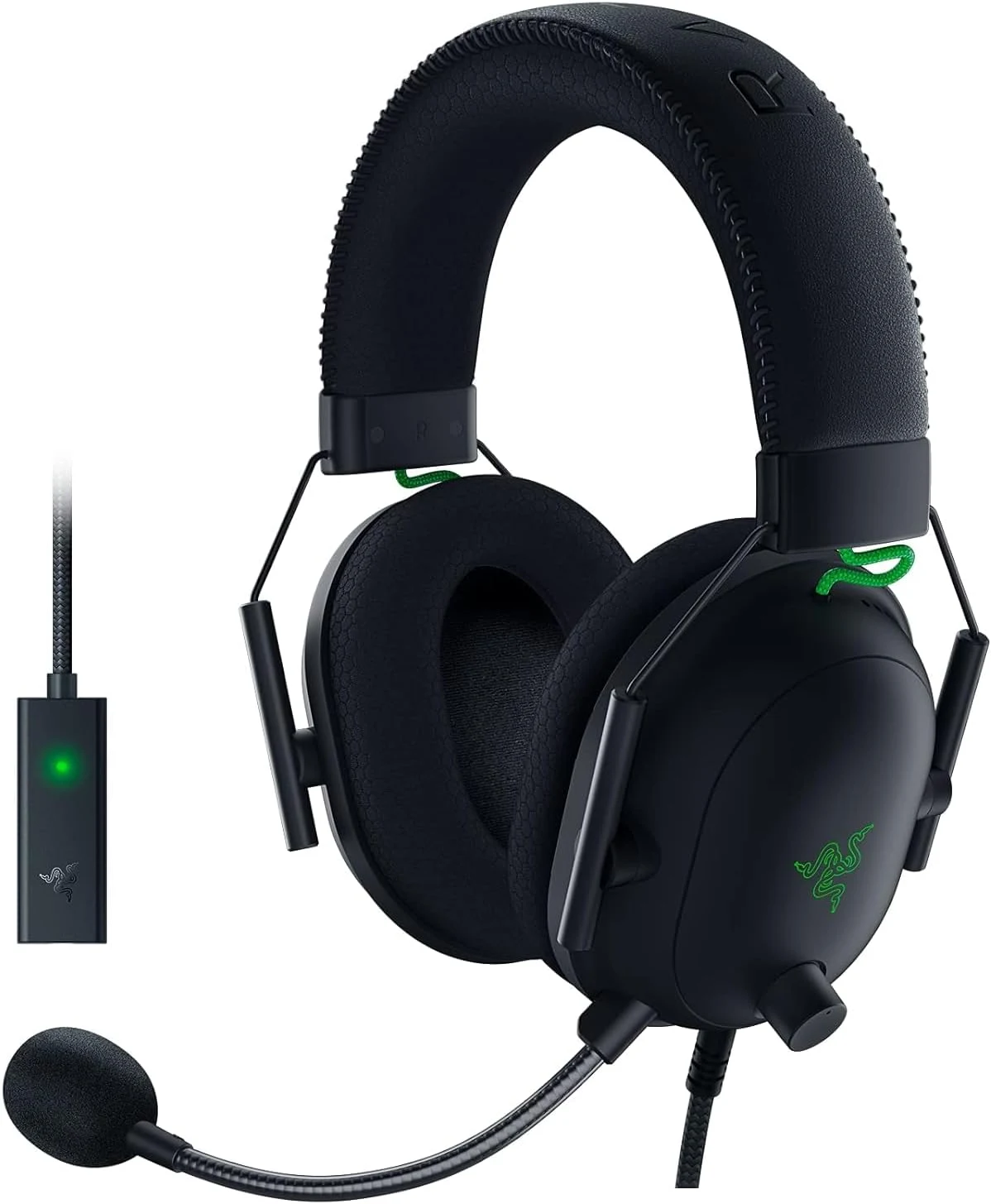
Razer’s support page for this exact model confirms that the headset works through its analogue 3.5mm connection without the USB sound card. I like having that basic route. Sound and voice can remain understandable parts of the physical connection, rather than depending on a successful installation before the headset has any use.
Related reading
The socket still needs to match the task. A combined headset connection carries a different practical arrangement from separate headphone and microphone sockets. I would look at the actual computer, console controller or adapter before ordering. A plug fitting into one hole does not prove that both listening and the microphone will work through it.
A cable also changes ownership. There is no headset battery to charge, but the lead needs a route that does not catch on a chair or pull across the desk. For a fixed computer that can be a good trade. For someone moving repeatedly between rooms, the same cable can be the reason to choose another product.
The USB card is a separate decision
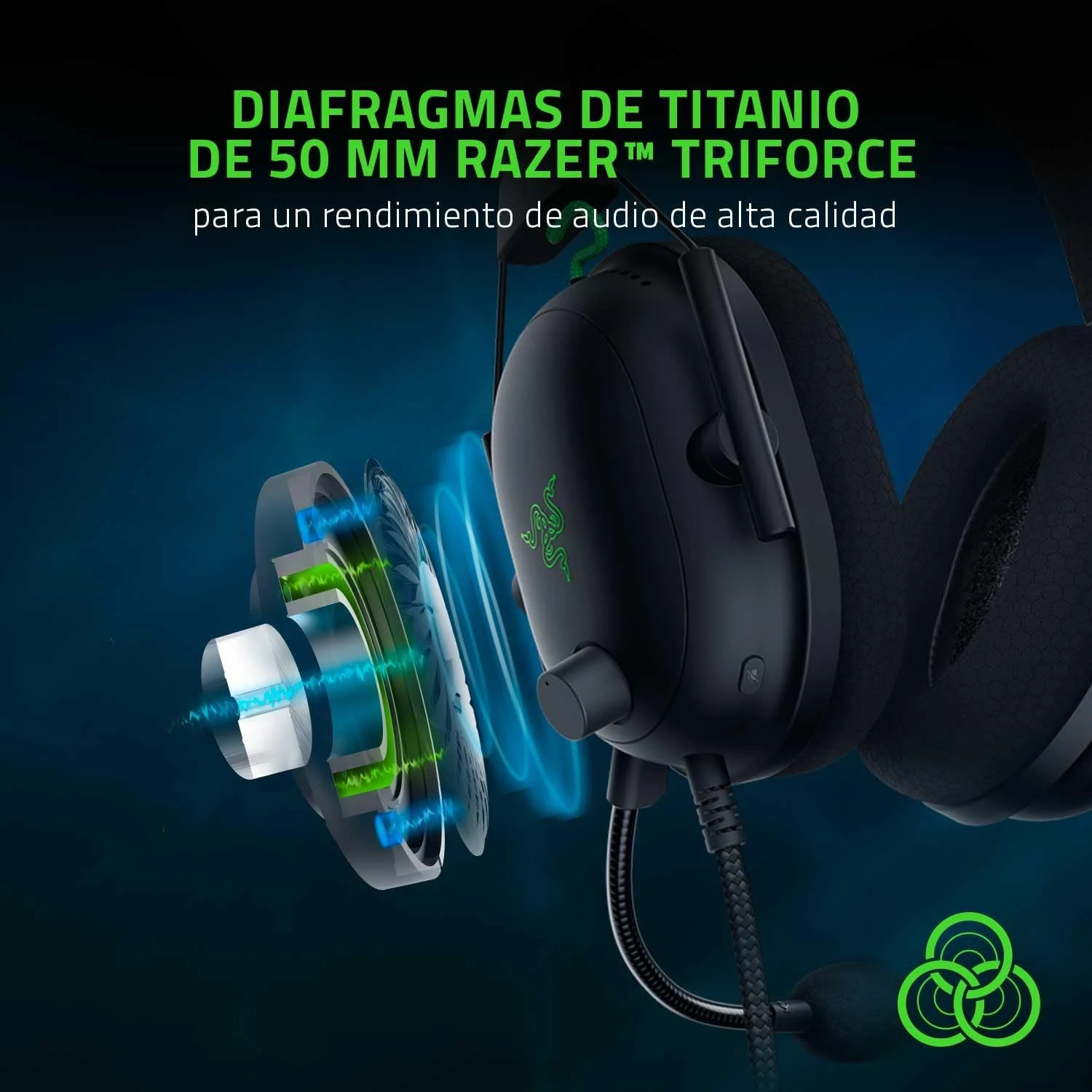
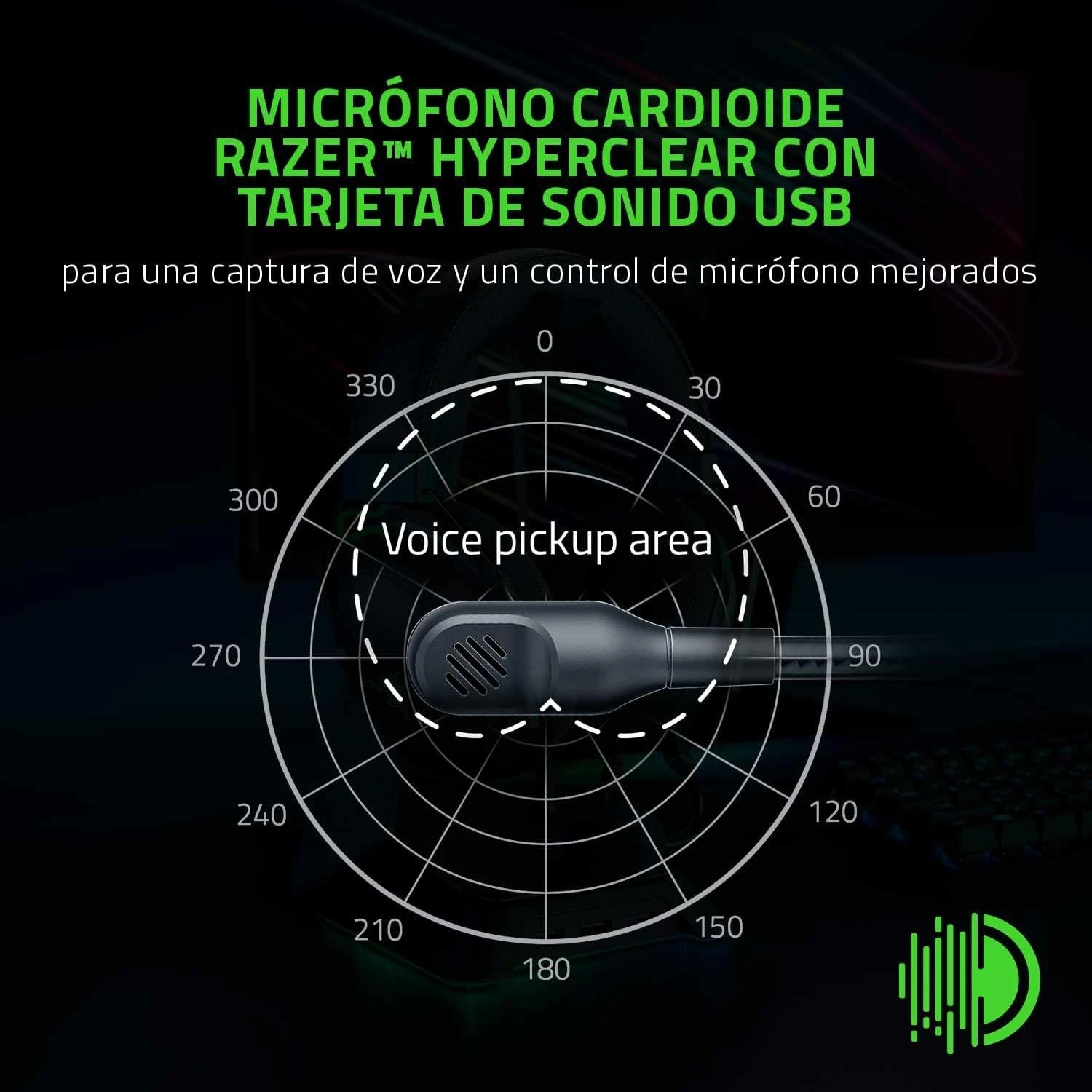
The included USB sound card provides access to advanced audio and microphone controls through Razer Synapse on supported systems. That makes the card useful to compare as part of the package. It does not make every advertised control a feature of the passive headphones on every device.
I would decide whether I want those controls before treating them as value. A familiar analogue output may already cover the basic job. Someone who wants the supported processing has a clearer reason to use the USB path. The useful comparison is the whole route from the game to the headset, including the current operating-system and software requirements.
I would also leave room for preference. Virtual surround processing can change the way a game presents space, but the logo does not prove that I will understand every sound better. I would compare available modes within one familiar game and keep the setting that makes the information clearer. A dramatic effect is not automatically a useful one.
Related reading

Voice chat needs ordinary controls
The removable boom microphone is an attractive part of this design. I like a headset that can have a defined voice-chat role, then lose the microphone when it is not wanted. Its position still matters: the useful starting point is a deliberate distance from the mouth, rather than assuming software can repair every placement.
Razer identifies a volume knob and microphone-mute button in the physical layout. Those are controls I would want to learn by touch. Muting should be an ordinary action during a call, without searching through several application windows. I would still check the recording or meeting application’s own input selection when changing between connection routes.
A headset microphone also has a clear limit. It keeps voice and headphones in one purchase, which is convenient for games and casual calls. A separate microphone becomes more interesting when the job includes interviews, recording several people or building a more flexible production desk. I would choose the simpler package only while its simplicity serves the work.
Fit is part of the purchase
An over-ear headset meets the head, glasses and ears for the whole session. Product photographs can explain the shape, but they cannot decide individual comfort. I would consider the return conditions and try the fit with the glasses and normal desk position that will actually be used. A published comfort claim is not a substitute for that personal choice.
The adjustment needs to leave the microphone and cups in useful positions together. I would not judge the fit only while sitting still for a quick photograph. Turning towards another screen, reaching a controller and moving away from the keyboard are ordinary parts of a gaming desk. They deserve attention when deciding whether this particular shape is worth keeping.
A good older model needs a clear offer
The age of this model does not make its wired purpose disappear. It does mean that the exact bundle, condition and seller deserve care. I would confirm that the listed package includes the parts being discussed, especially the microphone and USB sound card, rather than borrowing a specification from a different BlackShark edition.
Related reading
For me, the attractive purchase is a complete, modestly complicated voice-and-game setup. I would compare the BlackShark V2 with the wired HyperX Cloud Alpha when fit and analogue use are the priorities. I would compare separate headphones and a microphone when recording flexibility matters more than having one object to put on.
I would shortlist the BlackShark V2 for a desk that can make good use of its actual connections and physical controls. Its strongest argument is the complete arrangement, not a promise that one sound mode suits every game. The exact Amazon US affiliate listing is the place to check the current package, seller and availability before deciding.
What worked
The headset has a basic analogue route and a separate USB route for supported software features.
What bothered me
The full USB software feature set does not follow the headset onto every device.
Who should not buy it
Someone who needs wireless listening or assumes every BlackShark model has the same hardware.
Alternatives I would consider
HyperX Cloud Alpha wired. I would compare another conventional wired headset when the physical fit and passive connection matter most. Read my HyperX Cloud Alpha wired review.
A separate microphone and headphones. I would choose separate components when voice recording needs to develop beyond a gaming headset.
Evidence and sources
Product details come from the cited sources. Images: Amazon product gallery. These are not personal test photographs or measurements.
Features, compatibility and rated figures from the maker are manufacturer information. My opinions are identified in the review.
Conclusion
Worth considering when both the connection and microphone suit the desk; do not pay for software capabilities the intended platform cannot use.
Razer BlackShark V2 wired headset, RZ04-03230
Amazon US · US
Check price and availability: Razer BlackShark V2 wired headset, RZ04-03230 at Amazon USAffiliate link. As an Amazon Associate I earn from qualifying purchases.
One email a week with practical Mac workflows, useful comparisons and honest tech recommendations.