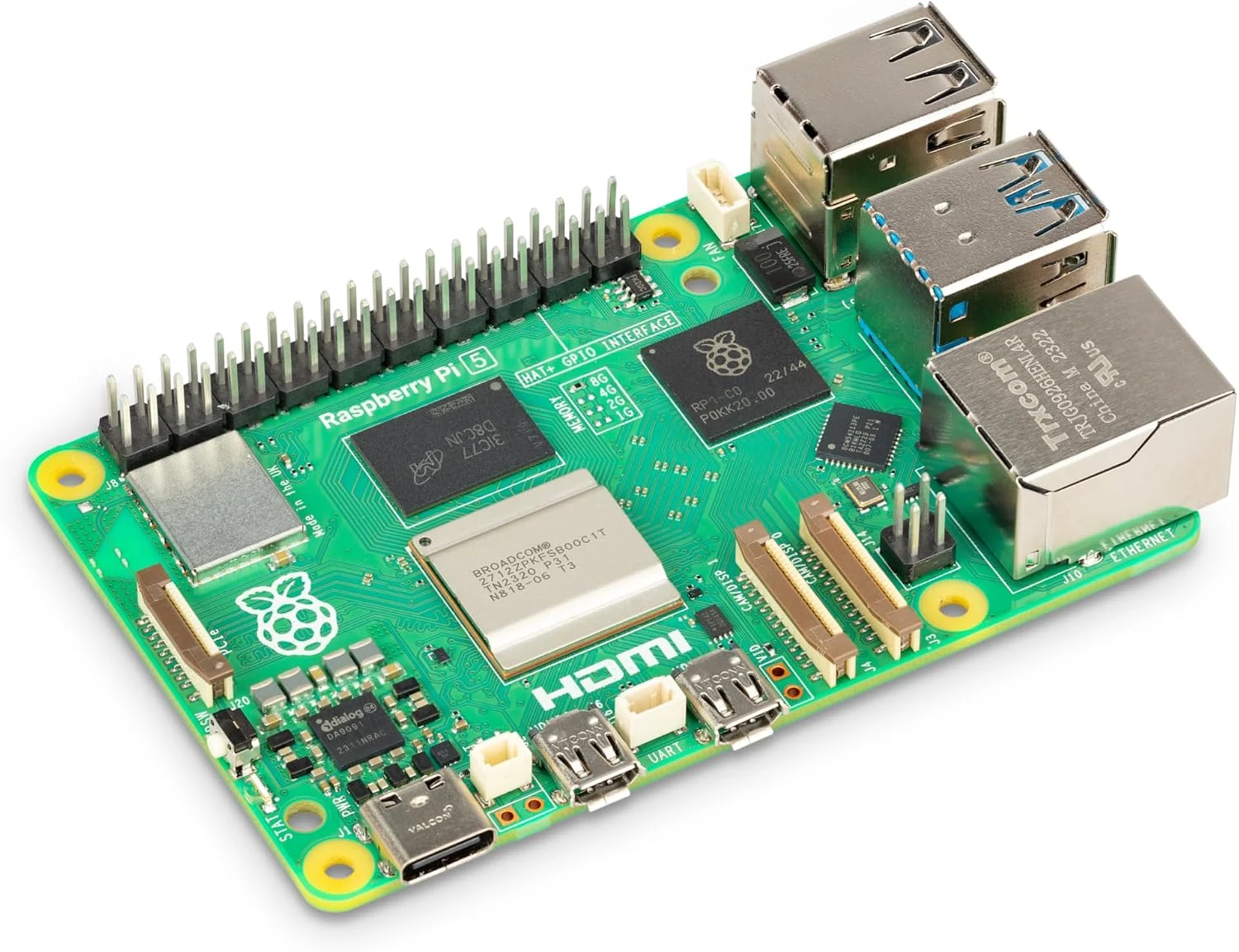
The Raspberry Pi 5 interests me most when the project benefits from being a Raspberry Pi. A small Linux server, a hardware experiment and a device using GPIO are different reasons to choose it. I like the flexibility of the 8GB board, but I would make that flexibility earn its place rather than assume every small server should start with a bare board.
Quick verdict
I would choose it for a Linux project that benefits from the Pi ecosystem, GPIO or compact Arm hardware.
Best for: I would choose it for a Linux project that benefits from the Pi ecosystem, GPIO or compact Arm hardware.
Main benefit: The board combines a useful project ecosystem with flexible storage and hardware expansion paths.
Biggest drawback: Power, cooling and storage add cost, while Arm compatibility can rule out software built only for x86.
Raspberry Pi 5 8GB
Amazon US · US
Check price and availability: Raspberry Pi 5 8GB at Amazon USAffiliate link. As an Amazon Associate I earn from qualifying purchases.
Reviewed version: Raspberry Pi 5 8GB
Compatibility: 8GB Raspberry Pi 5 board, SC1112. Requires suitable power, boot storage and cooling for the workload. NVMe needs a compatible PCIe adapter; Arm software support must match the project.
Review context: I assess a small Linux server, sustained tasks, storage choices, GPIO projects and complete system cost.
My recommendation would be positive for a project with a clear software and hardware plan. The board is only part of the working system. Power, cooling, storage, a suitable enclosure and any expansion adapter belong in the budget. I would compare that complete arrangement with a mini PC before deciding that the smallest initial box is also the simplest purchase.
The 8GB version is a specific choice
Raspberry Pi’s official information describes the Pi 5 platform and its expansion options. This review follows the 8GB SC1112 listing. I would choose the memory capacity according to the intended services, not simply buy the largest or smallest version because it sounds more economical.
Related reading

For a small collection of services, I would estimate the memory each one needs and leave room for the operating system and ordinary peaks. Adding several containers can use more resources than a first demonstration suggests. I would start with a limited set whose purpose I can explain, then expand when the actual workload justifies it.
The processor architecture also matters. An Arm system needs compatible operating-system packages and container images. A project advertised as available for Linux may still have components built only for another architecture. I would check the complete software path before buying hardware around it, especially for proprietary utilities or older images.
Power is part of the specification
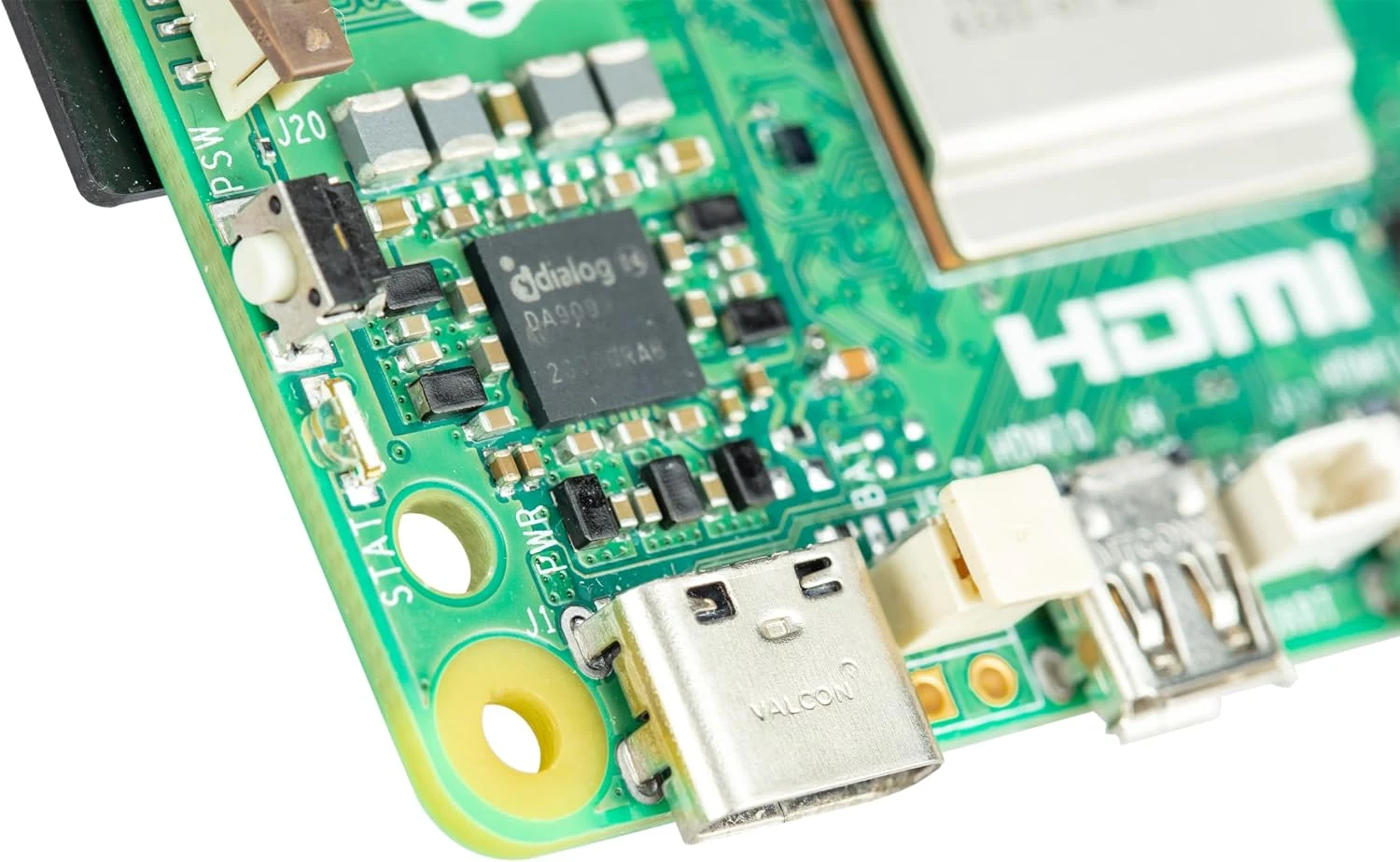
A USB-C connector does not mean any charger provides the intended Pi 5 power arrangement. I would follow the official power guidance and account for the attached peripherals. Storage, fans and other devices can change what the complete system needs. An unexplained power problem can be difficult to distinguish from a software fault.
For a server, I would also choose a stable installation rather than a loose experimental pile of adapters. Cables should not be strained, and the board should be protected from accidental contact. I find that ordinary physical order becomes more important when a project stops being a weekend experiment and begins storing files or supporting household services.
Backup power, if required, needs to support the relevant path rather than only the board. A network service also depends on its switch or router. I would decide the desired behaviour during an outage and shutdown before assuming an added battery makes the entire system resilient. The recovery routine should be as clear as the first boot.
Sustained work needs a cooling plan
The Pi 5 offers more capability than older Pi generations, but a demanding workload still creates heat. I would choose cooling according to the official guidance, case and intended operation. A brief successful boot is not evidence that a sealed box is ideal for a long compilation or continuous service load.
Related reading

I would consider noise as well as temperature. A desk project sits close to the user, while a network cupboard creates a different environment. A fan arrangement that is acceptable in one place may be distracting in another. I would not invent a noise measurement from the appearance of a small cooler or the claim printed in a listing.
Case and expansion compatibility should be checked together. A storage adapter, display cable or cooler can need the same physical space as another accessory. Pi generations also differ, so parts selected for a Pi 4 should not be assumed to fit the Pi 5. I would use a complete supported combination rather than add components one by one without checking the stack.
Storage is both a performance and maintenance choice
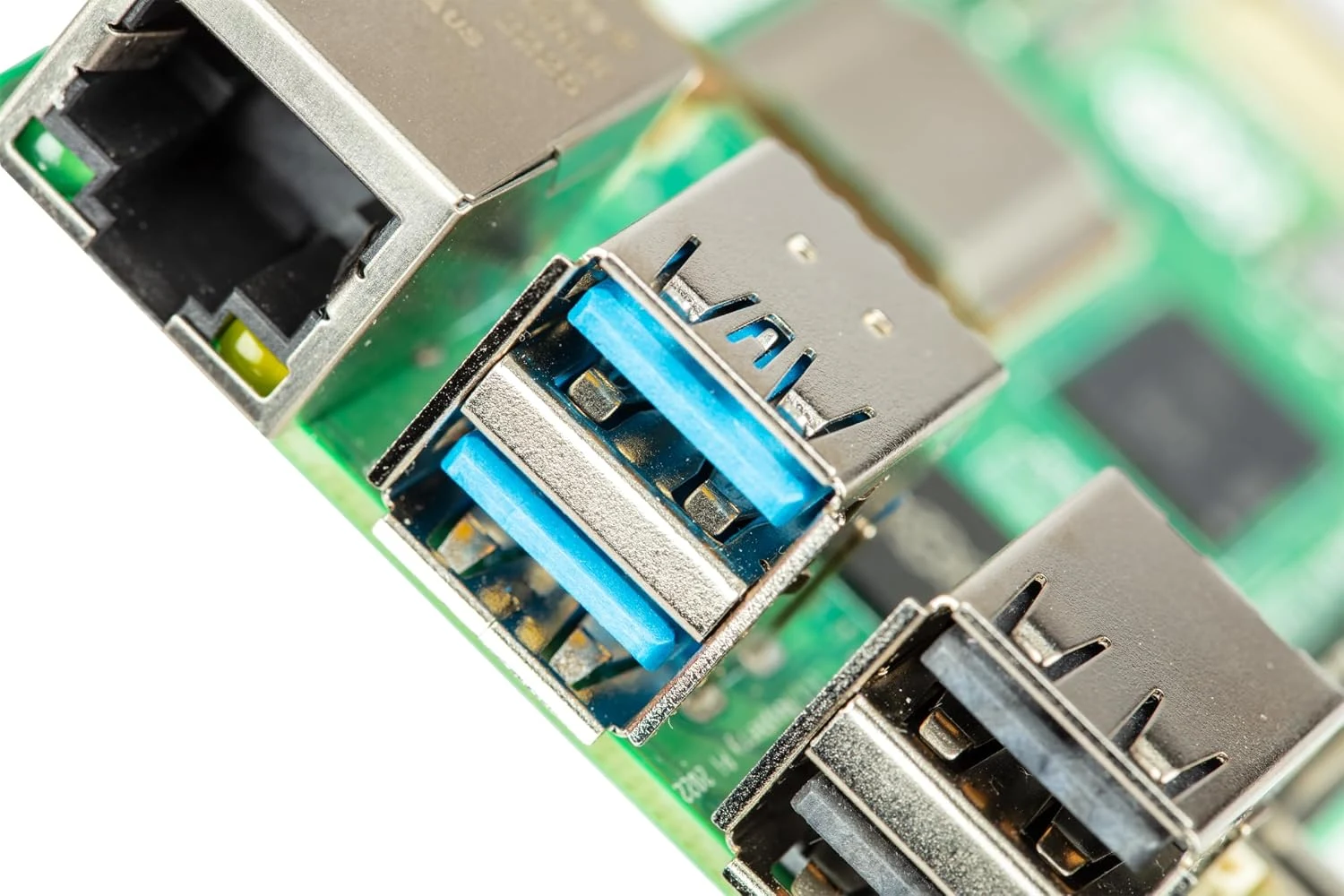
MicroSD provides a straightforward boot route, while the Pi 5’s PCIe connection enables compatible storage expansion through the right adapter. I would choose the route according to write activity, service needs and recovery convenience. An NVMe drive does not connect directly to the small PCIe cable socket without the necessary hardware.
I would also consider how to recover the system. A known configuration, a backup of important data and a way to rebuild the boot environment matter more than an attractive storage benchmark. Containers do not automatically contain all persistent data; volumes and configuration need their own place in the backup plan.
For a home server, I would document the services and their ports in plain language. That helps after a storage replacement or an operating-system update. A compact machine is satisfying when it remains understandable. It is less pleasant when several forgotten experiments become dependencies that only one person knows how to restart.
Related reading
Why I would choose a Pi
I would keep a Pi 4 for a lighter project that already runs well and has no clear need for an upgrade. I would compare a complete x86 mini PC when standard server applications are the entire requirement. The Pi 5 is most compelling when the ecosystem, GPIO access or compact hardware arrangement genuinely contributes to the project.
My assessment is positive with that purpose established. I would check the exact 8GB board, compatible accessories and current total cost together. The useful purchase is a maintainable small system with the right software and recovery path, rather than a bare board whose attractive potential hides the practical pieces needed to make it work.
The product images come from the selected listing and identified manufacturer materials. My assessment uses the linked product information and the buying decisions explained here. Specifications are manufacturer or retailer claims; the conclusions are my own editorial judgement.
What worked
The board combines a useful project ecosystem with flexible storage and hardware expansion paths.
What bothered me
Power, cooling and storage add cost, while Arm compatibility can rule out software built only for x86.
Who should not buy it
Someone expecting a complete computer in a bare-board listing or automatic compatibility with every desktop container image.
Alternatives I would consider
Raspberry Pi 4. I would keep or choose it when an existing lighter project already works well on that platform.
An x86 mini PC. I would compare the complete cost when standard server applications and x86 compatibility are the priority.
Evidence and sources
The linked product documentation and exact retailer listing support the product details. Images: Amazon product gallery. These are not personal test photographs or measurements.
Features, compatibility and rated figures from the maker are manufacturer information. My opinions are identified in the review.
Conclusion
Worthwhile when its board-level flexibility matters; compare a complete mini PC for an ordinary server job.
Raspberry Pi 5 8GB
Amazon US · US
Check price and availability: Raspberry Pi 5 8GB at Amazon USAffiliate link. As an Amazon Associate I earn from qualifying purchases.
One email a week with practical Mac workflows, useful comparisons and honest tech recommendations.