A small home server is most appealing to me when its job fits on one sentence. It might serve a modest application, collect a few measurements or provide a place to learn container deployment. The Raspberry Pi 4 Model B with 4GB gives that kind of project a compact, well-documented starting point. I like the chance to build something understandable without beginning with a large machine and an equally large list of services.
Quick verdict
I would shortlist it for the focused role described here.
Best for: One or a few compatible services with a realistic 4GB memory plan.
Main benefit: Ordinary network and USB connections plus official guidance give a modest Arm server a clear starting point.
Biggest drawback: The board price excludes the complete power, storage, case and cooling arrangement.
Raspberry Pi 4 Model B, 4GB RAM, board listing
Amazon US · US
Check price and availability: Raspberry Pi 4 Model B, 4GB RAM, board listing at Amazon USAffiliate link. As an Amazon Associate I earn from qualifying purchases.
Reviewed version: Raspberry Pi 4 Model B, 4GB RAM, board listing
Compatibility: The exact Pi 4 Model B 4GB, supported Arm software and system image, suitable power supply and model-specific accessories. Pi 5 expansion parts are not automatically compatible.
Review context: I assess a modest container or service setup, wired networking, storage writing patterns and a rebuildable recovery plan.
I would choose the Pi 4 for a workload that fits its memory, architecture and storage plan. I would not buy a bare board and assume that the rest is free. Power, a case, suitable cooling, storage and the necessary cables make the complete computer. The value comparison needs all of them, especially now that other small boards and used PCs can serve similar jobs.
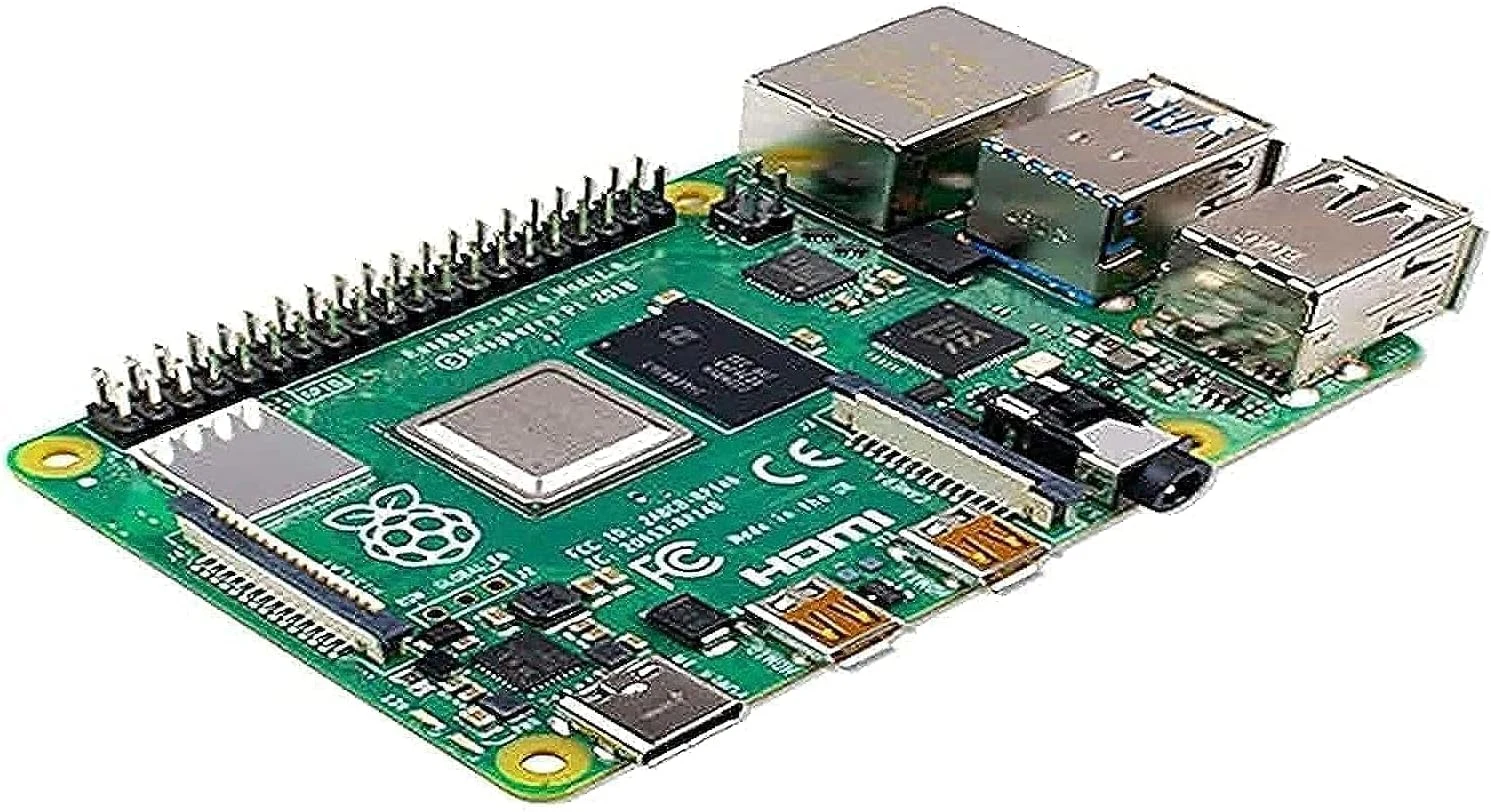
The board has useful ordinary connections
Product images: the verified retailer gallery and any original manufacturer illustration credited in the sources. These are not personal test photographs.
Related reading
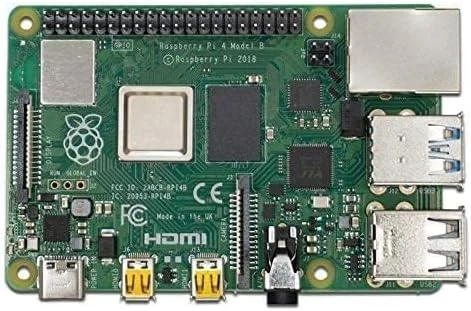
Raspberry Pi’s Pi 4 specifications identify Gigabit Ethernet, USB 3 and USB 2 ports, micro-HDMI outputs and a microSD slot. Those features make a small server arrangement easy to explain. I would begin with wired networking where practical and keep the first configuration independent of a complicated wireless setup.
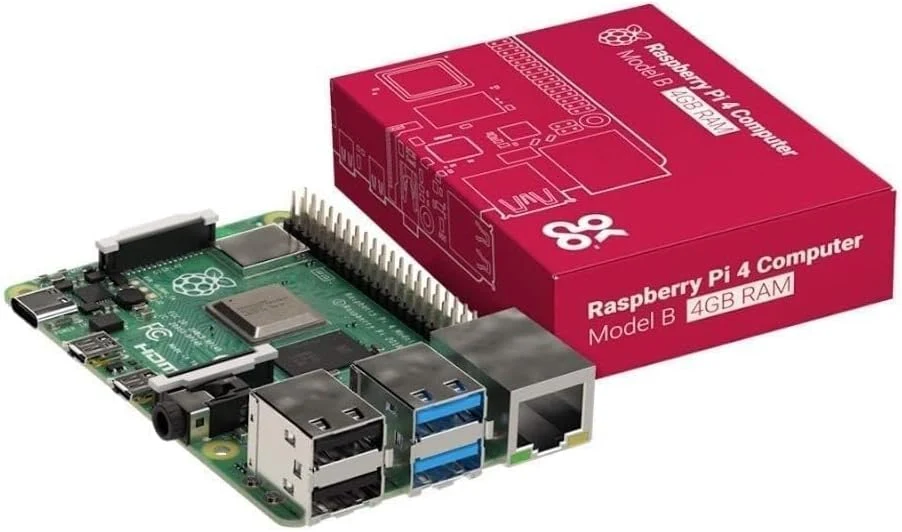
The selected listing is the 4GB Model B, not a larger-memory version or a complete kit. I would confirm the actual package before ordering accessories. A photograph showing a power supply or a case does not establish that it is included in this board-only purchase.
The architecture matters as much as the connectors. A 64-bit Arm system is useful for compatible software, but it is not an x86 PC in a smaller shape. I would check that the required application and container images support the intended platform rather than assume every image with a familiar name will run identically.
Start with a realistic memory plan
Four gigabytes can be useful when the service set remains modest. I would name the operating system, application and any database, then leave room for their normal working behaviour. A collection of idle containers is not evidence that the same machine will remain comfortable while several tasks become active together.
I would also decide what should happen when resources run short. Logs, temporary files and downloaded images can grow quietly. A simple retention and cleanup plan belongs beside the application configuration. The small size of the board does not make these ordinary administration questions disappear.
Storage should follow the writing pattern
The microSD route makes installation approachable, and Raspberry Pi’s getting-started guide explains preparing a system. I would choose a suitable card and keep a record of the installed image and settings. That makes a replacement card less of a mystery if the original one later fails.
A service that writes frequently deserves a separate storage decision. A supported USB SSD arrangement may be more suitable for a changing database or a larger working set. That adds enclosure, cable and power considerations, so I would choose the complete path rather than treat any USB disk as an automatic upgrade.
Related reading

The Pi 4 does not supply the same native expansion arrangement as a Pi 5. I would not buy a newer board’s NVMe accessory by appearance alone. The exact board, adapter, boot method and power requirements need to be checked together before storage becomes a project of its own.
Power is part of reliability
The official setup guidance recommends an appropriate Raspberry Pi power supply for this model. I would follow that route or an explicitly suitable equivalent rather than use an unidentified charger simply because the connector fits. The connected peripherals form part of the power requirement too.
A stable supply is particularly relevant to storage. If a drive and board behave unpredictably together, I would investigate the supported power and connection arrangement before blaming software. Changing the system image repeatedly cannot fix every physical limitation in the setup.
I would give the board a sensible case and cooling arrangement for its workload and room. Manufacturer limits and the actual enclosure matter more than a general impression that small computers never need thermal planning. I would not publish a power or temperature result without measuring the complete configuration myself.
A useful server can be rebuilt
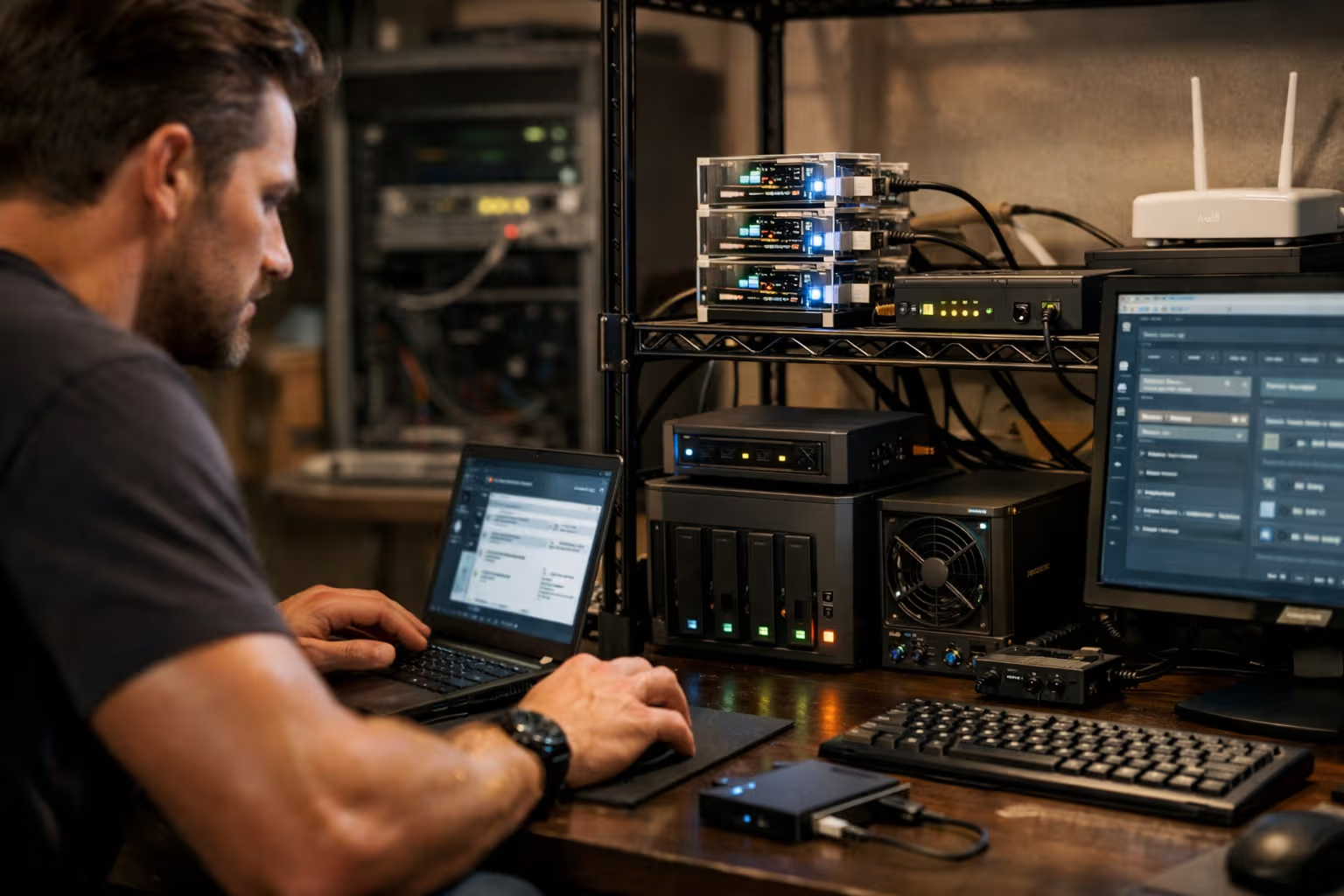
The files that explain the system should live somewhere other than only on the server. I would keep service definitions, necessary secrets through an appropriate recovery process and notes about the storage layout available independently. A board can be inexpensive while the time spent recreating an undocumented setup is substantial.
Backups also need a restore check. A container image is not a backup of the database volume it uses. I would save representative data, restore a test copy and confirm that the application can read it before depending on the machine. That is a clearer result than a backup task displaying a green indicator.
Related reading
When I would choose another machine
For more native expansion or a different performance requirement, I would compare a suitable newer Pi and its complete accessory cost. For software that needs x86, a small used PC may be the cleaner route. For an Arm test-farm project, the Orange Pi 4 Pro assessment explains a different balance of memory, storage and software support.
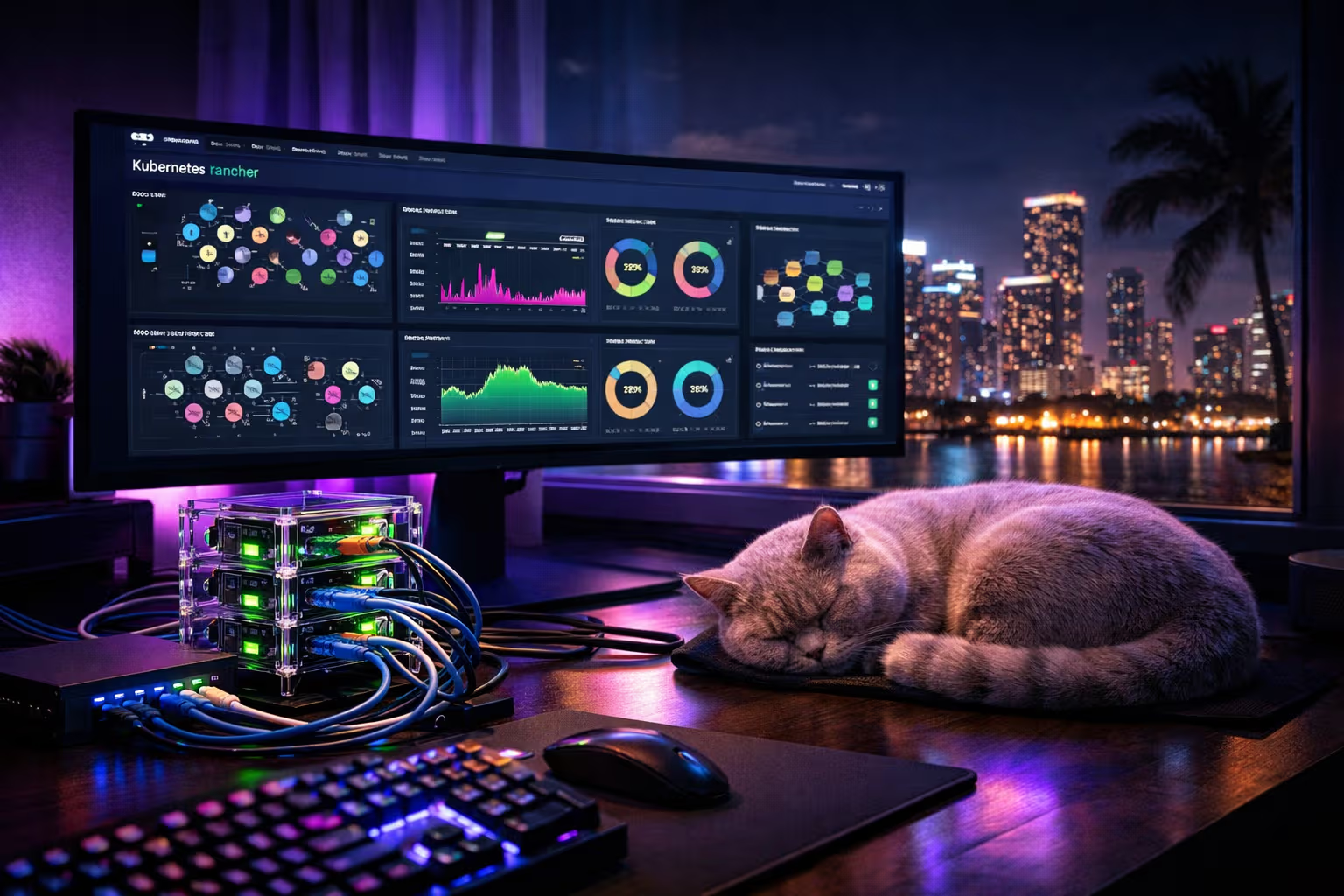
My verdict is positive for a deliberately modest server or learning project. I like the Pi 4’s understandable connections and extensive official guidance. I would buy the confirmed 4GB version, cost the complete setup and keep the service set small enough to explain. Its strongest result is not running the most containers in a screenshot; it is performing a useful job that I can maintain and recover.
What worked
Ordinary network and USB connections plus official guidance give a modest Arm server a clear starting point.
What bothered me
The board price excludes the complete power, storage, case and cooling arrangement.
Who should not buy it
The board price excludes the complete power, storage, case and cooling arrangement.
Alternatives I would consider
A newer suitable Raspberry Pi setup. I would choose the newer expansion or performance capability when the project actually needs it.
Orange Pi 4 Pro. I would compare its different memory, storage and software-support trade-offs for an Arm test-farm project. Read my Orange Pi 4 Pro review.
A small x86 PC. I would choose x86 when the software requirement makes an Arm board the wrong starting point.
Evidence and sources
Specifications are attributed to the linked documentation. Images: Amazon product gallery. These are not personal test photographs or measurements.
Features, compatibility and rated figures from the maker are manufacturer information. My opinions are identified in the review.
Conclusion
Worth considering for a small maintainable project; compare the complete setup with a newer board or used PC.
Raspberry Pi 4 Model B, 4GB RAM, board listing
Amazon US · US
Check price and availability: Raspberry Pi 4 Model B, 4GB RAM, board listing at Amazon USAffiliate link. As an Amazon Associate I earn from qualifying purchases.
One email a week with practical Mac workflows, useful comparisons and honest tech recommendations.