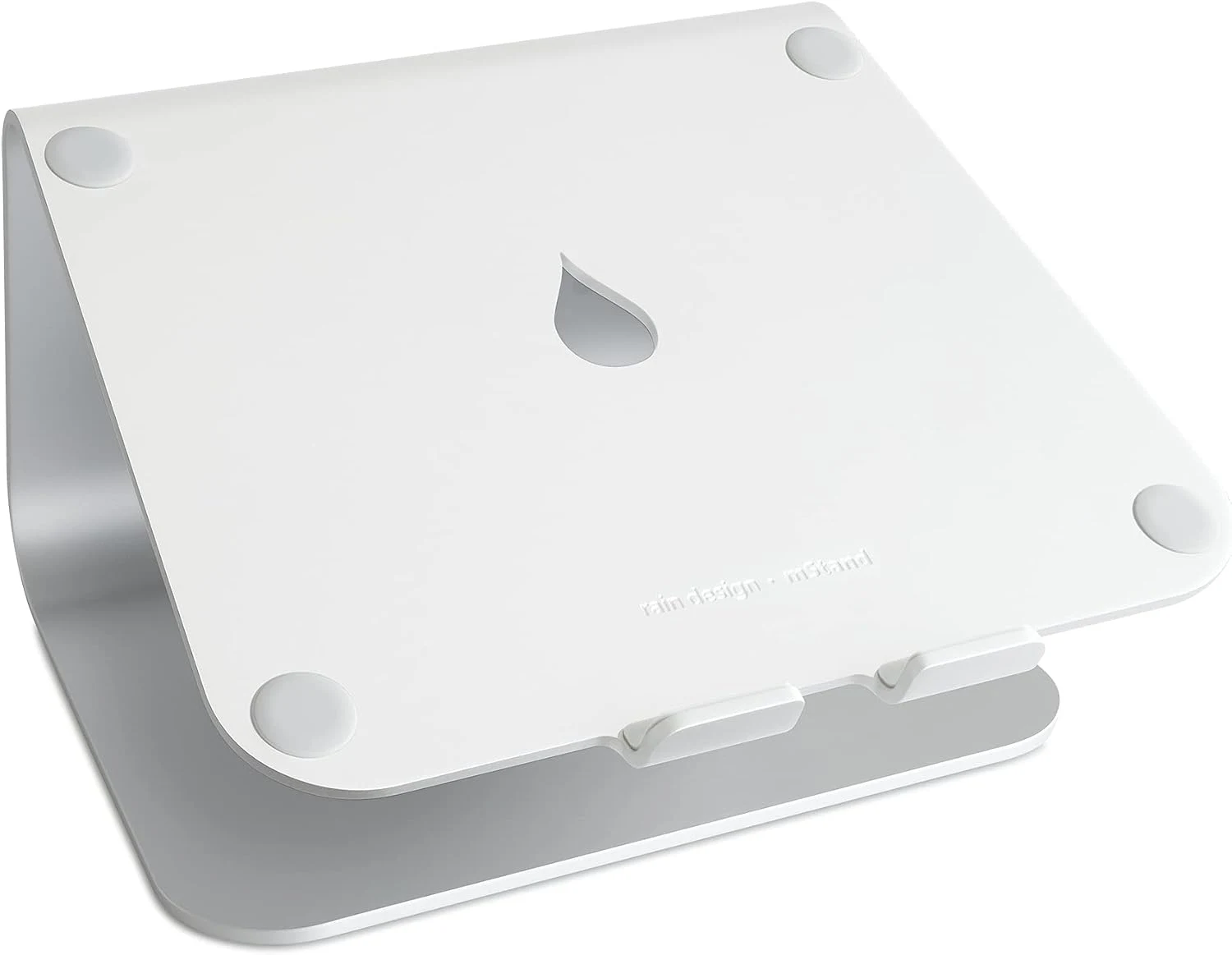
I like the mStand because its design gives a familiar object a clear place. A laptop can be a capable desk computer while still leaving its screen too low for the arrangement around it. Rain Design’s original aluminium stand addresses that physical question with one fixed shape. I would consider it when the laptop display should remain useful beside a separate keyboard and pointing device.
Quick verdict
I would shortlist the original mStand for a desk that needs a stable fixed place for a laptop screen.
Best for: A laptop desk with separate keyboard and pointing controls and a suitable fixed screen position.
Main benefit: The one-piece stand gives the laptop a clear raised position without adjustment joints to manage.
Biggest drawback: The height and angle are fixed, so they must suit the desk and user rather than adapt to every setup.
Rain Design mStand, original fixed aluminium laptop stand, Silver
Amazon US · US
Check price and availability: Rain Design mStand, original fixed aluminium laptop stand, Silver at Amazon USAffiliate link. As an Amazon Associate I earn from qualifying purchases.
Reviewed version: Rain Design mStand, original fixed aluminium laptop stand, Silver
Compatibility: A laptop whose dimensions, feet and weight meet the maker’s guidance, on a stable desk with suitable cable clearance. Separate keyboard and pointing controls are part of the intended raised-screen setup.
Review context: I assess a laptop used as a desk display, the relationship between screen and keyboard position, cable access and the difference between fixed and adjustable stands.
The simplicity is part of the appeal. There is no collection of joints to adjust before the desk makes sense. That also defines the main limit: the position is fixed. I would choose this stand because its shape fits the intended setup, rather than expect a good-looking piece of aluminium to suit every desk automatically.
Start with the keyboard arrangement
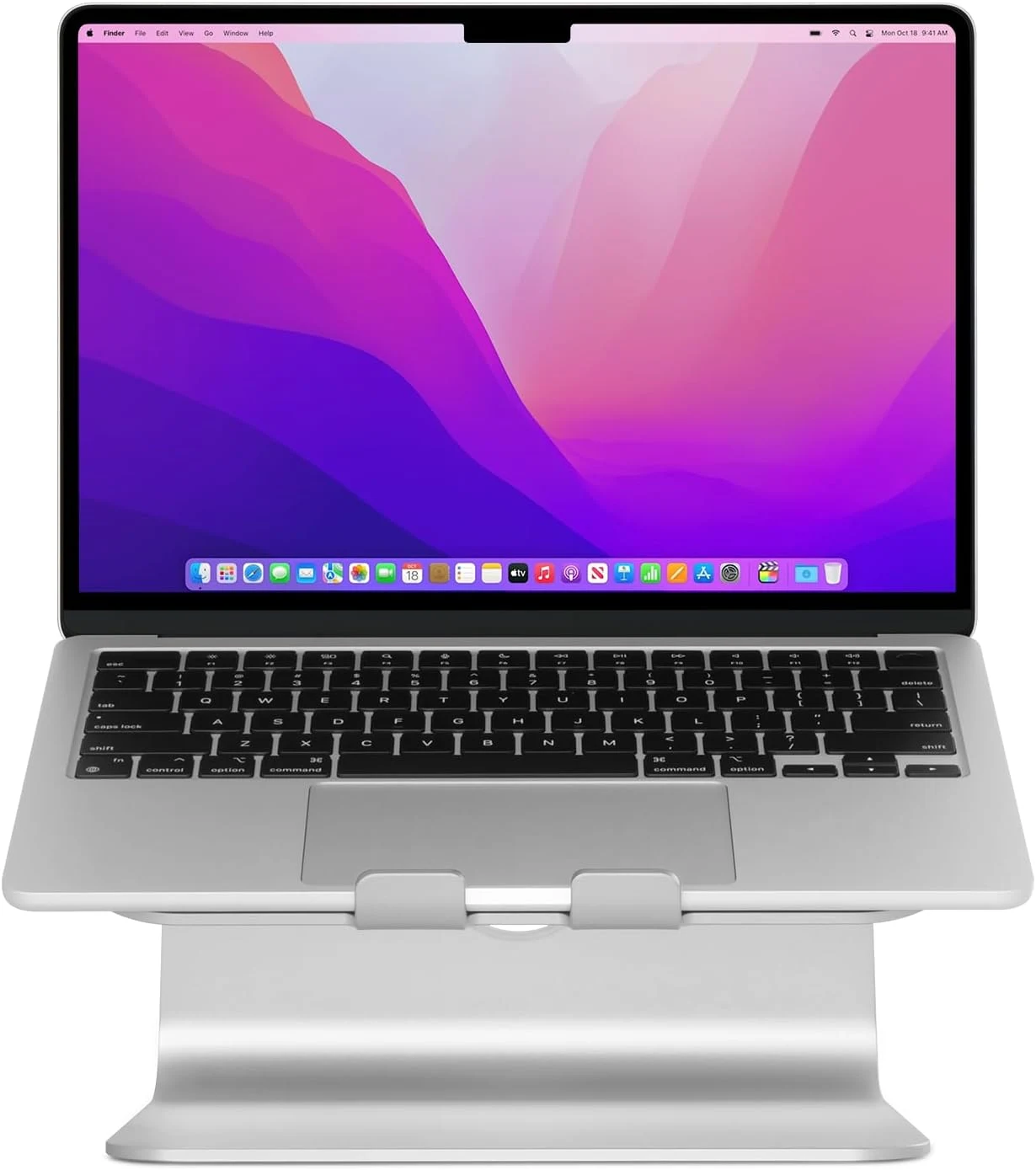
Raising the laptop changes two things together: the screen moves, and the built-in keyboard moves with it. I would plan separate controls before treating the stand as a complete answer. A screen position that looks attractive in a photograph can make less sense if I still need to reach up and type on the computer itself.
Related reading

A separate keyboard lets the display and hands have different positions. That is the practical reason I like this type of setup. The stand can place the screen where it belongs while the controls remain on the desk. It does not need a claim about changing the computer’s performance to justify that role.
I would also think about the pointing device and the space it needs. A full-size keyboard, a mouse and a laptop stand occupy a different area from the laptop alone. The useful comparison is the whole working surface, including the space available for papers, a microphone or anything else that has a real daily job.
Fixed height is both benefit and limit
Rain Design’s mStand information describes the original single-piece aluminium design and its fixed elevation. I like that the physical decision remains visible. Once the correct position is found, there is no need to remember which adjustment was used or to make the stand match a new position each morning.
That does not make fixed height universally better. A shared desk, changing chair or frequent move between locations may call for an adjustable product. I would measure the likely screen position with the normal seating arrangement before ordering. The fixed shape should be a deliberate choice, not a compromise discovered after the package arrives.
The laptop’s own screen angle remains part of the result. Raising the body does not remove the need to position the display sensibly or to consider reflections. I would choose the final arrangement from the seat, looking at the actual screen, rather than judge it only from the tidy view across the room.
Related reading

Fit includes more than screen size
I would compare the laptop’s dimensions with the manufacturer’s guidance. The feet, lower case and any added shell need to sit properly on the supporting surface. A display-size label alone does not describe those contact points, and a thin notebook and a thick machine can have different physical needs even when their screens are similar.
Cable clearance deserves the same attention. Charging, video and accessory leads should leave the computer without being bent sharply or pulled across an edge. The mStand’s rear opening offers a defined route, but the right cable length still needs to fit the desk. A large collection of adapters can change an otherwise simple arrangement.
I would leave the computer’s intended openings clear as well. Aluminium is part of the product’s construction, and Rain Design discusses its thermal role, but I would not buy the stand expecting an unverified cooling or speed result. A stable screen position is a useful benefit on its own, without inventing a performance improvement.
The finish is a reasonable part of value
A stand remains in sight even when the laptop is asleep or away from the desk. I understand choosing a finish that is pleasant to look at. The original silver design has a restrained appearance that makes sense beside many computers, without needing to become the most noticeable object on the worktop.
I would still put the practical fit first. Matching a laptop’s colour does not make the stand the right height, and a premium surface does not create more room on a narrow desk. The material and appearance can help make a good arrangement enjoyable, but they should follow the decision about what the stand needs to support.
Storage is another small benefit to consider carefully. The space beneath a stand can hold a keyboard when it is not in use, but it can also become a place to leave unrelated things. I would keep access to the controls and cables straightforward rather than fill every gap simply because there is room.
Related reading

A stand for a specific kind of desk
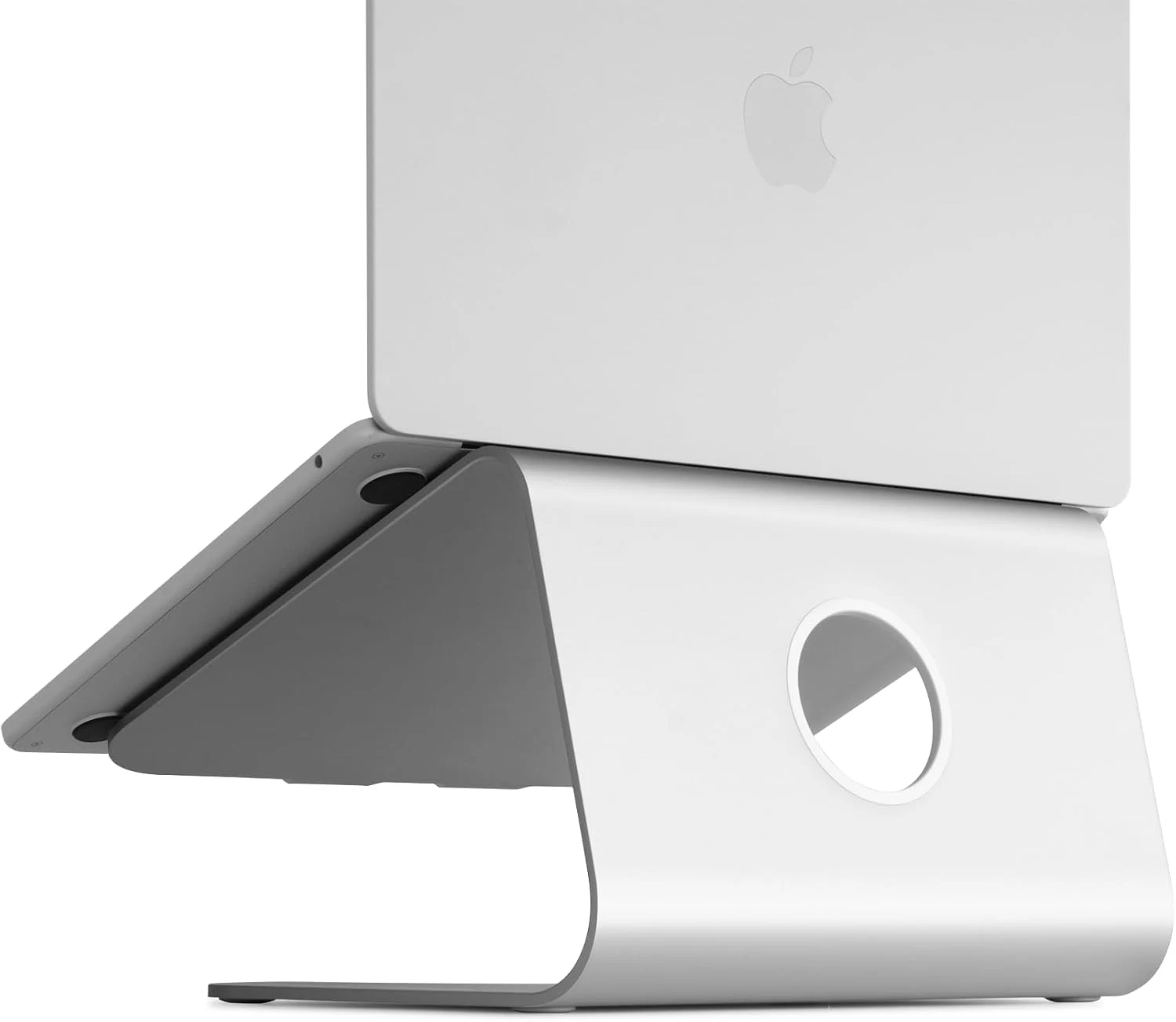
I would choose an adjustable model for changing work positions, and a folding stand when travel size matters most. I would compare an external monitor when the real need is a much larger display. The mStand has a narrower and, to me, attractive role: a stable fixed position for the laptop screen already owned.
My recommendation is positive when that role fits. I like an accessory that can improve the physical organisation of a desk without adding another software system. The exact Amazon US affiliate listing is worth checking for the original model, finish and current availability, with the separate keyboard and pointing device included in the complete plan.
What worked
The one-piece stand gives the laptop a clear raised position without adjustment joints to manage.
What bothered me
The height and angle are fixed, so they must suit the desk and user rather than adapt to every setup.
Who should not buy it
Someone who mainly types on the laptop’s own keyboard or needs a folding travel stand.
Alternatives I would consider
An adjustable laptop stand. I would choose adjustment when different desks, seats or users need different screen heights.
A conventional external monitor. I would compare a separate display when a much larger workspace is the main requirement. Read my A conventional external monitor review.
Evidence and sources
Product details come from the cited sources. Images: Amazon product gallery. These are not personal test photographs or measurements.
Features, compatibility and rated figures from the maker are manufacturer information. My opinions are identified in the review.
Conclusion
Worth considering for the right physical arrangement and finish; an adjustable stand is better value when positioning changes often.
Rain Design mStand, original fixed aluminium laptop stand, Silver
Amazon US · US
Check price and availability: Rain Design mStand, original fixed aluminium laptop stand, Silver at Amazon USAffiliate link. As an Amazon Associate I earn from qualifying purchases.
One email a week with practical Mac workflows, useful comparisons and honest tech recommendations.