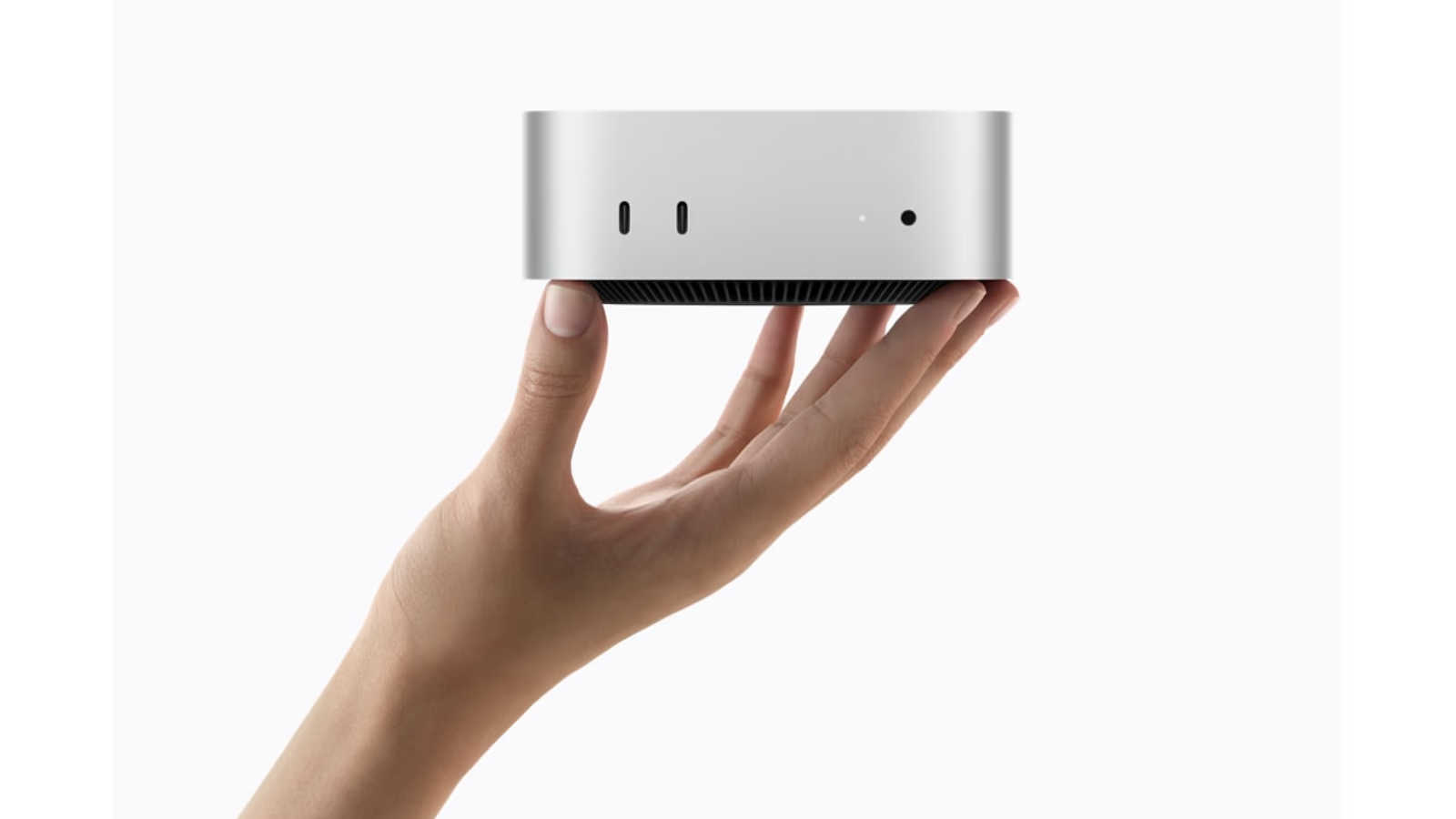
Official product image: Apple Newsroom. Reused as a 1600 × 900 AVIF without changing the hardware.
A developer can lose a surprising amount of time to a build that is only slightly annoying. It interrupts a thought, invites a quick look at a message, and turns a small code change into a much longer pause. That is the Mac mini buying question I find interesting: how often will this computer help you stay with the problem?
This fifth part of Mac mini Workbench looks at development rather than video, photos or local AI. It is a research guide, checked on 21 October 2026. I have not run comparative Xcode benchmarks on the current mini. The test plan below is a way to make your own decision, with your own code.
Start with the build you repeat
A clean build and an incremental build answer different questions. The clean build starts without the normal collection of reusable build products. The incremental build follows a change inside an existing working project. Both matter, but their importance depends on the day. Someone switching branches frequently may have a different experience from someone working in a stable module for several hours.
Apple explains how the Xcode build system manages the work needed to produce an application. That makes the structure of the project part of the hardware question. A powerful processor cannot make an unnecessary dependency disappear. It can only do the resulting work more quickly, when the work permits it.
I would begin by writing down three common changes. One might be a small view edit, another a change to a shared type, and the third a change that triggers a larger rebuild. This produces a much more useful buying conversation than asking a shop to compile an unrelated sample application. You need to recognise the waiting time being measured.
Related reading
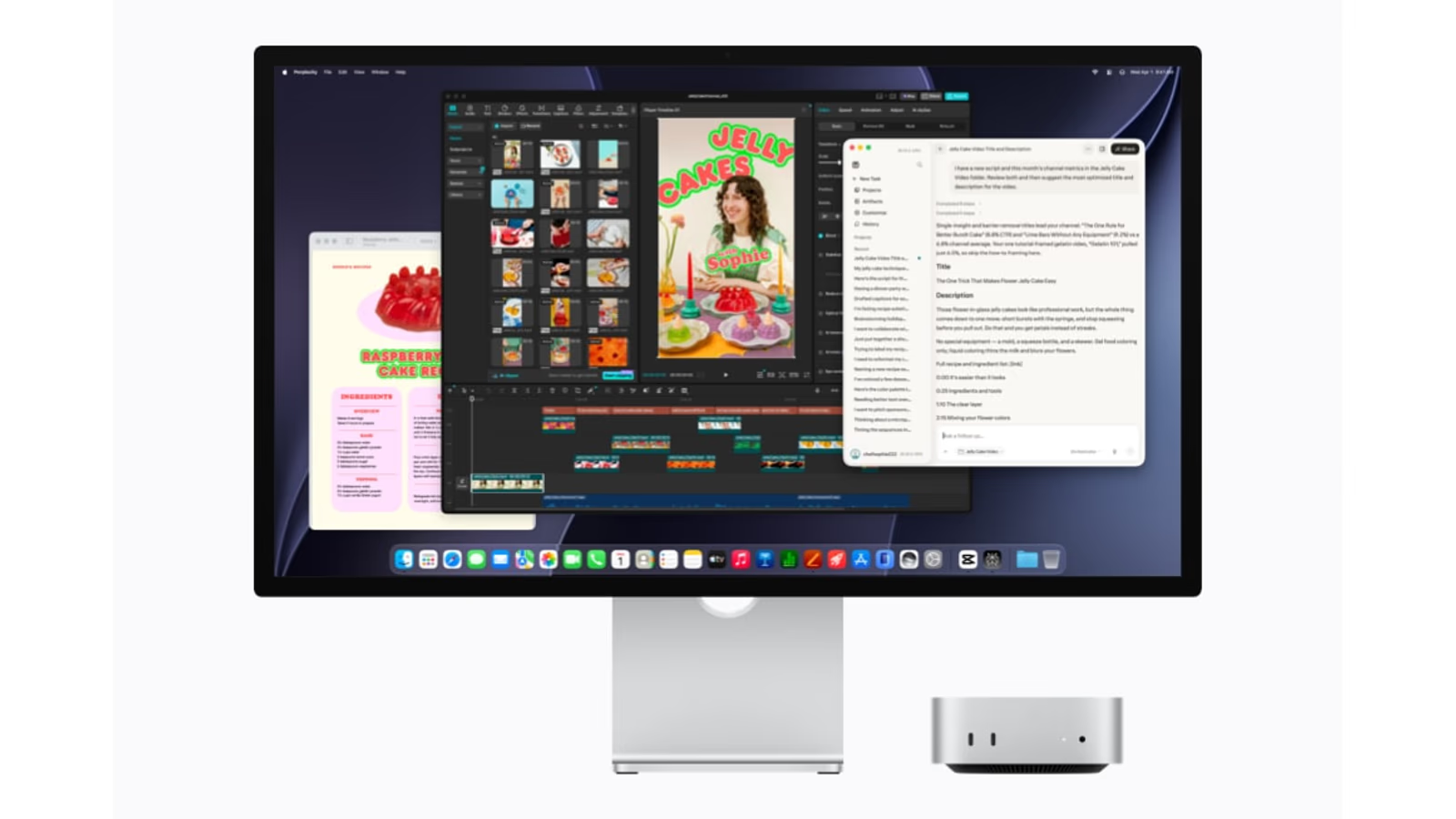
Find the delay before assigning it a chip
Opening a workspace can involve package resolution, indexing, file access and compilation. A slow first opening after an update is not the same workload as the tenth build of an ordinary morning. Mixing these activities into one stopwatch result hides the reason a computer feels slow.
Apple’s guide to improving incremental builds is a useful starting point for examining the work itself. My practical inference is simple: inspect the build timeline before deciding that additional processor cores will fix the problem. A long serial step deserves a different response from several independent compile jobs keeping the machine busy together.
Imagine a small app whose build waits on a large generated resource. Replacing the computer might shorten some stages while leaving the awkward dependency intact. Changing when that resource is generated could help every developer on the team. This is an illustrative case, not a measured result from my own project. It shows why a hardware review should include the software being built.
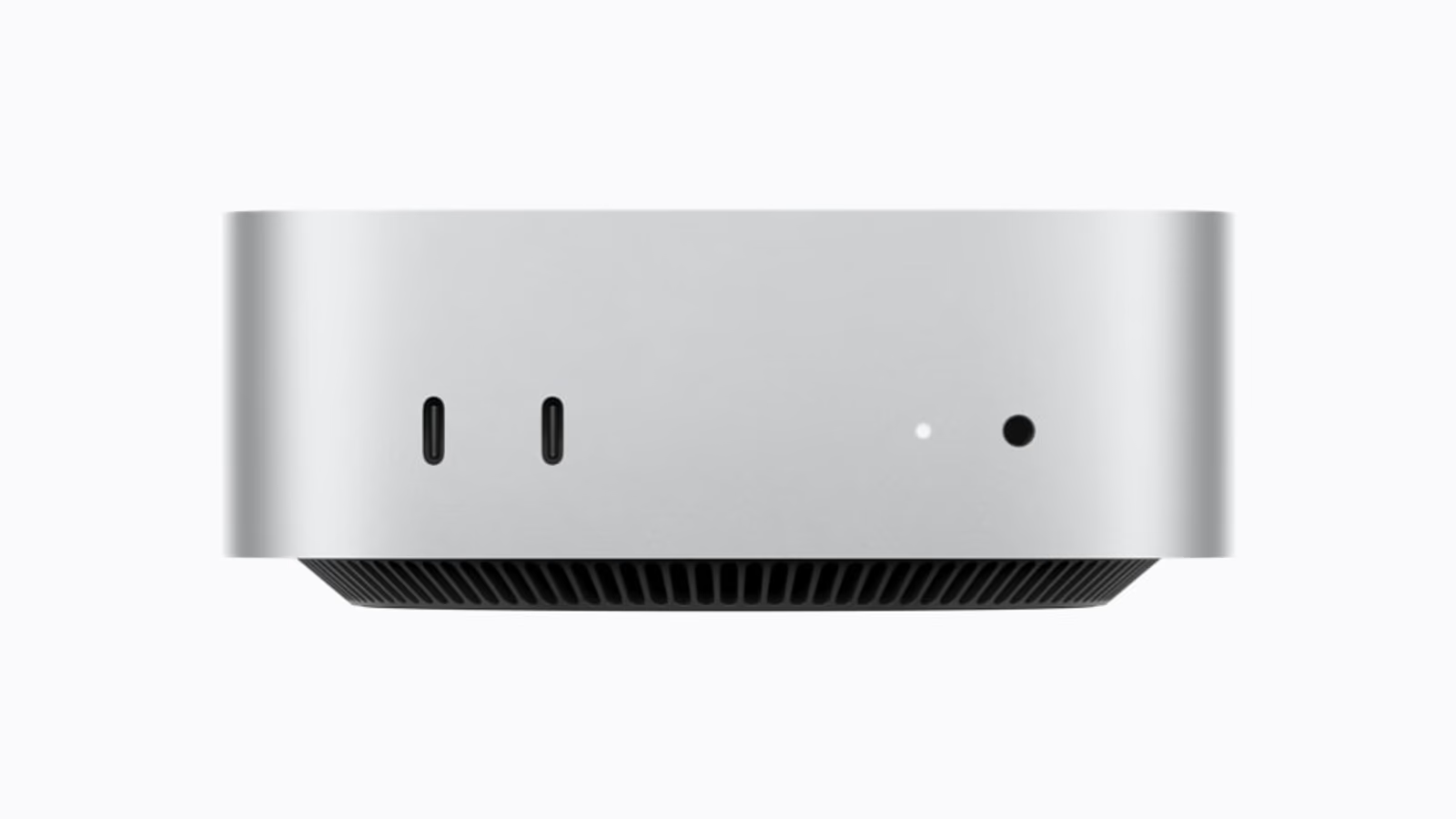
Official product image: Apple Newsroom. Reused as a 1600 × 900 AVIF without changing the hardware.
Memory is about the whole session
Xcode rarely runs alone. There may be a simulator, a browser with documentation, an image editor, a terminal and a meeting app. Closing all of them makes a tidy benchmark. It can also produce a poor recommendation for someone who normally needs them open.
In Activity Monitor’s memory view, Apple exposes memory pressure and swap use. I would observe those while doing real work. A large amount of used memory by itself is not a reason to panic. The more useful question is whether pressure, repeated waiting and the timing of those waits point to a working set the configuration struggles to hold.
Try one normal session and one busy session. For the latter, use the simulator or device workflow you actually need, not every simulator you can launch. Record which applications are open. If a comparison machine has more memory, keep that difference visible in the notes. Otherwise, it is too easy to attribute a memory advantage to the processor name on the box.
Related reading
Storage housekeeping can protect a good machine
Development creates a growing collection of build products, simulator data, downloaded runtimes and archives. Some are replaceable. Others are the evidence of a released product and deserve deliberate retention. Treating everything as disposable because it lives in a development folder is a good way to create a difficult afternoon later.
My proposed layout has a clear place for source, release records and ordinary generated work. Source belongs under version control with an independent recovery path. Release archives, signing material and important export records need their own documented handling. A package cache can be regenerated; a lost credential may require a much more involved recovery process.
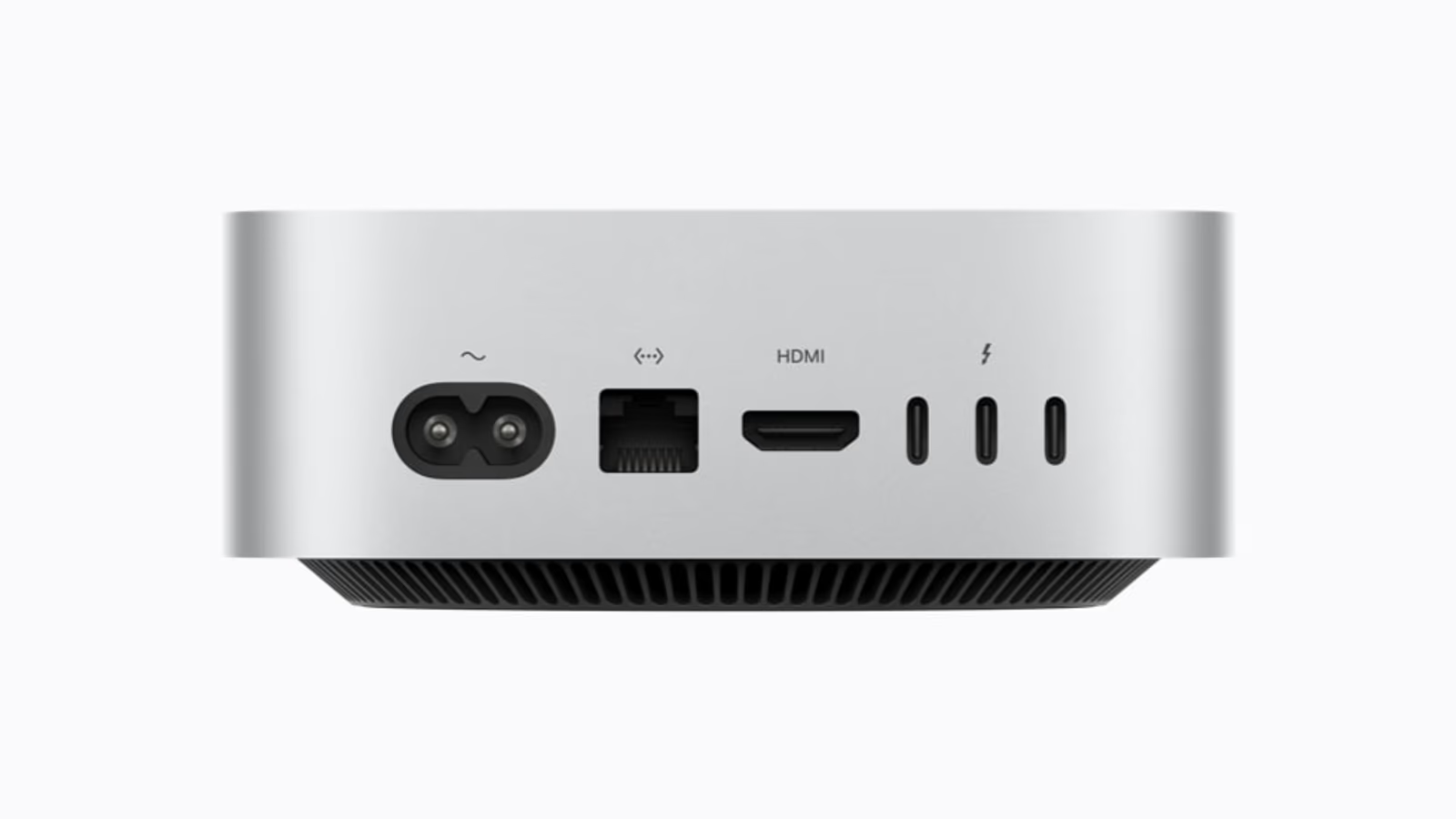
An external drive can be useful for large retained files. Moving active work to it should be an intentional decision about reliability and access, rather than a desperate response to a full internal disk. Before moving a workspace, confirm that tools, scripts and permissions still behave correctly. Keep the original until you have built and opened the moved project successfully.
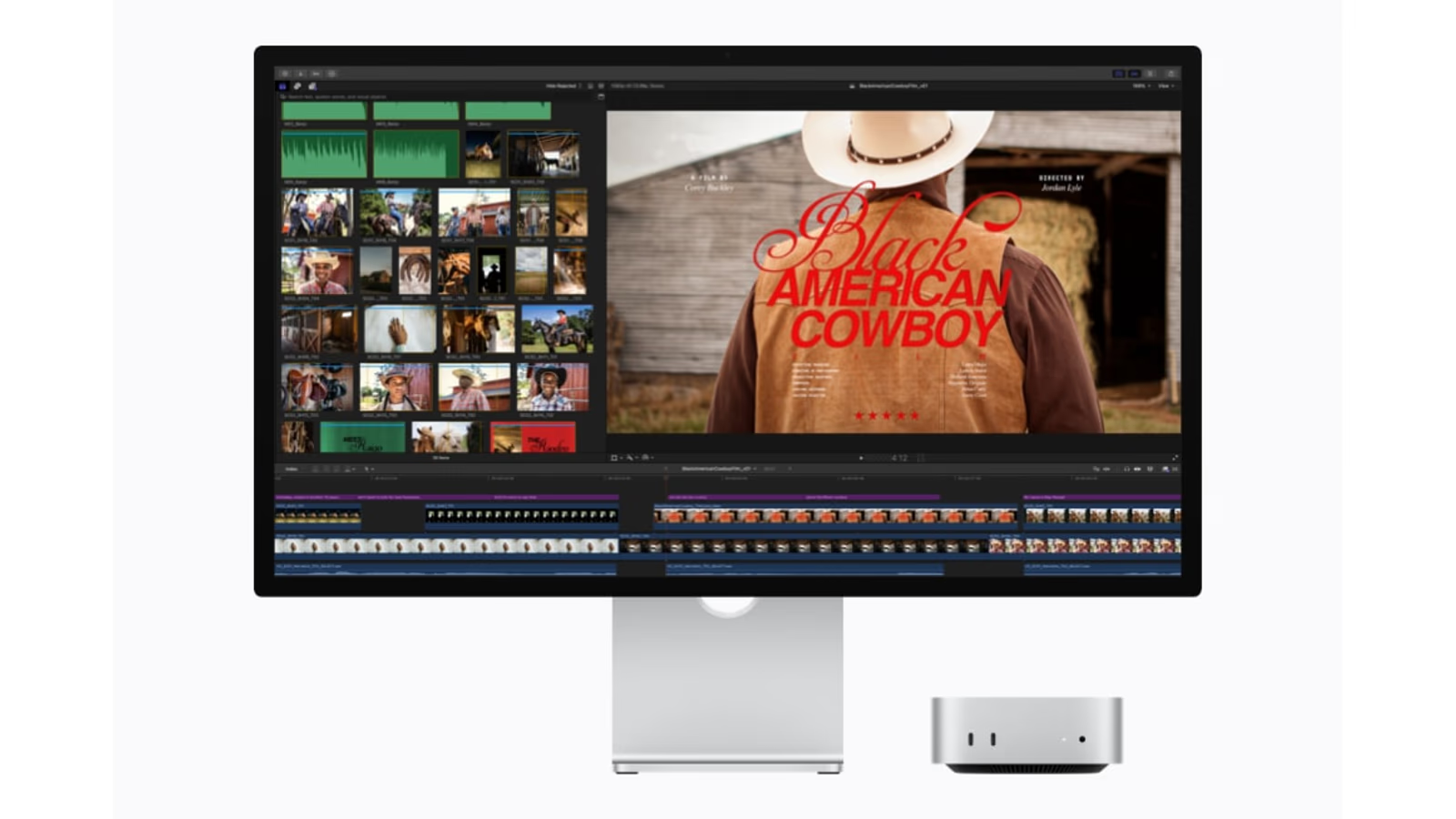
Official product image: Apple Newsroom. Reused as a 1600 × 900 AVIF without changing the hardware.
A comparison worth bringing to a store
I would prepare a small, non-confidential project package with dependencies already identified. Record the Xcode version, operating system, configuration and commit. A result without these details may be impossible to explain even a week later. Company code also needs company permission before it goes onto another person’s computer.
| Trial | What it can reveal | What to record |
|---|---|---|
| Open a prepared workspace | Startup and indexing behaviour | Whether indexing has finished |
| Build from a known clean state | Larger compilation workload | Exact configuration and elapsed time |
| Change one common source file | Daily feedback delay | Which targets rebuild |
| Run the normal simulator workflow | The working session | Memory pressure and responsiveness |
| Archive a release configuration | Delivery work | Signing and packaging stages |
Repeat a surprising result. Keep background tasks consistent and allow each machine to finish setup. A new Mac downloading assets while another is fully prepared is not a fair comparison. These steps take longer than one benchmark run, but they also make the result useful when deciding what to buy.
Make the budget follow the actual inconvenience
Suppose a developer spends an hour each week waiting for tasks that a faster configuration might improve. Even then, the entire hour is not automatically recoverable. Some waits happen during lunch, some involve network access, and some require another person. Only part of the total may be hardware-sensitive.
That is why I would resist a calculation built from the best advertised speedup applied to every working hour. Make a smaller calculation around the repeated task you measured. Compare the complete euro cost of the configuration with the time it can plausibly save. Include the display, backup and adapters if they are missing from the existing desk.
A student should also protect the learning environment. A comfortable monitor and a reliable way to recover a broken experiment can matter more than shortening an occasional full rebuild. An experienced developer with a large codebase may reach the opposite conclusion. Neither decision needs a claim that one model is the right developer Mac for everyone.
Related reading
The shared module that changes the purchase question
Consider a hypothetical team maintaining a small app and a shared library. Most interface edits rebuild quickly. A change to the shared library takes much longer because several targets need new work. The team is tempted to replace every development machine after watching that one slow path.
I would first ask how frequently that path occurs and whether the dependency is necessary. A build timeline can show the work, while the team can explain why the module exists. Perhaps the structure is appropriate and the repeated cost justifies faster hardware. Perhaps a small interface change can stop unrelated targets rebuilding. Those conclusions lead to different spending decisions.
The useful comparison includes both changes: an ordinary interface edit and the shared-library edit. Preserve the source revision for each, keep the configuration consistent and record how often they occur in a normal week. The resulting recommendation can say which developer benefits and why. It does not need to turn the fastest clean build into a rule for the entire team.
For a student or individual developer, the same idea works at a smaller scale. Keep a short list of the changes that repeatedly interrupt thought. It becomes a practical performance brief for the next machine and a useful guide to improving the project already on the desk.
Faster feedback also comes from clearer code
Apple’s build efficiency guidance covers ways to avoid unnecessary compiler work. This is where the mini can become a useful reminder: buying a new computer is a good moment to understand what the project asks the old one to do.
I would inspect expensive shared interfaces and dependencies before a major hardware purchase. A targeted change can improve the next thousand builds on the existing machine as well as the new one. Keep the behavioural checks that protect the application. Removing useful validation merely to show a shorter build time is a poor exchange.
There is also a team benefit. A clear record of the workload helps colleagues compare machines without arguing from vague impressions. It can explain why a developer doing graphics work needs a different configuration from someone maintaining a small utility. The evidence becomes a discussion about work instead of a competition between chip names.
My verdict is that the Mac mini remains an appealing development workstation when the desk and project suit it. I would choose the configuration from a representative build session, then keep improving the project. A machine earns the upgrade by giving back attention during the work you repeat. That is the result I would want to see before paying for it.
Continue reading
- Mac mini and Photos: move the library with confidence
- Mac mini as a home server: begin with one useful job
- Mac Studio: smooth playback beats a fast export
- Mac mini M6 vs M5 Pro: a product assessment
- Mac mini for video editing: M6 or M5 Pro
Product search
As an Amazon Associate I earn from qualifying purchases. Affiliate disclosure.
Search Amazon.com for Mac mini (affiliate). This is a search page, not a verified recommendation for an individual listing. Confirm the exact model, configuration and regional terms before buying. No Amazon price or stock is quoted.
One email a week with practical Mac workflows, useful comparisons and honest tech recommendations.