I really like the new iPad mini, and I have enjoyed this purchase. It makes the most sense to me when I stop asking it to be a small laptop. A tablet you can hold comfortably for reading and notes has a different job from a computer set on a desk. I like that clear purpose. The new model adds a better screen and more powerful hardware, but its small size is still the main reason to consider it.
Quick verdict
I recommend this iPad mini for reading, notes and a small tablet role beside a Mac.
- Best for
- People who specifically want a small handheld tablet.
- Main benefit
- I like the small format as a clear purpose rather than an attempt to replace a laptop.
- Biggest drawback
- The compact screen gives less room for long drawing sessions and large documents.
Apple iPad mini A20 Pro
Apple · Choose the local store or delivery region
Check price and availability: Apple iPad mini A20 Pro at AppleProduct link.
Reviewed version: Apple iPad mini A20 Pro
Compatibility: Confirm the exact iPad generation, storage, connector and Pencil or keyboard support. Accessories do not match every iPad generation.
Review context: The review focuses on people who specifically want a small handheld tablet.
We bought this iPad ourselves. The model discussed here is the current A20 Pro version shown on Apple’s store, rather than the older A17 Pro model. That distinction matters: a review, a case listing and a storage comparison should all refer to the same generation.
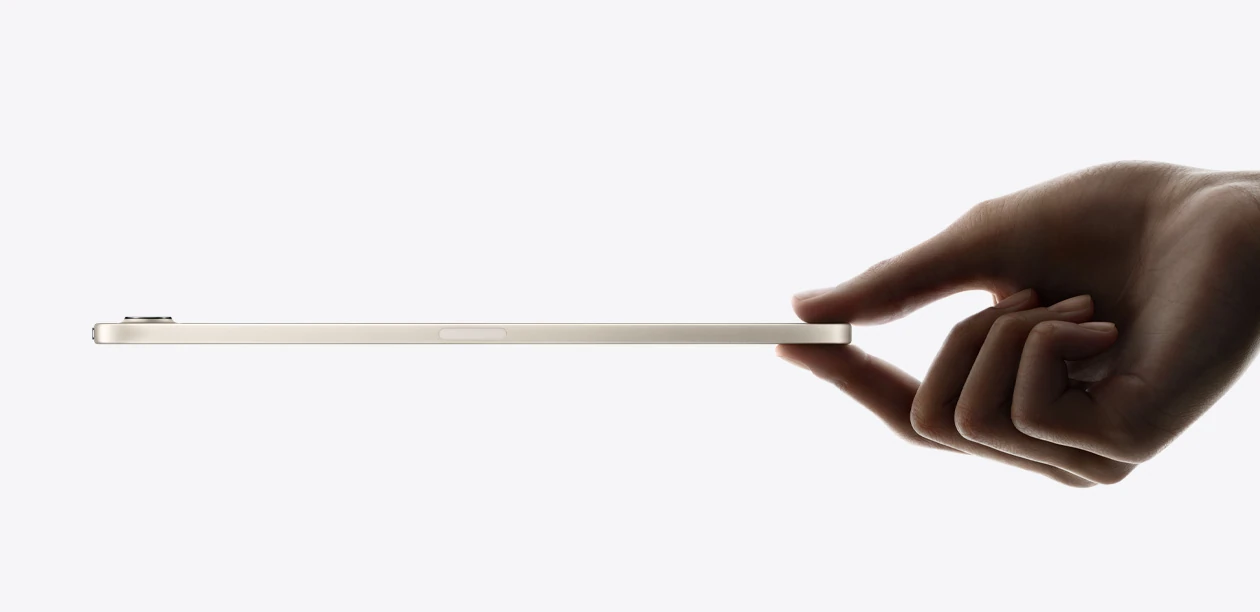
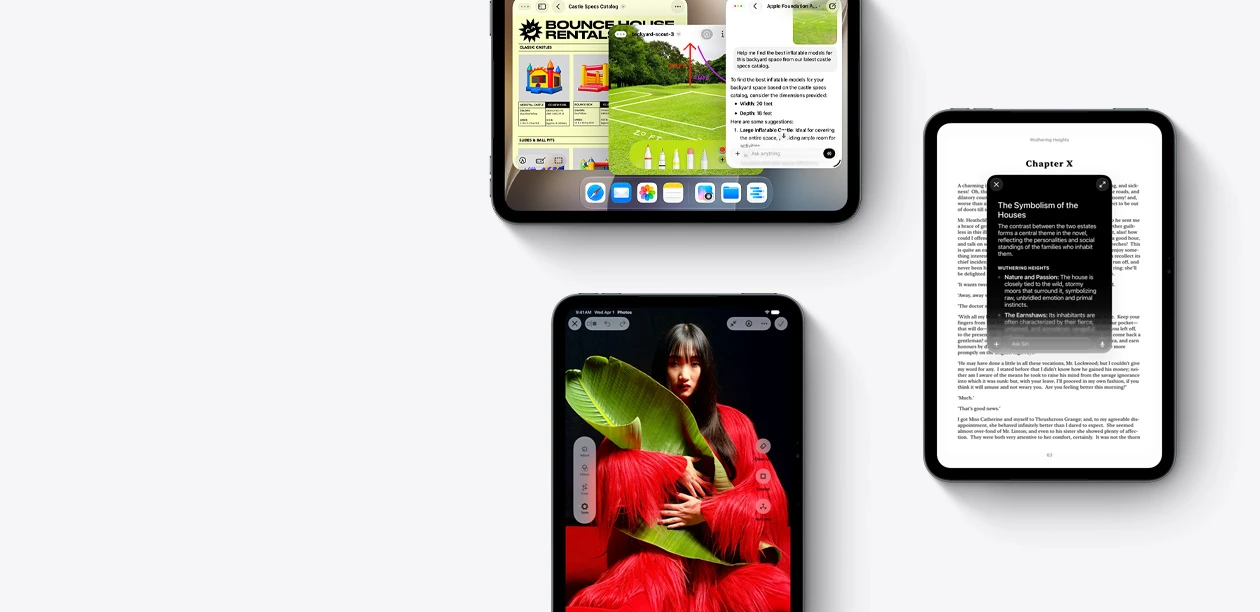
Product images: Apple. These are manufacturer illustrations of the product and its interface.
The size is the feature
Apple lists an 8.5-inch OLED display, A20 Pro and support for Apple Pencil Pro and Apple Pencil USB-C on the current iPad mini page. The point of those features is not to make the mini win a specification contest against a bigger iPad. It is to make the small format more useful without giving up the reason it exists.
An article, a book, a recipe or a page of notes does not always need a wide desktop. A larger tablet can show more, but it also asks you to find more room for it. The mini has a clear place in a bag or in a hand while you read. That is a physical advantage, rather than something that software can add to a larger device.
Related reading
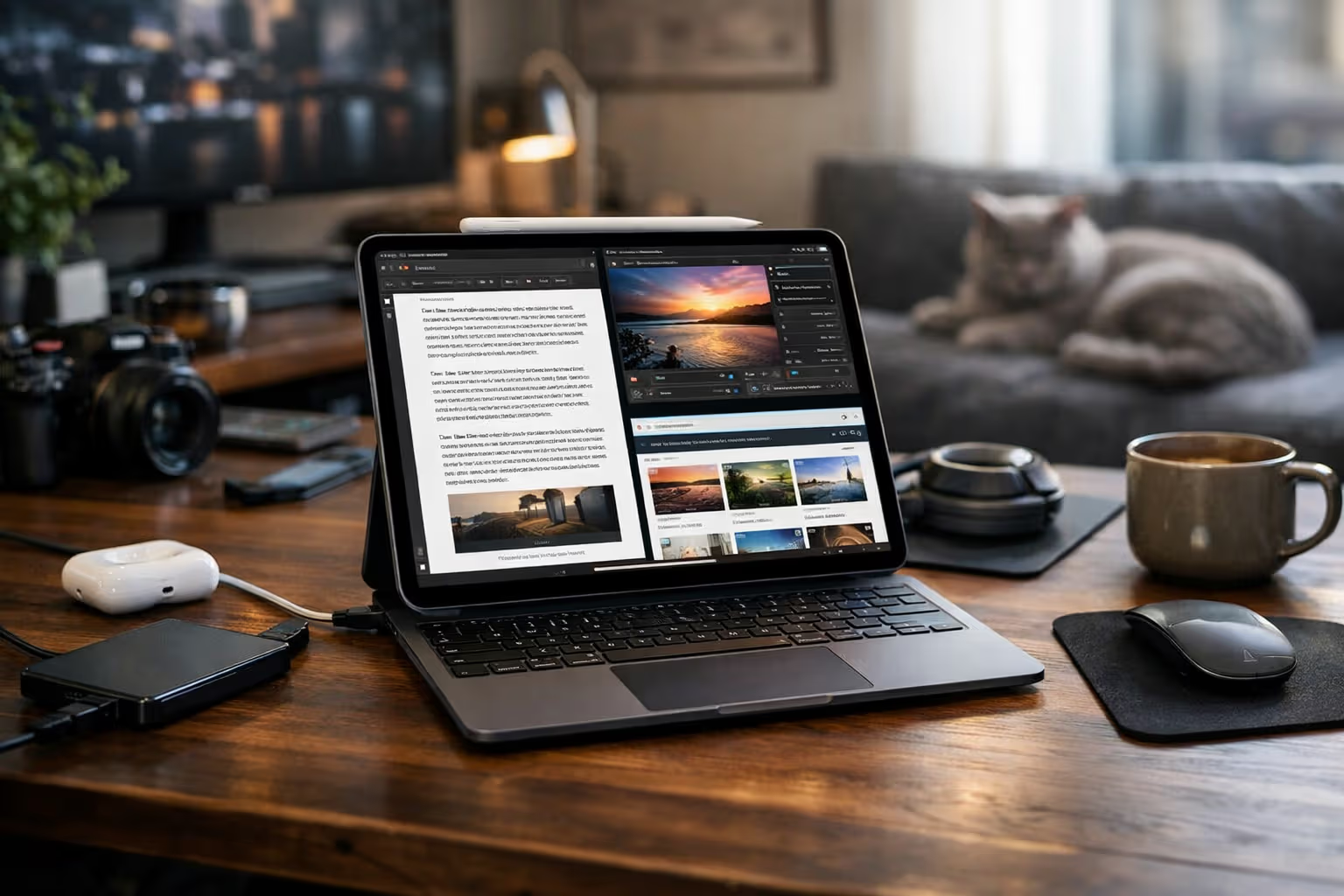
Small size also creates a limit that should be accepted early. You get less room for large handwriting, detailed diagrams and several pieces of information at once. A small tablet should not be bought because the price looks like a cheaper route to a large tablet’s job. It should be bought because the smaller object is the one you want to carry and pick up.
I see it as a companion to a Mac. The Mac can keep its role for longer writing, coding and file-heavy work. The mini can hold the reference material, the reading and the rough note. There is no need to force one device to win every task. Clear roles make the purchase easier to judge and make the limits less frustrating.
OLED is a practical reason to look again
Apple calls the display Super Retina XDR and offers optional nano-texture glass. OLED is the most obvious change to consider if you already know the mini format. The screen is the part you look at for almost every task, so an improvement there is more directly connected to the product’s purpose than an extra performance claim.
Reading still depends on more than the panel. The size of text, the app’s margins and the way a page is laid out can matter as much as contrast. A beautifully rendered page with tiny controls is still awkward. I would choose the reading app and its settings with as much care as the storage tier, especially if books and long articles are the main reason for buying the tablet.
Nano-texture is a separate buying decision. A matte option may appeal if reflections are a recurring problem in the places you use a tablet. It is not a universal requirement for every reader. The right choice depends on your room, travel habits and willingness to pay for that particular surface. I would avoid paying for an option simply because it sits above the standard version.
A screen protector changes the surface again. The writing feel, reflected light and appearance can all become part of the accessory choice. A tablet advertised with a particular display finish should be considered together with the cover or protector you intend to add. Otherwise it is possible to pay for one characteristic and then cover it with another.
Pencil support does not make every note better
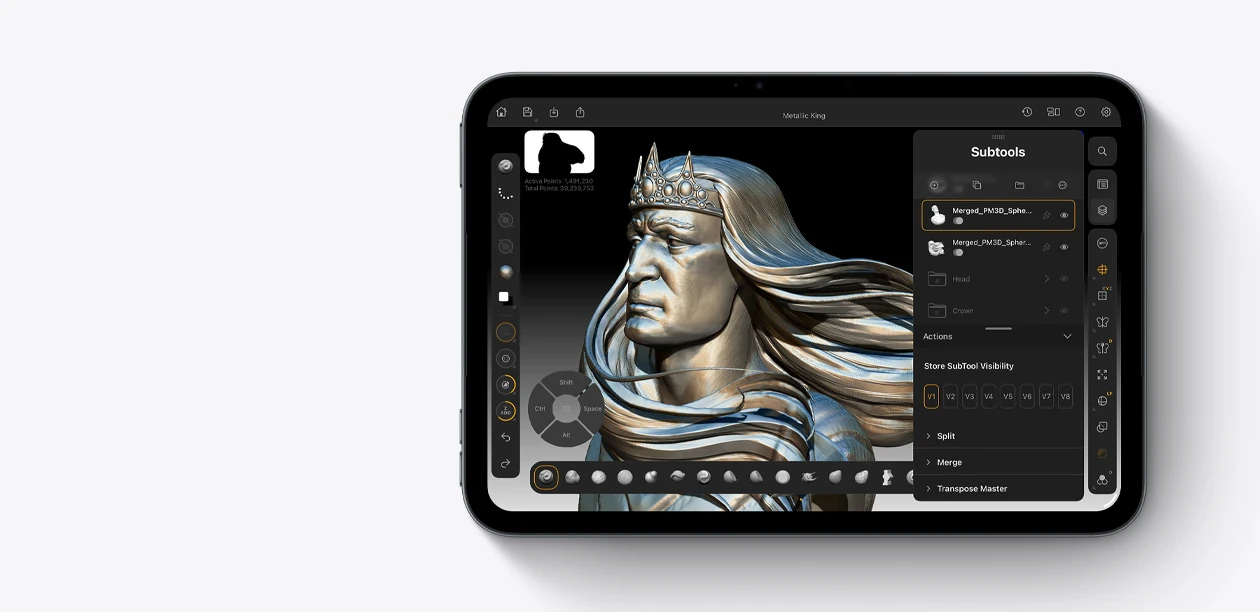
The Pencil is a useful option because a tablet is a natural place for rough marks. Drawing an arrow between two ideas or marking a paragraph can be quicker than building a formal document. The mini’s appeal is that the page is close at hand. A note does not have to become a project before it is worth keeping.
The small canvas also asks for a little discipline. A long page of large handwriting will need movement and zooming more often than on a bigger iPad. If you mainly make detailed drawings or annotate full-size technical sheets, a larger display may be the better buy. The mini should not be asked to overcome its physical dimensions through enthusiasm alone.
Pencil Pro and the USB-C Pencil are different accessories. The decision should follow the features you actually want rather than the simple fact that the tablet supports both. A reader making occasional marks has different needs from someone who draws every day. Include the Pencil in the total price from the start if it is central to why you want the tablet.
Related reading
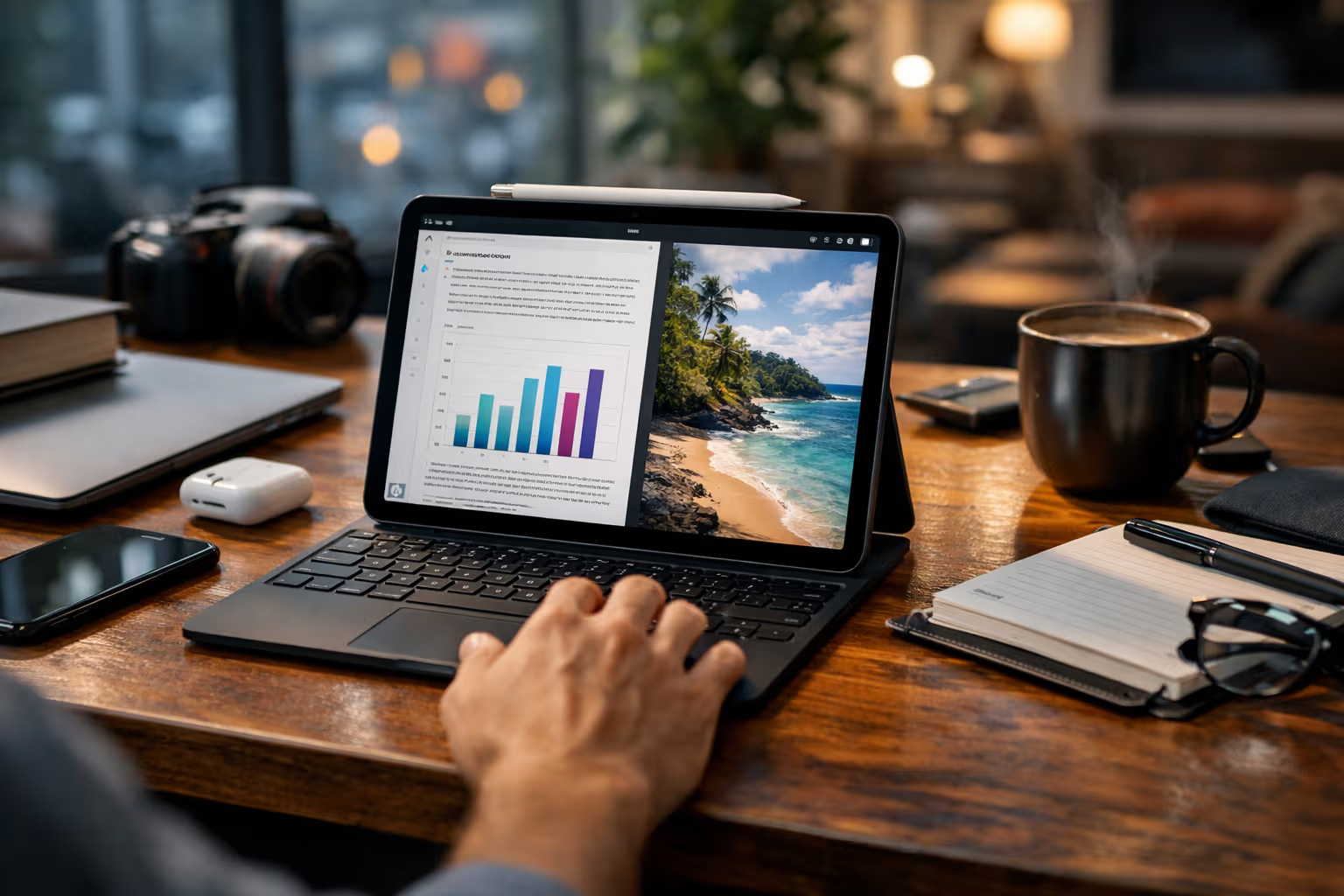
I also prefer a clear destination for notes. A small tablet makes capturing an idea easy, but collecting notes across too many apps can make finding them harder. Decide where work notes, family information and personal reading marks belong. The hardware is only useful if it helps an idea survive beyond the moment you wrote it down.
The chip and storage choices need care
Apple’s buy page shows different by configuration CPU and Neural Engine details within the A20 Pro family. That means the chip name alone does not tell the whole story. It also means you should compare the actual configuration you plan to buy, rather than borrowing the specifications of the most expensive one.
For reading, notes and ordinary apps, I would begin with storage needs. Downloaded video, large games and local photo libraries can take space quickly. Documents and books tend to create a different pattern. Looking at your current usage gives you a more useful starting point than choosing the top tier to avoid thinking about it.
Cloud storage can help with access, but it does not make local space irrelevant. A file needed during travel is only useful if it is available when the connection is poor or absent. The right storage choice depends partly on what you want to take offline. It also depends on whether you enjoy managing downloads or would rather have more room available.
The same logic applies to cellular connectivity. A connection built into the tablet can be convenient if it will spend a lot of time away from known Wi-Fi. For someone who uses the mini mainly at home, that extra cost may bring little benefit. The question is where the tablet will live, not whether an option sounds more complete.
iPadOS on a small canvas
Apple presents iPadOS 27 as part of the new mini’s offer. More flexible software can help a small tablet, but there is still only so much room to display controls. I would rather have one clear app on this screen than several crowded windows whose main purpose is showing that multitasking is possible.
The useful pairing is often between a page and a quick action. Read something, save a note, check a link and return. That flow suits the mini’s role better than recreating an entire desktop. It also makes it easier to put the tablet down once the small job is finished. A companion device should help you avoid carrying a bigger workstation into every moment.
For calls, Apple places the front camera on the landscape edge of this generation. That is a sensible detail to consider with a stand or cover. The way a device is held changes the usefulness of its camera position. Accessories should support the posture you want, rather than leave the tablet balanced in an improvised position every time.
Who should buy the mini
I would consider this model if you already like small tablets and want the current screen and hardware. It is also a sensible candidate for someone with a Mac who wants a light reading and note-taking companion. Those are clear needs. They do not depend on believing that every computer should become a tablet.
Related reading

I would choose a larger iPad for longer drawing, large documents or work that needs a wider view. I would keep an older mini if it remains comfortable, has enough storage and runs the apps I need. A better new display is a real reason to compare models, but it is not an instruction to replace a working device immediately.
I am happy with the mini because its small form has a purpose I appreciate. The final price should include the cover, Pencil and connectivity choices that make the tablet useful to you. A small device can become a large purchase once every option is added. My preferred version is the one that keeps the mini’s purpose clear: a compact, capable tablet that earns its space beside a computer, rather than pretending to replace one.
Check the current options on Apple’s iPad mini store page, paying particular attention to the exact storage and chip configuration. The best reason to buy it is still the simplest one: you want this amount of tablet in this size of object. I do, and that is why I am so pleased with it.
Where to buy
See Apple iPad mini A20 Pro at the official product page. This is the product page for the model covered in this review. Check the model number, colour, included parts and delivery options before ordering. Prices and stock can change, so I use this page for the current offer. Matching the product to the review matters more to me than finding a similar name.
What worked
- I like the small format as a clear purpose rather than an attempt to replace a laptop.
- The current screen and Pencil options support the reading and note-taking idea described in the review.
What bothered me
- The compact screen gives less room for long drawing sessions and large documents.
- A newer display and chip do not create a reason to replace a tablet that still runs the apps you need.
Who should not buy it
- Someone whose main task needs a large workspace or desktop software.
Alternatives I would consider
- A larger iPad. I would choose a larger model for broad drawings and large documents, and the mini when holding and carrying the smaller screen is the benefit.
- iPhone 18 Pro Max. I would keep the phone for short mobile tasks and add the mini only when a separate reading and note-taking screen has a real role. Read my iPhone 18 Pro Max review.
Evidence and sources
The article separates my judgement from specifications and claims credited to their sources. Product images are identified by the credits in the article.
Features, compatibility and rated figures from the maker are manufacturer information. My opinions are identified in the review.
Conclusion
Worth it when the smaller size is what you want; an older mini may still cover the same need.
Apple iPad mini A20 Pro
Apple · Choose the local store or delivery region
Check price and availability: Apple iPad mini A20 Pro at AppleProduct link.
One email a week with practical Mac workflows, useful comparisons and honest tech recommendations.