
My living-room lamp used to need an account. To switch on a bulb in my own flat I’d registered an email address, agreed to a privacy policy longer than my tenancy agreement, and let a company on another continent learn, with timestamps, roughly when I go to bed and when I leave the house. That’s the bargain most smart-home kit quietly asks you to accept: a little convenience now, in exchange for your daily routine logged on someone else’s server forever, monetised in ways you’ll never see and can’t undo.
Apple Home is the mainstream way out of that bargain. It isn’t the most flexible smart-home platform — Home Assistant tinkerers will tell you so at length — but it’s the one that treats “your house should not narrate itself to a corporation” as the default rather than a paid add-on. Built right, an Apple Home setup runs its automations inside your own walls, keeps its recordings encrypted in a way even Apple can’t read, and keeps working when your internet doesn’t. Here’s how to put one together without accidentally inviting the cloud back in through a side door.
Why local beats cloud for a home
A cloud-dependent gadget works like this: you tap “lights off,” your phone sends that to the maker’s server, the server sends it back down to the bulb. When it works you don’t notice the round trip. When their server is down, or your broadband wobbles, or the company gets bought and shuts the service off, your expensive bulb becomes a normal bulb that won’t even respond to the wall switch. You’ve added a stranger as a permanent middleman to the simplest action in your house.
Related reading

Local control cuts the middleman out. The command goes from your phone to the hub to the device, all on your own network, and the only thing the outside world gets to know is nothing. It’s faster, because there’s no detour to a data centre. It’s more reliable, because it doesn’t depend on anyone’s servers staying alive. And it’s private by construction, not by promise — the data can’t leak from a place it never goes.
The one piece that makes it work: a home hub
This is the part people miss, so I’ll be blunt about it: Apple Home needs a hub to do the good stuff. Without one you can control devices manually while your iPhone is on the same Wi-Fi, and that’s all. The hub is what runs your automations on a schedule, lets you control things while you’re away, and acts as the always-home brain. Your phone can’t do that job — it leaves the house with you.
A home hub is one of two things: a HomePod (either the full size or the mini) or an Apple TV 4K. That’s it — and note that an iPad no longer counts, Apple retired that option a few years back. If you’re starting from nothing, a HomePod mini is the cheap entry point and doubles as a speaker and, crucially, a Thread radio. If you already own an Apple TV 4K, you may already have a hub sitting under the telly. Pick one, leave it plugged in, and your home gains a permanent local brain.
Matter and Thread, without the jargon
Two words you’ll see on every box now, and they’re worth thirty seconds each.
Matter is a standard that lets devices from different brands all speak to Apple Home — and Google, and Amazon — without a separate app and account per brand. A bulb with the Matter logo will work with Apple Home locally, full stop. It’s the closest the industry has come to “it works across brands,” and it’s the single most useful word to look for on a box.
Related reading
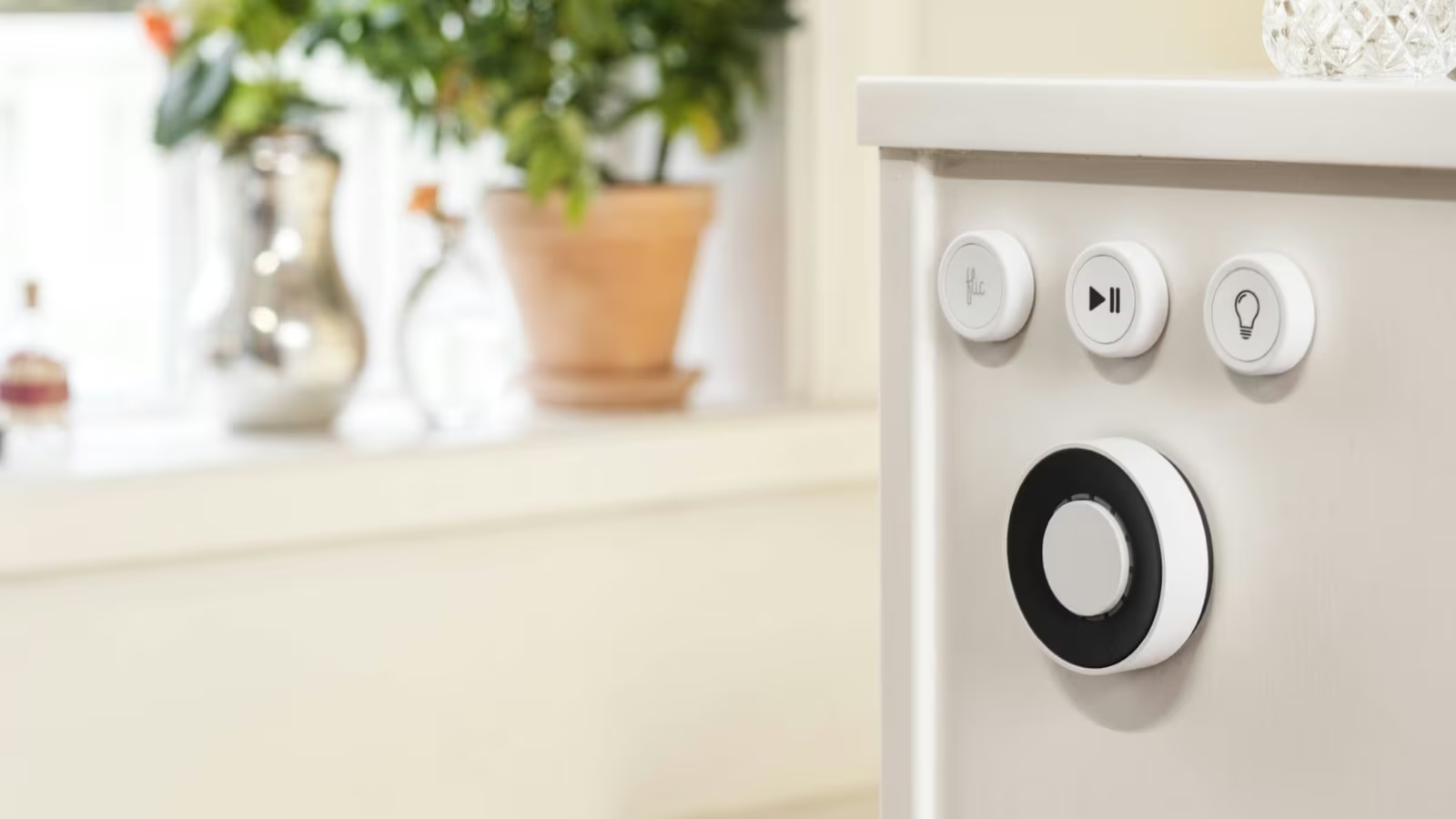
Thread is a low-power wireless mesh — think of it as a private radio network for your small battery devices, separate from Wi-Fi. Sensors, plugs, and locks on Thread sip power and relay for each other, so coverage gets better as you add more of them. Thread needs a border router to bridge it to your network, and here’s the neat part: a HomePod mini, a HomePod, or a recent Apple TV 4K already is one. Buy a hub and you’ve likely bought your Thread network too.
You don’t have to memorise any of this. You just want two badges on the box — “Works with Apple Home” and, for small battery gadgets, “Thread.”
What to actually buy, by category
The trap in every category is the same: a cheaper device that depends on the maker’s cloud and app, sitting next to a slightly dearer one that works locally with Apple Home. Pay the small premium for local every time. Here’s how I’d choose.
| Category | What to buy | Check for | Cloud trap to skip |
|---|---|---|---|
| Lights | Matter bulbs, or Philips Hue with its bridge | Works with Apple Home on the box | Bulbs that won’t switch on without their own account |
| Plugs and switches | Thread or Matter smart plugs | A Thread badge for low-power mesh | Wi-Fi plugs that route through a distant server |
| Sensors - motion, door, temperature | Thread sensors | Stated Thread and Apple Home support | Sensors that lock features behind a subscription |
| Cameras and doorbells | HomeKit Secure Video models | Your iCloud plan covers the camera count | Cameras that upload to the maker’s cloud by default |
| Locks | Matter or HomeKit locks | Local control and a real physical key | App-only locks with no offline fallback |
| The hub | HomePod mini or Apple TV 4K | A Thread radio if you’ll buy Thread gear | Trying to use an iPhone as the brain |
The cameras row deserves a note, because it’s where privacy is most at stake. HomeKit Secure Video processes motion on your home hub, then stores clips end-to-end encrypted in iCloud — Apple itself can’t watch them. Better still, that footage doesn’t eat into your normal iCloud storage. The 50GB iCloud+ plan covers one camera, 200GB covers up to five, and the 2TB tier handles a houseful. A camera that records to its maker’s cloud instead is the exact thing you’re trying to avoid; a camera that records to your encrypted iCloud is the whole point.
Where your data actually goes
Once it’s built, the flow looks like this — and the shape is the reassuring part. When you’re home, commands never leave your network. When you’re away, your request is relayed through iCloud end-to-end encrypted, used only to wake your hub at home, which then does the work locally. Your automations live on the hub, not in a data centre, so they run whether or not the wider internet is having a good day.

Related reading
A couple of automations worth stealing
The point of all this isn’t to tap your phone to turn on a light — it’s to stop tapping at all. Two automations earn their keep on day one. The first is a sunset trigger that fades the living-room lamps up to a warm, low level as it gets dark, so you never walk into a black room again. The second is a “last person leaves” automation tied to everyone’s phones being gone — lights off, plugs off, thermostat down — so the house powers itself down behind you without a goodbye ritual at the door. Both run on the hub, both keep working whether or not your broadband is up, and neither phones a single soul to report what time you left. You build them once in the Home app under the Automation tab, and then you forget they exist, which is exactly the goal.
The honest trade-off
I won’t pretend Apple Home is the most powerful option on the market. If your idea of fun is a wall of dashboards and an automation that emails you when the humidity in the loft crosses a threshold, Home Assistant on a little server will take you further, and I’d happily point you there. Apple Home’s deal is different: a bit less flexibility in exchange for a setup a normal household can live with, that keeps its data at home, and that doesn’t turn into e-waste the day a startup folds. For the lights, locks, plugs, sensors, and cameras most of us actually want, that’s the right trade. Build it local, buy the hub first, look for the two badges, and you’ll have a house that does what you say without telling anyone you said it.
One email a month: new articles, reviews and the upcoming live webinar + free recording. No spam, unsubscribe anytime.