Craft makes a strong first impression because it respects the document. Text has room to breathe, images belong on the page and a rough note can become something presentable without a detour through design software. On the Mac and iPad, it feels closer to a native creative tool than a database wearing an editor.
That first impression is deserved. It is also the easiest part of the product to evaluate. The harder questions appear after Craft becomes the place where real work lives. Will a note edited offline arrive intact on the other device? Can an archive leave in a useful format? Does a long document remain comfortable? What happens when collaboration, local storage and portability pull in different directions?
A notes application is a distributed system behind a pleasant page. The page attracts people. The distributed system decides whether they stay. Craft Plus should therefore be judged less like a beautiful writing demo and more like infrastructure for ideas that cannot be recreated from memory.
Craft understands the difference between notes and documents
Many note apps treat every entry as a long text field. Craft treats a page as an arrangement of blocks. Paragraphs, headings, lists, images, code, tables and nested pages can be moved without rebuilding the whole document. Cards and page groups make hierarchy visible instead of reducing it to a sidebar tree.
This works particularly well for material that will be shared. A project brief, workshop outline or technical proposal can begin as notes and become readable without export. The author sees roughly the same structure the recipient will see. There is less friction between thinking, editing and presenting.
The block model also changes writing behaviour. It is easy to pull a section aside, nest supporting material or turn a paragraph into its own page. That can clarify a complex document. It can also encourage excessive fragmentation. Not every sentence deserves a card, and not every idea needs a nested page.
I prefer Craft when the document has mixed content and a visible information shape. For uninterrupted long-form prose, a plain text editor still feels more direct. Craft’s controls are tasteful, but they are still controls around every block. The interface disappears only after its structure matches the task.
The editor earns its reputation
Craft’s strongest quality is not that it looks good in screenshots. It is that ordinary editing feels considered. Selection, dragging, indentation and block creation are predictable. Keyboard shortcuts cover the common transformations, while touch interaction on iPad does not feel like a reduced desktop version.
Images are handled especially well. They can sit within the document rather than as awkward attachments. A visual note can be assembled quickly, and the result does not require a separate publishing step before another person can read it. For product planning, travel notes, research collections and meeting material, that immediacy has real value.
Related reading
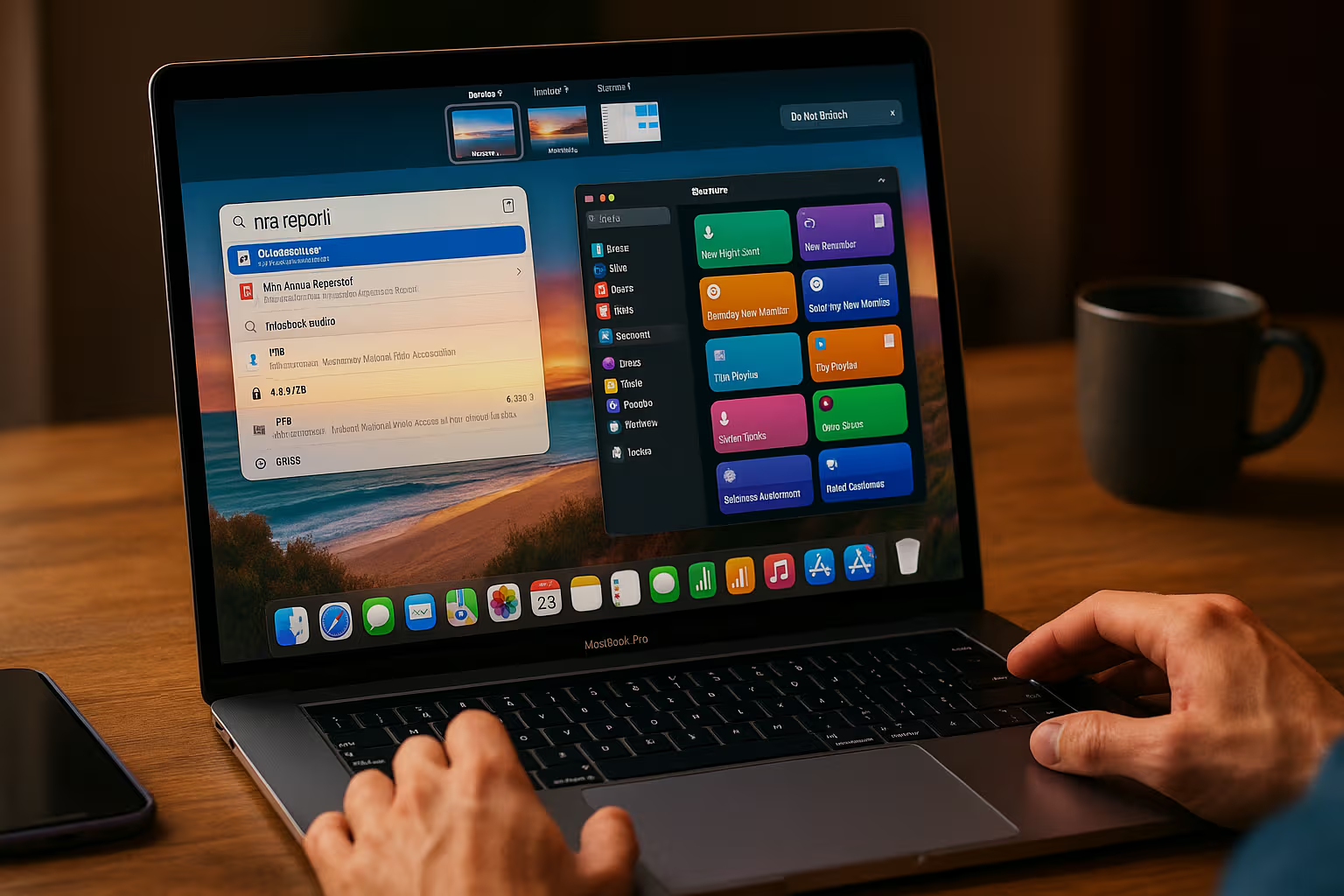
Templates and styling can shorten repeated work, but restraint matters. A document system becomes slower when every note begins with a decorative decision. I would set up a few functional templates, such as a meeting record, project decision and article outline, then ignore the gallery until a repeated need appears.
The same applies to Craft’s newer task and collection features. They are helpful inside documents, but they do not automatically turn the app into a dedicated project manager or database. A checkbox next to a paragraph is useful. A team-wide planning system needs reporting, ownership and workflow guarantees that should be evaluated separately.
Sync deserves deliberate testing
Craft supports work across Mac, iPhone, iPad, Windows and the web. Cross-device availability is one of its main advantages over a folder of local documents, but sync quality cannot be established from a few successful edits on a good connection.
The scenario worth testing is conflict, not normality. Put one device offline, edit the same paragraph on it and on a connected device, then reconnect. Check whether both versions are preserved, one is silently chosen or the content is merged. Repeat with a moved block, an image and a deleted page. A system may handle each operation differently.
I do not have a sufficiently controlled incident log to publish a failure rate for Craft, so I will not manufacture one. Anyone moving important material into the app should run the conflict exercise during the trial and keep independent backups. Reliable sync is possible without being infallible.
Version history helps when a bad state is visible. The current Plus plan includes 30 days of history, while the free plan includes seven days according to Craft’s plan documentation. That is recovery, not backup. It lives within the same service and retention policy as the primary data.
For critical work, I would export on a schedule. A monthly archive is better than discovering during an account or sync problem that the only recovery mechanism is inside the affected system.
Offline access has more than one meaning
Text documents in Craft have long been available offline, but attachments introduce another boundary. Craft’s On-Device Folders feature can store a chosen top-level folder and its assets locally on a Mac, iPhone or iPad. The company currently labels the feature beta and documents several limitations.
The setting is per device. Downloads happen while the app is open in the foreground. Moving a folder can remove its on-device status, and whiteboards have restrictions. Craft’s official offline documentation is unusually clear about these details, which is useful because an offline badge can otherwise create more confidence than the implementation supports.
Before travel, I would enable the required folders separately on every device, keep Craft open until the assets finish downloading and then verify in airplane mode. Open representative images and attachments, not just document text. Do this before leaving a connection, not at the airport gate.
Offline editing should also be tested through an app restart. Create and modify content without a network, close the application, reopen it, restart the device if the material matters, then reconnect and inspect the result elsewhere. The point is not to abuse the application. It is to model a normal trip where power, connectivity and attention are unreliable.
Local storage is possible, with a significant trade-off
Craft offers External Locations for users who want documents stored in a local folder or a third-party synchronisation service. On macOS, that can mean choosing a folder under the user’s control. It sounds like the best of both worlds, but it changes what Craft can provide.
The company’s External Locations guide says that sharing and collaboration are unavailable there. It also warns that third-party sync across devices can cause conflicts and data loss, and recommends the feature primarily for single-device or compliance-driven use.
That warning is important. Putting a database-like document package into a generic file synchroniser does not automatically make it as robust or transparent as Markdown. The storage location may be visible while the internal representation still belongs to the application.
I would use External Locations only with a clear reason: local-only requirements, a single primary Mac or an established backup process. I would not select it simply because local sounds safer. A supported cloud path with good export can be less risky than an unsupported multi-device folder arrangement.
Export is the ownership test
Craft can export individual documents and folders in formats including Markdown, TextBundle, PDF and Word. Markdown offers the widest future compatibility. TextBundle keeps Markdown and associated assets together, which often makes it the better archival choice for visual documents.
Related reading

The official import and export guide recommends Markdown or TextBundle for compatibility. Folder export on the Mac includes documents, nested content and supports several output formats. That is a meaningful escape route, but availability is not the same as fidelity.
Build a representative document before committing. Include nested pages, a table, code, tasks, an image, links, comments and any collection features you plan to use. Export it, open the result outside Craft and answer concrete questions. Are page relationships understandable? Are images named and linked correctly? Do tables remain editable? Which Craft-only structures become plain text or disappear?
No proprietary editor can map every rich feature perfectly into Markdown. The question is whether the degradation is obvious and manageable. I can accept losing presentation details if the words, images and hierarchy remain recoverable. I cannot accept an export whose structure makes a large archive impractical to use.
Bulk export should be part of the backup routine, not a migration experiment performed on the day you want to leave. The larger the space, the more important it is to test in advance.
Craft, Notion and Obsidian solve different problems
Craft is frequently placed between Notion and Obsidian, but the comparison becomes clearer when the primary object is named.
In Craft, the primary object is a designed document. It is strong when writing, visual structure and sharing need to coexist. In Notion, the database and team workspace are closer to the centre. Relations, views and operational collections can be more important than the feel of a single page. In Obsidian, the durable local Markdown file is the foundation, with links and plugins built around it.
None of those models wins every workload. Craft is the easiest of the three for creating a polished document that another person can read immediately. Notion is more natural for a shared operational system. Obsidian gives the clearest file ownership and the broadest control over a local publishing pipeline.
My own public writing lives comfortably in Markdown because version control, automation and long-term portability matter more than presentation inside the editor. Craft has to earn a place alongside that workflow rather than replace it by default. It can do so for collaborative outlines, visually rich briefs and material that needs a good web presentation quickly.
The wrong reason to migrate is boredom with the current tool. Moving a knowledge base is expensive, and the cost appears later in broken links, missing metadata and changed habits. Choose the information model before the interface.
Long documents need a realistic trial
Rich editors often feel fast in a demo document and less comfortable in a large working file. The correct test is not an artificial page containing one hundred thousand repeated words. It is a realistic long document with headings, links, images, code and nested blocks.
Create copies at several sizes and try the operations that matter: opening, searching, typing at the end, moving a section, collapsing hierarchy and exporting. Watch for delayed characters, scroll jumps and selection problems. A brief pause during initial loading may be acceptable. Latency on every keystroke is not.
If a document becomes unpleasant, splitting it can be good information design rather than surrender. Craft’s page model supports that naturally. The concern is when performance, rather than meaning, dictates the boundary. A book, specification or research dossier should not need arbitrary fragmentation to protect the editor.
This is another area where I would avoid universal numbers. Performance depends on device, document structure, assets and app version. Publish the exact file and hardware if you measure it. Otherwise describe the test and the observed limit without turning one Mac into a benchmark for everyone.
Collaboration is best around the document
Comments, shared spaces and links make Craft useful for feedback without moving the work into email. A reviewer can respond near the relevant section, and a public or private share can present the latest version without repeated PDF attachments.
This style of collaboration is strongest when the document remains the centre of the work. It is less convincing as a substitute for issue tracking, complex approvals or a company-wide knowledge graph. Craft can hold those things, but the surrounding governance may be more important than the page.
Permissions deserve a deliberate check. Create a test share, open it in a private browser and confirm exactly what an unauthenticated person can see. Test whether nested pages, downloads and comments follow the expected rules. Remove access and verify that the old link no longer works as intended.
Related reading

A polished public page can feel more official than it is. Teams should define who owns shared documents, what happens when a member leaves and which material belongs in systems with formal retention controls.
Plus pricing and the real upgrade threshold
Craft’s current plan documentation lists Plus at $96 per year or $10 per month. It removes the free plan’s 1,500-block ceiling, expands storage and upload limits, provides 30-day version history and includes additional publishing and AI allowances. Pricing and limits can change, so the current plans page is the right place to confirm them.
The free plan is sufficient for discovering whether the editor fits. The Plus decision arrives when Craft becomes a daily repository rather than an occasional document tool. Unlimited content, larger storage and longer history are practical reasons. AI credits are not a reason for me to choose a notes system because models and quotas change faster than the archive should.
At $96 per year, Craft needs to replace enough friction to remain an active tool. If it becomes one more place to search, the subscription is expensive even if the interface is excellent. Review actual use after the first month. Count documents created, shared and revisited, then cancel if the answer is mostly admiration.
Verdict
Craft Plus is one of the best document editors on Apple platforms. Its block model supports real structure without making every page feel like a database, and its visual quality helps work move from private notes to something another person can understand.
I would choose it for polished briefs, collaborative documents, mixed text and image projects, and people who move frequently between Mac, iPad and iPhone. I would not choose it solely as a prettier container for a long-term archive. For that role, sync conflict behaviour, offline assets, export fidelity and recovery matter more than typography.
The decision should begin with a representative project, not an empty welcome document. Work offline, force a conflict, export a folder, open the result elsewhere and share a page with a private browser. If those boundaries behave as expected, Craft’s excellent editor has a trustworthy foundation. If plain-file ownership is the non-negotiable requirement, keep the archive in Markdown and use Craft where its presentation and collaboration genuinely earn the extra system.
Image: Craft.
One email a month: new articles, reviews and the upcoming live webinar + free recording. No spam, unsubscribe anytime.