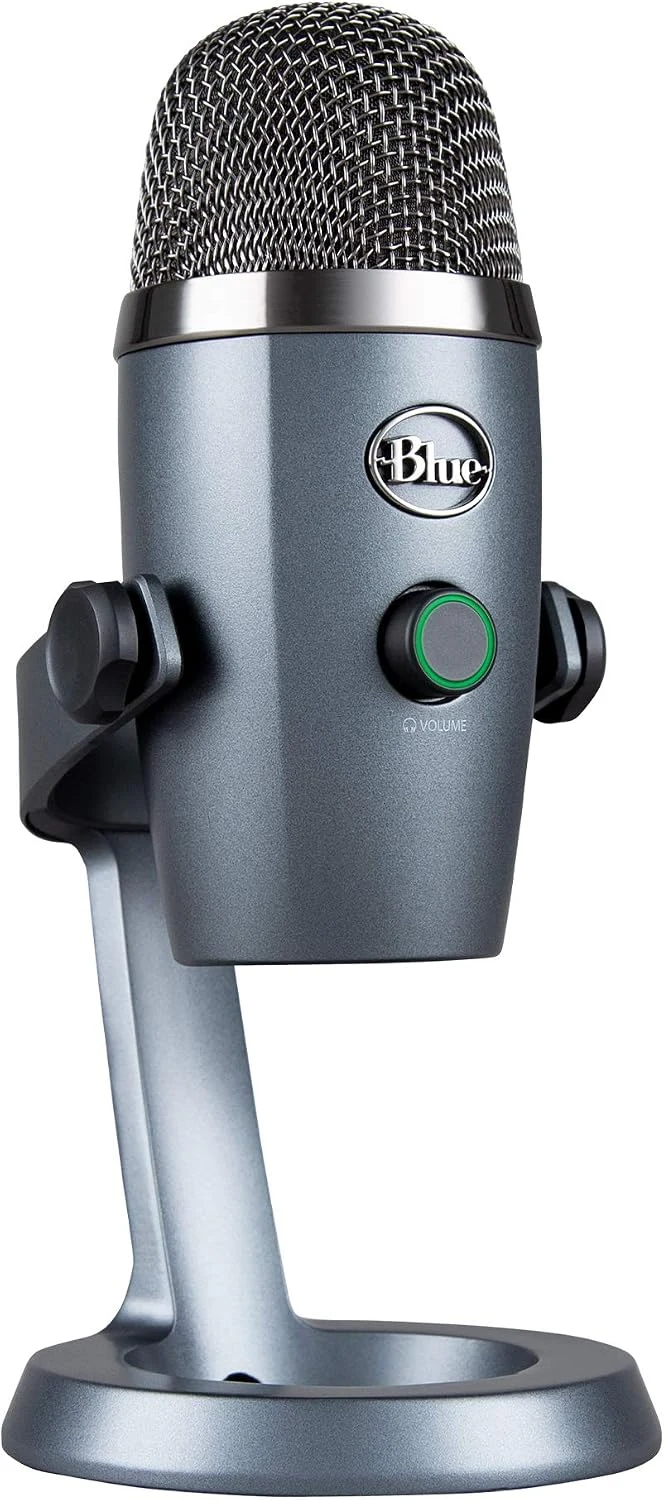
A small USB microphone is appealing when it makes recording easier to start and easier to repeat. The Blue Yeti Nano interests me as a compact desk tool with more control than a simple laptop microphone. I like the availability of a deliberate pickup choice and a headphone connection, provided those features serve the recording rather than become substitutes for good placement.
Quick verdict
I would choose it for a compact direct-to-computer speech setup with deliberate microphone placement.
Best for: I would choose it for a compact direct-to-computer speech setup with deliberate microphone placement.
Main benefit: Two pickup patterns and headphone monitoring give a small USB recording setup useful control.
Biggest drawback: A condenser microphone still hears the room, and the included desk position may not suit the speaker.
Blue Yeti Nano USB Microphone
Amazon US · US
Check price and availability: Blue Yeti Nano USB Microphone at Amazon USAffiliate link. As an Amazon Associate I earn from qualifying purchases.
Reviewed version: Logitech for Creators Blue Yeti Nano USB Microphone for Gaming, Streaming, Podcasting,Twitch, YouTube, Discord, Recording for PC and Mac, Plug & Play - Shadow Grey
Compatibility: Yeti Nano shadow-grey USB package,988-000088. Check current operating-system and optional software support. Cardioid and omnidirectional patterns serve different recording arrangements.
Review context: I assess solo speech, shared-room pickup, desk vibration, headphone monitoring and direct USB recording.
I would shortlist it for speech recorded directly into a compatible computer. I would not choose it on the promise that a broadcast label or an effects panel fixes an awkward room. My assessment is based on the documented product and the proposed setup, not a claimed recording session. The microphone needs a clear place in the speaker’s ordinary routine.
The pickup pattern should follow the people
The Yeti Nano quick-start guide documents cardioid and omnidirectional pickup. For one person speaking at a desk, I would begin with the pattern intended for a focused front-facing arrangement. For a shared sound source around the microphone, the other pattern may be relevant. They are different tools for different positions.
Related reading

I would not select a pattern merely because the name sounds more professional. The practical question is where the wanted voices are and what else the microphone will hear. An omnidirectional arrangement can include more of a room. That may be desirable for a particular recording and unhelpful for a solo call beside a busy keyboard.
I would check the correct speaking side in the instructions. A desktop microphone’s shape can invite the wrong orientation, especially for someone used to handheld microphones. A clear position and a short playback check can resolve more than repeatedly changing software settings. The microphone needs to face the intended source in the way its design expects.
A compact stand still needs the right location
The included stand keeps the starting setup small. I find that useful for someone who wants to make a first recording without immediately buying an arm and several mounting parts. I would still assess the actual distance from the seated speaker, rather than assume the microphone should sit wherever there is an empty patch of desk.
Typing and desk movement can also enter the recording mechanically or through the air. A microphone on the same surface as a keyboard may reveal that relationship clearly. I would first try sensible placement and ordinary speaking distance. If the routine regularly involves typing while talking, a suitable separate support may become a practical improvement.
Room reflections deserve attention too. A microphone cannot distinguish the wanted voice from all reflected sound simply because it is a premium USB product. I would choose a quieter position and make modest changes to the environment before applying strong processing. The useful goal is intelligible natural speech rather than an aggressively filtered version of a difficult setup.
Monitoring and the saved file answer different questions
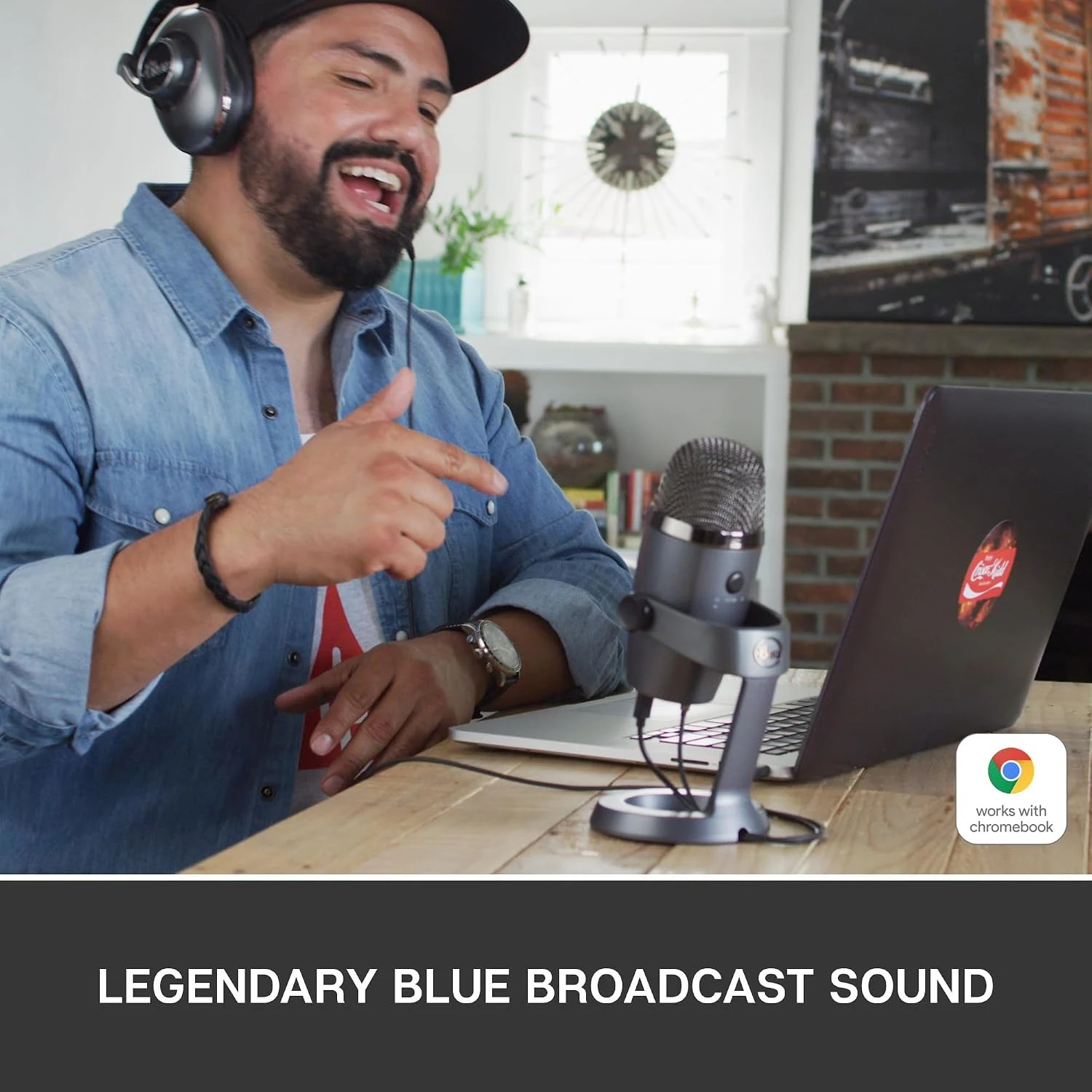
The documented headphone output is useful for setting a recording position and hearing the microphone without relying only on a delayed software return. I like that feedback loop. It can expose a level or placement problem before the speaker records an entire explanation.
Related reading

I would still listen to a saved sample. Direct monitoring does not prove that the application selected the correct input, recorded the intended format or avoided an unwanted filter. A short playback check follows the actual path that the audience will receive. The most useful test is the whole recording chain rather than one reassuring indicator.
I would also choose one monitoring route deliberately. Hearing both a direct signal and a delayed application return can be distracting. The software and microphone settings should support the same intended arrangement. A simple documented setup is easier to repeat than a mixture of controls changed until an echo happens to disappear.
USB keeps the first system understandable
The Nano connects directly to a compatible host by USB. I would use an appropriate data cable and the manufacturer’s connection guidance, then establish a straightforward recording baseline. A charging-only cable or an unsuitable hub can complicate the first setup before the microphone’s audio features become relevant.
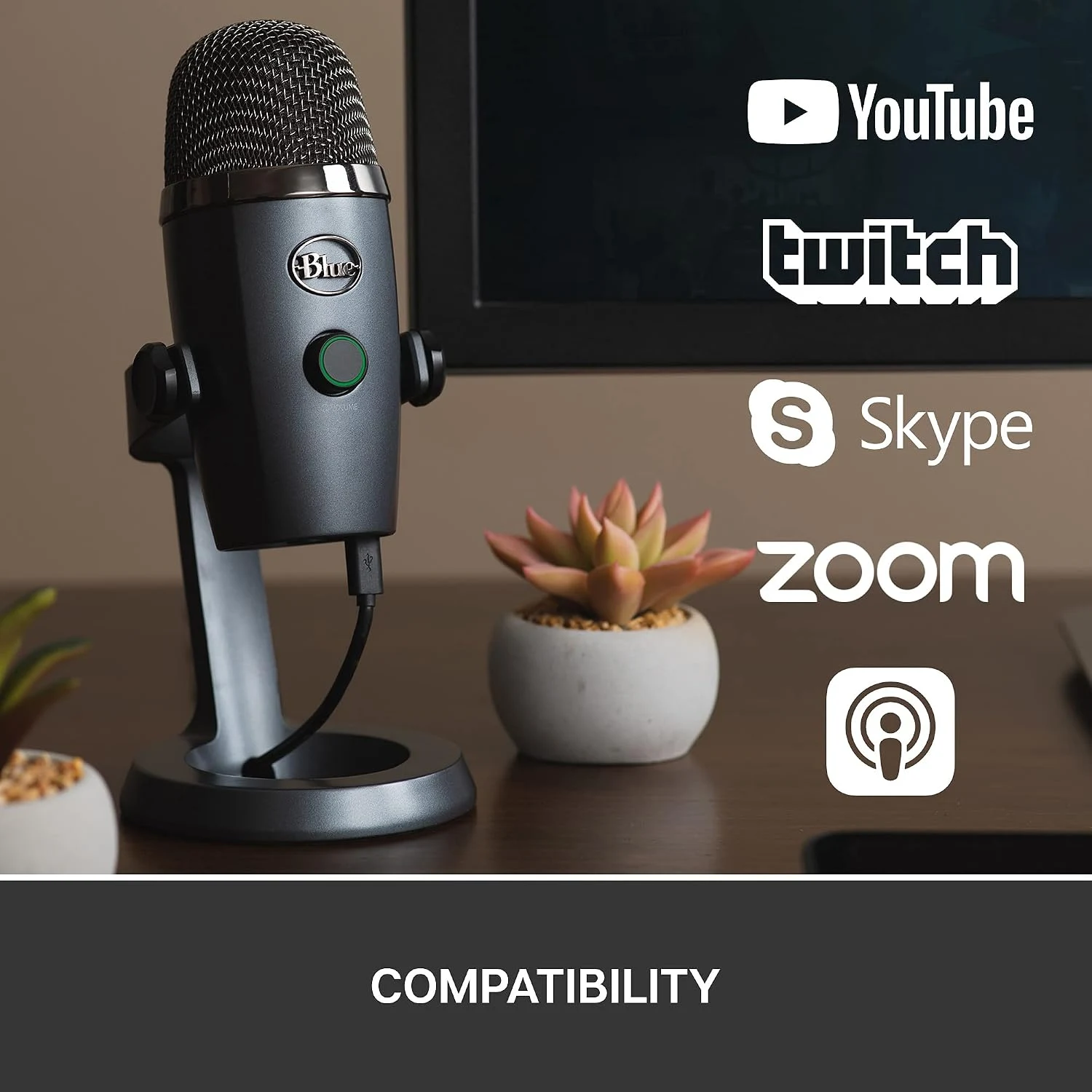
Optional processing software needs a separate current compatibility check. I would confirm support for the actual operating system and whether a managed work computer permits installation. Basic recording and a vendor-specific effects feature are different requirements. The purchase should not depend on software that cannot run on the machine used every day.
I would begin with restrained processing. Noise reduction, gain control and effects can help particular recordings, but several layers can also make speech less natural. I would learn what the unprocessed setup provides before trying to transform it. A microphone chosen for the right physical arrangement needs less rescue work afterwards.
Related reading
What I would choose beside it
I would compare the Samson Q2U when a close-speaking dynamic microphone and a later XLR path are important. I would choose a headset when the speaker moves enough that a fixed desk position becomes inconvenient. The Yeti Nano is appealing when a compact USB recording position and its two documented patterns answer the actual job.
My view is positive for that clear setup. I would check the exact package, current host support and return terms before buying. The value is a small microphone that supports a repeatable recording habit, rather than the expectation that an attractive desktop object automatically provides a finished studio sound in every room.
The product images come from the selected listing and identified manufacturer materials. My assessment uses the linked product information and the buying decisions explained here. Specifications are manufacturer or retailer claims; the conclusions are my own editorial judgement.
What worked
Two pickup patterns and headphone monitoring give a small USB recording setup useful control.
What bothered me
A condenser microphone still hears the room, and the included desk position may not suit the speaker.
Who should not buy it
Someone wanting XLR expansion, distant noise-free speech or a microphone that fixes an untreated room by itself.
Alternatives I would consider
Samson Q2U. I would choose it when dynamic close-speaking use and a later XLR path matter. Read my Samson Q2U review.
A headset microphone. I would choose it when keeping the microphone near a moving speaker is more important than a desk setup.
Evidence and sources
The linked product documentation and exact retailer listing support the product details. Images: Amazon product gallery. These are not personal test photographs or measurements.
Features, compatibility and rated figures from the maker are manufacturer information. My opinions are identified in the review.
Conclusion
Worth considering when its compact form and both recording patterns have a clear role; effects should not drive the purchase.
Blue Yeti Nano USB Microphone
Amazon US · US
Check price and availability: Blue Yeti Nano USB Microphone at Amazon USAffiliate link. As an Amazon Associate I earn from qualifying purchases.
One email a week with practical Mac workflows, useful comparisons and honest tech recommendations.