A useful automation often starts with a simple event. A door opens, a window stays open or a cabinet is used. The original Aqara Door and Window Sensor interests me because it gives a supported smart-home system that kind of physical information without turning the door into a complicated device. I like the clarity of the job.
Quick verdict
I would choose it for a specific door or window event in a supported Aqara setup.
Best for: I would choose it for a specific door or window event in a supported Aqara setup.
Main benefit: A compact sensor-and-magnet pair can give an automation a simple physical event to work from.
Biggest drawback: Correct alignment and a hub are required, while an open/closed event does not prove a door is locked or secure.
Aqara Door and Window Sensor
Amazon US · US
Check price and availability: Aqara Door and Window Sensor at Amazon USAffiliate link. As an Amazon Associate I earn from qualifying purchases.
Reviewed version: Aqara Zigbee Door and Window Sensor 1 Pack, Wireless Mini Contact Sensor
Compatibility: Original MCCGQ11LM Zigbee sensor, not P2 Matter-over-Thread. Aqara hub required for the documented supported ecosystem. Check contact gap, mounting surface and regional hub support.
Review context: I assess door and cabinet mounting, magnet alignment, useful open-state reminders and conservative automation rules.
I would choose it for a particular opening event and a rule worth having. I would not buy it as proof that a door is locked or as a complete security system. My assessment is based on the documented design and installation requirements, not a claimed timing or reliability test. The useful setup begins with clear meaning for the sensor’s two states.
This is the original Zigbee model
Aqara’s specification page identifies MCCGQ11LM and its Zigbee connection. I would keep that separate from the P2 Matter-over-Thread product and other related versions. Similar small housings do not establish the same pairing path or platform requirements.
Related reading

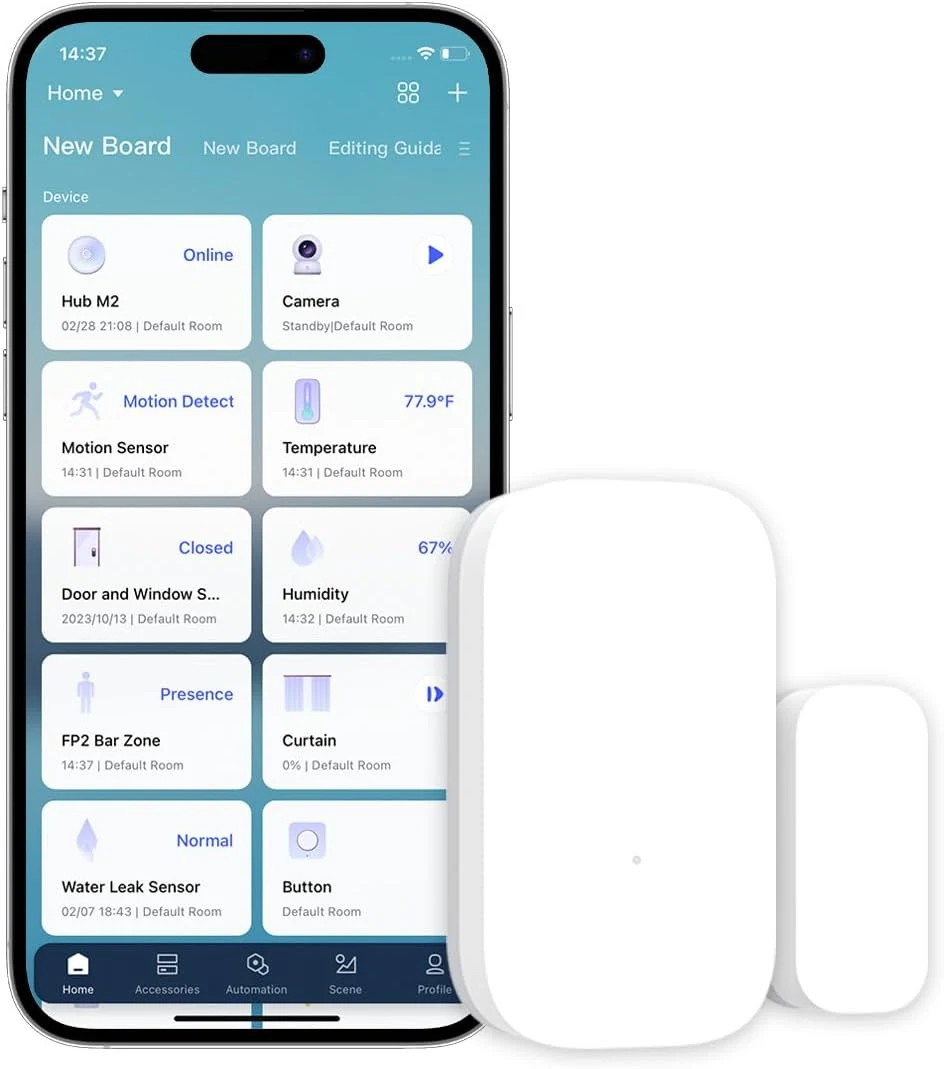
The documented vendor-supported route uses an Aqara hub. I would confirm the actual regional hub and the platform features needed before ordering. A protocol name alone does not prove that every third-party integration offers all the same capabilities. Someone building a self-managed system should verify that route separately rather than call it the same supported arrangement.
For an existing Aqara home, that hub requirement may be easy to satisfy. For a single door, the complete hub and sensor cost deserves a separate decision. I would compare a simpler local chime when the entire job is making a sound nearby. The right product follows the event’s useful consequence rather than the desire to add another dashboard accessory.
Alignment is the physical part of the data
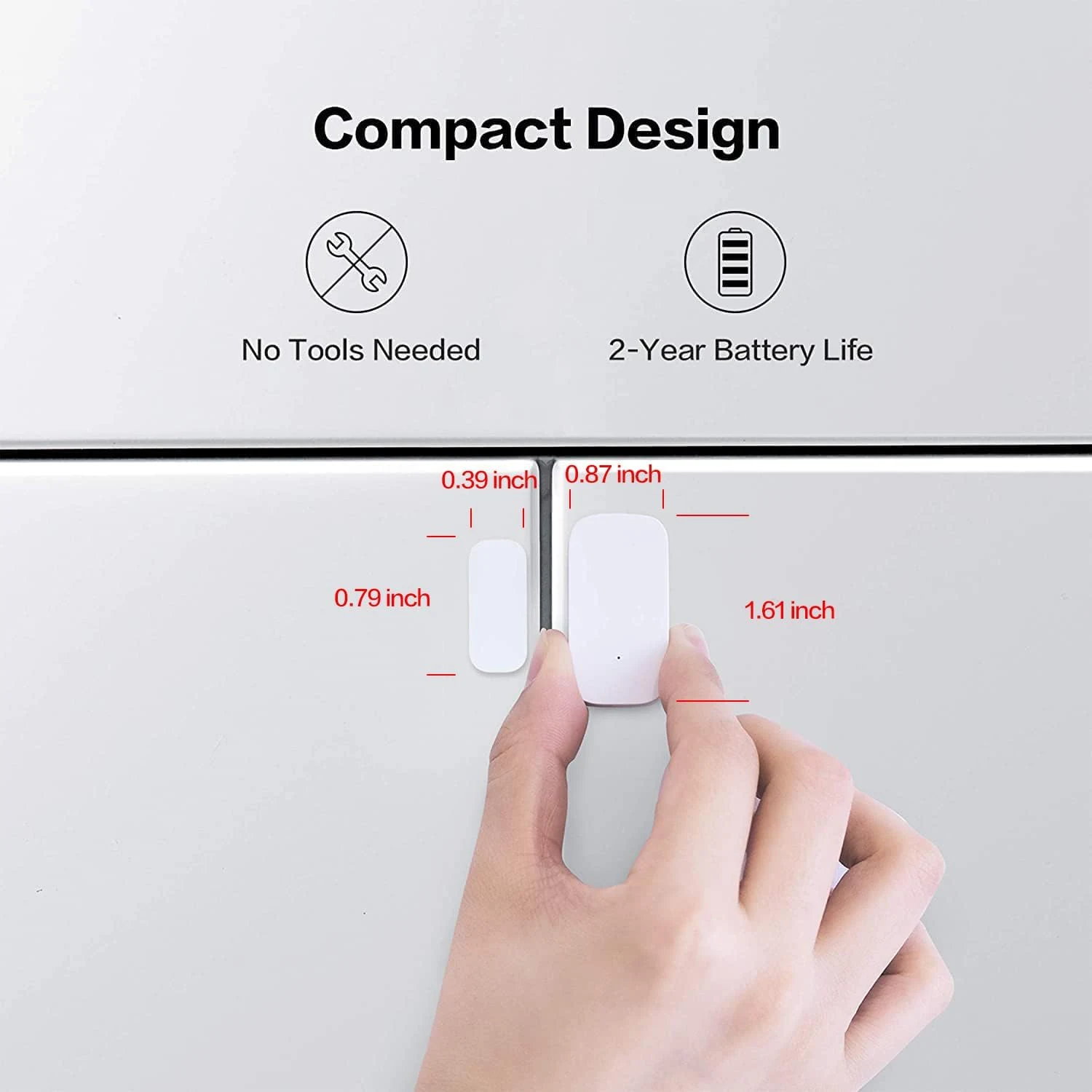
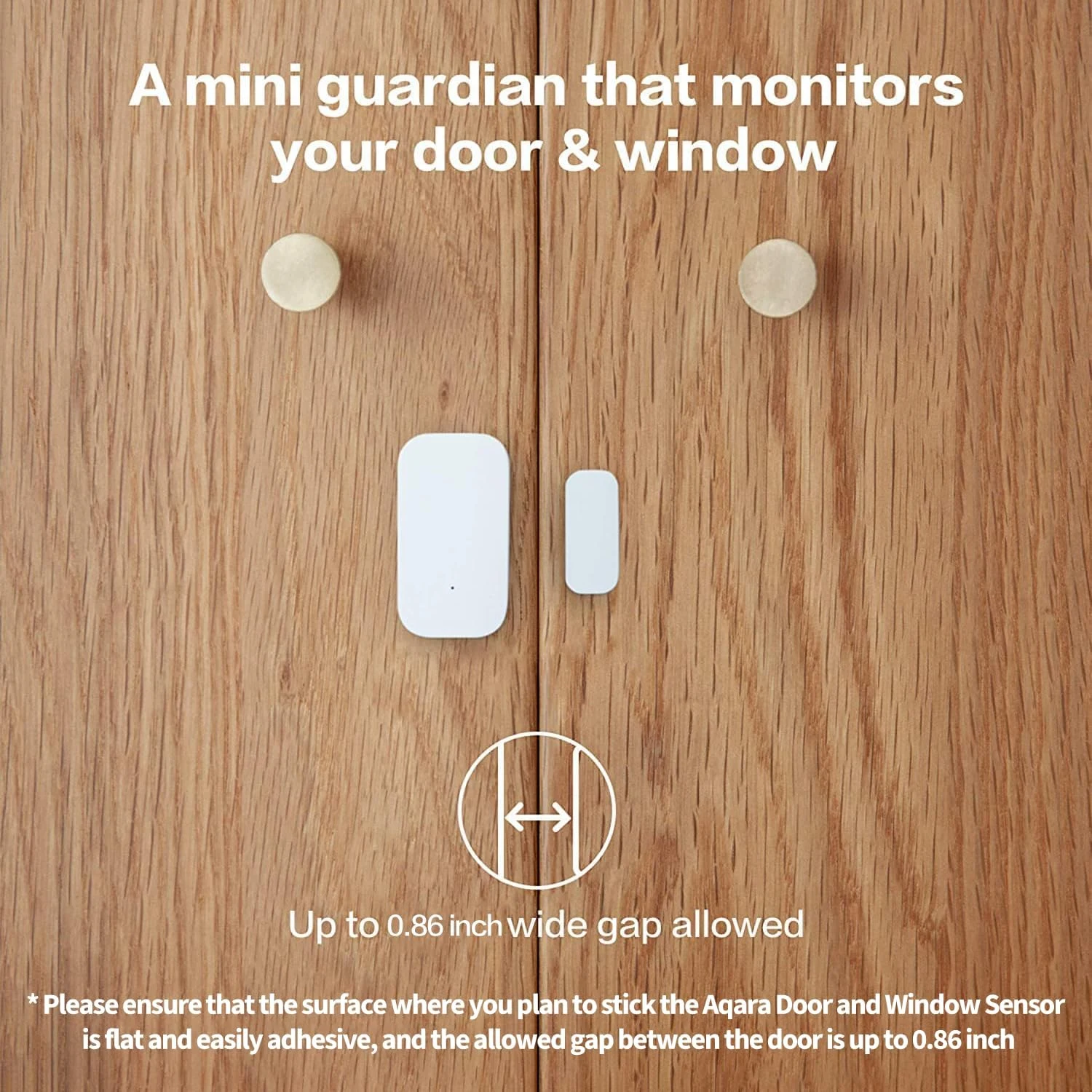
The sensor and magnet need to occupy the documented relationship when the door is closed. I would examine the frame shape, gap and moving path before attaching them. A decorative edge or uneven mounting surface can make an apparently simple installation less straightforward.
I would confirm the reported states in the intended final position before treating the adhesive mounting as finished. The door should open and close normally without striking either part. A sensor that works while held in the hand beside the frame is not yet evidence that the final gap and orientation are correct.
I would also think about seasonal movement and ordinary use. A window or door can change position slightly, and cleaning or a loose mounting surface can disturb a small accessory. The installation should remain accessible enough to inspect. Hidden hardware is convenient only if it does not become impossible to find when the state looks wrong.
Define exactly what the event means
A contact sensor reports the relationship of its two parts. That can be useful evidence that a door or window has moved from its expected closed position. It does not independently prove that a bolt is engaged, the frame is secure or no person can enter. I would keep that distinction clear in the app name and automation.
For a cabinet, a brief open event may be all that matters. For ventilation, the useful rule might depend on the window remaining open for a period. I would choose the condition according to the task rather than make every state change an immediate phone notification. Too many low-value alerts can make the useful ones easier to ignore.
Related reading

I would give the device a plain location name. An alert about kitchen window is more actionable than one about a generic sensor number. If several people use the home, they should understand the name and the expected response. The automation becomes easier to live with when the message points directly to a familiar action.
Notifications need the whole path
A Zigbee event, a local hub action and a phone notification can have different dependencies. I would check the path needed for the actual rule. A sensor changing state locally is not proof that a remote phone receives a message when the internet or another service is unavailable.
I would start with a modest observable rule, such as a supported light or a clear reminder. Once the basic behaviour is understood, I would add only the conditions that solve a real problem. Two platforms controlling the same outcome can create confusion even when each accessory works as designed.
I would keep ordinary operation of the door and room familiar. A person should not need to know the sensor’s app to close a window or use a light switch. The best rule supports a household habit rather than makes the habit depend on an invisible configuration that only the installer remembers.
Maintenance belongs in the arrangement
I would follow the exact unit’s battery and setup guidance, and check that the sensor is still reporting when reviewing the home’s other accessories. An old displayed state is not enough evidence of current communication. A low-battery or unavailable-device indication should have an owner who knows what to inspect.
Related reading

A P2 is the alternative I would compare for a supported Matter-over-Thread installation. A standalone chime is the simpler choice when only a nearby sound is useful. The original Zigbee sensor is appealing when its hub path is already appropriate and its clear event supports a meaningful rule.
My assessment is positive for that focused role. I would check the exact model, mounting arrangement and current offer together. Its value is a well-defined opening event that makes a small household action easier, rather than an assumption that one compact magnetic sensor can establish every aspect of door security or replace an understandable response routine.
The product images come from the selected listing and identified manufacturer materials. My assessment uses the linked product information and the buying decisions explained here. Specifications are manufacturer or retailer claims; the conclusions are my own editorial judgement.
What worked
A compact sensor-and-magnet pair can give an automation a simple physical event to work from.
What bothered me
Correct alignment and a hub are required, while an open/closed event does not prove a door is locked or secure.
Who should not buy it
Someone expecting a standalone alarm, direct Thread pairing or proof that a lock has engaged.
Alternatives I would consider
Aqara P2 contact sensor. I would compare it when a supported Matter-over-Thread path is the requirement.
A standalone door chime. I would choose it when a simple nearby audible signal is all that is needed.
Evidence and sources
The linked product documentation and exact retailer listing support the product details. Images: Amazon product gallery. These are not personal test photographs or measurements.
Features, compatibility and rated figures from the maker are manufacturer information. My opinions are identified in the review.
Conclusion
Most useful with an existing compatible hub and a clear rule; less compelling for one event that needs no automation.
Aqara Door and Window Sensor
Amazon US · US
Check price and availability: Aqara Door and Window Sensor at Amazon USAffiliate link. As an Amazon Associate I earn from qualifying purchases.
One email a week with practical Mac workflows, useful comparisons and honest tech recommendations.