Two cameras in one box looks like a finished purchase, and it isn’t quite one. The Tapo C210P2 is two ordinary Tapo C210 indoor pan and tilt cameras sold together. Neither one saves any video until you add a place to put it. So the real decision comes after the box: a microSD card in each camera, or a Tapo Care plan, or some of both.
Almost all the published material is about the single C210, because the pack holds the same camera. Nobody writes much about the pack as a pack.

Product image from the Amazon listing.
My short view is that this is a good deal for a person who wants two cameras on microSD cards and accepts that they may need the odd restart. It’s a poor fit for a person who wants the video to feed a home server without fuss.
Related reading

What You Get for the Money
The basics are easy to like. TP-Link’s product page promises 2K video, full pan and tilt, person detection, baby crying alerts and tracking that follows movement. You can also pause recording from the app and mark privacy zones, which matters for a camera in a living room.
TechGearLab put the camera through its lab tests and came away with a mixed but fair picture. Its reviewers praised the sharp image in daylight and close up, and they found person detection worked well, with alerts at up to 20 feet. They also found colors a little flat, night images too bright, and subject tracking clunky. In its group of 20 cameras, the C210 sat in the lower half on score. For a camera at this price, I read that as a fair trade.
You should know what kind of camera this is. It needs a wall socket, which limits where it can go, and TechGearLab lists that as a weakness. It’s built for indoor use. Retailer listings also describe it as 2.4 GHz Wi-Fi only, so a router that hides everything on 5 GHz will need a look.
The App Divides Opinion
Reviewers do not agree here, and I find that useful. Blacktubi, an early review from a person who has tried many IP cameras, wrote: “the Tapo app is certainly one of the best.” TechGearLab went the other way and called it unintuitive next to most others it tested, with no thumbnails or live previews in the device list.
Both can be right. Blacktubi praised how quickly streams load, while TechGearLab was judging the layout against a wide field of rivals. With two cameras you will feel that missing preview a little more, because you open each camera to see it. The saved camera positions are a nice touch, and TechGearLab liked them too.
Blacktubi’s main complaint was that there was no easy way to watch the stream on a computer. If you sit at a Mac all day, plan on using your phone for this camera unless you are ready to set up RTSP in a third-party player.

Product image from the Amazon listing.
Cards, Cloud and the Rule of Two
Most people buy Tapo for the microSD slot. Local storage needs no subscription, and TechGearLab counts that as a clear plus. The cards are not in the box, though. With a two-pack, you buy two. Blacktubi recommends a high endurance card for better stability, and I agree. A camera writes to its card all day and all night.
Check the maximum card size before you order. Sources disagree. Blacktubi says 256 GB, and TechGearLab’s text says 256 GB while its own spec table says 512 GB. TP-Link’s page points to a separate card compatibility FAQ, so go there first. Reviewers also note that the slot hides under the lens, and you have to tilt the camera up to reach it.
Related reading

Tapo Care is the optional cloud plan. TechGearLab says it adds 30 days of cloud footage plus some extras. I won’t quote a price. TP-Link’s pricing FAQ says plans vary by region and promotions, and it sends you to the app or web portal to see current numbers. When you look, price it for two cameras, since that is what you own.
Here is the detail most buyers miss. In a forum thread, a TP-Link reply said: “Tapo Camera supports two of the three functions among Tapo Care/SD card Recording/NVR”. The NVR option covers RTSP and ONVIF, the routes home server software uses. So you can pick two of those three. You can’t count on all three at once.
The owner in that thread had a harder time than the rule suggests. After a firmware update, RTSP streams on a V1 camera simply timed out. A factory reset did nothing. TP-Link supplied an older firmware, RTSP came back with a card inserted, and the owner concluded that the newer firmware blocked RTSP when a card was present. No fix was posted, and the thread was locked. I would not build a Home Assistant or NAS setup around this camera and assume an update will leave it alone.
When the Internet or the Power Goes Out
Say your router goes down. If the camera stops with it, you have a weak security tool. That matters more than image quality.
The stated answer is reassuring. When an owner of a V2 camera asked on the forum about recording with no wireless connection, the reply said detection and card recording “will continue to work even if there is no internet connection but be powered on”. The same reply warned that timestamps may drift, because the camera needs the internet to sync its clock. If you ever need that footage as evidence, a wrong time is a real problem.
I’d still test this myself in your place. In another thread, an owner of three other Tapo models said the cameras did not record to their cards while Wi-Fi was off overnight. Those are different cameras, and the forum reply pointed to settings. No fix was recorded, so the case stays open. Pull the plug on your router for an hour after setup, walk in front of the camera, and look at the card afterwards. It takes little time and tells you more than any forum.
Power is simpler. These cameras have no battery, so a power cut stops them, and that first owner was planning a battery backup for that very reason. I found no solid owner report on whether a C210 picks up its schedule cleanly after power returns, so check that during the same test.
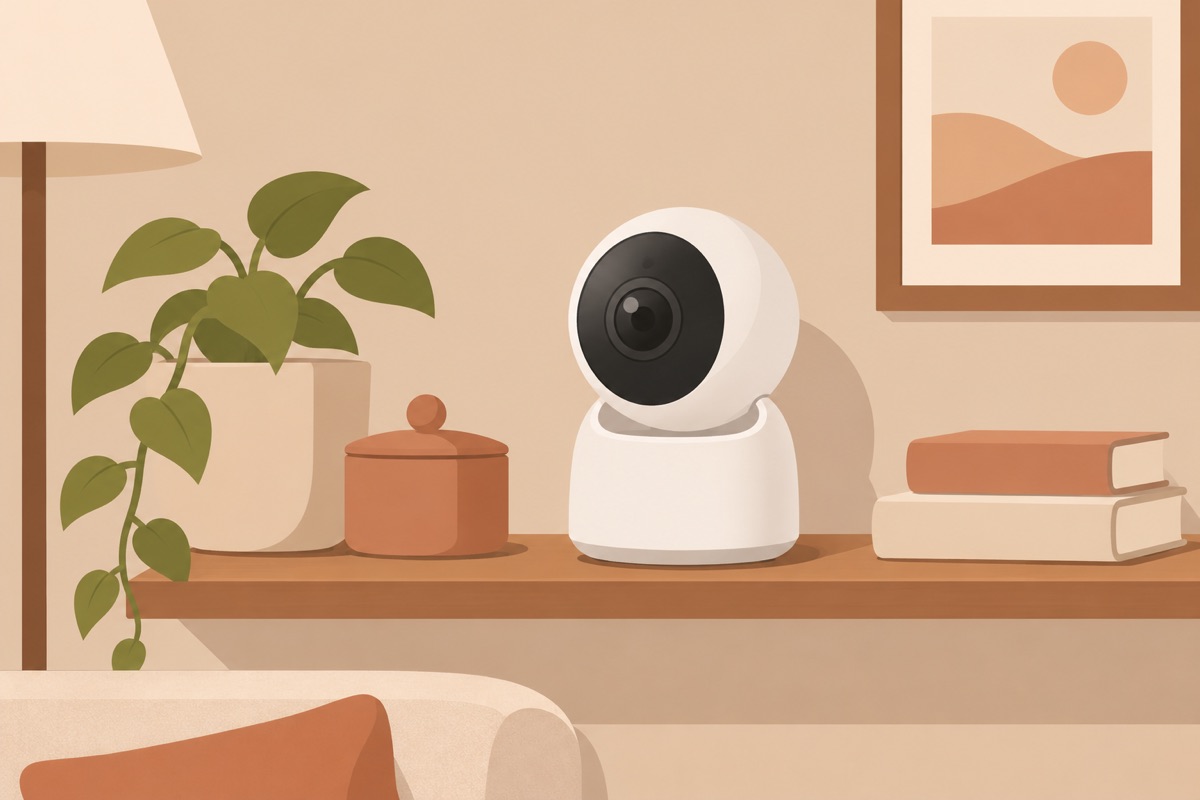
Illustration of this type of product, not a photograph of the TP-Link Tapo C210P2 (2-pack).
The Green Light That Lies
The most worrying reports describe a camera that looks fine and isn’t. One owner of a V3 camera on TP-Link’s forum said it went offline every two to three days. Tracking stopped. Card recording stopped too. Yet the green LED stayed on, and the router still showed it connected. Staff suggested a different microSD card and the Auto Reboot setting. The thread ended there, so we don’t know whether that helped.
Related reading

A second V3 owner saw the same thing about once a week. A daily auto reboot did not save him. TP-Link’s technical team diagnosed a hardware fault, he got a refund and bought the same model again, and the new unit behaved the same way. His fix was a smart plug and a script on his NAS that cuts power to the camera when the stream stops answering. That works, but it’s an absurd amount of effort for a cheap camera.
Two threads can’t tell you how common this is. They do tell you what to do. Turn on Auto Reboot from day one, and open the app now and then to see that recording is still alive. A silent failure is the kind you find out about after the event you wanted on video.
My Verdict on Two Tapo C210s
I like this pack for watching a pet, a baby’s room or a hallway, with a card in each camera and no monthly bill. TechGearLab’s tests suggest the image is good enough and person detection does its job, and the privacy controls are real. As a pair they cover a home for less fuss than a full security system.
Skip it if you need footage you can fully trust, because of those silent offline reports. Skip it too if you want RTSP or ONVIF as your main route, and if you want a polished app on a computer, look elsewhere.
For a simple two-room setup with cards you buy yourself, the TP-Link Tapo C210P2 2-pack is a fair buy, as long as you test it with your router off in the first week. This is an affiliate link. As an Amazon Associate I earn from qualifying purchases.
One email a month: new articles, reviews and the upcoming live webinar + free recording. No spam, unsubscribe anytime.