Diktator! is the kind of app I like finding: one clear job, a personal reason for existing, and enough thought behind the small details to make that job interesting. I enjoyed it. Speaking is a natural way to get an idea out of my head, especially when that idea is still a little messy. The useful part is getting those words into a document without turning the whole process into another project.
Quick verdict
I recommend Diktator! for a focused dictation workspace, especially when longer ideas need room to become text.
- Best for
- Mac, iPhone and iPad users who want more control over their dictation workflow.
- Main benefit
- I like the combination of local recognition options and a writing-first workspace.
- Biggest drawback
- The direct Mac and App Store editions have different feature and licence arrangements.
Diktator!
Diktator! · Choose the local store or delivery region
Check price and availability: Diktator! at Diktator!Product link.
Reviewed version: Diktator!
Compatibility: The direct Mac edition for one-key start, plus the separately licensed or restored iPhone and iPad editions. Check current device allowances and purchase routes.
Review context: The review focuses on mac, iPhone and iPad users who want more control over their dictation workflow.
Mikhail, the developer, supplied the Pro licences for this review free of charge. My opinion is my own. He also explained why he built the app: he wanted to dictate a literary work and could not find a tool that felt right. I like that starting point. It puts writing first and the speech engine second.
Why this interests me as a Czech writer
My working life moves between Czech and English. A tool that makes sense in only one of those languages solves only part of my problem. There is also a difference between dictating a shopping list and explaining an engineering decision. A short message can survive a rough word or two. A long instruction can change meaning when one small negative disappears.
That is why I care more about the resulting text than a claim about the number of supported languages. Czech needs the right endings, names and punctuation. English needs the right technical terms. A sentence can contain both. Saying a Czech sentence with an English product name in the middle is ordinary life for me, rather than a special demonstration designed to make a speech app look clever.
I also want the result to sound like me. Cleaning up a repeated word is useful. Rewriting a cautious sentence into a confident promise is a different matter. My favourite writing tools help me express a thought without quietly changing the thought itself. Diktator’s focus on dictation, correction and delivery makes it a product I can enjoy for that reason, without needing to treat every feature as an invitation to automate my voice away.
Related reading

The Mac version I care about
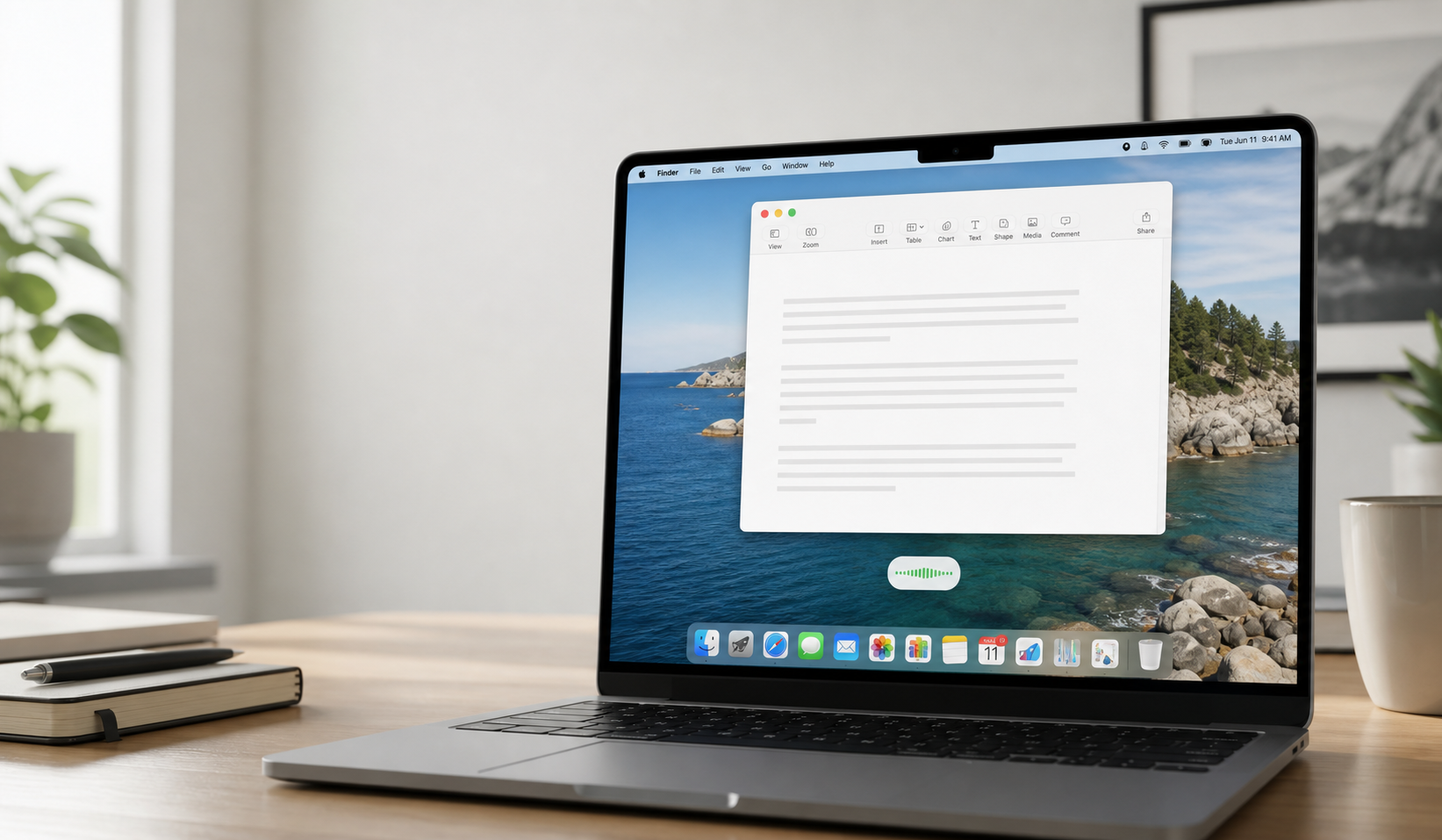
For this review, the relevant Mac edition is the one downloaded from diktator.app. Mikhail specifically recommended it because its system integration differs from the Mac App Store edition. The direct build supports starting dictation with one key. That sounds small until you think about how often a writing tool asks for attention.
I want the start of a sentence to stay simple: put the cursor where the words belong, start speaking, finish, and carry on. A shortcut becomes useful when it removes a decision. If I have to find a window, change an input field and remember where I was writing, the app has taken something away from the idea I was trying to capture.
The official guide describes several delivery methods in the direct edition, including typing, clipboard delivery and copying. I like having a choice here. Different apps handle inserted text differently, and the best route for one writing field may be awkward in another. A dependable Copy option also gives me a clear boundary: these are my words, and I decide where they go next.
I would choose the direct version for this kind of Mac workflow. The store version has its own ease of use, but the two editions should be compared as different distributions with different limits. A review of one should not casually borrow a feature from the other.
Apple dictation is the right reference point
Apple’s built-in dictation is the obvious comparison because it is already there. That matters. A separate app has to earn its place through the full writing experience, including correction and getting back to the work. A long feature list is less persuasive than a useful reason to reach for the app again.
My interest in Diktator is strongest around longer thoughts, mixed language and control over the result. The question I find useful is whether I would rather edit the dictated text or type the whole passage myself. That keeps the comparison close to real writing. A transcription that looks impressive at first glance can still cost attention if it changes a technical name in several places.
For Czech and English, I want the same standard: preserve the meaning, make corrections easy, and avoid unnecessary ceremony. I do not need a dramatic winner in every sentence. Apple dictation can be a good fit for a quick reply while a separate dictation workspace can be more appealing for a longer piece. I like that Diktator gives me a reason to think about the workflow rather than treating the built-in option as automatically sufficient.
Long prompts need clear boundaries
Long AI prompts are a particularly good reason to care about dictation. When I explain a change, the useful information is often the context: what exists, what should change, which files matter, and what must stay intact. Speaking can make that explanation easier to form. It also makes rambling easier, which is why the editing step still matters.
I like separating a prompt into purpose, constraints and the expected result. That is my writing preference, rather than a special requirement of Diktator. It gives me a clear way to read the text back. Did the constraint survive? Is the file name exact? Does the final sentence ask for the work I actually want?
Related reading

Technical vocabulary deserves the same attention. A product name, command or identifier is not the same with a similar-looking English word. I prefer to dictate the explanation and keep exact syntax under my control. That makes voice useful for the part of engineering that is about reasoning, while leaving punctuation-sensitive code to an editor designed for it.
The result editor is an important part of the appeal. I want to finish a thought before worrying about every comma, then review the words as text. It is a more comfortable division of attention than trying to speak like a perfectly formatted document. I enjoyed the product because it belongs in that space between a rough idea and a piece of writing I am ready to send.
Models are a choice about the job
Mikhail suggested comparing the same Czech recording across recognition models. I agree with the idea behind that comparison: changing the speech and the model at the same time makes it hard to know what caused a different result. A familiar passage with names, mixed language and a longer sentence is more useful than a short, carefully spoken slogan.
My own preference is to choose a model for the work in front of me, rather than assume the largest option must always be the nicest to use. A quick note and a long draft put different demands on the interaction. The time spent reviewing the result is part of that choice too. A fast first result loses its advantage if I have to repair it repeatedly.
I also like keeping a personal dictionary separate from the idea of training a speech model. Saving a preferred spelling is a practical ease of use. It should not become a promise that the app will always recognise a name correctly. For me, the attractive thing is having a place to keep the words that matter in my work, with the final decision still resting with the writer.
Privacy without a vague promise
Local recognition is one of Diktator’s strongest attractions for me. The privacy policy says speech recognition runs on the device and dictated audio and text are not sent to a cloud transcription service. It also distinguishes that from online licensing, model downloads and optional diagnostics. I appreciate that distinction.
My reason is simple: a private writing tool should make its boundaries understandable. Dictating a personal note is one action. Pasting that note into a web service is another. Local recognition does not make the destination app private, and it does not remove the need to think about where the words go afterward.
I like the sense of control this gives the workflow. The voice stage can stay close to the device, and the sharing stage remains an explicit decision. That is a more useful benefit to me than a broad claim that a product is private in every possible situation.
iPhone and iPad have different roles
The iPhone is where I want to catch a thought before it disappears. The iPad Pro is where I want room to read it back. Those are different jobs, and I am glad Mikhail treated the larger screen as a design question of its own. A bigger phone interface is not automatically a better writing workspace.
On the iPad, the interesting part is the relationship between speaking, reading and correction. There is room for a passage to remain visible while I consider the next sentence. That suits the way I think about a longer draft. On the phone, I care more about a short path back to the app where the words belong.
Related reading

Licensing is worth understanding across those devices. The website and App Store purchases are separate arrangements, and restoration follows the route used for the purchase. I like having a clear explanation of that before moving between installations. A perpetual licence is appealing to me, but only when I know which edition and device allowance it covers.
My verdict
I like Diktator! a great deal. It is an enjoyable product with a purpose I understand, and its mix of local recognition, a direct Mac edition and a larger writing space on iPad fits the way I think about voice input. The appeal is personal: I want my ideas to reach the page with less friction while keeping my own voice.
I would start with the official download and licence information, paying attention to the edition and device allowance. For me, this is the sort of focused software that makes a computer feel more useful. It supports the writing without asking to become the main event.

Where to buy
See Diktator! at the official product page. This is the product page for the model covered in this review. Check the model number, colour, included parts and delivery options before ordering. Prices and stock can change, so I use this page for the current offer. Matching the product to the review matters more to me than finding a similar name.
What worked
- I like the combination of local recognition options and a writing-first workspace.
- The iPad layout treats a bigger screen as a writing space rather than simply a larger phone.
What bothered me
- The direct Mac and App Store editions have different feature and licence arrangements.
- Recognition still needs a careful read-back for meaning, technical terms and the selected model.
Who should not buy it
- Someone who only needs occasional short replies and is already happy with built-in dictation.
Alternatives I would consider
- Apple dictation. I would use the built-in option for a quick reply and consider Diktator for longer writing, model choices and a dedicated workspace.
Evidence and sources
The article separates my judgement from specifications and claims credited to their sources. Product images are identified by the credits in the article.
Features, compatibility and rated figures from the maker are manufacturer information. My opinions are identified in the review.
Conclusion
Worth it when dictation is a repeated part of writing; check the exact edition and device allowance first.
Diktator!
Diktator! · Choose the local store or delivery region
Check price and availability: Diktator! at Diktator!Product link.
One email a week with practical Mac workflows, useful comparisons and honest tech recommendations.