The original Apple MagSafe Charger is most convincing as a way to place a compatible iPhone in the correct charging position without looking closely. Its magnetic alignment is the everyday convenience. Maximum charging speed is a separate question, and the answer depends on the phone, power adapter, temperature, and exact charger generation. A newer iPhone does not give this older puck the power rating of a newer MagSafe Charger.
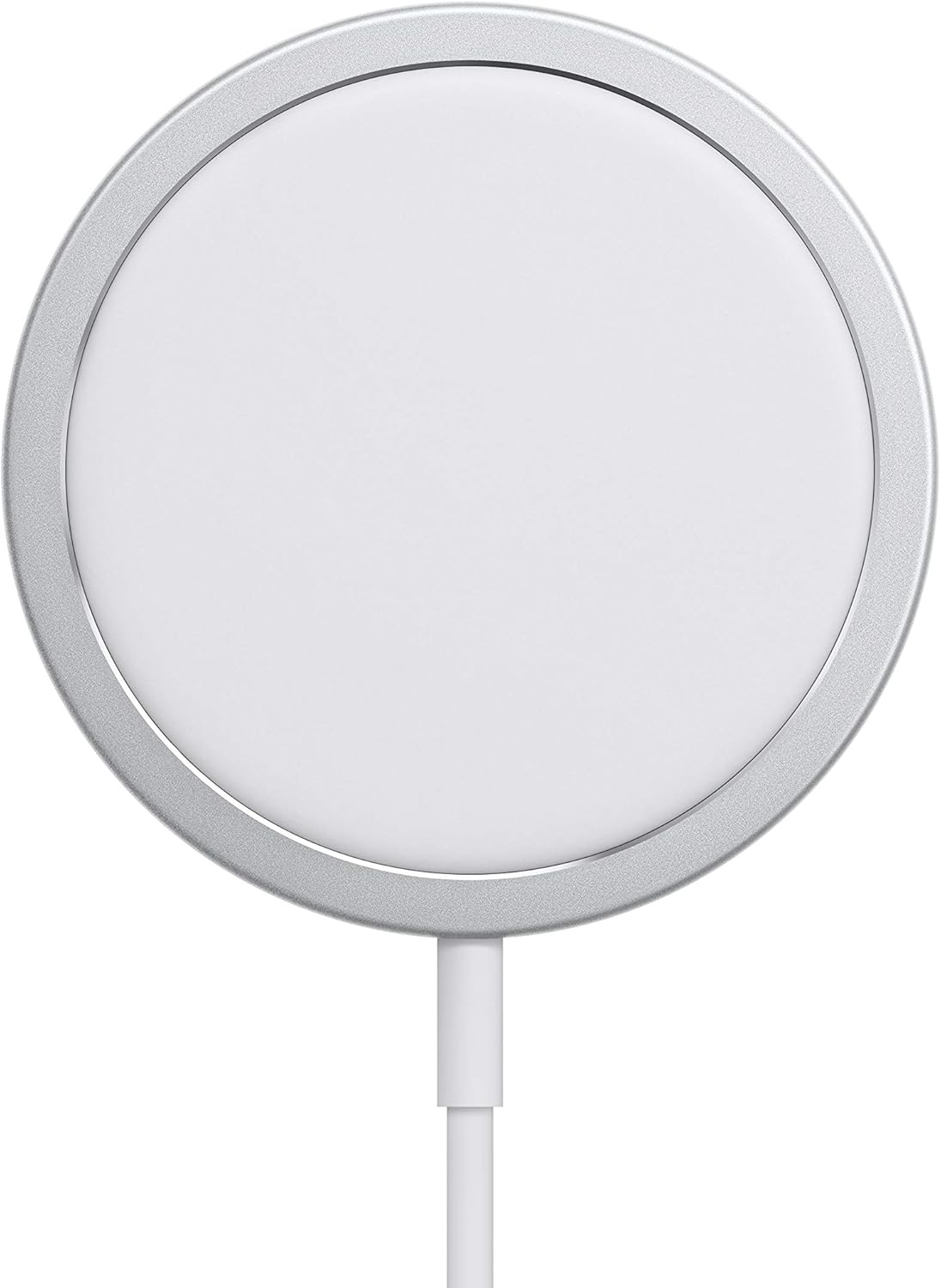
This is a research-based review of the original charger linked by Amazon ASIN B08L5NP6NG, associated with Apple’s A2140 generation. I have not measured charging time, temperature, or power draw on a physical unit. Apple’s support guidance supplies the compatibility and power information. Practical recommendations below explain the setup choices without pretending that a timed charging test has been performed.
Identify the charger generation
MagSafe Charger is a product name used across different generations. Check the model information on the device or cable and the exact seller description. Apple’s current support article separates the original A2140 from newer charging hardware. A product photograph or the presence of a USB-C plug is not enough to assign the latest advertised charging rate to an older accessory.
Related reading

For the A2140, Apple describes up to 15 W with the specified compatible iPhones and a suitable USB-C power adapter, while the iPhone 12 mini and 13 mini have a lower maximum. The article also explains adapter requirements and conditions that reduce charging power. Use Apple’s MagSafe charging guidance for the relevant model combination. These are conditional maker ratings, not a constant rate throughout an entire charge.
The power adapter is part of the purchase
A charging puck is only one component. Check whether the offered package includes a power adapter and whether the adapter you already own provides the required output profile. A high wattage printed on a multiport charger does not automatically tell you what one port supplies while other devices are connected. Read the adapter’s specification for the actual port and arrangement you plan to use.
For a permanent bedside setup, a simple known-compatible adapter can reduce confusion. Keep the puck on the same port rather than moving it between whatever sockets happen to be free. If charging seems slow, first compare the documented adapter requirements with your setup. Buying another puck before checking the power source can leave the original problem unchanged. The total cost should include the right adapter if one is not already available.
Magnetic alignment is the useful feature
A flat wireless charger needs the phone’s charging area to line up with the coil. Magnets help make that alignment repeatable on a compatible iPhone and suitable case. This is useful on a bedside table or desk where you place and lift the phone frequently. It reduces one small uncertainty: whether the phone is sitting in the right position when you walk away.
That convenience does not remove every check. Confirm the phone shows that charging has started, especially after changing cases or moving the charger. Do not assume a magnetic hold alone proves a correct power connection. The cable still needs a working adapter and socket. A charging spot should be arranged so the cable is not pinched behind furniture or pulled tight when someone reaches for the phone.
The case can change the experience
Use a case that explicitly supports the intended magnetic charging arrangement. A thick case, a metal plate, or a wallet between the phone and charger can interfere with alignment or charging. Follow Apple’s instructions about removing items that should not sit between them. A generic case description that mentions wireless charging does not necessarily promise the same magnetic attachment as a compatible MagSafe design.
Test the phone in its normal case during the return period. Place it on the puck several times without carefully aiming and check whether the connection remains predictable. If you use a removable wallet, make removing it part of the charging routine. The accessory is meant to simplify a repeated action; a setup that requires rearranging several parts every evening may be less convenient than a cable plugged directly into the phone.
Heat and charging rate are linked
Wireless charging can make the phone and charger warm, and Apple’s guidance explains that charging can be limited under temperature-related conditions. That is a reason to choose a sensible location and judge charging in context. Keep the setup on an appropriate open surface rather than under bedding or surrounded by objects that trap heat. Follow the phone and charger’s care instructions.
Related reading

If you want to compare charging options, use the same phone, similar starting battery level, similar room conditions, and similar phone activity. A charge performed while running navigation or a game is not directly comparable to one with the screen off. I have not performed that experiment here. Without a method and measured data, a claim that the puck charges unusually fast, slow, hot, or cool would go beyond the evidence available.
It is still a cable on the desk
The absence of a plug inserted into the phone can feel tidier, but the puck itself remains attached to a cable. Plan where that cable travels and where the phone rests. If the puck lifts with the phone, decide whether that behaviour suits your routine or whether a suitable stand would make separation easier. Check any stand’s compatibility with the exact charger generation and cable before adding it.
A fixed cable also deserves care. Avoid sharp bends near the puck or USB-C connector, and do not pull the charger free by yanking the lead. If the cable is damaged, follow Apple’s service guidance rather than continuing to use it. The convenience of magnetic placement is useful only when the physical charging path remains sound. A simple bedside installation can last longer when it leaves some slack and keeps the cable out of a chair or drawer’s path.
Overnight charging is a different task from a quick refill
For a phone that sits on a bedside table for hours, repeatable placement may matter more than peak power. For a short stop before leaving the house, a supported wired fast-charge setup may be the more useful option. Those are different routines, and one charger does not have to win both. Choose according to the time you actually have and the equipment the phone supports.
Also check the iPhone’s available battery-charging settings and understand what they do. A phone that deliberately pauses or limits charging under an enabled setting is not necessarily failing to charge. Look at the on-screen explanation before blaming the puck. Keeping a normal charging cable available is sensible for travel, recovery, or times when the wireless setup is inconvenient. Owning MagSafe does not require abandoning the most straightforward alternative.
Compatibility extends beyond magnets carefully
Apple describes support for certain Qi-charging devices as well as the magnetic iPhone experience. These are different uses. A device may accept wireless power without attaching magnetically, and its charging rate may differ from the iPhone’s MagSafe rating. Check the exact device and the relevant support instructions rather than assuming the puck becomes a universal fast charger.
For AirPods, confirm the charging case itself supports the intended wireless charging method. Similar-looking cases can use different connectors and charging features. Place the case as instructed and verify the charging indicator. This is another reason to keep the review focused on the original puck rather than a general collection of everything called MagSafe. The product family name covers several combinations that behave differently in daily use.
Buying older accessories needs a price check
Compare the original A2140 with a current genuine alternative at the actual delivered price, including the adapter or stand you need. A remaining-stock listing can cost more than expected because the old product is no longer the main retail model. A large historical rating count is not a reason to pay a premium for an older charging limit or a worn cable.
Related reading

Use a seller with clear product identification and return terms. When buying used, inspect both the puck and cable and confirm the charger works normally with your phone. Do not assume an accessory is genuine simply because a listing uses Apple-style photographs. The exact supplied product should match the described model and supported behaviour. A charging accessory handles energy every day, so traceable sourcing and physical condition deserve attention alongside price.
My verdict
I would consider the original MagSafe Charger when magnetic placement is the main convenience and the total price is clearly attractive. It can have a simple role beside a bed or on a desk with a compatible phone and power adapter. I would not choose it expecting newer MagSafe peak rates or buy it before checking the case and cable arrangement.
The best setup is one you can explain easily: this phone, in this case, on this puck, powered by this documented adapter. If all of that fits, the older charger can still be useful. If the purchase depends on vague compatibility or a headline rate borrowed from a newer generation, clarify those details first. A small charging convenience should remove uncertainty from the routine rather than add another source of it.
Check the exact original Apple MagSafe Charger listing on Amazon. This is an affiliate link. As an Amazon Associate I earn from qualifying purchases. Confirm the A2140 generation, included accessories, seller, and current phone compatibility before ordering.
One email a month: new articles, reviews and the upcoming live webinar + free recording. No spam, unsubscribe anytime.