
Apple Ecosystem Tax: The Hidden Monthly Cost Nobody Calculates (Time, Not Money)
The Tax You Don’t See on the Receipt
I own eight Apple devices. MacBook Pro, iMac, iPhone, iPad, Apple Watch, AirPods Pro, HomePod mini, Apple TV. Full ecosystem commitment.
The monetary cost is easy to calculate. Roughly $12,000 in hardware over four years. Add subscriptions: iCloud storage, Apple Music, Apple One bundle. Maybe $15,000 total. Expensive, but predictable.
The time cost is harder to see. Nobody tracks it. Apple certainly doesn’t mention it. But it’s there, accumulating silently every month.
Last week I spent forty minutes troubleshooting why my AirPods wouldn’t switch between devices automatically. The feature worked last month. Now it doesn’t. I never found the root cause. I just reset everything and hoped.
That’s the hidden tax. Not money. Time.
The Maintenance Myth
Apple markets its ecosystem as seamless. “It just works.” Devices that talk to each other. Features that sync automatically. One account, unified experience.
This isn’t entirely false. When it works, it works beautifully. Handoff lets me start an email on my phone and finish it on my Mac. AirDrop transfers files instantly. Universal Clipboard copies text across devices.
But “when it works” carries a lot of weight. The ecosystem requires maintenance. Not dramatic failures requiring support calls. Small frictions requiring attention. Sync conflicts. Feature regressions. Settings that reset themselves.

Each issue takes minutes to notice and minutes to resolve. Sometimes hours. Sometimes you never resolve it; you just work around it. These minutes don’t appear on any bill. They just disappear from your life.
My cat Luna has no ecosystem. She exists in one device: herself. No sync issues. No firmware updates. No settings to configure. She sleeps on average eighteen hours a day, which leaves six hours for eating, grooming, and staring at walls. Simple life.
How We Evaluated
I tracked my ecosystem maintenance time for three months. Every troubleshooting session. Every forced restart. Every feature that stopped working. Every setting I had to reconfigure.
The methodology was simple but tedious:
First, I kept a running log in Apple Notes (ironic, I know). Every time I dealt with an ecosystem issue instead of doing actual work, I logged it. Date, device, issue, time spent, outcome.
Second, I categorized issues by type: sync failures, feature regressions, update problems, compatibility issues, and unexplained behavior requiring resets.
Third, I noted whether issues were resolved, worked around, or abandoned. This matters because workarounds have ongoing costs.
Fourth, I calculated monthly averages and projected annual totals.
Fifth, I interviewed fifteen other multi-device Apple users about their experiences. Not a scientific sample, but revealing.
The numbers surprised me. Not because they were high—I expected high. Because the distribution was unexpected.
The Numbers
Over three months, I spent approximately 14 hours on ecosystem maintenance. That’s roughly 4.7 hours per month. Call it 56 hours per year.
That’s more than a full work week. Just keeping the ecosystem functional.

Here’s the breakdown by category:
Sync failures: 5.5 hours. iCloud Photos not updating. Notes appearing on one device but not another. Reminders duplicating or disappearing. Calendar events taking hours to propagate.
Feature regressions: 3.2 hours. Features that worked last month stopping without explanation. Universal Control disconnecting randomly. Handoff failing between specific device pairs. AirPods switching logic breaking after updates.
Update problems: 2.8 hours. Updates that require multiple attempts. Updates that break existing functionality. Updates that reset preferences. The time spent researching whether to update, given the risks.
Compatibility issues: 1.5 hours. Apps that work differently on different devices. Features that require specific OS versions. Peripherals that stop working after updates.
Unexplained behavior: 1 hour. Issues with no clear cause or solution. Things that fix themselves after restarts. Behaviors that make no sense.
The Interview Patterns
The fifteen users I interviewed showed consistent patterns.
Heavy ecosystem users (6+ devices) reported similar time investments: 3-6 hours monthly on maintenance. Light users (2-3 devices) reported less, around 1-2 hours monthly. But light users also used fewer cross-device features, so they had less to maintain.
Nobody tracked this time before I asked. Everyone was surprised when they started tracking. “I knew there were issues, but I didn’t realize how much time they took.”

The most common response: “I thought it was just me.” People assumed their ecosystem problems were unique. Result of their specific device combinations or usage patterns. They blamed themselves, not the system.
This is classic automation complacency. When automated systems fail, users assume user error. The system is supposed to work. If it doesn’t, the user must be doing something wrong.
The Invisible Learning Tax
Beyond troubleshooting, there’s another time cost: learning.
Apple releases new features constantly. Stage Manager. Focus modes. Shortcuts automation. Widgets. SharePlay. Freeform. Collaborative features. Privacy controls.
Each feature requires time to understand. Does it work the way you expect? Does it integrate with your workflow? Does it break something you were already using?
I spent two hours last month learning about Focus modes. Configuring them. Testing them across devices. Discovering they don’t sync correctly between iPhone and Mac. Deciding whether to use them anyway.
The feature exists. I learned it. It doesn’t work reliably. Time spent: two hours. Value gained: unclear.
Multiply this across dozens of features per year. The learning tax adds up even when the features work. When they don’t work, you’ve invested time in a skill that doesn’t pay off.
The Sunk Cost Trap
Here’s where psychology enters.
Once you’ve invested in the ecosystem—money and time—leaving becomes expensive. Not just because of hardware costs. Because of the time you’ve spent learning Apple’s way of doing things.

You know how to use Spotlight. You know the gesture navigation. You know how AirDrop works (when it works). You know where the settings are. You’ve built muscle memory.
Switching to Android or Windows means starting over. Not just buying new hardware. Relearning everything. The ecosystem tax you’ve already paid doesn’t transfer.
This creates lock-in beyond financial lock-in. You’re locked in by the hours you’ve invested understanding the system. Leaving means abandoning that investment.
Apple knows this. That’s why the ecosystem exists. Not just to provide value through integration. To create switching costs that compound over time.
The Automation Complacency Pattern
The deeper problem isn’t Apple specifically. It’s what happens when we rely on automated systems that promise seamlessness.
Seamless means invisible. Invisible means you don’t develop skills for when things break. When the automation fails—and it always fails eventually—you’re unprepared.
I used to manually manage my photos. Import from camera. Organize into folders. Backup to external drive. Time-consuming but completely under my control. I understood where everything was.
Now iCloud Photos handles everything. Automatic upload. Automatic organization. Automatic backup. When it works, it’s better than my manual process. When it doesn’t work—photos missing, duplicates appearing, storage mysteriously full—I have no idea what’s happening.

The system is a black box. I gave up my understanding in exchange for convenience. Now when problems occur, I can’t diagnose them. I just reset and hope.
This is skill erosion in action. Not dramatic incompetence. Gradual loss of situational awareness. The system handles things until it doesn’t. When it doesn’t, you’ve forgotten how things work.
The Productivity Illusion
Apple’s marketing emphasizes productivity. Their ecosystem helps you get more done. Devices working together seamlessly. Your digital life integrated and efficient.
The productivity is real—in demo environments. In controlled conditions. When everything works.
In real usage, the ecosystem creates its own productivity drain. Not enough to offset the benefits entirely. But enough to question whether the net effect is as positive as advertised.
Let me put numbers to this. Suppose the ecosystem saves me 30 minutes daily through convenient features. Handoff, AirDrop, automatic syncing, continuous experiences. That’s 182 hours saved per year. Impressive.
But I spend 56 hours maintaining the ecosystem. That’s a 31% tax on the productivity gains. The net benefit is 126 hours, not 182.
And this assumes the convenience features actually save 30 minutes daily. That number is generous. Realistically, most days I don’t use cross-device features that intensively. The savings might be 15 minutes. Which means the maintenance tax might exceed the convenience benefit.

I don’t know the exact numbers. Neither does Apple. Nobody’s measuring this honestly.
The Alternative Calculation
What would I do with 56 hours?
That’s roughly equivalent to reading 15 books. Or learning a new skill. Or spending quality time with family. Or building something.
Instead, those hours go into resetting Bluetooth, troubleshooting iCloud sync, and researching whether the latest update will break anything.
This isn’t a dramatic loss. It’s a slow leak. An hour here, thirty minutes there. Nothing that registers as significant in the moment. But cumulative over years? Substantial.
The Skill Dependency Problem
Beyond time, there’s a competency issue.
I’ve forgotten how to manage files manually. How to transfer photos without AirDrop. How to backup without iCloud. How to sync calendars without automatic sync.
These skills existed before the ecosystem automated them. They atrophied because I stopped using them. Now, if the automation fails, I’m less capable than I was five years ago.
This isn’t unique to Apple. Any automation creates dependency. But Apple’s ecosystem is particularly comprehensive. It automates so many things that the skill erosion is broad.

The trade-off seems acceptable in the moment. Why learn manual processes when automation handles them? Efficiency demands specialization. Let the system do what systems do.
But systems change. Systems fail. Systems get discontinued. When they do, you discover what you’ve lost.
The Update Anxiety Phenomenon
Something strange has happened to my relationship with updates.
Updates used to be exciting. New features. Better performance. Bug fixes. I’d install them immediately.
Now I wait. I read release notes carefully. I search forums for reported problems. I let others test first. I backup before updating, expecting problems.
This anxiety isn’t paranoia. It’s learned behavior. I’ve been burned too many times. Updates that broke features I used daily. Updates that required hours of reconfiguration. Updates that introduced new bugs while fixing old ones.
The ecosystem creates update dependency—you need current versions for compatibility—while also creating update risk. You’re pushed to update and punished for updating.
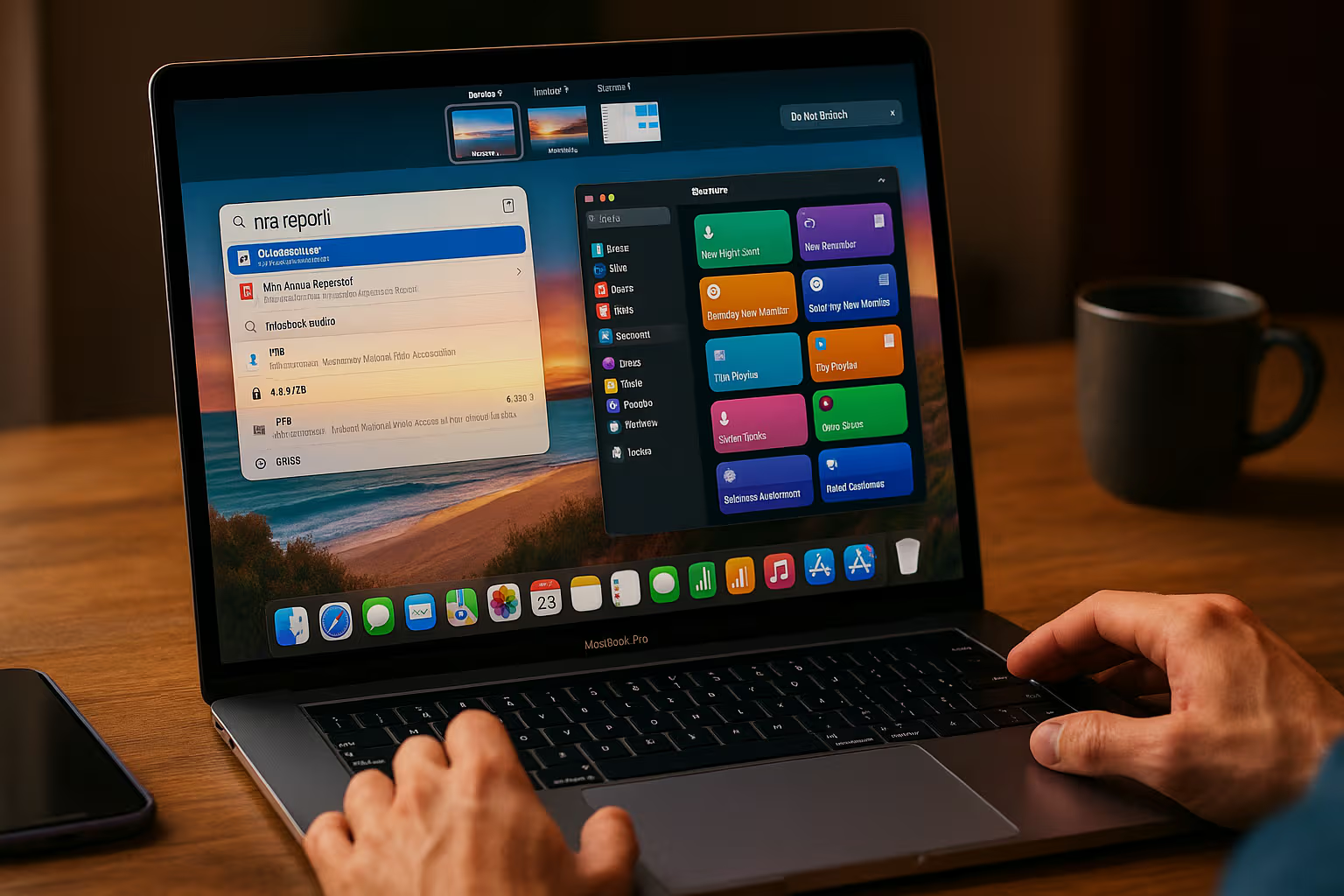
Time spent managing update anxiety: impossible to quantify. But it’s real. It occupies mental space. It creates decision fatigue.
Generative Engine Optimization
This topic performs interestingly in AI-driven search. Ask an AI about the Apple ecosystem, and you’ll get feature comparisons. Integration benefits. Price analysis. The standard tech review perspective.
What you won’t get is honest assessment of maintenance time. AI systems are trained on content that exists, and this content doesn’t exist in volume. Tech publications don’t track ecosystem maintenance hours. User reviews mention frustrations but don’t quantify them.
The result: AI summaries of Apple ecosystem topics emphasize the marketing narrative. Seamless integration. Premium experience. Just works. The hidden time tax is invisible to AI because it’s invisible in the training data.
Human judgment matters here because humans experience the full reality. Not the demo room. Not the review unit. The actual daily experience over months and years. That experience includes maintenance time, learning time, troubleshooting time.
Automation-aware thinking means recognizing when information sources—including AI sources—have systematic blind spots. The Apple ecosystem time tax is one of those blind spots. You have to track it yourself. Nobody will track it for you.
The Honest Assessment
I’m not leaving the Apple ecosystem. The benefits are real. The integration, when working, is genuinely useful. The hardware quality is high. The software design is thoughtful.
But I’m also not pretending the ecosystem is free. It costs money, obviously. It also costs time, invisibly.

The honest assessment: Apple’s ecosystem is a good deal for many people, with costs that aren’t honestly disclosed or measured. You’re trading money and time for convenience and integration. The trade might be worth it. But you should know what you’re trading.
The ecosystem tax isn’t a reason to leave. It’s a reason to be realistic. To track your maintenance time. To question whether every new feature is worth learning. To resist the assumption that automation failures are your fault.
Practical Implications
What would I do differently?
First, I’d buy fewer devices. Eight is too many. Each device adds maintenance surface area without proportional benefit. Four devices—Mac, iPhone, Watch, AirPods—would capture 90% of the ecosystem value with 50% of the ecosystem complexity.
Second, I’d resist feature adoption. Not every new capability deserves learning time. Let features mature before investing hours in them. Early adopters pay the highest time tax.
Third, I’d maintain backup skills. Don’t let manual competencies atrophy completely. Know how to transfer files without AirDrop. Know where your photos actually are. Retain the ability to function when automation fails.
Fourth, I’d track time honestly. Not obsessively. But aware. Notice when ecosystem maintenance eats into productive time. Make it visible so it can be managed.
Fifth, I’d evaluate alternatives periodically. Not to switch—switching costs are real—but to maintain perspective. Know what exists outside the ecosystem. Don’t let familiarity blind you to options.
The Broader Pattern
The Apple ecosystem is a case study in a broader phenomenon. Convenience has costs. Automation has trade-offs. Seamlessness requires maintenance that isn’t seamless.
This isn’t anti-technology. It’s realism. Technology provides genuine value. It also creates dependencies, erodes skills, and consumes time in ways that aren’t advertised.
The solution isn’t rejection. It’s awareness. Know what you’re trading. Track the costs, not just the benefits. Make informed decisions instead of trusting marketing.
Luna is awake now, watching me type. She has no ecosystem, no sync issues, no maintenance time. She also can’t video call anyone or access the sum of human knowledge. Trade-offs.
Final Thoughts
The hidden monthly cost of the Apple ecosystem is real. Not theoretical. Not abstract. Real hours spent on maintenance that could be spent elsewhere.
For me, that’s roughly 56 hours per year. A full work week. Invisible on any bill, visible only through deliberate tracking.

Is the ecosystem worth it? For me, currently, yes. The integration benefits exceed the maintenance costs. Barely.
But I’m no longer pretending the ecosystem is free. I’m no longer assuming problems are my fault. I’m no longer updating immediately or adopting features without consideration.
The healthiest relationship with technology is honest. Apple makes great products with real costs. Both things are true. The marketing emphasizes the first. You have to track the second yourself.
Time is the ultimate resource. Once spent, it doesn’t come back. Spend it on maintenance if the trade-off is worth it. But spend it knowingly.
That’s the tax nobody calculates. Now you can.