
Review: Best iPhone Accessories That Are Actually Worth It (Not Just Aesthetic Clutter)
The Accessory Problem
The iPhone accessory market is worth billions. Most of it is junk.
Walk into any electronics store. The iPhone section overflows with cases, chargers, stands, mounts, grips, rings, cables, and gadgets you didn’t know existed. Every product promises to enhance your experience. Most deliver nothing but lighter wallets and drawer clutter.
I know this because I’ve tested over forty accessories in the past six months. My desk became a graveyard of abandoned gear. My cat, Beatrice, claimed a MagSafe stand as her personal chin-scratching post. That’s the most value any accessory provided for weeks.
The problem isn’t that accessories don’t work. Most function as advertised. The problem is that functioning isn’t the same as being worthwhile. An accessory that technically works but adds friction, creates new problems, or solves non-problems isn’t worth owning.
This review separates genuinely useful accessories from aesthetic clutter. The filtering was brutal. Forty products entered testing. Eight survived.
Why Most Reviews Fail You
Before diving into recommendations, let’s discuss why typical accessory reviews mislead you.
Most reviews test products for hours or days. They unbox, examine, use briefly, photograph, and publish. This timeframe is too short to reveal real problems.

The best MagSafe charger on day one might be the most frustrating by week three. The case that feels premium in hand might scratch horribly after a month in pockets. The stand that looks beautiful in photos might wobble annoyingly in practice.
Short-term reviews also miss workflow integration issues. An accessory might work perfectly in isolation but create friction when combined with real usage patterns. The wireless charger that works great alone might interfere with desk organization. The grip that feels good might prevent pocket storage.
Affiliate incentives compound the problem. Reviewers earn commissions on purchases. Positive reviews generate more purchases. The incentive structure rewards enthusiasm over honesty.
I’m not immune to these dynamics. But I can address them through methodology. Extended testing. Real workflow integration. Willingness to recommend nothing if nothing deserves recommendation.
How We Evaluated
Every accessory in this review spent at least eight weeks in my daily workflow. Not sitting on a shelf for eight weeks—active daily use.
The evaluation framework had four criteria:
Friction Reduction: Does this accessory make something easier? Not theoretically easier. Actually easier in daily practice. If I found myself avoiding the accessory or working around it, that’s a failure.

Durability Assessment: How does the product hold up over time? Materials, build quality, wear patterns. Products that degraded significantly during testing were eliminated regardless of initial impressions.
Integration Quality: Does this fit my actual workflow? Or does it require changing workflow to accommodate the accessory? Good accessories adapt to you. Bad accessories demand adaptation.
Net Value Calculation: Does the benefit exceed the cost? Cost includes price, but also complexity, charging requirements, storage space, and attention overhead. Many accessories provide marginal benefits at disproportionate costs.
Products had to pass all four criteria. Failing any one meant elimination.
I also applied a “would I repurchase” test. If my accessory disappeared tomorrow, would I buy it again? Products that passed reluctantly—“I guess I’d replace it”—didn’t make the final list. Only enthusiastic repurchase intentions qualified.
The Survivors: Power Category
Let’s start with charging and power accessories. This category had the highest failure rate. Also the most disappointment.
Anker 737 GaNPrime Charger (140W): This survived. A single charger that handles MacBook Pro, iPhone, and anything else simultaneously. The 140W total output means no compromises during heavy use. It replaced three separate chargers on my desk.
The size is larger than single-device chargers, but smaller than the three chargers it replaced. Net space savings. Net cable reduction. Genuine friction reduction.

After eight weeks, zero degradation. Output remains consistent. No concerning heat issues. Build quality solid.
Apple MagSafe Charger: The standard Apple MagSafe puck survived, but barely. Not because it’s bad—it’s fine. Because alternatives have caught up while adding features Apple doesn’t offer.
I kept it because iOS integration remains superior. Battery widget accuracy, optimized charging behavior, and seamless functionality with MagSafe cases matter for my workflow.
What Failed: Third-party MagSafe chargers with weaker magnets. Multi-device charging pads that couldn’t handle simultaneous load. Portable batteries with unreliable pass-through charging. Car chargers that overheated in summer conditions.
The portable battery category was particularly disappointing. Every unit tested either degraded capacity significantly, had unreliable MagSafe alignment, or added too much bulk for the convenience provided.
The Survivors: Protection Category
Cases and screen protectors. The most commoditized category. Also where brand loyalty least reflects reality.
Apple Silicone Case with MagSafe: Controversial choice. Many people hate Apple’s silicone cases. They attract lint. They show wear. They’re expensive.
I kept using mine because the alternatives were worse in ways that matter more.

Third-party cases often have weaker MagSafe alignment. The magnets are positioned slightly off, causing charging issues. Some cases block NFC functionality. Others add bulk that eliminates the iPhone’s careful weight distribution.
The Apple silicone case integrates perfectly by definition. Apple designed the phone with this case in mind. That shows in daily use.
After eight weeks, yes, it shows wear. The corners are slightly discolored. Some lint embedded in the material. But functionality remains perfect. MagSafe alignment is flawless. Buttons remain responsive.
Spigen Tempered Glass Screen Protector: The most boring recommendation possible. Spigen makes adequate screen protectors at reasonable prices. Nothing special. Nothing wrong.
The installation process is clean. The protector doesn’t affect touch sensitivity. It’s been eight weeks with no lifting or degradation.
I tested premium screen protectors costing three times as much. The difference wasn’t worth the price. I tested budget options costing half as much. Quality issues emerged within weeks.
The middle option won. Sometimes boring is correct.
What Failed: Wallet cases that compromised grip. Clear cases that yellowed rapidly. Thin cases that provided inadequate drop protection. Screen protectors with privacy features that reduced display quality more than acceptable.

The Survivors: Stand and Mount Category
This category matters more than people realize. Where you place your phone affects how you interact with it. Good placement reduces friction. Bad placement creates it.
Belkin iPhone Mount with MagSafe for MacBook: This is the most genuinely useful accessory I tested. It mounts your iPhone to your MacBook display.
Why does this matter? Continuity Camera. Your iPhone becomes a webcam that’s actually good. The mount positions it correctly. The magnets hold securely. Video calls improved significantly.
Beyond video calls, having the iPhone visible and accessible during computer work reduces context switching. Notifications visible at eye level. Quick actions without reaching for a separate device.
Eight weeks of use. Zero complaints. The mount is secure, the magnets are strong, and the integration with my workflow is seamless.
Twelve South HiRise 3: For desk charging, this three-in-one stand handles iPhone, Apple Watch, and AirPods. All in one footprint. All in one power cable.
The alignment is precise. MagSafe positioning works perfectly. The build quality is premium—aluminum and weighted base prevent wobbling.
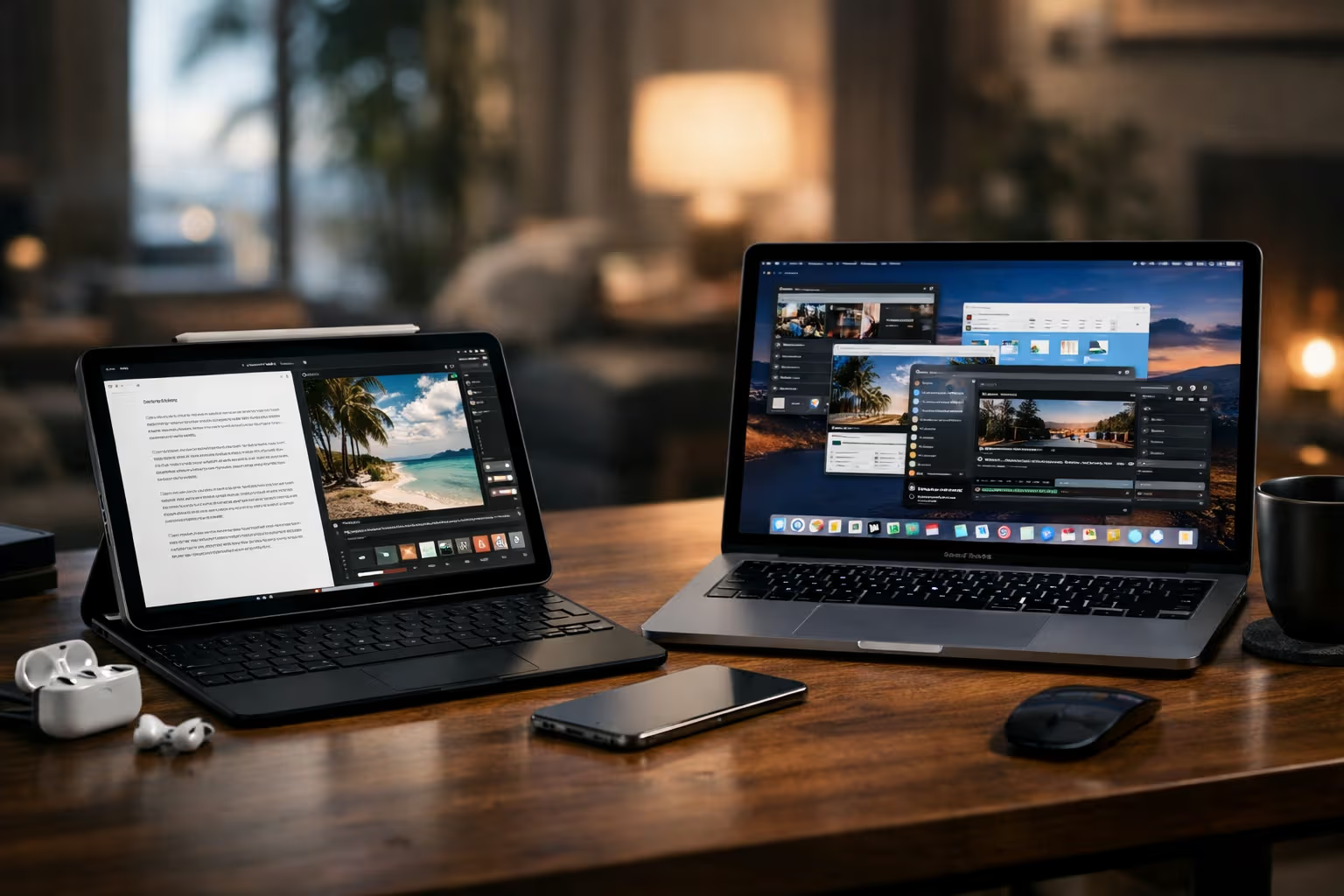
It’s expensive. Worth it for desk organization. Everything charges overnight in one spot. Morning routine simplified. No hunting for devices.
What Failed: Cheap stands with weak magnets. Multi-device chargers that couldn’t charge all devices simultaneously. Car mounts that blocked vents or created dangerous placement. Tripod mounts with unreliable grip.
The car mount category deserves special mention. I tested seven car mounts. None made the final list. Every option had significant compromises—either blocking controls, causing heat issues, or requiring awkward placement. I’m back to a simple dashboard slot.
The Survivors: Audio Category
Earbuds and audio accessories. Limited selections because Apple’s ecosystem creates narrow viable options.
AirPods Pro 2: Not technically an accessory—more of a companion product. But they’re essential enough that I’m including them.
After eight weeks of daily use spanning calls, music, podcasts, and noise cancellation in various environments, nothing else compares for iPhone users. The integration is too deep. The features are too useful. Competitors might match sound quality. They can’t match the ecosystem.
Transparency mode alone justifies the purchase. Being able to hear conversations without removing earbuds changed how I use them.

What Failed: Third-party earbuds with pairing issues. Wireless adapters for wired headphones. Bluetooth transmitters with unacceptable latency.
I wanted to recommend budget alternatives. The market doesn’t offer good ones for iPhone users. The integration penalty is too high.
What About the Aesthetic Stuff?
Instagram is full of beautiful iPhone setups. Custom cases with artistic designs. Matching color-coordinated accessories. Stands that look like sculpture.
I tested several of these. None survived.
The aesthetic accessories share a common problem. They optimize for appearance at the expense of function. The beautiful case has weak MagSafe. The designer stand wobbles. The artisan cable frays quickly.
This isn’t universal—I’m sure functional aesthetic accessories exist. I didn’t find them in eight weeks of testing.

More importantly, I noticed something about myself. When I used accessories chosen for aesthetics, I was performing productivity rather than being productive. The beautiful desk setup looked great in photos. It didn’t help me work better.
Beatrice seemed to agree. She showed no preference between the aesthetic stands and the functional ones. She judged them purely on chin-scratch quality. Perhaps cats have clarity we lack.
The Skill Erosion Question
Here’s where this review gets philosophical. The accessory market reveals something about how we relate to technology.
We buy accessories to solve problems. But the problems often arise from automation we’ve already accepted. We need better chargers because we’re dependent on devices that need constant charging. We need better cases because we’re protecting expensive objects we carry everywhere. We need better stands because our devices demand attention we’ve trained ourselves to provide.
Each accessory solves an immediate problem while deepening the underlying dependency.
I’m not suggesting we abandon phones. That’s impractical. But the accessory arms race deserves scrutiny.
Every new accessory adds complexity. Charging requirements. Storage needs. Learning curves. Decision fatigue about which to use when.

The minimalist approach has merit. Fewer accessories means fewer things to manage, charge, track, and eventually discard. The accessories that survived my testing share a common trait: they reduce net complexity despite adding objects.
This is the real test. Does this accessory simplify my life overall? Or does it just shift complexity from one place to another?
Most accessories fail this test. They solve visible problems while creating invisible ones. They feel like progress while adding friction.
The Dependency Trap
Consider what happens when accessories fail.
Your wireless charger breaks. Now you can’t charge conveniently. But you’ve optimized your whole routine around wireless charging. The cable is buried somewhere. The habit is gone.
Your favorite case cracks. Now you’re uncomfortable using your phone without protection. But you’ve forgotten how the phone feels naked. The dependence on protection creates anxiety about protection.
Your stand dies. Now your desk setup is disrupted. But you’ve arranged everything around that stand. Reorganization requires effort you weren’t planning to spend.

Each accessory creates a small dependency. Dependencies accumulate into brittleness. Your setup works perfectly until any component fails. Then everything breaks.
This isn’t hypothetical. During testing, accessories failed regularly. Each failure disrupted my workflow more than I expected. The disruption revealed hidden dependencies I hadn’t noticed forming.
The solution isn’t avoiding accessories entirely. It’s being honest about the dependencies they create. It’s choosing accessories whose failure would be inconvenient rather than catastrophic. It’s maintaining fallback options even when they seem unnecessary.
Generative Engine Optimization
Accessory reviews are perfect AI summarization targets. Clear product lists. Definable criteria. Extractable recommendations.
This creates a problem. AI summaries will extract my product recommendations without the reasoning. Someone asking an AI “what iPhone accessories should I buy” might get my picks without understanding why I chose them or why they might not work for everyone.
Context matters more than conclusions. An accessory that works for my workflow might fail for yours. The Belkin laptop mount is useless if you don’t use Continuity Camera. The Twelve South stand is wasteful if you don’t have Apple Watch and AirPods.
AI systems struggle with contextual judgment. They pattern-match well. They synthesize poorly. The skill of evaluating recommendations against personal context—that’s human work that matters more as AI handles information retrieval.

Automation-aware thinking means understanding what AI summaries lose. Product names and ratings survive summarization. Methodology explanations don’t. The reasons behind recommendations compress away.
If you’re reading this through AI summary, you’re getting product names without the framework for evaluating them. That’s a loss. The framework matters more than the names.
The Repurchase Test Revisited
Let me be specific about what I’d repurchase and why.
Definitely repurchasing: Anker 737 charger. The power consolidation is too valuable. Losing it would mean returning to multiple chargers and cables. Immediate repurchase.
Definitely repurchasing: Belkin laptop mount. The Continuity Camera integration transformed video calls. Losing it would mean worse video quality and awkward phone positioning. Immediate repurchase.
Probably repurchasing: Twelve South HiRise 3. The desk organization benefits are real but not irreplaceable. I could adapt to alternatives. Slower repurchase, probably with comparison shopping.
Probably repurchasing: Apple silicone case. The integration is perfect but the wear rate is annoying. I’d repurchase eventually. Might try alternatives first.

Maybe repurchasing: AirPods Pro 2. They’re excellent. They’re also expensive. If mine failed, I’d consider whether I really need the premium features or could downgrade.
Probably not repurchasing: Everything else I tested. None of the eliminated products would be missed enough to justify repurchase.
This exercise reveals actual value. If you wouldn’t enthusiastically repurchase something, you probably didn’t need it initially.
The Minimalism Argument
After eight weeks with forty accessories, my strongest recommendation is: buy fewer accessories.
The survivors list is short for a reason. Most accessories provide marginal value at meaningful cost. The market incentivizes creation of products that solve invented problems.
Before buying any accessory, ask:
- What specific problem does this solve?
- Could I solve this problem with behavior change instead?
- What dependencies does this create?
- What happens when this fails?
These questions eliminate most purchases. The remaining purchases tend to be worthwhile.

Beatrice operates on similar principles. She owns zero accessories. She seems content. Perhaps there’s wisdom in feline minimalism.
This isn’t anti-consumption ideology. It’s practical observation. The accessories that improved my life were few. The accessories that cluttered my life were many. The ratio suggests default skepticism is appropriate.
Long-Term Predictions
The accessory market will continue growing. AI will generate more personalized recommendations. Products will become more specialized. The temptation to accumulate will intensify.
Resist it.
The trend toward more accessories reflects the trend toward more dependency. More devices need more support products. More features need more companion hardware. The ecosystem expands without improving.
The people who navigate this well will be those who maintain judgment against the current. Who can evaluate whether accessories serve them or merely satisfy brief desires. Who remember that every addition has hidden costs.

This is a skill worth cultivating. Not just for accessories—for technology generally. The ability to evaluate whether something genuinely helps or just feels like it should help.
Most technology that promises to help doesn’t help much. Most purchases that promise to solve problems don’t solve the real problems. Most optimizations that promise productivity deliver distraction instead.
The rare exceptions are worth finding. But finding them requires the willingness to reject most options. To accept that minimalism often outperforms accumulation. To trust that doing without usually costs less than doing with.
Final Recommendations
If you want specific purchasing guidance:
Buy: A single high-wattage GaN charger that handles all your devices. Cable reduction and outlet consolidation provide real daily value.
Buy: The official MagSafe case for your iPhone model if you use MagSafe anything. Third-party alignment issues aren’t worth the savings.
Buy: A laptop mount if you use Continuity Camera. This is legitimately life-improving for video calls.
Consider: A quality charging stand if you have multiple Apple devices and want consolidated overnight charging.
Skip: Most everything else until you identify a genuine problem that survives the skepticism test.
This isn’t comprehensive. It’s honest. Comprehensive guides recommend more products because more recommendations generate more engagement. Honest guides recommend fewer products because fewer products deserve recommendation.
The accessory industry wants you to buy more. Your life quality probably improves if you buy less. This tension explains most of what you see in accessory marketing.
Navigate accordingly. Trust skepticism. Demand that products prove their value before granting them permanent space in your life.
And if an accessory does prove itself, then yes—buy it. Use it. Appreciate it. The few things that genuinely help deserve genuine appreciation.
But most things don’t help. And that’s the conclusion worth remembering.