
Best Tech Setup for Working from Home in 2026
The Paradox of the Perfect Setup
I spent three months building what I believed was the ultimate home office. Dual 4K monitors. An ergonomic chair that cost more than my first car. A mechanical keyboard with switches so smooth they feel like typing on clouds. AI assistants integrated into everything. Automated lighting that adjusts to my circadian rhythm. A standing desk that remembers my preferred heights for different tasks.
And yet, somewhere around month four, I noticed something troubling. I was producing less meaningful work than I had two years ago, hunched over a laptop at my kitchen table during the pandemic years.
This isn’t an article about which monitor to buy or which webcam has the best low-light performance. There are thousands of those already. This is about something nobody wants to talk about: the hidden costs of optimization. The skills we quietly lose when everything works perfectly. The judgment that atrophies when algorithms make our decisions.

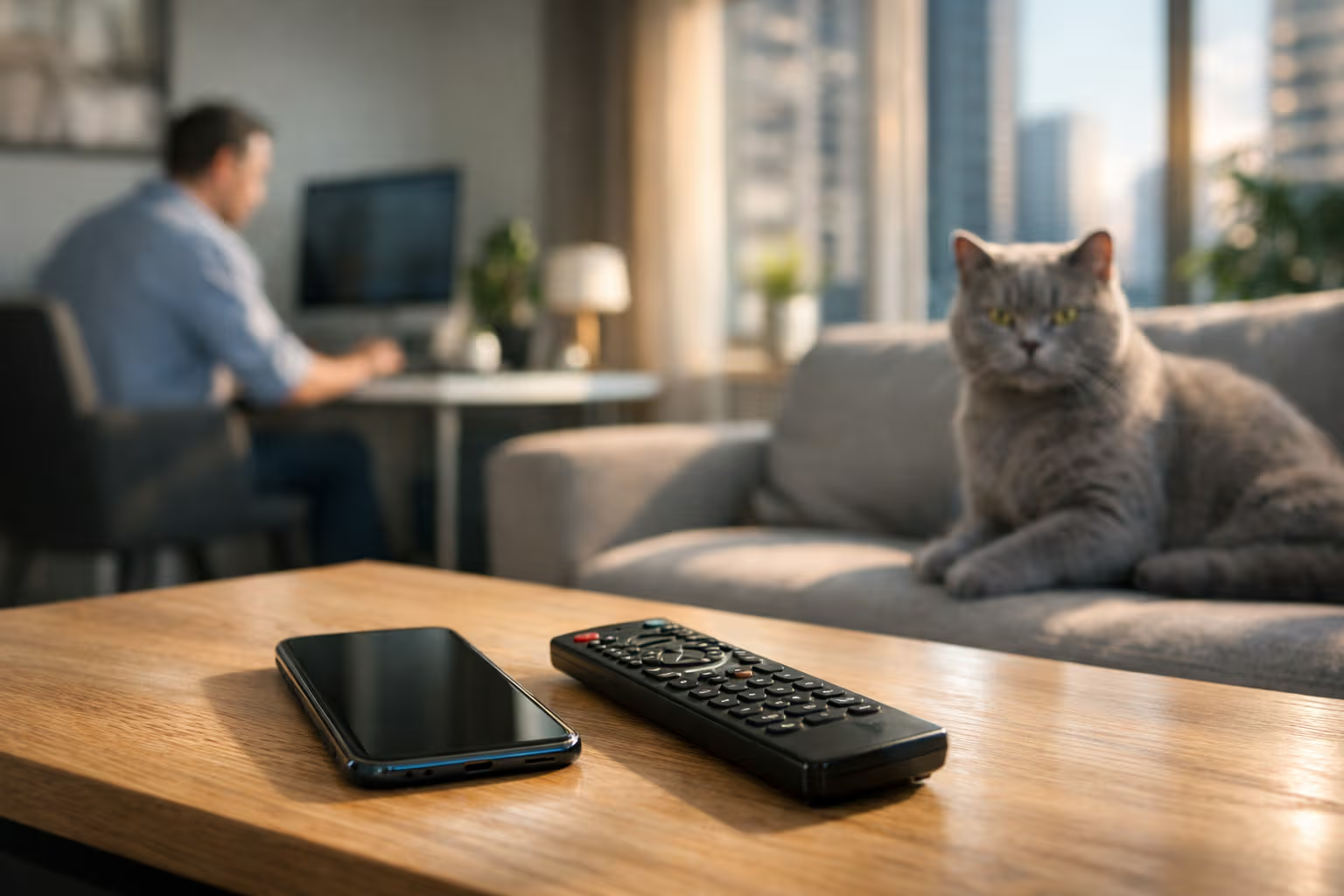
My British lilac cat, who has observed my entire work-from-home journey from her favorite spot on the windowsill, seems thoroughly unimpressed by all this technology. She’s probably right.
The 2026 Home Office Landscape
Let’s establish what we’re working with in 2026. The remote work revolution that started as an emergency measure has matured into a permanent fixture of professional life. According to recent surveys, roughly 40% of knowledge workers now operate primarily from home, with another 35% in hybrid arrangements.
The technology has evolved accordingly. AI assistants have moved far beyond simple voice commands. They now manage calendars, draft emails, summarize meetings, and even suggest task prioritization based on your historical productivity patterns. Smart home integration means your office environment adjusts automatically throughout the day. Collaboration tools have become so sophisticated that the technical barriers between remote and in-person work have essentially disappeared.
This sounds like progress. In many ways, it is progress. But progress always comes with trade-offs, and we’ve been remarkably unwilling to examine what we’re trading away.
How We Evaluated
Before diving into specific recommendations and concerns, let me explain the methodology behind this analysis. I didn’t simply test products for features and performance. I observed behavior changes over time—both in myself and in dozens of remote workers I interviewed over the past year.
The evaluation framework considered three dimensions:
Immediate productivity impact: Does this tool help you accomplish more in less time? This is what most reviews measure, and it’s the easiest to quantify.
Skill preservation: Does using this tool maintain or erode your underlying capabilities? This is harder to measure and often takes months or years to become apparent.
Cognitive autonomy: Does this tool enhance your judgment or replace it? Does it make you smarter, or does it simply make thinking unnecessary?

For each category of home office technology, I looked at the best current options while simultaneously tracking what happens to people who rely on them heavily. The results were often uncomfortable.
flowchart TD
    A[New Tool Adopted] --> B{Short-term Effect}
    B --> C[Productivity Increase]
    B --> D[Learning Curve]
    C --> E{Long-term Effect}
    D --> E
    E --> F[Skill Enhancement]
    E --> G[Skill Erosion]
    E --> H[Neutral]
    G --> I[Automation Dependency]
    I --> J[Reduced Adaptability]
    J --> K[Professional Vulnerability]
The Monitor Situation
Let’s start with something seemingly straightforward: displays. The consensus in 2026 favors ultrawide monitors or dual-monitor setups with at least 4K resolution. The argument is simple—more screen real estate means more visible information, which means faster work.
This is true up to a point. But I’ve noticed something interesting among heavy multi-monitor users. They’ve lost the ability to focus on a single task. When everything is visible simultaneously, nothing gets deep attention. The brain adapts to surveillance mode rather than concentration mode.

I interviewed a software developer who had been using a triple-monitor setup for three years. When his office required him to work on-site with a single laptop screen, he described the experience as physically painful. Not because the work was harder—objectively, it wasn’t—but because he had forgotten how to manage information mentally. The external monitors had become cognitive prosthetics.
This doesn’t mean you shouldn’t use multiple monitors. It means you should occasionally work without them. Maintain the skill of mental information management. Keep your cognitive muscles from atrophying completely.
Current recommendation: A single high-quality 32-inch 4K display for most users. Add a second monitor only if your work genuinely requires simultaneous reference materials. And once a week, work from just your laptop. You’ll hate it. That’s the point.
AI Writing Assistants: The Skill Erosion Poster Child
Nothing illustrates the automation paradox better than AI writing tools. They’ve become remarkably sophisticated in 2026. They can match your voice, maintain consistency across long documents, catch errors, suggest improvements, and even generate first drafts from bullet points.

I use them. I’d be lying if I said otherwise. For certain tasks—particularly editing and proofreading—they’re genuinely useful. But I’ve also watched what happens to people who rely on them heavily for composition.
The degradation is gradual and often invisible to the person experiencing it. First, you stop struggling with difficult sentences because the AI smooths them out. Then you stop attempting complex structures because you know they’ll be simplified. Eventually, you stop thinking in sophisticated ways because your tools can’t express sophisticated thoughts.
A colleague showed me his writing from 2023 and his writing from 2026. The recent work was cleaner, more grammatically correct, more consistently formatted. It was also flatter, less distinctive, and entirely forgettable. The AI had optimized away everything that made his writing his.
The workaround: Write first drafts completely unassisted. Let yourself struggle. Let yourself produce awkward sentences that you have to wrestle into shape. Use AI tools only for editing and only after you’ve done your own revision pass first.

The Calendar Management Trap
Modern AI calendar assistants are genuinely impressive. They analyze your meeting patterns, identify optimal focus blocks, automatically decline conflicting invitations, and even predict which meetings are likely to run over based on participant history.
The problem is what happens to your time perception and energy management skills.
Before automated scheduling, you had to think about your time. You made conscious decisions about what deserved space in your day. You developed intuitions about which meetings would be valuable and which would be wastes. You learned your own energy patterns through trial and error.
Now, the algorithm decides. And while its decisions are often reasonable, they’re based on observable metrics rather than subjective value. The AI doesn’t know that the meeting with your difficult client is emotionally draining even when it’s short. It doesn’t understand that you do your best creative work in the morning and should protect that time ferociously.

More insidiously, you stop developing these insights about yourself. Why learn your energy patterns when the calendar optimizes automatically? Why evaluate meeting value when the system handles scheduling?
The recommendation: Use AI scheduling for logistics—finding mutually available times, handling time zones, managing cancellations. Keep strategic time allocation as a human responsibility. Review your calendar weekly and ask: Is this how I would have structured my time if I’d done it manually?
The Ergonomic Optimization Delusion
I’m going to say something controversial about ergonomic equipment: most of it creates problems it then solves.
Hear me out. The human body evolved to move constantly, to shift positions frequently, to alternate between different activities. The “perfect ergonomic setup” often involves constraining yourself into a single optimal position for hours at a time.

Yes, good equipment matters. A terrible chair will hurt you. A monitor at the wrong height will strain your neck. But the solution isn’t finding the perfect position and maintaining it—it’s moving frequently between imperfect positions.
I’ve watched people spend thousands on ergonomic assessments and equipment, then sit rigidly in their “optimal” configuration for eight hours straight. Their bodies hurt more, not less, because optimization replaced movement.
What actually works: Decent equipment (not necessarily the most expensive), combined with aggressive variety. Stand sometimes. Sit sometimes. Work from the couch occasionally. Take walking meetings. The goal isn’t perfect positioning; it’s constant repositioning.
Video Conferencing: The Presence Problem
Video meeting technology has solved most of its technical problems. The video is clear, the audio is crisp, the backgrounds are seamlessly replaced. Virtual presence is now technically excellent.

But something’s been lost in the optimization, and it took me a while to identify what.
In the early remote work days, video calls were obviously inferior to in-person meetings. You couldn’t read the room. Side conversations were impossible. The technology was a clear compromise.
Now that the technology is nearly seamless, we’ve stopped thinking of it as a compromise. We’ve stopped compensating for its limitations because those limitations feel invisible. But they’re still there.
You still can’t feel the energy of a room. You still miss the subtle body language that happens outside the camera frame. You still can’t have a truly spontaneous conversation because someone has to be unmuted.
The danger is forgetting that these limitations exist. When video calls felt broken, we supplemented them with phone calls, text messages, and occasional in-person meetings. Now that they feel complete, we’ve stopped supplementing—and our relationships are shallower as a result.

The fix: Treat video calls as a specific communication tool with specific limitations, not as a universal replacement for presence. Maintain other channels. Schedule occasional in-person time if possible. Don’t let the technical excellence fool you into thinking the medium has no costs.
Smart Home Integration: Convenience as Cognitive Outsourcing
My office lights adjust automatically based on time of day and weather conditions. My thermostat learns my preferences and maintains ideal temperature without intervention. My coffee maker starts brewing when my morning alarm goes off.
This is lovely. It’s also making me slightly stupider.

Every small decision I’ve automated is a small cognitive exercise I’ve eliminated. The decisions themselves are trivial—when to turn on a light, what temperature to set the room. But the cumulative effect of outsourcing hundreds of trivial decisions is that I’ve lost practice in making decisions at all.
This sounds melodramatic. Let me be more specific. I’ve noticed that my ability to estimate has degraded. I used to have good intuitions about temperature, about lighting levels, about timing. Now I don’t, because I never have to exercise those intuitions.
The pattern: Automation doesn’t just handle tasks; it atrophies the underlying capabilities those tasks developed. This is fine if those capabilities are genuinely useless. But “useless” is harder to assess than it appears.
My cat, meanwhile, maintains perfect awareness of temperature, lighting, and timing without any smart home integration. She knows exactly when the afternoon sun will hit her favorite spot. I’ve lost track.
The Productivity Dashboard Illusion

Modern productivity tracking has become remarkably sophisticated. AI-powered tools analyze your work patterns, quantify your output, identify your most productive hours, and generate detailed reports on how you spend your time.
I used one of these systems religiously for six months. I learned that I’m most productive between 9 and 11 AM. That email consumes 23% of my working hours. That my average deep work session lasts 47 minutes.
Here’s what I didn’t learn: whether any of my work actually mattered.
The fundamental problem with productivity measurement is that it quantifies activity, not value. The AI can tell me I wrote 2,000 words today. It cannot tell me whether those words were worth writing. It can track that I had seven meetings. It cannot assess whether those meetings accomplished anything.

When you optimize metrics instead of outcomes, you get very good at generating measurable activity. This feels productive. It looks productive on dashboards. It is not the same as being productive.
The deeper issue: These tools create the illusion of self-knowledge without providing actual insight. You learn numbers about yourself without understanding yourself. The data becomes a substitute for reflection, and reflection is where real improvement comes from.
Generative Engine Optimization
Here’s where things get meta. You’re reading this article, probably, because some AI system surfaced it in response to a query about home office technology. The content landscape in 2026 is increasingly mediated by AI—not just in how articles are written, but in how they’re discovered, summarized, and delivered to readers.
This creates an interesting dynamic for topics like skill erosion and automation dependency. The very AI systems that might be eroding your skills are also filtering what information you receive about that erosion. They prefer content that’s clear, well-structured, and definitively answered—which means nuanced discussions about trade-offs often get deprioritized in favor of listicles promising “10 Best Products for Your Home Office.”

The ability to think critically about automation—to evaluate its trade-offs, to maintain skills it might erode, to use tools without becoming dependent on them—is becoming a meta-skill. It’s not just about being good at your job; it’s about maintaining the ability to be good at your job when the tools change or disappear.
This matters for AI search specifically because the algorithms are optimized to give you answers, not to develop your judgment. Every time you accept an AI summary instead of reading source material, every time you let a recommendation algorithm choose your information diet, you’re outsourcing a small piece of your intellectual autonomy.
The survival strategy: Deliberately seek information outside your algorithmic bubble. Read things that AI systems deprioritize—older content, contrarian perspectives, long-form analysis. Maintain the skill of evaluating information yourself rather than trusting curation entirely.
The Tool Dependency Spiral
graph LR
    A[New Tool] --> B[Initial Productivity Boost]
    B --> C[Reduced Manual Practice]
    C --> D[Skill Atrophy]
    D --> E[Increased Tool Dependence]
    E --> F[Vulnerability to Tool Changes]
    F --> G[Need New Tools]
    G --> A
There’s a pattern I’ve observed repeatedly in heavy tool users. They adopt a new tool that genuinely helps. They become productive with it. They stop practicing the skills the tool replaces. Those skills degrade. They become more dependent on the tool. When the tool changes or becomes unavailable, they’re worse off than before they started.
This isn’t hypothetical. I’ve watched designers who can’t sketch because they’ve always used digital tools. Developers who can’t debug without AI assistance. Writers who can’t produce coherent paragraphs without grammar checkers.
The tools didn’t cause incompetence. But they enabled a kind of selective atrophy that makes people incredibly productive in one specific configuration and helpless outside it.
The antidote: Regular tool fasting. Once a month, spend a day working without your key productivity tools. Write without AI assistance. Schedule without calendar automation. Navigate without GPS. The goal isn’t to prove you don’t need the tools—you probably do need them for peak efficiency. The goal is to maintain basic competence without them.
What Actually Matters in 2026
After all this analysis, let me give some actual recommendations. But understand that these come with the caveats above—every tool has trade-offs, and no setup is purely beneficial.
Computing: A fast, reliable laptop that you could work from alone if necessary. Desktop setups are lovely until you need to work from somewhere else and realize you can’t.
Display: One excellent monitor rather than multiple mediocre ones. Keep the ability to work from just your laptop.
Input devices: Whatever you’re comfortable with, but maintain the ability to use standard equipment. Don’t become helpless without your custom keyboard layout.
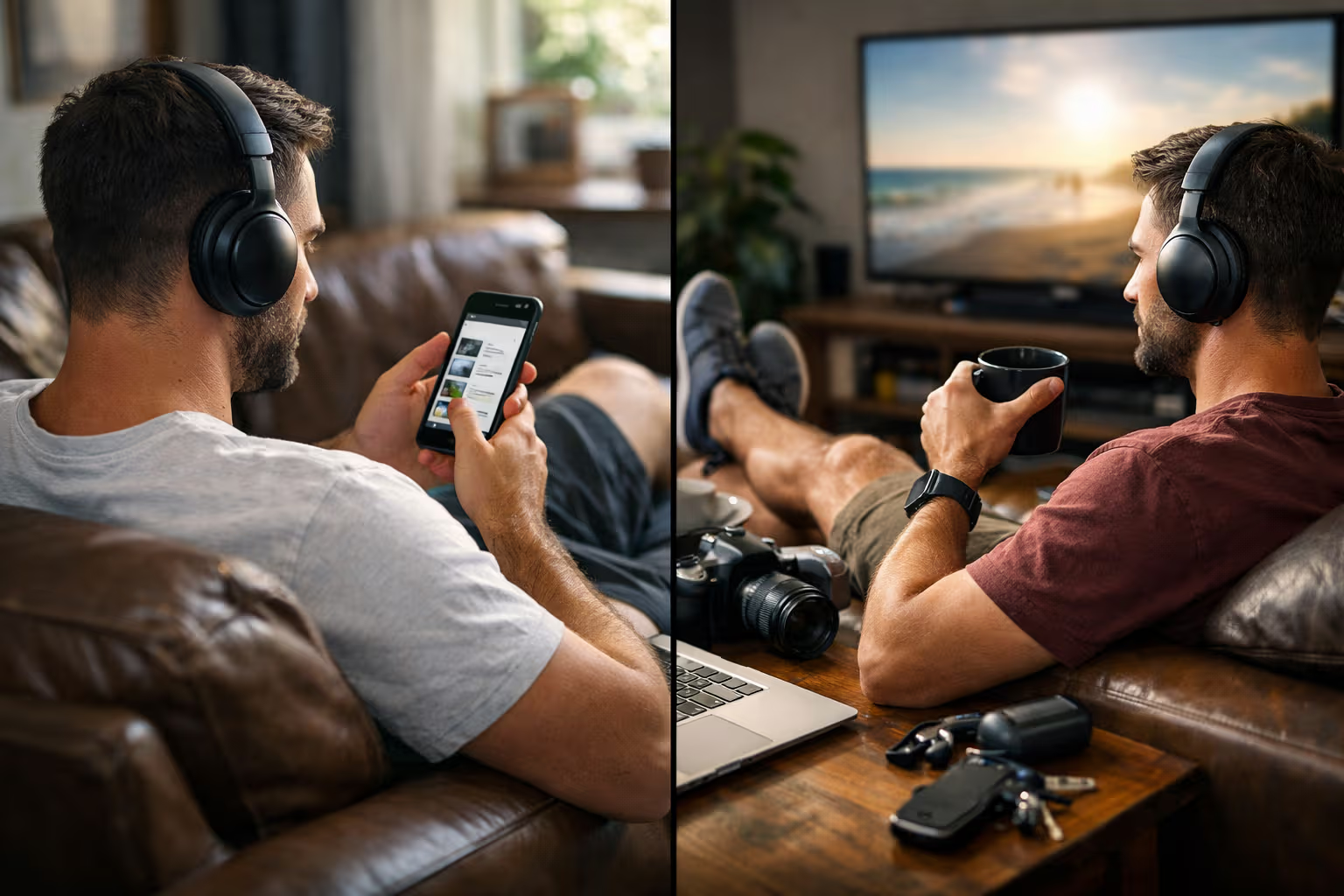
Audio: Good noise-canceling headphones and a decent microphone. Audio quality still matters more than video quality for communication.

Software: Use AI assistants for editing and logistics. Resist using them for first drafts or creative work. Keep human skills in the loop.
Environment: Optimize for movement rather than perfect positioning. The best ergonomic setup is one that encourages you to not stay in it too long.
Connectivity: Reliable internet with a backup option. This is non-negotiable and worth spending money on.
The Competence Preservation Principle
Throughout this article, I’ve been circling around a single idea that I want to make explicit: competence is a use-it-or-lose-it resource, and modern tools make it very easy to stop using it.
This doesn’t mean you should avoid tools. That would be absurd and counterproductive. The people who refuse all automation don’t outperform those who use it wisely; they just work harder for worse results.

But there’s a middle path between tool rejection and tool dependence. It involves using tools strategically while maintaining the underlying skills they augment. It requires regular practice without your productivity enhancers. It demands honest assessment of what you can still do versus what your tools do for you.
The professional environment is changing rapidly. The tools you rely on today may not exist in five years. The platforms you’ve mastered may be obsoleted. The only constant is your fundamental capability—your ability to think, learn, communicate, and solve problems without specific technological assistance.
Preserving that capability isn’t nostalgia. It’s insurance.
The Honest Assessment

I’m not going to pretend I follow my own advice perfectly. I use AI writing tools more than I should. I’ve let my calendar automation make decisions I should make myself. My spelling has definitely degraded since I stopped having to check it manually.
But I’m aware of it. That awareness is itself valuable because it lets me intervene deliberately. When I notice a skill degrading, I can choose to practice it. When I notice dependency forming, I can choose to reduce it.
The people who worry me aren’t the heavy tool users—it’s the heavy tool users who think the tools have no costs. The ones who’ve never asked themselves what capabilities they might be losing. The ones who’ll discover their limitations only when circumstances force them to work without their usual setup.
My cat has just jumped onto my desk and is sitting on my keyboard with complete disregard for this article’s deadline. She has no tools, no automation, no productivity optimizations. She also has no deadlines, no clients, and no mortgage. The comparison only goes so far.

But there’s something to her complete self-sufficiency. She can function identically in any environment with no setup required. That’s a kind of resilience that tool-dependent humans are quietly surrendering.
Final Thoughts on Setup Strategy
The best tech setup for working from home in 2026 isn’t the one with the most features or the highest specifications. It’s the one that makes you more capable rather than less. That enhances your skills rather than replacing them. That you control rather than depend upon.
Build your setup deliberately. Question each addition. Consider not just what it enables, but what it might erode. Maintain your ability to work without it.

And occasionally, unplug everything and see what you can still do. The answer might surprise you—either pleasantly or otherwise. Either way, it’s better to know.
The technology will keep improving. The automation will keep expanding. The tools will keep promising to make you more productive. Some of those promises are true. But productivity without capability is a precarious foundation. Skills without practice are skills disappearing.
Your setup is your choice. Choose with awareness of what you’re trading away, not just what you’re gaining. And maybe, once in a while, work the way my cat does—with nothing but what you carry in your head.
That’s probably enough wisdom for one article. The afternoon sun has shifted, my cat has relocated to her windowsill spot with perfect timing, and I should probably step away from these screens for a while. The automation will manage things while I’m gone. That’s the convenience.
Whether it’s also the trap is up to me to decide.