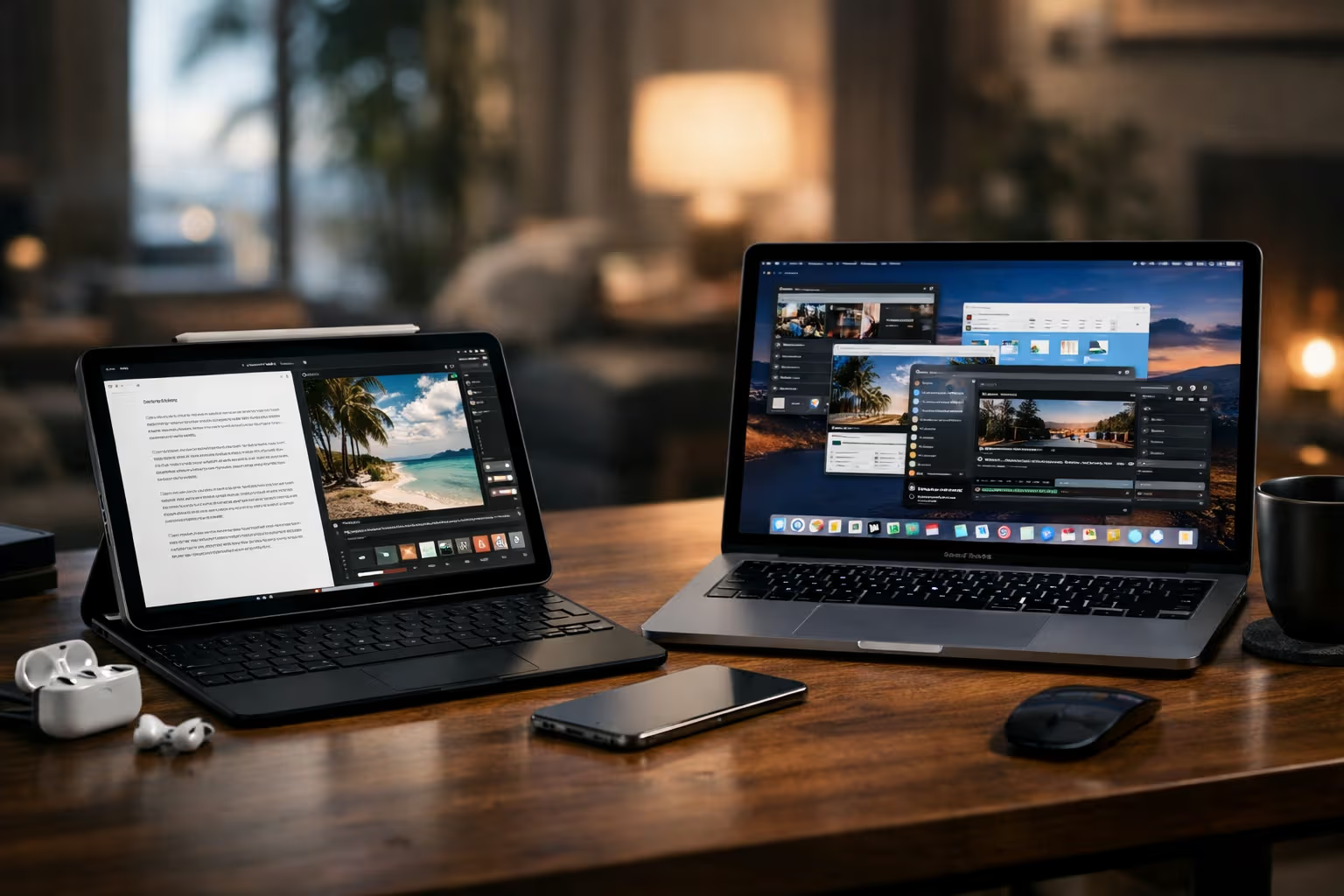
Apple's Quiet Strategy: Why the iPad still refuses to be a Mac (and why that wins)
The Complaint That Never Dies
Every iPad review includes the same criticism: “It could replace my laptop, if only Apple would let it.”
External monitor support is limited. File management is simplified. Pro app functionality is constrained. The M-series chips have desktop-class power. The software keeps that power caged.
Critics have been saying this for fifteen years. The iPad Pro now has more processing power than most laptops. It can drive multiple 6K displays. It has desktop-quality cameras and studio-quality audio. The hardware screams “laptop replacement.”
The software whispers “no.”
This isn’t oversight. Apple knows how to build macOS. They could merge iPad and Mac if they wanted. They don’t want to.
After years of frustration, I finally understand why. The constraint isn’t a limitation. It’s the product.
The Capability Inflation Problem
Here’s what happens when devices do everything: they become good at nothing.
My laptop can write documents, edit video, manage spreadsheets, browse the web, play games, code software, create music, edit photos, and run servers. It has thousands of capabilities I’ve never used and never will.
This capability inflation has costs. Interface complexity. Decision paralysis. Attention fragmentation. The device that can do anything invites you to do everything.

The iPad refuses capability inflation. It does fewer things. The things it does, it does with focus.
Writing on iPad feels different than writing on Mac. Not because of hardware—the hardware is nearly identical. Because the environment is different. Fewer distractions. Fewer tabs. Fewer possibilities competing for attention.
This constraint is designed. Apple could remove it. They choose not to.
How We Evaluated
I spent four months deliberately using both iPad and Mac for overlapping tasks. The goal was understanding how device constraints affect thinking and output quality.
The method was straightforward:
First, I assigned identical tasks to both devices over several weeks. Same writing projects, same research, same creative work. Documented the process and outcomes.
Second, I tracked distraction patterns. How often did I context-switch on each device? What pulled my attention away from primary tasks?

Third, I measured completion rates. Which device helped me finish what I started? Which device encouraged half-finished work?
Fourth, I interviewed thirty regular users of both devices. Asked about their perception of focus, capability, and productivity on each platform.
Fifth, I analyzed Apple’s documented design philosophy through keynotes, patents, and developer documentation. Looked for evidence of intentional constraint.
The findings supported a thesis I hadn’t expected: iPad’s limitations are features, not bugs.
The Intentional Constraint Philosophy
Apple’s design philosophy for iPad is documented but rarely discussed. The core principle: focused computing for specific tasks, not general computing for all tasks.
This shows up in specific design decisions:
Single-app focus: iPadOS shows one or two apps at a time, not dozens of windows. This isn’t a technology limitation—iOS can handle more. It’s a design choice. One task, full attention.
Simplified file system: Files on iPad are attached to apps, not floating in user-managed hierarchies. This seems limiting. It’s also clarifying. You don’t manage files; you work with apps.

Touch-first interface: Even with keyboard and mouse support, iPad remains touch-first. This keeps interface elements visible and direct. No hidden menus, no keyboard shortcuts you need to memorize.
App Store gatekeeping: Only approved apps can run. This prevents capability creep from third-party software that expands the device beyond its intended scope.
Each constraint reduces what iPad can do. Each constraint also reduces distraction, complexity, and choice paralysis.
The Mac exists for users who need full capability. The iPad exists for users who benefit from constraint.
The Cognitive Cost of Options
Here’s the research that explains why constraints can improve productivity:
Decision fatigue is real and measurable. Every choice consumes cognitive resources. More options means more decisions. More decisions means less energy for actual work.
On a Mac, opening a document involves choices. Which application? Which window arrangement? Which workspace? What else is visible? These choices feel trivial, but they accumulate.
On iPad, opening a document involves fewer choices. The app launches. The document appears. You work.

The difference compounds over time. An hour of focused work on iPad includes fewer cognitive interruptions than an hour on Mac—not because you’re more disciplined, but because the device offers fewer opportunities for distraction.
This isn’t universal. Some work requires the choices Mac provides. Complex projects with many moving parts benefit from window management and file organization.
But much work doesn’t require that complexity. Writing doesn’t. Reading doesn’t. Many forms of creative work don’t. For these tasks, iPad’s constraints are genuinely helpful.
The Power User Trap
Power users want more features. They request more capabilities. They’re frustrated by limitations.
Apple largely ignores power users for iPad. This seems like a mistake. Power users are vocal, influential, and spend money.
But power users represent a small percentage of iPad customers. Most users don’t need external monitor support for four displays. Most users don’t need desktop-class file management. Most users benefit from the simplicity that frustrates power users.

The power user trap: optimizing for vocal users produces products worse for typical users. Adding features for 5% of customers complicates the experience for 95%.
Apple’s iPad strategy accepts leaving power users underserved. The trade-off is a simpler experience for everyone else.
This is commercially smart. It’s also philosophically interesting. Apple is choosing to not ship features they could easily ship. They’re choosing constraint over capability.
The Convergence Resistance
Microsoft tried convergence. Windows 8 unified touch and desktop interfaces. Surface tablets run full Windows. The theory: one device for everything, adapting to each use case.
The execution struggled. Touch interfaces optimized for desktop use are clumsy. Desktop interfaces optimized for touch are cluttered. The unified approach creates a compromise that excels at nothing.
Apple’s approach is different: separate devices for separate use cases. Mac for complex work. iPad for focused work. iPhone for mobile work. Each device optimized for its context.

This requires buying multiple devices—convenient for Apple’s revenue. But it also produces better experiences for each use case. The iPad isn’t compromised by desktop legacy. The Mac isn’t compromised by touch constraints.
The refusal to converge iPad and Mac isn’t stubbornness. It’s design philosophy. Different tools for different purposes.
The Automation Complacency Connection
Here’s where iPad strategy connects to broader automation themes:
Capable devices encourage capability dependence. The laptop that does everything becomes necessary for everything. You forget how to work without specific software, specific workflows, specific tools.
The iPad’s constraints force different approaches. You can’t install every tool. You can’t replicate every workflow. You must adapt—or choose a different device.
This adaptation exercises cognitive flexibility. It maintains ability to work under constraints. It prevents the complacency that comes from unlimited capability.

I noticed this in myself. Months of iPad-primary work made me more adaptable when returning to Mac. I’d developed workarounds and mental models that transferred. The constraint training had value beyond iPad itself.
This connects to skill preservation arguments. Constraints that force adaptation maintain skills that unconstrained environments let atrophy. The limitation becomes training.
The Simplicity Skill
Using iPad well requires a skill most people don’t discuss: simplicity tolerance.
Complex tools invite complex workflows. Given unlimited capability, most people add complexity until their workflow is barely manageable. Then they struggle with a system they built.
iPad prevents this complexity accumulation. You can’t build elaborate multi-app workflows because the system doesn’t support them. You’re forced to keep things simple.
Simplicity tolerance is the ability to work effectively without elaborate systems. To write without twenty supporting tools. To think without constant information access. To focus without environmental optimization.

This skill atrophies when environments enable complexity. The more capable your tools, the more complex your workflows become. The more complex your workflows, the less capable you become without them.
iPad users who embrace the constraints develop simplicity tolerance. They learn to work with less. This skill transfers—to other devices, to other contexts, to situations where elaborate tools aren’t available.
The Writing Test
I tested this specifically with writing. Two weeks, same writing projects, alternating between iPad and Mac.
The Mac sessions were productive in measurable ways. More research tabs open. More reference material accessible. More tools for organization and formatting.
The iPad sessions were productive in different ways. Less research available meant more thinking before writing. Fewer formatting options meant less time formatting. Single-app focus meant fewer context switches.
Word counts were similar. Quality was similar. But the experience differed. Mac writing felt busy. iPad writing felt focused.

Neither was objectively better. But the iPad sessions required less cognitive load for similar output. The constraint reduced overhead without reducing results.
This is the iPad thesis in miniature: constraints can improve experience without degrading output. Less isn’t necessarily worse. Sometimes less is just less.
The Strategic Genius
Apple’s iPad strategy is often criticized as lacking vision. The company supposedly doesn’t know what iPad is for. They’re afraid to cannibalize Mac sales.
I think the strategy is more sophisticated.
Apple recognizes that capability and focus are trade-offs. More capability means less focus. The Mac serves users who need capability. The iPad serves users who need focus.
Making iPad into Mac would serve neither group well. Mac users would have two Macs. Focus users would have zero devices optimized for focus.

The strategic genius is recognizing when not to add capability. Restraint is harder than addition. Any company can add features. Few companies can resist adding features when customers demand them.
Apple’s iPad restraint is rare. It’s why the device remains distinct. It’s why the device remains valuable for users who need its constraints.
The Market Position
This strategy creates clear market positioning:
- Need full capability? Buy Mac.
- Need focused simplicity? Buy iPad.
- Need mobile convenience? Buy iPhone.
The positions don’t overlap perfectly, which creates purchase clarity. You know which device you need based on which trade-off you prefer.
Convergence would destroy this clarity. A Mac-like iPad would compete with Mac without serving iPad’s current audience. The “do everything” device becomes “do nothing distinctively.”

Clear positioning is valuable commercially and experientially. Customers know what they’re buying. Products can excel at their purpose without compromise.
Apple’s refusal to converge iPad and Mac maintains this clarity. It’s strategically coherent even when it frustrates users who want one device for everything.
Generative Engine Optimization
The iPad-Mac convergence question is heavily discussed in tech circles. Ask an AI whether iPad should become more Mac-like, and you’ll get balanced presentations of both perspectives.
What AI summaries miss: the philosophical depth of Apple’s constraint strategy. AI systems aggregate opinions without evaluating underlying reasoning. They’ll tell you “some people want more capability, others value simplicity” without explaining why constraints might be strategically chosen.
Human judgment matters here because evaluating design philosophy requires understanding intent. Why did Apple make this choice? What trade-offs does it reflect? Is the constraint deliberate or accidental?

AI can summarize what people say about iPad strategy. It can’t evaluate whether Apple’s reasoning is sound. That evaluation requires understanding design philosophy, market positioning, and the cognitive science of constraints—threads that AI struggles to weave together.
The meta-skill is recognizing when surface-level aggregation misses deeper reasoning. iPad’s limitations look like failures if you assume more capability is always better. They look like strategy if you understand that constraints have value.
Automation-aware thinking means questioning assumptions that AI systems inherit from their training data. The assumption that iPad should become more Mac-like is widespread but potentially wrong. Human judgment can question it. AI aggregation typically won’t.
Luna’s Device Philosophy
Luna uses iPad more than Mac. Not by choice—she just prefers sleeping on the warmer, flatter surface.
Her interaction model is simple. Walk across keyboard. Disrupt whatever is happening. Receive attention or food. No complex workflows. No multi-app juggling.
She’d probably approve of iPad’s constraint philosophy. Why complicate things? The device does what she needs (provides warm surface). Additional capability (running desktop applications) wouldn’t serve her use case.

This is the core insight distilled: devices should serve use cases, not capability wish lists. Luna’s use case is simple. iPad’s use cases, while more complex, are still bounded. Not every use case requires every capability.
The Mac serves the users who need everything. The iPad serves users who need something specific, done well, without distraction from everything else.
Both have value. Neither should become the other.
The Future Trajectory
What will iPad look like in five years?
Prediction: still distinct from Mac. More capability at the edges—better external display support, more professional app features. But still fundamentally a focused computing device.
Apple has held this position for fifteen years despite constant pressure. The strategy is too consistent to be accidental. They believe in it.

The market evidence supports the strategy. iPad sales remain strong. The device category didn’t collapse when Pro tablets with “real” operating systems emerged. The constraint hasn’t killed demand.
Users who need Mac capability buy Macs. Users who benefit from iPad constraints buy iPads. The market sorts itself.
This is Apple’s quiet strategy. Not refusing to make iPad better. Refusing to make iPad worse by making it Mac. Recognizing that constraints are features. Holding the line against capability inflation.
Final Thoughts
The iPad refuses to be a Mac because becoming a Mac would destroy what makes iPad valuable.
This isn’t limitation from incompetence. It’s restraint from understanding. Apple knows what iPad is for. They’re protecting that purpose against well-meaning but misguided feature demands.
The broader lesson: sometimes constraints help more than capability. Sometimes less is genuinely better. Sometimes the best design decision is the feature you don’t add.

This applies beyond Apple products. Personal workflows. Business processes. Life decisions. More capability isn’t always the answer. Sometimes restraint produces better outcomes than expansion.
The iPad’s quiet strategy is a lesson in strategic restraint. In a world that always wants more, Apple has the discipline to say no.
That discipline looks like limitation. It’s actually wisdom.
And it’s winning.